
2026-09-02 · 9 min read
AI Greeting Card Maker: Create Stunning Cards in Minutes (2026 Guide)

Recommended next
AI Greeting Card Maker: The Short Answer
If you want to create a heartfelt greeting card without spending hours in a design tool, an AI greeting card maker does the heavy lifting for you. You enter your message, pick a style, and the AI generates a polished, share-ready card in under a minute. No Photoshop experience, no illustration skills, and no stress about alignment or font pairing required.
In 2026, AI-driven design platforms have matured to the point where they understand context, tone, and visual trends. Whether you need a birthday card for your grandmother, a thank-you note for a client, or a holiday greeting for a hundred contacts at once, modern AI greeting card makers produce results that look professionally designed and feel genuinely personal.
Why AI Greeting Card Makers Have Become the Standard in 2026
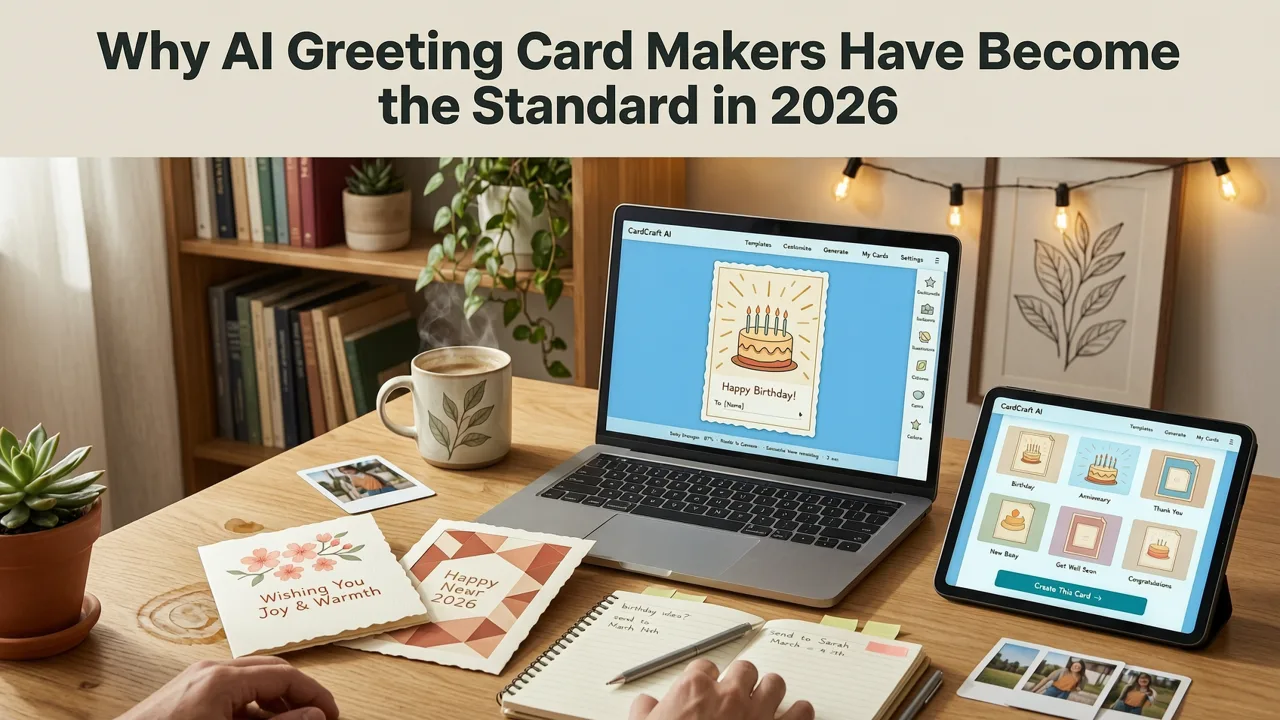
Traditional card-making involved choosing a template, manually dragging elements around a canvas, and hoping the final product looked balanced. AI greeting card makers have replaced that workflow entirely. Here is why they now dominate the market:
- Speed: A finished card takes seconds, not hours.
- Accessibility: Anyone can use one, regardless of design background.
- Personalization at scale: You can generate fifty unique variations for fifty recipients in a single session.
- Mobile-first output: Cards are optimized for WhatsApp, iMessage, email, and social sharing from the start.
- Cost efficiency: No need to hire a graphic designer for routine greeting cards.
The technology behind these tools draws on the same large-language-model and image-generation frameworks documented by organizations like OpenAI and Google, which means the output quality in 2026 is genuinely impressive.
What Exactly Is an AI Greeting Card Maker?
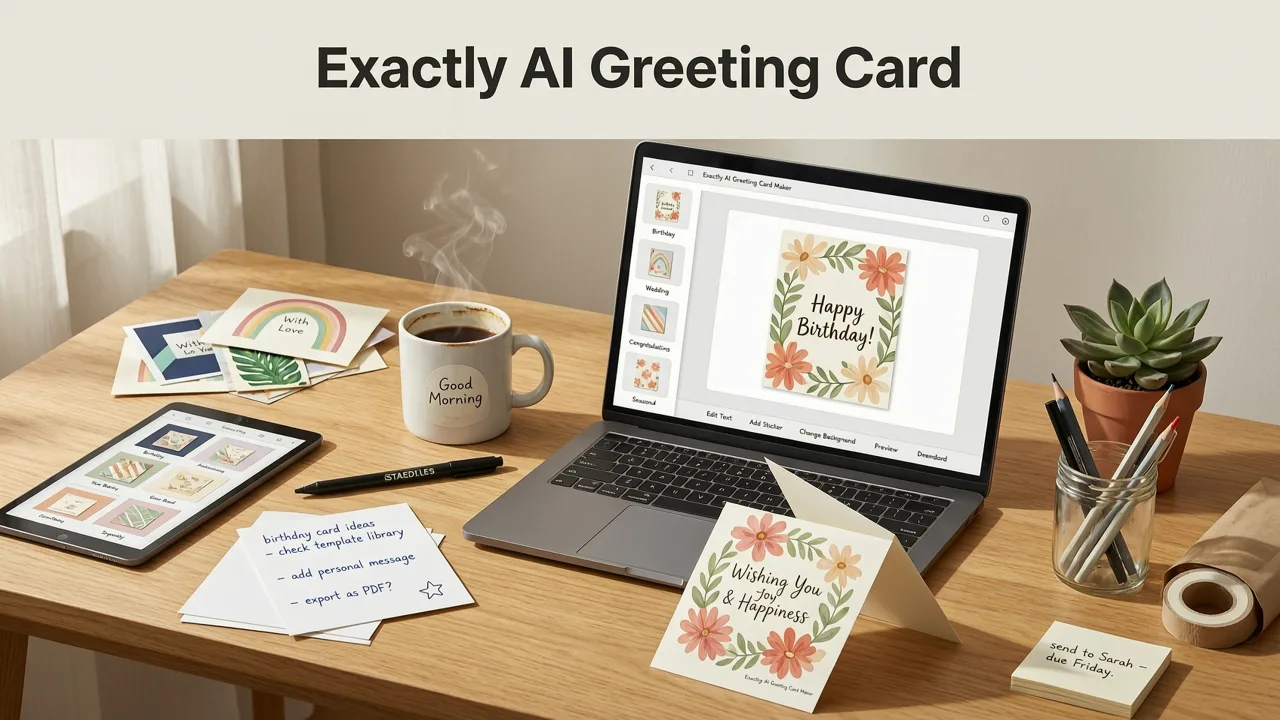
An AI greeting card maker is a software tool that uses artificial intelligence to assist every stage of the card creation process. Instead of starting with a blank canvas, you start with a conversation. You describe the occasion, the recipient, and the mood you want, and the AI suggests layouts, color palettes, typography, and even message copy.
The best platforms combine three AI capabilities into one workflow:
- Text generation — drafting or refining your greeting message.
- Image generation — creating original illustrations, patterns, or photo treatments.
- Layout intelligence — arranging elements so the card looks balanced and on-brand.
This combination means the tool handles both the creative and the technical sides of design, leaving you to focus on the sentiment.
How to Use an AI Greeting Card Maker: A Step-by-Step Walkthrough
Step 1: Define Your Occasion and Recipient
Start by clarifying the purpose of the card. Is it a birthday, anniversary, thank-you, holiday, or sympathy card? Who will receive it? The more specific you are, the better the AI can tailor its suggestions. For example, "a warm birthday card for my 70-year-old mother who loves gardening" gives the AI far more to work with than "birthday card."
Step 2: Choose a Style or Let the AI Recommend One
Most AI greeting card makers offer style categories such as minimalist, watercolor, bold and colorful, vintage, or modern corporate. If you are unsure, simply describe the vibe you want — "elegant and understated" or "fun and playful" — and the AI will generate options that match.
Step 3: Enter Your Message or Ask the AI to Write It
You can type your own greeting, paste a draft for the AI to polish, or ask the AI to write the message from scratch. This is where the text-generation capability shines. The AI can match the tone you specify — humorous, sentimental, formal, or casual — and adjust length to fit the card format.
Step 4: Customize Colors, Fonts, and Elements
Once the AI presents a draft, you can fine-tune individual elements. Swap a color, change a font, add a personal photo, or remove a graphic. The AI keeps everything aligned and balanced as you make changes, so you never end up with a cluttered or off-center layout.
Step 5: Download and Share
Export your card in the format you need — high-resolution PNG for print, JPEG for email, or an animated version for social media. Many platforms also generate a shareable link or a ready-to-send digital card that includes an RSVP function. If you are building an invitation rather than a standalone greeting, the process is very similar; you can explore the full workflow in our guide on how to make a digital invitation.
AI Greeting Card Maker vs. Traditional Design Tools
Not sure whether an AI greeting card maker is the right choice for your situation? Here is a side-by-side comparison to help you decide.
| Feature | AI Greeting Card Maker | Traditional Design Software |
|---|---|---|
| Time to create one card | 1–3 minutes | 30–90 minutes |
| Design skill required | None | Moderate to advanced |
| AI message generation | Built in | Not available |
| Bulk personalization | Yes, with variable data | Manual or requires scripting |
| Mobile-friendly | Native mobile apps and web | Desktop-first, limited mobile |
| Cost | Free to low monthly subscription | Higher subscription or one-time license |
| Best for | Individuals, small teams, quick turnaround | Professional designers, complex branding |
Occasions Where an AI Greeting Card Maker Excels
Birthdays and Milestones
Birthdays are the most common use case. An AI greeting card maker can generate age-appropriate designs, incorporate the recipient's interests, and even suggest humorous or heartfelt messages. For more visual inspiration, check out our collection of birthday invitation design ideas, which apply equally well to greeting cards.
Weddings and Anniversaries
Couples use AI greeting card makers for save-the-dates, thank-you cards, and anniversary notes. The AI can match your wedding color palette and typography, creating a cohesive suite of stationery without hiring a calligrapher or designer.
Holidays and Seasonal Greetings
When you need to send greeting cards to dozens or hundreds of contacts — clients, colleagues, family members — personalizing each one by hand is unrealistic. AI tools let you maintain a consistent brand look while inserting recipient-specific details like names and personalized messages.
Thank-You and Appreciation Cards
A quick thank-you card carries more weight than a text message. AI greeting card makers make it effortless to send something visually polished, whether you are thanking a colleague, a customer, or a friend.
Corporate and Business Greetings
Small businesses and event planners use AI greeting card makers to produce on-brand holiday cards, client appreciation notes, and event follow-ups. The output stays consistent with your visual identity, and the time savings are significant compared to working with a design agency on every small piece.
Key Features to Look for in an AI Greeting Card Maker
Not every AI greeting card maker is created equal. When evaluating platforms in 2026, prioritize these capabilities:
- Context-aware AI: The tool should understand occasion, tone, and audience, not just generate random layouts.
- Original image generation: Avoid platforms that recycle the same stock illustrations. Look for AI-generated artwork that feels fresh.
- Editable output: You should be able to tweak every element after the AI creates the initial design.
- Multiple export formats: PNG, JPEG, PDF, and animated formats like GIF or MP4 for social sharing.
- Brand kit support: The ability to save your fonts, colors, and logos for consistent business output.
- Accessibility features: High-contrast modes, readable font sizes, and alt-text generation for digital sharing.
Tips for Creating Greeting Cards That Feel Personal, Not Generic
The biggest criticism of AI-generated content is that it can feel impersonal. Here is how to avoid that trap:
- Be specific in your prompts. Mention the recipient's name, a shared memory, or an inside joke. The AI will weave those details into the design and copy.
- Add a personal photo. Even a simple image upload transforms a generic template into something uniquely yours.
- Handwrite a note on top. If you are printing the card, leave space for a handwritten line. The combination of AI design and human handwriting is the most powerful approach.
- Avoid over-polishing. A slightly imperfect, warm design often feels more genuine than a sterile, corporate-looking card.
- Match the medium to the relationship. A digital card is perfect for a quick birthday wish. A printed card still carries more weight for major milestones.
How AI Greeting Card Makers Handle Cultural Sensitivity
In a global market, greeting cards must respect cultural norms. Leading AI platforms in 2026 are trained on diverse datasets and include cultural awareness filters. They can adapt color symbolism, imagery, and language formality based on the recipient's cultural background. For instance, red is celebratory in many East Asian cultures but can signal danger in Western contexts. A well-designed AI greeting card maker accounts for these nuances automatically or flags them for your review.
AI Greeting Card Maker for Small Businesses and Event Planners
If you run a small business or plan events professionally, greeting cards are part of your client communication toolkit. An AI greeting card maker lets you:
- Produce branded holiday cards for your entire client list in a single afternoon.
- Create custom thank-you cards after every event without delaying shipment.
- Design follow-up greeting cards that reinforce your brand identity.
- Maintain consistency across a team, since everyone draws from the same brand kit.
The return on investment is straightforward: you eliminate design costs, reduce turnaround time, and keep your brand visible in a meaningful way.
The Future of AI Greeting Card Makers Beyond 2026
The trajectory is clear. AI greeting card makers will continue to improve in three areas:
- Multimodal input: Soon you will be able to upload a voice note describing your card idea, and the AI will interpret tone, emotion, and content from your speech.
- Interactive cards: Embedded video messages, augmented reality elements, and clickable RSVP buttons are already emerging and will become standard.
- Deeper personalization: AI will reference past cards you have sent to the same person, ensuring each new card builds on the relationship rather than starting from zero.
These developments will make AI greeting card makers even more indispensable for anyone who values thoughtful communication.
Getting Started with InviteOS
If you are ready to try an AI greeting card maker, InviteOS offers a streamlined experience built for exactly this purpose. You enter your event or greeting details, choose a style, and the AI handles the rest. The platform supports weddings, birthdays, baby showers, corporate events, and general greeting cards, with export options for every sharing channel. Whether you need a single card or a hundred personalized variations, the workflow stays fast and intuitive.
Final Thoughts
An AI greeting card maker is no longer a novelty — it is the most practical way to create beautiful, personalized cards in 2026. The technology removes the design barrier, speeds up production, and still leaves room for your personal touch. Whether you are sending a quick birthday wish or a branded holiday card to five hundred clients, the right AI tool will help you say exactly what you mean, beautifully.
Ready to create your first card? Head to InviteOS and design a greeting card in minutes — no design skills required.
Related posts


Next steps
Start on the homepage, or jump to the main CTA via contact. You can also explore localized pages like United Kingdom or Germany.