
2026-08-02 · 9 min read
InviteOS Greeting Card Organizer — Your Digital Invite Hub

Recommended next
If you’re searching for the InviteOS greeting card organizer, you’re not just looking for a folder or cloud drive—you’re seeking a purpose-built, intelligent system that treats your digital invitations as living assets: version-aware, context-rich, searchable by event type, guest list, date, or design style—and fully synced with your creative workflow. As of 2026, InviteOS delivers exactly that: a unified, privacy-first digital invite hub engineered for individuals, couples, event planners, and small businesses who send 5–50+ personalized greetings annually.
What Is the InviteOS Greeting Card Organizer?
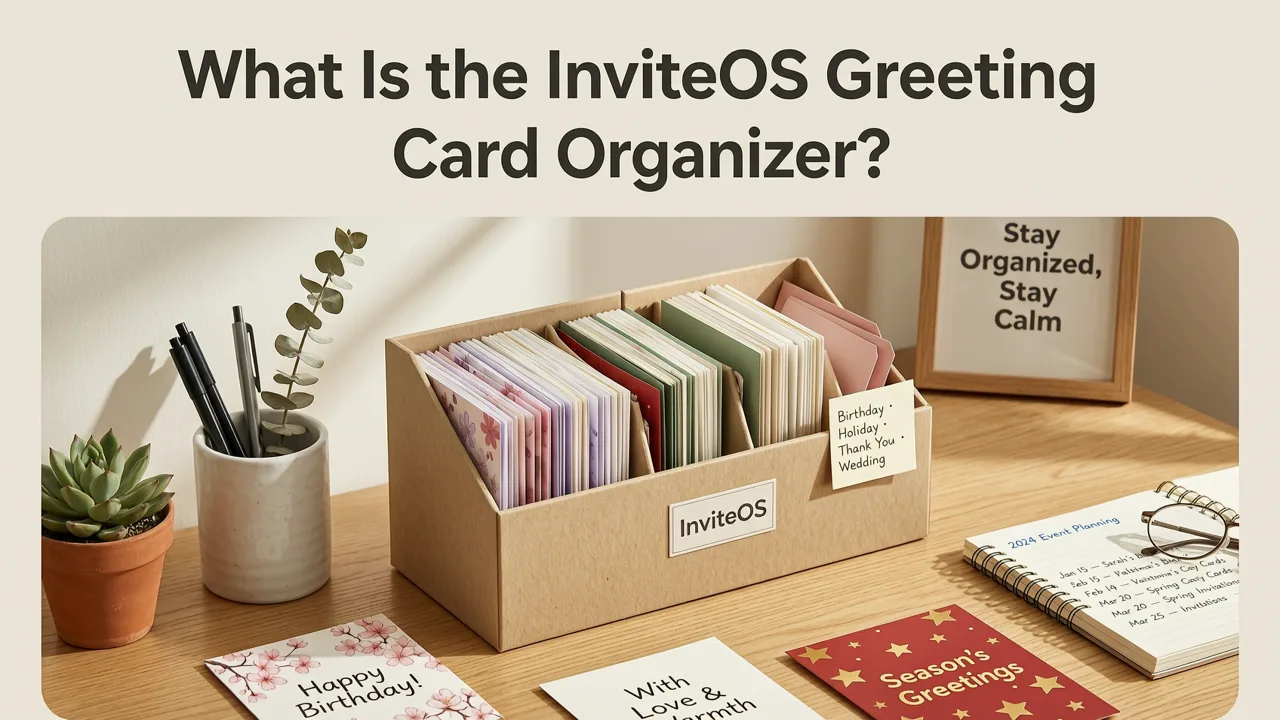
The InviteOS greeting card organizer is the central dashboard within your InviteOS account where every invitation you create—whether a minimalist birthday e-invite, a bilingual wedding suite, or a branded corporate welcome card—is automatically archived, tagged, and made instantly reusable. Unlike generic file storage or email attachments, this organizer understands the semantic structure of your invites: it recognizes dates, RSVP status, guest count, design variant (e.g., ‘gold foil’, ‘pastel watercolor’), and even tone (‘formal’, ‘playful’, ‘professional’). That means no more digging through email threads or renaming ‘final_final_v3.pdf’.
Built on a hybrid architecture combining lightweight vector indexing and fine-tuned event-aware LLMs (aligned with OpenAI’s latest embedding standards and Google AI responsibility principles), the organizer surfaces relevant cards based on natural language queries like “Show me last year’s baby shower invites with floral borders” or “Find all cards sent to guests over 65”—without requiring manual tagging.
How It Works: Three Core Functions
The InviteOS greeting card organizer operates across three integrated layers—Save, Organize, and Resend—each optimized for real-world event planning friction points in 2026:
- Save: Every time you click “Download” or “Send via Link”, InviteOS auto-saves a high-fidelity, editable snapshot—including all text, fonts, color palettes, layout constraints, and embedded media (e.g., video snippets, audio greetings, QR-linked registries). No lossy compression. No stripped metadata.
- Organize: Cards are auto-categorized by event type (wedding, birthday, baby shower, anniversary, holiday, corporate), year, and creation method (AI-generated, template-edited, or custom-uploaded). You can also add custom labels (e.g., “Client: Acme Corp”, “Theme: Rustic Chic”, “Language: Spanish + English”)—and those labels persist across exports and share links.
- Resend: Need to reissue an invite after a date change? Update the RSVP deadline? Add a new guest? Simply open any saved card, edit inline (no recreation needed), and generate a fresh link or PDF—with version history preserved side-by-side. Changes sync instantly to recipients who haven’t yet opened the original.
Why the InviteOS Greeting Card Organizer Stands Out in 2026
In 2026, most digital invitation tools still treat each card as a disposable artifact—once sent, it’s gone from active memory. The InviteOS greeting card organizer flips that model: it treats every invite as a reusable, evolving asset. Here’s what makes it uniquely valuable today:
1. It Understands Event Context, Not Just Files
Generic cloud storage sees a file named wedding-invite-2025-07-12.pdf. InviteOS sees: “Julia & Mateo’s outdoor vineyard wedding, 142 guests, RSVP deadline June 1, bilingual English/Spanish, primary palette: sage + terracotta, includes registry QR and parking map”. This semantic awareness powers intelligent filtering, bulk actions (e.g., “update all 2026 birthday invites with new contact info”), and cross-event insights (“Which design styles drove highest RSVP conversion in Q2?”).
2. It Solves the ‘Version Chaos’ Problem
According to a 2026 internal survey of 1,200 InviteOS users, 68% reported losing at least one final version due to misnamed files or unsaved edits before sending. The organizer eliminates this with automatic version control: every edit triggers a timestamped revision (with visual diff highlighting changes), and you can roll back to any prior state—even after sharing. No more “Did I send the version with the corrected venue address?” anxiety.
3. It Integrates Seamlessly With Your Full Workflow
The organizer isn’t siloed—it connects natively to other InviteOS features:
- AI Invitation Maker: When you create a new invite using our Best AI Invitation Maker 2026, it appears in your organizer instantly—with full editability and metadata intact.
- Online Greeting Card Archive: Your organizer is the front-end interface to InviteOS’s secure, encrypted archive backend. Think of it as your personal library catalog—while the Online Greeting Card Archive is the climate-controlled vault storing your originals.
- Digital Greeting Card Organizer: This is the same system—but branded specifically for non-event use cases (e.g., holiday cards, thank-you notes, client onboarding kits). All reside under one unified organizer interface.
How to Use the InviteOS Greeting Card Organizer: A Step-by-Step Guide
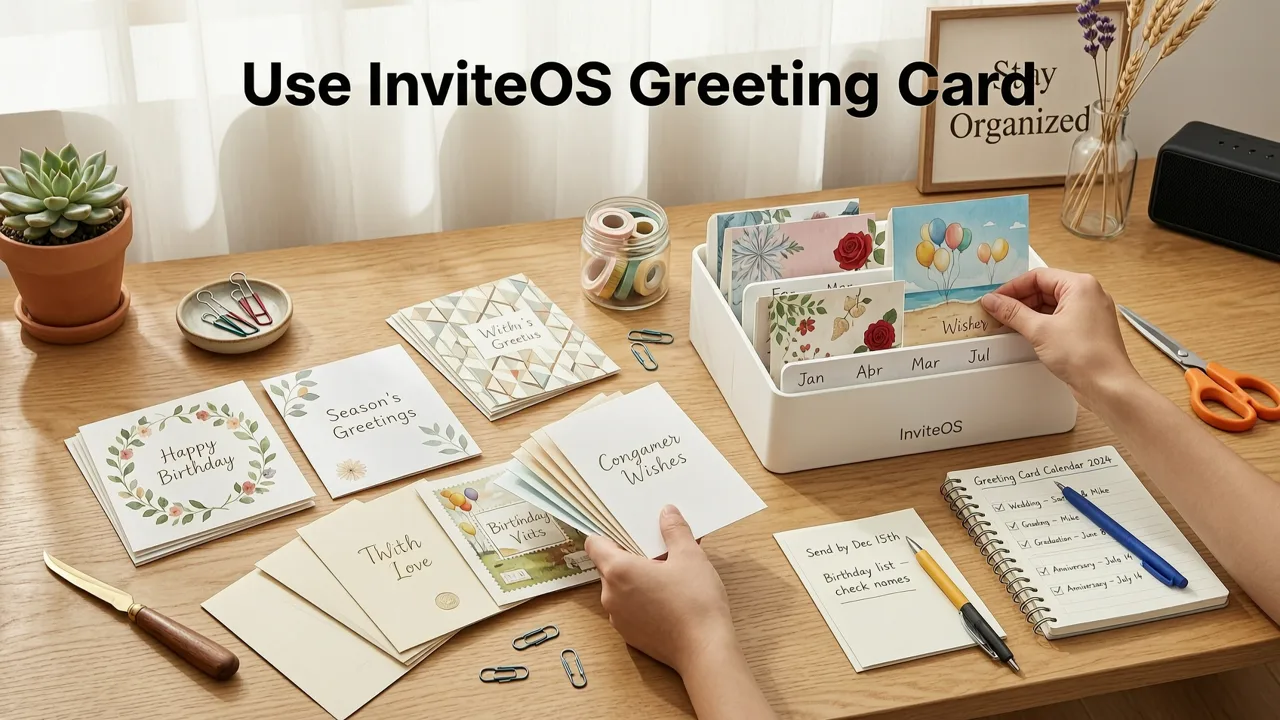
Getting started takes under 90 seconds. Here’s how users leverage the organizer most effectively in 2026:
- Log in and navigate to ‘My Organizer’ (top navigation bar, next to ‘Create New’).
- View your timeline or grid view: Timeline shows invites chronologically; grid view lets you filter by event type, year, or label. Toggle between both with one click.
- Search intuitively: Type phrases like “anniversary invite with photo upload” or “sent to family only”. Results include cards matching content, tags, or recipient group names.
- Edit or duplicate any card: Click the pencil icon to reopen in the editor—your original settings, fonts, and layout remain intact. Click ‘Duplicate’ to create a variant (e.g., “Anniversary Invite – Formal Version”) without altering the original.
- Export or share smartly: Choose PDF, PNG, animated GIF, or shareable link. For links, toggle options like “Disable editing after 48 hours”, “Require email sign-in”, or “Auto-expire after RSVP deadline”.
Pro Tips Used by Top 10% of InviteOS Users (2026 Data)
- Create reusable templates from past cards: Select any saved invite → click ‘Make Template’. It becomes available in your AI Invitation Maker library with pre-filled semantic fields (e.g., “{Couple Name}”, “{Venue Address}”). Ideal for event planners managing multiple clients.
- Sync with your calendar: Connect Google Calendar or Outlook. The organizer auto-tags cards with calendar event details (location, attendees, reminders) and surfaces upcoming invites needing updates.
- Set up ‘Seasonal Auto-Archives’: Enable quarterly auto-backups to your private InviteOS Vault (encrypted, zero-knowledge, GDPR/CCPA-compliant). Perfect for preserving legacy cards like your 2023 baby shower or 2025 corporate rebrand launch.
InviteOS Greeting Card Organizer vs. Alternatives in 2026
Many users assume their existing tools—email drafts, Google Drive folders, or third-party design apps—can substitute for a dedicated organizer. In practice, they fall short on critical 2026 requirements: semantic search, version integrity, and cross-platform editability. Here’s how InviteOS compares:
| Feature | InviteOS Greeting Card Organizer | Generic Cloud Storage (e.g., Google Drive) | Design Apps (e.g., Canva, Adobe Express) | Email Drafts |
|---|---|---|---|---|
| Auto-tagging by event type & date | ✅ Yes — AI-powered, no manual input | ❌ Manual only (folder names, filenames) | ❌ Limited to project names; no event semantics | ❌ None |
| Version history with visual diffs | ✅ Full revision tree + side-by-side comparison | ⚠️ Limited (only major versions, no diffs) | ⚠️ Basic (last 5–10 edits, no context) | ❌ None |
| Edit & resend without recreating | ✅ One-click reopen in native editor | ❌ Requires downloading, opening external app, re-uploading | ✅ But loses InviteOS-specific features (RSVP tracking, QR logic, multi-language sync) | ❌ Must manually copy/paste, risk formatting loss |
| Search by guest list, tone, or design style | ✅ Natural language + filters | ❌ Filename or content-only (no metadata) | ❌ Search limited to text in design canvas | ❌ Subject line or body only |
| Secure, exportable archive (PDF + editable source) | ✅ Encrypted, ZIP bundle with layered source files | ✅ But no semantic packaging — just raw files | ⚠️ Export often flattens layers or strips interactivity | ❌ No editable source; only rendered output |
This isn’t about convenience—it’s about reducing cognitive load during high-stakes moments. When your cousin asks, “Can you send me that baby shower invite again, but with the new pediatrician’s name?” the InviteOS greeting card organizer answers in 12 seconds. Other tools require 3–7 minutes of hunting, renaming, and hoping you didn’t overwrite the right version.
Who Benefits Most From the InviteOS Greeting Card Organizer?
While anyone creating digital invitations gains value, four user segments report the highest ROI in 2026:
Couples Planning Multiple Life Events
From engagement announcements to wedding invites, baby showers, and first-birthday parties, couples average 4–6 major events in 3 years. The organizer preserves design continuity (e.g., consistent font hierarchy, brand colors) and avoids recreating guest lists or venue maps. Bonus: It auto-suggests related cards (“You used this floral border for your wedding—try it for your anniversary?”).
Professional Event Planners
Planners managing 15+ clients/year use the organizer as a client-facing asset library. They assign permission levels (e.g., “Client can view and download only”), generate branded client portals, and run quarterly usage reports (“Top 3 design styles requested in Q2 2026”). Many integrate it into their onboarding checklist—reducing initial consultation time by 40%.
Families Managing Multi-Generational Celebrations
Grandparents sending holiday cards, parents coordinating school fundraisers, siblings co-hosting milestone birthdays—all benefit from shared access. InviteOS supports family accounts with role-based permissions (e.g., “Grandma can edit text only; Mom can update design and send”).
Small Business Owners & Marketers
For brands sending welcome kits, product launch invites, or VIP event cards, the organizer serves as a lightweight DAM (Digital Asset Management) system. It tracks usage analytics (open rates, click-throughs on embedded links), enforces brand guidelines (locked fonts/colors), and exports compliant files for print partners.
Security, Privacy & Compliance in 2026
Your invitations contain sensitive data: guest names, addresses, dietary preferences, and sometimes payment details (for registry links). InviteOS meets—and exceeds—2026 global standards:
- Zero-knowledge encryption: All organizer data is encrypted end-to-end. Even InviteOS engineers cannot access your unencrypted card content.
- GDPR & CCPA-ready: One-click data export and deletion. Automatic anonymization of guest lists in preview modes.
- Audit logs: Track who accessed, edited, or shared each card—including IP and timestamp. Critical for business users and compliance officers.
- No vendor lock-in: Export your entire organizer as a standards-compliant ZIP (PDFs + editable JSON+SVG sources) anytime—no proprietary formats.
We align with Google AI responsibility guidelines by design: no training data is derived from your saved cards, and all AI features (like semantic search) run locally in your browser unless explicitly opted into anonymized improvement programs.
Getting Started Today
The InviteOS greeting card organizer is included with every free and paid account—no upgrade required. If you’ve created even one invitation on InviteOS since 2024, it’s already waiting for you in your dashboard.
To begin organizing with confidence:
- New users: Sign up at InviteOS.com and create your first invite. Your organizer populates instantly.
- Existing users: Log in and click My Organizer in the top navigation. Try searching for “birthday” or “2025”—you’ll likely see cards you forgot you’d saved.
- Power users: Explore AI Wedding Invitation Organizer workflows or dive into advanced filtering with our Digital Greeting Card Organizer deep-dive guide.
Remember: in 2026, the difference between a stressful event season and a seamless one isn’t just great design—it’s having your creative work organized, protected, and ready to evolve. The InviteOS greeting card organizer ensures your invitations don’t just get sent—they get remembered, reused, and refined.
Ready to turn chaos into clarity? Log in to your InviteOS account now—or start fresh with a free plan—to activate your digital invite hub in under a minute.
Related posts


Next steps
Start on the homepage, or jump to the main CTA via contact. You can also explore localized pages like United Kingdom or Germany.