
Published · By the Inviteos team · 6 min read
How to Make Digital Party Invites: A Complete 2026 Guide
Discover how to make digital party invites in minutes using AI tools. Get expert design tips, sizing guides, and distribution strategies for 2026.

Recommended next
On this page
- How to Make Digital Party Invites: The Modern Approach
- Why Digital Party Invites Dominate Modern Event Planning
- How to Make Digital Party Invites: A Step-by-Step Guide
- Key Design Elements for High-Engagement Digital Invites
- Standard Digital Invite Sizes and Formats in 2026
- Responsible AI Use in Invitation Design
- Strategies for Distributing Your Electronic Party Invitations
- Bridging the Gap: When You Need a Physical Backup
- Conclusion
How to Make Digital Party Invites: The Modern Approach
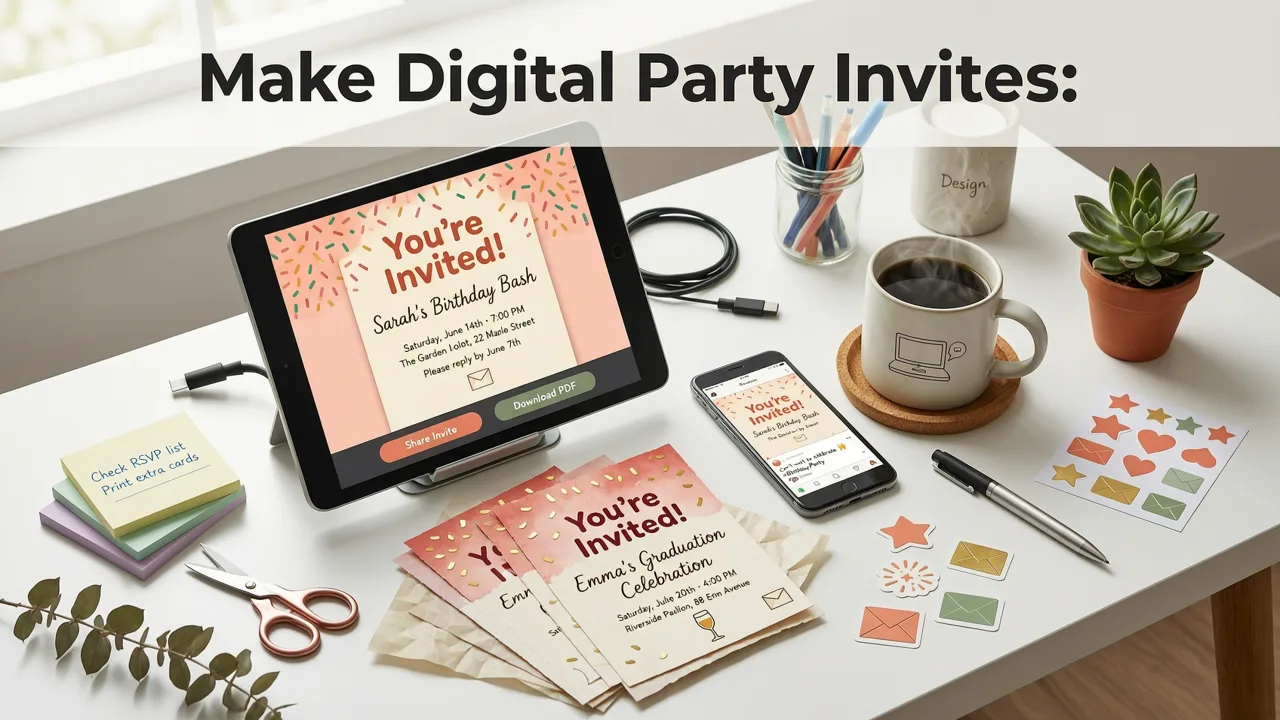
Creating an invitation no longer requires hiring a graphic designer or spending hours wrestling with complex layout software. If you want to know how to make digital party invites quickly and professionally, the answer lies in leveraging AI-powered design platforms. By simply adding your event details, selecting a style, and generating a polished layout, you can produce share-ready digital invites in minutes. This guide covers the exact steps, design principles, and distribution tactics needed to create standout electronic party invitations in 2026.
Why Digital Party Invites Dominate Modern Event Planning
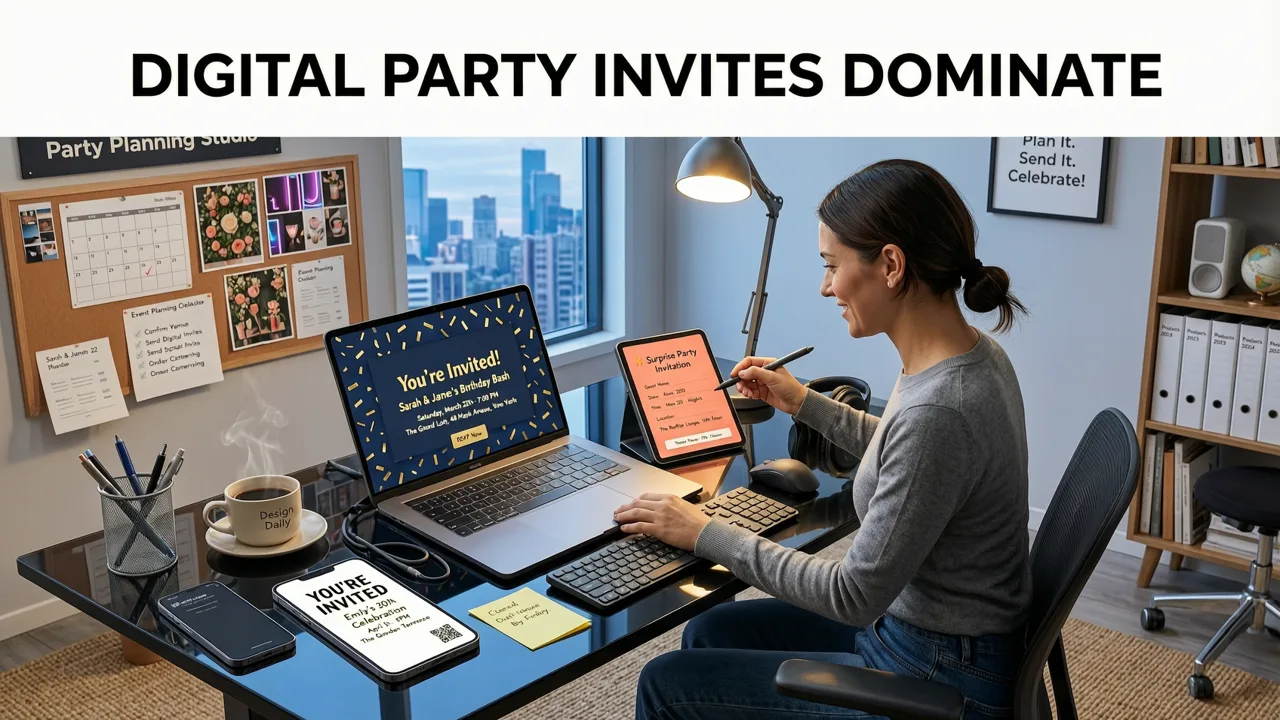
The shift from traditional paper stationery to digital formats has fundamentally changed how people celebrate. Electronic party invitations offer immediate delivery, real-time RSVP tracking, and seamless integration with calendar applications. For event planners and busy families alike, the ability to send a beautifully designed invite via text or email eliminates postage costs and reduces environmental waste.
Beyond logistics, modern digital invites offer dynamic features that paper simply cannot match. Interactive elements like map links, registry buttons, and dietary preference forms streamline the planning process. When you use an AI invitation maker, you are not just designing a static image; you are creating a functional tool that enhances the guest experience from the very first notification.
How to Make Digital Party Invites: A Step-by-Step Guide
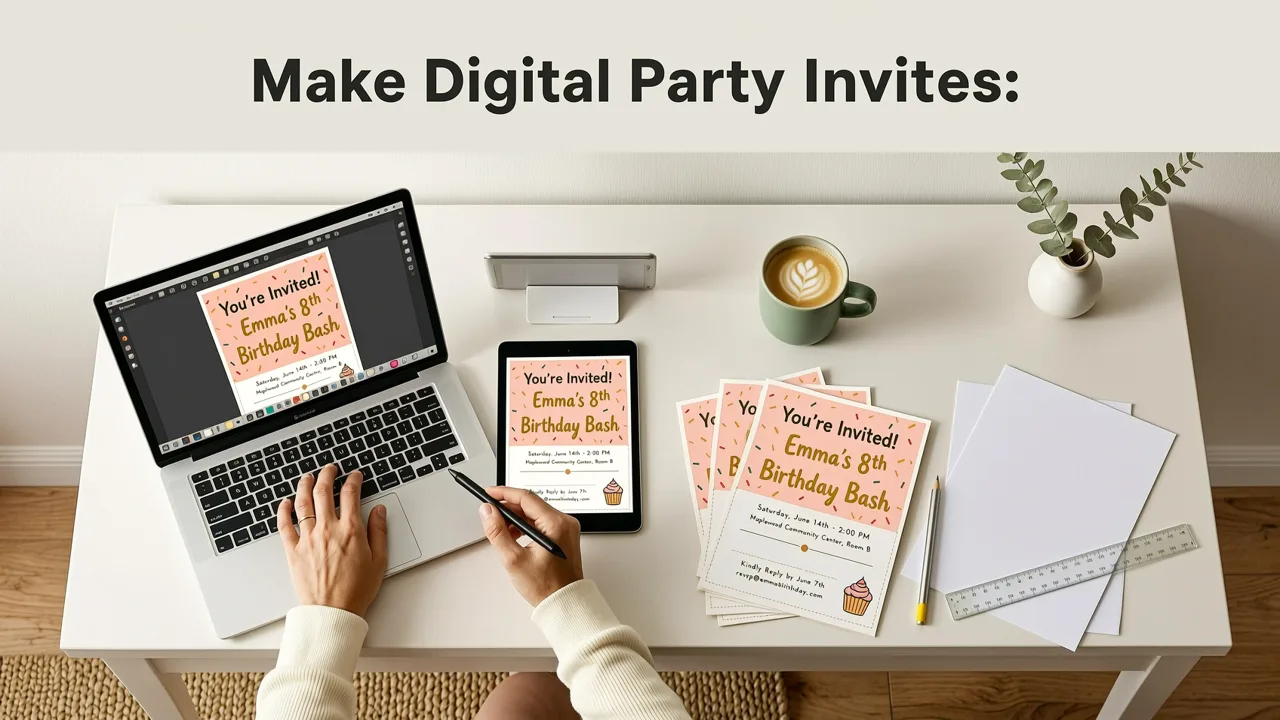
Building a professional invitation is a straightforward process when you follow a structured workflow. Here is how to make digital party invites that look custom-designed and function flawlessly.
Step 1: Gather Your Core Event Details
Before opening any design tool, compile the essential information your guests need. This includes the event name, date, start and end times, venue address, dress code, and RSVP deadline. Having this information ready prevents design interruptions and ensures accuracy. If your event has specific themes or color palettes, gather reference images to guide the AI design process.
Step 2: Select the Right AI Invitation Maker
Choose a platform that utilizes advanced machine learning to automate the design heavy lifting. A high-quality AI invitation maker will analyze your text input and automatically suggest layouts, font pairings, and color schemes that match your event type. Look for tools that offer mobile-friendly interfaces, allowing you to design and edit directly from your smartphone.
Step 3: Customize the Template to Match Your Theme
Once the AI generates a baseline design, refine it to reflect your personal style. Adjust the typography to ensure readability, swap out background elements, and upload custom photos if desired. Modern AI design templates understand context, meaning they will automatically adjust text wrapping and image scaling when you change the canvas size or aspect ratio.
Step 4: Integrate RSVP and Interactive Elements
A digital invite is only as good as its response mechanism. Embed direct links to your RSVP platform, add calendar download buttons for iOS and Android, and include clickable map directions. Ensuring these elements are prominently placed and easy to tap on mobile devices significantly increases your response rate.
Key Design Elements for High-Engagement Digital Invites
Visual hierarchy is critical when designing for small screens. Your guests will likely view the invitation on a smartphone, meaning the design must be legible at a glance. The event name should be the largest text element, followed by the date and time. Contact information and RSVP details should be clearly separated at the bottom.
When generating imagery, it is important to understand how underlying models process creative prompts. According to OpenAI documentation, modern generative models excel at blending artistic styles with specific thematic requirements, allowing for highly unique background textures and illustrations. However, maintaining a clean, uncluttered layout ensures that the core message is never lost in overly complex artwork.
Color contrast also plays a vital role in accessibility. Ensure that your text stands out sharply against the background. Dark text on a light background, or vice versa, guarantees readability in various lighting conditions, from bright outdoor sunlight to dim indoor environments.
Standard Digital Invite Sizes and Formats in 2026
Selecting the correct dimensions is crucial for ensuring your invitation looks perfect across all devices and social media platforms. While traditional print sizes like 5x7 inches still influence digital design, mobile-first formats have become the standard for digital distribution.
If you need to adapt a design for multiple platforms, an AI greeting card size generator can instantly resize your layout without distorting the text or cropping critical design elements.
| Format Type | Dimensions (Pixels) | Aspect Ratio | Best Use Case |
|---|---|---|---|
| Mobile Story | 1080 x 1920 | 9:16 | Instagram Stories, WhatsApp Status, TikTok |
| Square Post | 1080 x 1080 | 1:1 | Instagram Feed, Facebook Posts |
| Standard Digital | 1080 x 1527 | ~5:7 | Email Attachments, SMS/MMS, General Sharing |
| Landscape Banner | 1500 x 500 | 3:1 | Website Headers, Email Newsletters |
Responsible AI Use in Invitation Design
As AI tools become more prevalent in event planning, it is important to use them responsibly. When generating custom illustrations or modifying photographs for your invitations, ensure that the content respects copyright laws and community standards. Following frameworks like Google AI guidance helps creators understand the ethical boundaries of generative design, ensuring that your digital invites are both original and appropriate for all audiences.
Strategies for Distributing Your Electronic Party Invitations
Designing the invite is only half the battle; distributing it effectively ensures maximum attendance. The method you choose should align with your guest demographic and the formality of the event.
Messaging Apps and SMS
For casual gatherings, birthdays, and baby showers, messaging apps like WhatsApp, iMessage, and SMS are the most effective channels. They offer immediate delivery and high open rates. When sending via SMS, ensure your image file is compressed properly to avoid carrier size limits, or send a link to a hosted digital invitation page.
Email Campaigns
Email remains the gold standard for formal events, corporate parties, and weddings. It allows you to include longer descriptions, embed multiple links, and attach high-resolution PDF versions of the invite. Use a clear, compelling subject line that includes the event name and date to stand out in crowded inboxes.
Social Media Event Pages
For large public events, concerts, or community parties, creating a dedicated event page on platforms like Facebook or LinkedIn provides a centralized hub for updates. You can use your digital invite as the cover image and share it directly to the event timeline to build momentum.
Bridging the Gap: When You Need a Physical Backup
Despite the convenience of digital formats, some guests may prefer a physical keepsake, or you may simply want a tangible version of your design for the event decor. The beauty of modern AI design is that the transition from screen to paper is seamless.
If you decide to print your digital designs, you must ensure the resolution and bleed lines are correct. You can explore printable wedding invitation templates to see how high-fidelity digital designs are optimized for professional printing. For standard event sizes, utilizing an AI wedding invitation template 5x7 format ensures that your digital artwork translates perfectly to the traditional 5x7 inch physical card stock, maintaining sharp text and vibrant colors.
Conclusion
Learning how to make digital party invites empowers you to create stunning, functional, and eco-friendly event announcements without needing a background in graphic design. By leveraging AI-powered tools, focusing on mobile-first design principles, and choosing the right distribution channels, you can set the perfect tone for your next celebration.
Ready to bring your event vision to life? Explore the AI Invitation Maker at Inviteos to generate beautiful, share-ready digital invites in minutes. Simply add your details, pick a style, and let the technology handle the design.
Related posts

2026-11-06
Top Adult Birthday Party Invite Ideas for 2026
Explore top adult birthday party invite ideas for 2026. Learn to design elegant, fun, and share-ready digital invitations using AI tools in minutes.

2026-10-31
The Best AI Party Invitation Maker for 2026: A Complete Guide
Find the best ai party invitation maker for 2026. Learn how AI tools create stunning, print-ready digital invites in minutes without design skills.

2026-10-28
Printable Birthday Cards for Adults: 2026 AI Design Guide
Create stunning printable birthday cards for adults using AI. Explore 2026 design trends, mature themes, and professional printing tips.
Next steps
Make your own invitation with the Inviteos AI Invitation Maker app, compare the weekly and yearly plans, or contact support. You can also explore localized pages like United Kingdom or Germany.