
2026-08-22 · 10 min read
Free Printable Christmas Cards 2026 — AI-Designed & Downloadable

Recommended next
Why Free Printable Christmas Cards 2026 Are the Smartest Holiday Move
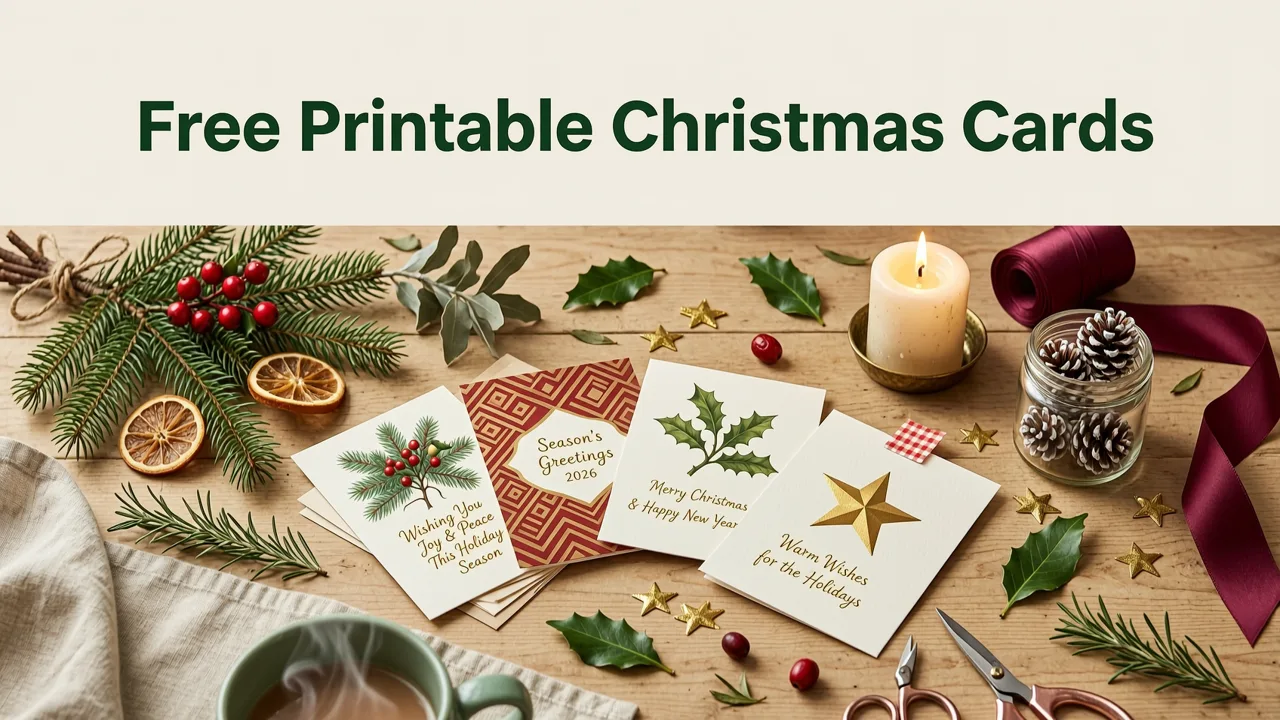
If you're searching for free printable Christmas cards 2026, you want more than a generic clipart snowflake slapped on cardstock. You want cards that feel personal, print cleanly on your home printer, and still look polished enough to make your recipients smile. The good news: AI-powered design tools have made it possible to create, customize, and download professional-quality Christmas cards in minutes — completely free — without opening Photoshop or paying a designer.
This guide walks you through everything you need to know about free printable Christmas cards in 2026: where to find them, how to customize them with AI, what paper and printer settings actually matter, and how to avoid the common mistakes that turn a beautiful digital design into a muddy, misaligned print job.
What Makes a Christmas Card Truly Print-Ready in 2026
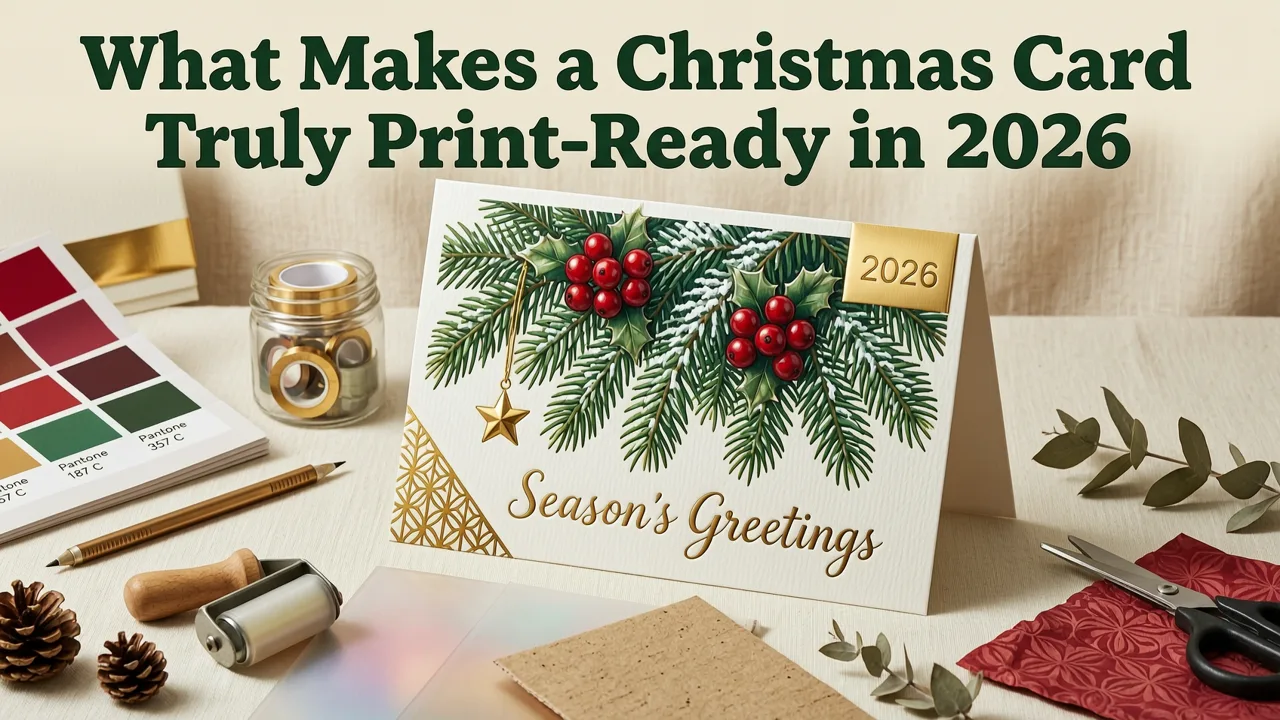
Not every free downloadable card is actually ready to print. Many templates you find online are designed for screens, not printers. A genuinely print-ready Christmas card needs to meet a few technical standards before it ever touches paper.
Resolution and Color Mode
Your card design must be at least 300 DPI (dots per inch) at the final print size. Anything lower will look pixelated, especially around text and fine decorative elements. In 2026, most AI design platforms — including Inviteos — export at 300 DPI by default, but if you're downloading from random free-template sites, always check the resolution before committing to a print run.
Color mode matters too. Screens display in RGB; printers use CMYK. A vibrant red on your monitor might print as a dull brick tone if the file hasn't been properly converted. Modern AI tools handle this conversion automatically, which is one reason they've become the go-to option for holiday card creation.
Bleed and Safe Zones
If your design has color or imagery that extends to the edge of the card, you need a bleed area — typically 3mm (0.125 inches) beyond the trim line on each side. Without bleed, you'll end up with thin white borders after cutting. Most free templates from AI platforms include bleed and safe zones pre-configured, so you can focus on content rather than layout math.
Where to Find Free Printable Christmas Cards 2026
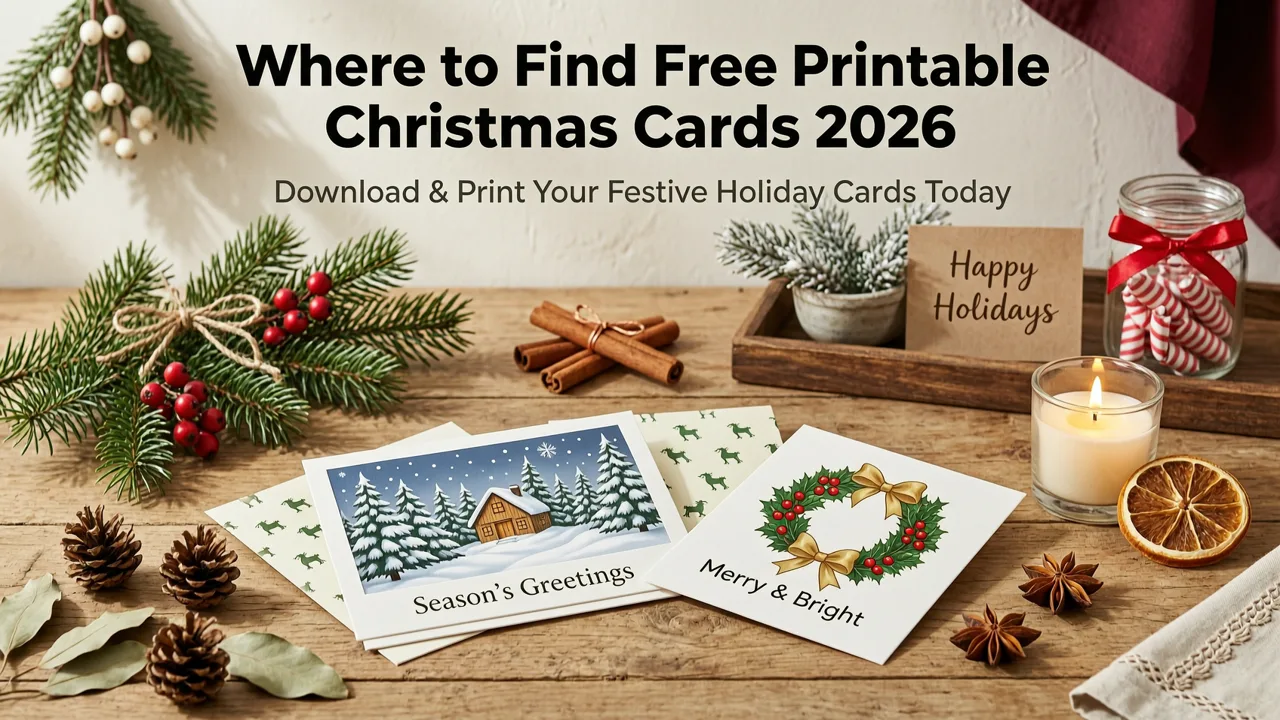
The internet is flooded with "free" Christmas card templates, but quality varies wildly. Here's a practical comparison of where to actually look in 2026.
| Source Type | Pros | Cons | Best For |
|---|---|---|---|
| AI Design Platforms (e.g., Inviteos) | Customizable, print-ready, no design skills needed | Some premium templates require a plan | Personalized, professional cards |
| Canva Free Tier | Huge template library, easy editor | Resolution limits on free exports, CMYK requires Pro | Quick digital-first cards |
| Greeting Card Island | Truly free, simple editor | Limited design sophistication, older templates | Simple, traditional cards |
| Pinterest / Blog Downloads | Unique designs, often free | Unpredictable quality, may lack bleed/CMYK | One-off creative projects |
| Etsy (Free Samples) | High-quality designer templates | Most require purchase; free options are limited | Premium look on a budget |
For the best balance of quality, ease, and cost, AI-powered platforms like Inviteos have become the default choice in 2026. You enter your message, pick a style, and the AI generates a card that's ready to download and print — no manual resizing, no font hunting, no bleed-area guesswork.
How AI Is Changing Christmas Card Design in 2026
AI hasn't just made card design faster. It's made it smarter. Here's what's different about creating Christmas cards with AI in 2026 compared to even two years ago.
Context-Aware Templates
Modern AI doesn't just slot your name into a pre-made layout. It understands context: the tone of your message, the formality of your relationship with the recipient, and even cultural nuances. Mention "family Christmas card" and the AI suggests warm, inclusive designs. Say "corporate holiday greeting" and it shifts to cleaner, more restrained aesthetics.
Real-Time Print Preview
One of the most valuable AI features in 2026 is the real-time print preview. You can see exactly how your card will look printed on standard cardstock before you ever hit download. This eliminates the frustrating cycle of print-test-adjust-reprint that used to waste paper and ink. If you're curious about how AI handles precision sizing across different invitation formats, the same technology powers tools like the AI wedding invitation template in 5x7, where exact dimensions are critical.
Automatic Layout Balancing
AI now handles typographic hierarchy, whitespace distribution, and visual balance automatically. You won't need to nudge a text box three pixels to the left or wonder if your font pairing looks amateur. The algorithm does it for you, and it does it well.
Step-by-Step: Create and Print Your Free Christmas Cards
Here's the exact workflow to go from blank screen to finished card in your hands.
Step 1: Choose Your Card Size
The most common Christmas card sizes are:
- 5×7 inches — the classic folded card standard
- 4×6 inches — compact and cost-effective for mailing
- 4.25×5.5 inches — a popular A2 folded size
If you need a non-standard dimension — perhaps a square card or a slim European format — you can use a custom size upload to set exact specifications. Most AI platforms let you define any dimensions you need.
Step 2: Pick a Style or Let AI Generate One
Browse templates by category — traditional, modern minimalist, watercolor, illustrated, photo-forward, or corporate. Alternatively, describe what you want in plain language ("cozy cabin Christmas with pine branches and gold foil accents") and let the AI generate options.
Step 3: Add Your Personal Message
Type your holiday greeting directly into the template. AI can suggest wording if you're stuck — from heartfelt family messages to witty one-liners to professional corporate greetings. Keep the tone consistent with your relationship to the recipient.
Step 4: Customize Colors, Fonts, and Images
Swap in your family photo, adjust the color palette to match your home décor aesthetic, or change the font to something that reflects your personality. AI ensures that every change you make stays within print-safe parameters.
Step 5: Download and Print
Export your finished design as a high-resolution PDF. Print on cardstock between 80–100 lb (216–270 gsm) for a premium feel. Use your printer's "borderless" setting if available, and always do a single test print on regular paper first to check alignment and color.
Printing Tips That Actually Make a Difference
Even the best design falls flat if the printing is sloppy. Here are the details that separate a card that looks homemade from one that looks professionally produced.
Paper Selection
Use a matte or satin-finish cardstock for the most elegant result. Glossy cardstock can look cheap for greeting cards and causes ink smudging if not handled carefully. Linen-textured cardstock adds a tactile luxury feel that recipients notice immediately.
Printer Settings
Set your printer to the correct paper type ("cardstock" or "heavy paper" mode), select the highest quality print setting, and disable any "draft" or "economy" modes. If your printer supports it, choose the ICC color profile that matches your specific paper brand for the most accurate color reproduction.
Cutting and Folding
Use a bone folder and a metal ruler with a craft knife for clean, crisp folds. Hand-folding without scoring creates cracked ink along the fold line — especially on dark or heavily inked designs. Score first, fold second.
Christmas Card Design Trends for 2026
Design trends shift every year. Here's what's resonating with card creators in 2026.
Botanical and Nature-Inspired Motifs
Hand-drawn eucalyptus, dried florals, and woodland botanicals continue to dominate. They feel organic, warm, and timeless — a counterbalance to the hyper-digital world we live in.
Gold and Warm Metallic Accents
While you can't replicate real foil stamping on a home printer, AI-generated metallic-look textures have improved dramatically. Subtle gold gradients and warm copper tones add sophistication without looking gaudy.
Photo-Centric Family Cards
The annual family photo card remains a holiday staple. In 2026, AI tools make it easier than ever to integrate your photo seamlessly into a designed layout — with automatic background removal, color matching, and composition suggestions. If you enjoy creating photo-forward designs for other occasions, you might also appreciate the approach used in birthday invitation design ideas for 2026, where photo integration follows similar principles.
Minimalist Typography Cards
Sometimes less is more. A single elegant typeface, generous whitespace, and a simple "Merry Christmas" can be more striking than a busy illustrated scene. This trend works especially well for corporate and professional holiday cards.
Free vs. Paid: When to Upgrade
Free printable Christmas cards are genuinely excellent in 2026. But there are moments when investing a few dollars makes sense.
- Volume: If you're sending 100+ cards, a premium template with exclusive artwork helps your card stand out in a stack of identical free designs.
- Brand consistency: Businesses sending holiday cards to clients benefit from branded templates that match their visual identity.
- Envelope matching: Paid packs often include matching envelope designs and addressing templates.
- Print-on-demand integration: Some premium services let you send your design directly to a professional printer, eliminating the home-print step entirely.
For most families and individuals sending 20–50 cards, free AI-designed templates deliver more than enough quality and personalization.
Mailing Your Christmas Cards: Practical Logistics
A beautiful card only works if it arrives on time. Keep these logistics in mind.
Timing
Aim to mail Christmas cards by December 10–15 for domestic delivery and by November 25–30 for international. In 2026, postal services continue to experience seasonal volume spikes, and early mailing is the single best insurance against late delivery.
Postage
A standard 5×7 card in a standard envelope typically requires a first-class forever stamp if it weighs one ounce or less. Thicker cardstock or decorative envelopes with rigid elements may require additional postage. Weigh a finished card before mailing a full batch.
Addressing
Hand-addressing adds a personal touch, but if your list is long, consider using your AI design tool to generate a matching address label or printed return address. Consistency between the card design and the envelope presentation elevates the entire experience.
Sustainability and Digital Alternatives
Not every card needs to be printed. In 2026, digital Christmas cards are a legitimate and increasingly popular option — especially for distant friends, colleagues, and environmentally conscious senders.
AI-designed digital cards can be shared via email, text message, or social media. They load instantly, cost nothing to send, and can include animated elements that printed cards simply can't. If you're balancing a mix of printed and digital cards, create your design once in an AI platform and export both a print-ready PDF and a web-optimized image or link.
For those who want the personal touch of a physical card but want to reduce waste, consider printing on recycled cardstock or seed paper that recipients can plant after the holidays.
Common Mistakes to Avoid
Even with AI doing the heavy lifting, a few errors can undermine your finished cards.
- Ignoring bleed settings: Results in white borders after trimming.
- Using low-resolution images: Family photos under 300 DPI will look blurry when printed.
- Overloading the design: Too many fonts, colors, or elements create visual clutter. Let the AI guide your layout choices.
- Skipping the test print: Always print one copy on regular paper first to check colors, alignment, and text readability.
- Forgetting the back of the card: Adding a simple design or family sign-off on the back panel makes the card feel complete and professional.
Final Thoughts: Make This Year's Cards Count
Free printable Christmas cards in 2026 are better than they've ever been. AI design tools have eliminated the technical barriers that once made card creation frustrating and time-consuming. You no longer need design software, a graphic design degree, or a professional printing budget to send cards that look like they came from a boutique stationery shop.
Start early, choose a template that reflects your personality, pay attention to print quality, and mail with enough time to spare. The result? Cards that your recipients will actually keep on the mantle — not toss in the recycling bin on December 26.
Ready to create your own? Head to Inviteos, pick a Christmas card template, and let AI handle the design while you focus on the message that matters.
Related resources
Related posts


Next steps
Start on the homepage, or jump to the main CTA via contact. You can also explore localized pages like United Kingdom or Germany.