
2026-09-01 · 11 min read
How to Make a Digital Invitation in 2026 (No Design Skills Needed)

Recommended next
How to Make a Digital Invitation: The Short Answer
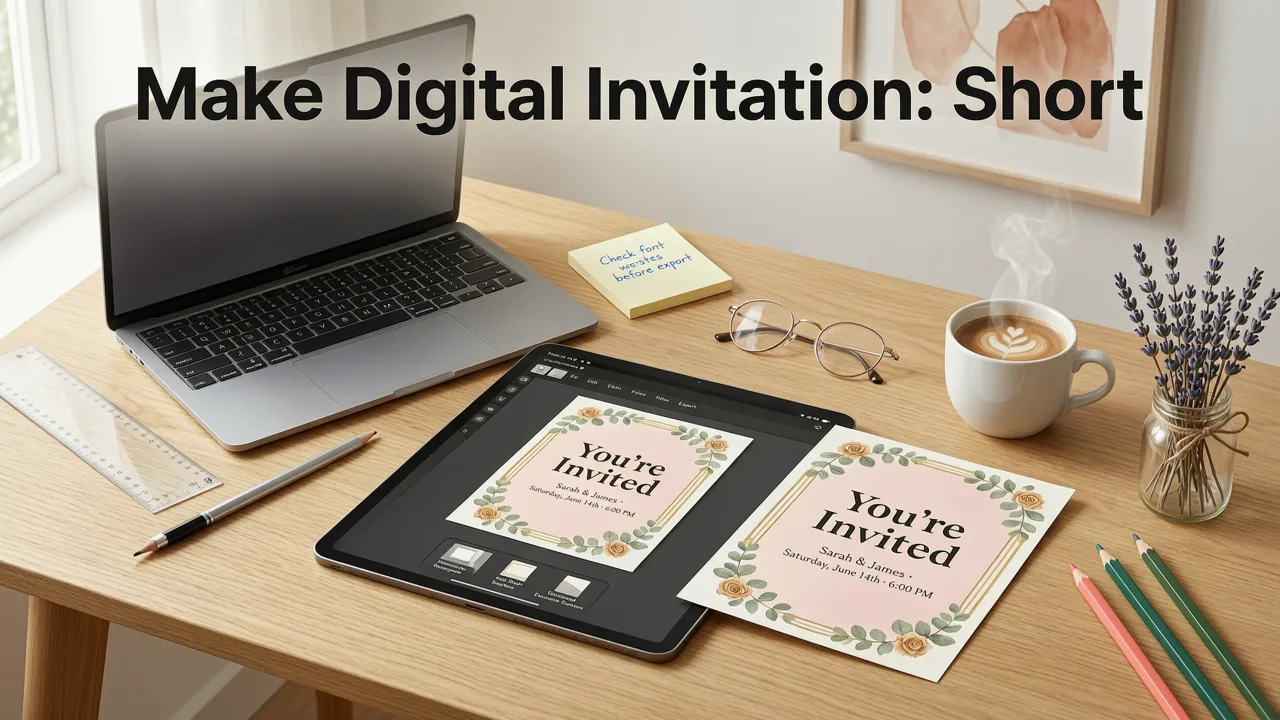
If you're wondering how to make a digital invitation in 2026, the process has never been simpler. Choose an AI-powered invitation maker, enter your event details such as the date, venue, and dress code, pick a design style that matches your theme, and download a polished, share-ready digital invite in minutes — all without opening Photoshop or hiring a graphic designer.
Whether you're planning a wedding, organizing a baby shower, sending out birthday party invites, or designing a corporate event announcement, modern AI tools handle the heavy lifting so you can focus on what actually matters: your guests and your event.
This guide walks you through every step, from choosing the right platform to distributing your finished invitation across email, text, and social channels.
Why Digital Invitations Have Become the Standard in 2026
Digital invitations have quietly overtaken printed cards as the default choice for most events. The shift accelerated through 2025 and 2026 as AI design tools matured, smartphone sharing became seamless, and environmental awareness pushed couples and event planners toward paperless options.
Several practical advantages explain the trend:
- Speed: A finished invitation can be created and sent in under ten minutes.
- Cost: Digital invites eliminate printing, postage, and last-minute reprints.
- Flexibility: Need to update the venue or change the start time? Edit and resend instantly.
- Tracking: Built-in RSVP systems give you a real-time headcount.
- Sustainability: Zero paper waste aligns with the values of many modern hosts.
The result is an invitation ecosystem that is faster, cheaper, and more adaptive than anything print could offer. And the quality gap between professional design and AI-assisted output has essentially disappeared.
Step-by-Step: How to Make a Digital Invitation from Scratch
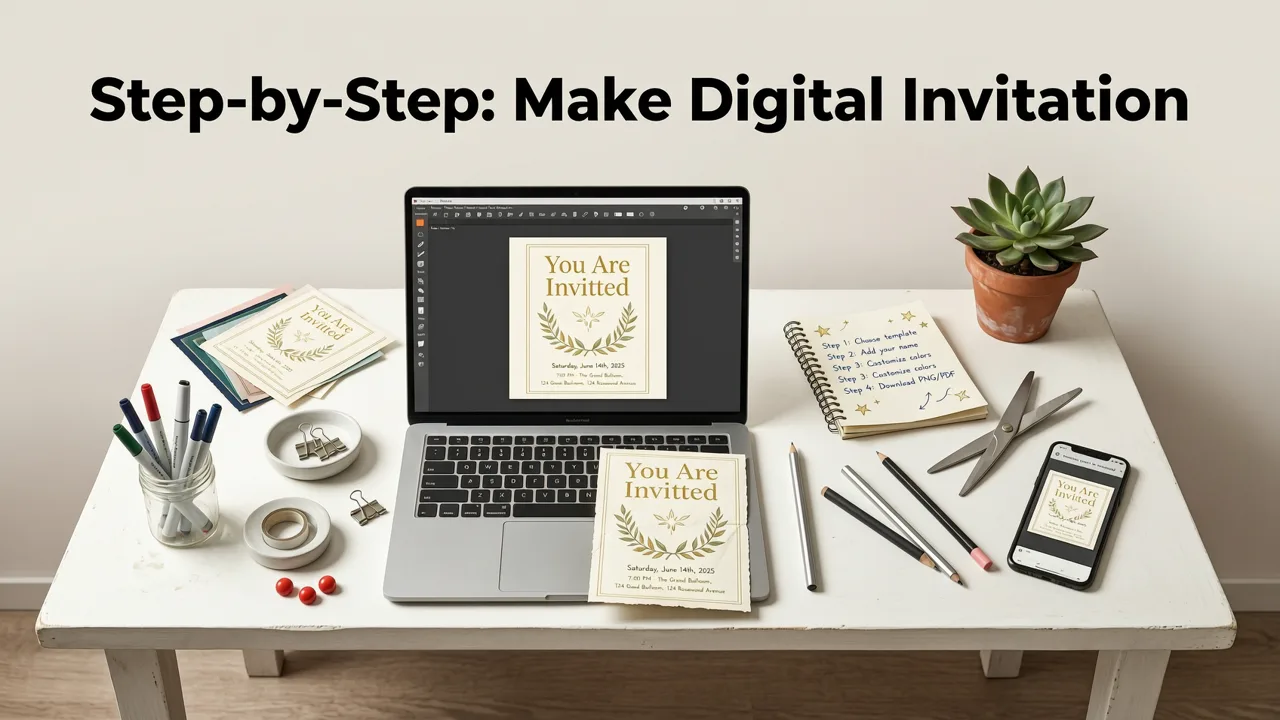
Let's break down the exact workflow. Whether you're a first-time host or a seasoned event planner, these steps apply to weddings, birthdays, baby showers, corporate galas, and everything in between.
Step 1: Define Your Event Details
Before you touch any design tool, gather the essential information your guests need:
- Event name and type (wedding, birthday, baby shower, etc.)
- Date and time, including time zone
- Venue name and full address
- Dress code, if applicable
- RSVP deadline and contact method
- Any special instructions (parking, gift registry, plus-one policy)
Having these details ready before you open your design tool prevents awkward back-and-forth edits later. For guidance on setting the right RSVP window, our RSVP Deadline Etiquette 2026 guide covers best practices for every event type.
Step 2: Choose an AI-Powered Invitation Maker
The platform you choose determines the quality of your final output and the ease of your workflow. In 2026, the best AI invitation makers go far beyond simple template galleries. They understand event context, suggest appropriate color palettes and typography, and generate layout options tailored to your specific occasion.
When evaluating tools, look for these capabilities:
- Event-aware design: The tool should recognize whether you're creating a wedding invite versus a casual birthday party and adjust its suggestions accordingly.
- Smart copy generation: AI should draft wording options that match your tone, whether formal, playful, or minimalist.
- One-click export: Your finished invite should download in multiple formats optimized for email, WhatsApp, Instagram Stories, and print.
- Built-in RSVP tracking: No need to juggle spreadsheets when the platform handles responses for you.
For a deeper comparison of the leading platforms this year, see our breakdown of the best AI invitation makers in 2026.
Step 3: Pick a Style That Matches Your Event
Your invitation sets the tone before your guests even arrive. A black-tie wedding demands elegant serif fonts and muted palettes, while a child's birthday party calls for bold colors and playful illustrations.
Most AI tools in 2026 offer style categories such as:
- Minimalist and modern
- Classic and traditional
- Watercolor and botanical
- Bold and colorful
- Dark and moody
- Cultural and heritage-inspired
Don't overthink this step. Pick a direction that feels right, and let the AI refine the details — adjusting spacing, hierarchy, and contrast to ensure readability and visual balance.
Step 4: Customize Your Content
Once your base design is in place, personalize it with your event specifics. Modern AI tools let you:
- Edit all text fields directly on the canvas
- Swap color schemes with a single click
- Upload custom photos or monograms
- Adjust font pairings from a curated list
- Add QR codes that link to maps, registries, or wedding websites
Keep the text concise. Guests scan invitations quickly, so front-load the most important information: who, what, when, and where.
Step 5: Preview, Proof, and Export
Before you send anything out, preview your invitation on both a phone screen and a desktop monitor. Check for typos, verify the date and time, and confirm that any linked QR codes or URLs work correctly.
Export your invitation in the formats you need:
- PNG or JPG for direct sharing via text, WhatsApp, or social media
- PDF for email attachments or print
- MP4 or GIF if your platform supports animated invitations
Step 6: Distribute and Track RSVPs
Send your invitation through the channels your guests use most. For younger audiences, text and social media DMs work well. For older relatives, email may be preferable. Many platforms let you schedule sends so your invitations go out at the optimal time.
Track responses in real time through your invitation platform's built-in RSVP dashboard. This eliminates the need for follow-up calls and gives you an accurate headcount as your event approaches.
How to Make a Digital Invitation for Specific Event Types
While the core workflow stays the same, certain event types benefit from tailored approaches.
Wedding Invitations
Wedding invites carry the most emotional weight. Couples typically want a cohesive design language that extends from the save-the-date through the day-of signage. AI tools can generate matching suites — save-the-dates, main invitations, rehearsal dinner cards, and thank-you notes — all sharing the same visual identity.
Include a link to your wedding website or registry, and consider embedding a map QR code for out-of-town guests.
Birthday Party Invitations
Birthday invites benefit from energy and personality. Whether it's a child's superhero-themed party or an adult's milestone celebration, lean into bold colors, fun typography, and photos of the guest of honor.
Baby Shower Invitations
Baby shower invitations in 2026 have evolved well beyond pink-and-blue defaults. Modern AI tools offer gender-neutral palettes, illustrated nursery themes, and elegant floral designs. For a faster workflow, an AI baby shower invitation generator can produce multiple polished options from a single prompt.
Corporate and Business Event Invitations
Professional events demand clean layouts, brand-consistent colors, and clear calls to action. AI tools can incorporate your company logo, match your brand guidelines, and generate copy that strikes the right tone for clients, partners, or employees.
Common Mistakes to Avoid When Making Digital Invitations
Even with AI assistance, a few recurring errors can undermine an otherwise great invitation. Watch out for these:
- Skipping the proofread: AI can generate copy, but you still need to verify every detail manually.
- Overloading with text: An invitation is not an itinerary. Keep it scannable.
- Ignoring mobile preview: Most guests will view your invite on a phone. If it doesn't look good at small sizes, revise.
- Forgetting the RSVP deadline: Without a clear deadline, response rates drop significantly.
- Using low-resolution images: Blurry photos make even the best design look amateur.
AI Invitation Makers vs. Traditional Design Tools: A 2026 Comparison
If you're still weighing whether to use an AI platform or a traditional design application, here's how they stack up for invitation creation:
| Feature | AI Invitation Maker | Traditional Design Tool |
|---|---|---|
| Setup time | Under 5 minutes | 30–60 minutes or more |
| Design skill required | None | Moderate to advanced |
| Template variety | Thousands, context-aware | Hundreds, manual customization |
| Copy generation | AI-written, tone-matched | Manual or third-party tool |
| RSVP integration | Built-in | Requires separate service |
| Cost | Free to low-cost | Subscription or per-license fee |
| Export formats | PNG, PDF, MP4, shareable links | PDF, PNG, SVG |
For the vast majority of hosts, AI-powered tools deliver better results in a fraction of the time. Traditional design software still has a place for designers who need pixel-level control, but it's overkill for most invitation projects.
How to Make a Digital Invitation That Guests Actually Respond To
A beautiful invitation is only half the battle. Getting timely RSVPs requires thoughtful distribution and follow-up strategy.
Send at the Right Time
For weddings, send invitations six to eight weeks before the event. For birthday parties and casual gatherings, two to three weeks is standard. Corporate events typically require four to six weeks of lead time.
Make RSVPing Effortless
Include a direct link or QR code that takes guests to a one-tap response form. The fewer clicks required, the higher your response rate.
Follow Up Strategically
Send a gentle reminder three to five days before your RSVP deadline. A short, friendly message works better than a formal notice.
Archive Your Invitations
If you're a frequent host or an event planner, keeping your past invitations organized saves time on future projects. An online greeting card archive lets you store, search, and reuse previous designs without digging through folders on your computer.
The Role of AI in Modern Invitation Design
The AI powering today's invitation tools is built on large language models and computer vision systems that understand visual design principles. These models have been trained on millions of professional layouts, enabling them to make intelligent decisions about spacing, color harmony, and typographic hierarchy.
Importantly, AI in this context is a collaborative tool, not a replacement for human judgment. You provide the creative direction — your event type, preferred style, and key details — and the AI executes the design with speed and consistency. For more on how responsible AI development shapes tools like these, Google's AI responsibility principles offer a useful framework for understanding the safeguards in place.
Tips for Creating Invitations That Reflect Your Personal Brand
Whether you're an individual host or a small business owner, your invitation communicates your identity before the event even begins. Here's how to make it unmistakably yours:
- Use your preferred color palette: AI tools let you input custom hex codes to match your brand or personal aesthetic.
- Choose fonts that reflect your personality: Serif fonts convey tradition and formality; sans-serif fonts feel modern and clean; script fonts add warmth and elegance.
- Incorporating personal imagery: A photo, illustration, or monogram adds a layer of authenticity no template can replicate.
- Maintain consistency across event materials: Use the same design language for your invitation, reminder cards, and thank-you notes.
Frequently Asked Questions
Can I make a digital invitation for free in 2026?
Yes. Most AI invitation makers offer free tiers that include a generous selection of templates, AI copy generation, and standard export formats. Premium features like animated invites, custom branding, and advanced RSVP tracking are typically available on paid plans.
How long does it take to create a digital invitation with AI?
With an AI-powered tool, you can go from blank canvas to finished invitation in five to fifteen minutes. The AI handles layout, typography, and color coordination, so your main task is entering event details and choosing a style direction.
What file format should I use to share my digital invitation?
PNG works best for sharing via text and social media. PDF is ideal for email attachments and print. If your platform supports it, animated formats like MP4 or GIF add an engaging touch for casual events.
Can I edit a digital invitation after sending it?
Yes, and this is one of the biggest advantages over printed cards. Simply update the details in your design tool, re-export, and resend to your guest list. If your platform includes link-based invitations, you can often update the content without resending at all.
Do digital invitations look as professional as printed ones?
In 2026, absolutely. AI-assisted design tools produce invitations that rival professionally designed print cards in quality. The key is choosing a platform that offers high-resolution exports and context-aware design suggestions.
Start Creating Your Digital Invitation Today
Making a digital invitation no longer requires design experience, expensive software, or days of back-and-forth revisions. With AI-powered tools, you can create a polished, share-ready invitation in minutes — and send it to every guest before your coffee gets cold.
Gather your event details, pick a style that feels right, and let AI handle the rest. Your guests will receive a beautiful, informative invitation, and you'll have one less thing to worry about as your event approaches.
Ready to get started? Explore the best AI invitation makers of 2026 and create your first invitation today.
Related Articles
- Birthday Digital Card Template: Instant Download & Share in 2026
- Best AI Greeting Card Generator in 2026: Picks, Features & How to
- Corporate Event Digital Card Designer for 2026 | Inviteos
- Corporate Event Digital Invite Templates – Brand-Ready for 2026
- Baby Shower Invite Generator: AI-Powered Designs in Minutes
Related posts


Next steps
Start on the homepage, or jump to the main CTA via contact. You can also explore localized pages like United Kingdom or Germany.