
Published · By the Inviteos team · 6 min read
Best AI Printable Birthday Cards for Quick Downloads
Discover the best AI printable birthday cards for quick downloads in 2026. Learn how to generate, customize, and print high-resolution AI cards in minutes.

Recommended next
On this page
- The Evolution of AI Printable Birthday Cards in 2026
- What Makes the Best AI Printable Birthday Cards Stand Out
- Key Features to Evaluate in an AI Card Generator
- How to Create AI Printable Birthday Cards in Minutes
- AI Card Makers vs. Traditional Design Software
- Best Practices for Printing Your AI-Generated Cards
- Navigating the AI Design Ecosystem Responsibly
- Conclusion and Next Steps
The Evolution of AI Printable Birthday Cards in 2026
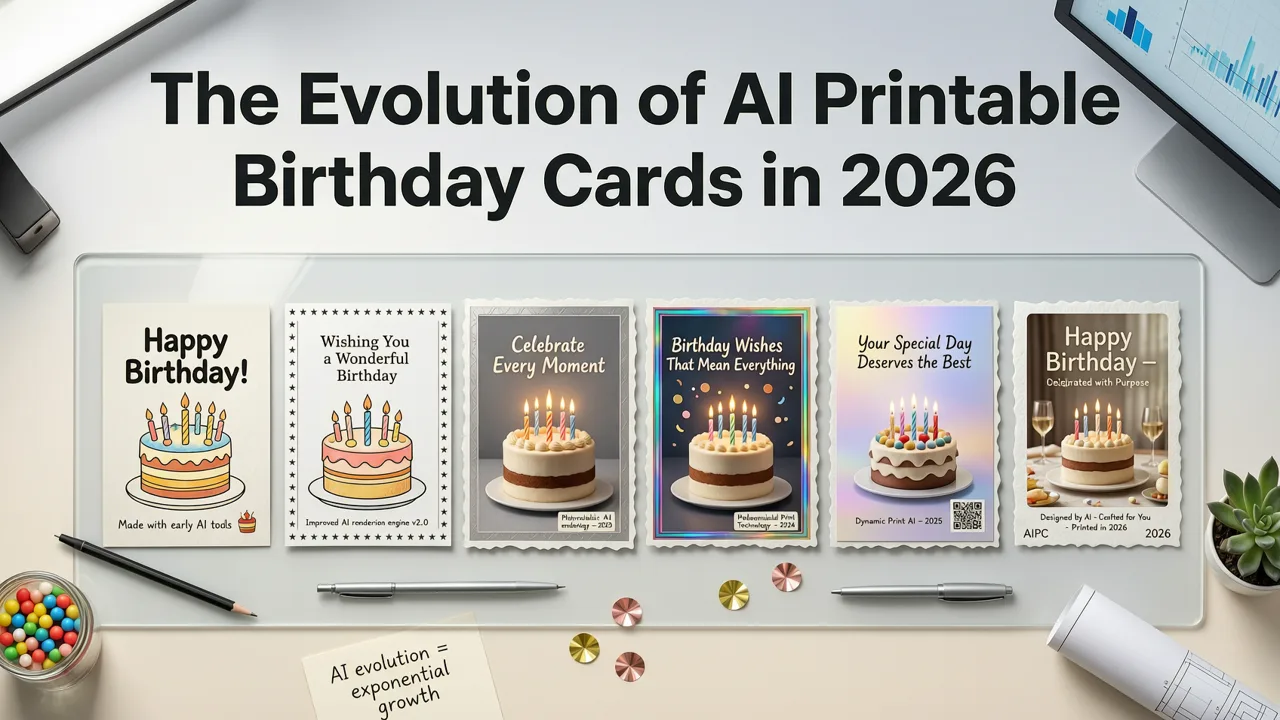
Creating a personalized, high-quality birthday card used to require hours of manual layout adjustments, expensive software, or hiring a professional designer. Today, the landscape has shifted entirely. The best ai printable birthday cards are generated in minutes, combining advanced image synthesis with automated print-ready formatting.
If you are looking for quick downloads and professional results, modern AI invitation makers bridge the gap between digital convenience and physical print quality. These platforms understand print specifications—such as bleed areas, CMYK color profiles, and high-DPI resolution—ensuring that your digital design looks flawless once printed on physical cardstock.
What Makes the Best AI Printable Birthday Cards Stand Out
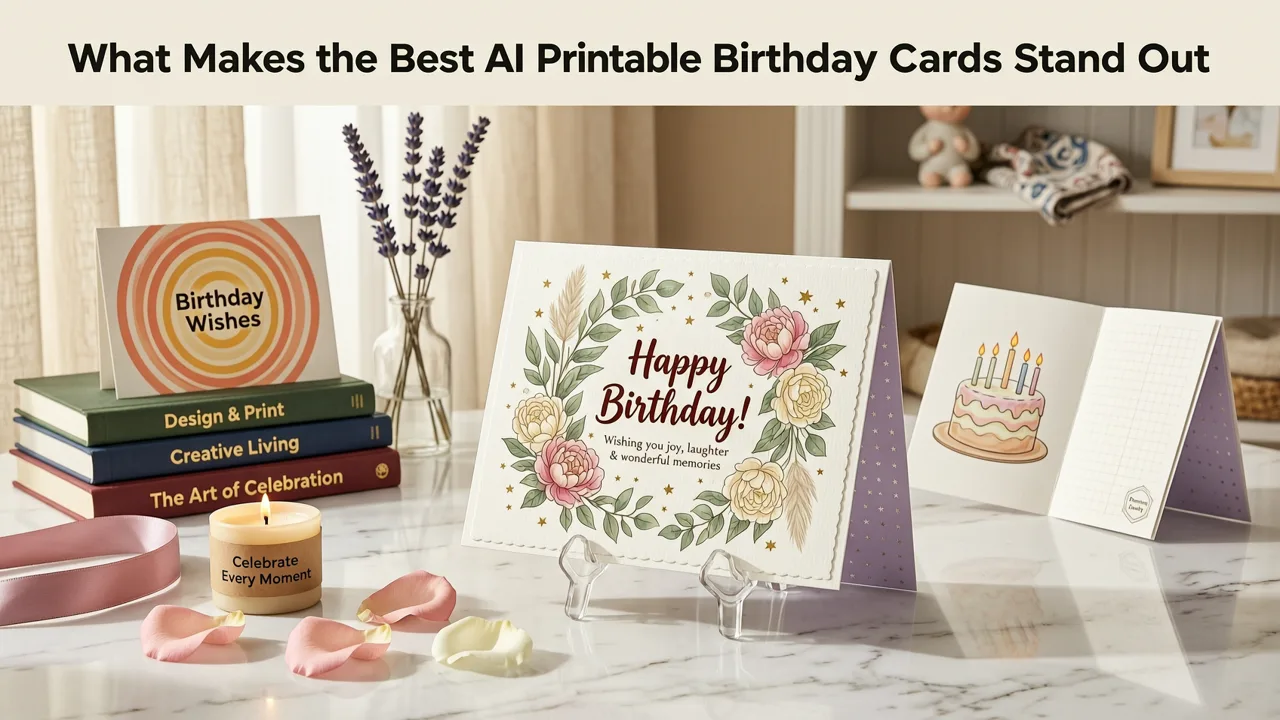
Not all AI image generators are built for print. Many basic tools output low-resolution web images that look pixelated when printed. The leading AI card makers in 2026 differentiate themselves by integrating print-specific engineering directly into their export pipelines.
High-Resolution Output and Vector Text
A true print-ready card must be exported at a minimum of 300 DPI (dots per inch). Advanced AI platforms render the background artwork using neural networks while keeping the typography as scalable vector graphics. This ensures that the text remains razor-sharp, regardless of the physical dimensions of the card.
Automated Bleed and Crop Marks
When sending a design to a professional printer, the image must extend beyond the final cut line to prevent white borders. Top-tier AI tools automatically calculate and apply a standard 0.125-inch bleed, generating crop marks that align perfectly with commercial cutting equipment.
CMYK Color Conversion
Screens display colors in RGB, but printers use CMYK. A major advantage of specialized AI card makers is their ability to convert the color profile during export, ensuring that vibrant digital blues and neon greens translate accurately to physical ink without looking muddy.
Key Features to Evaluate in an AI Card Generator
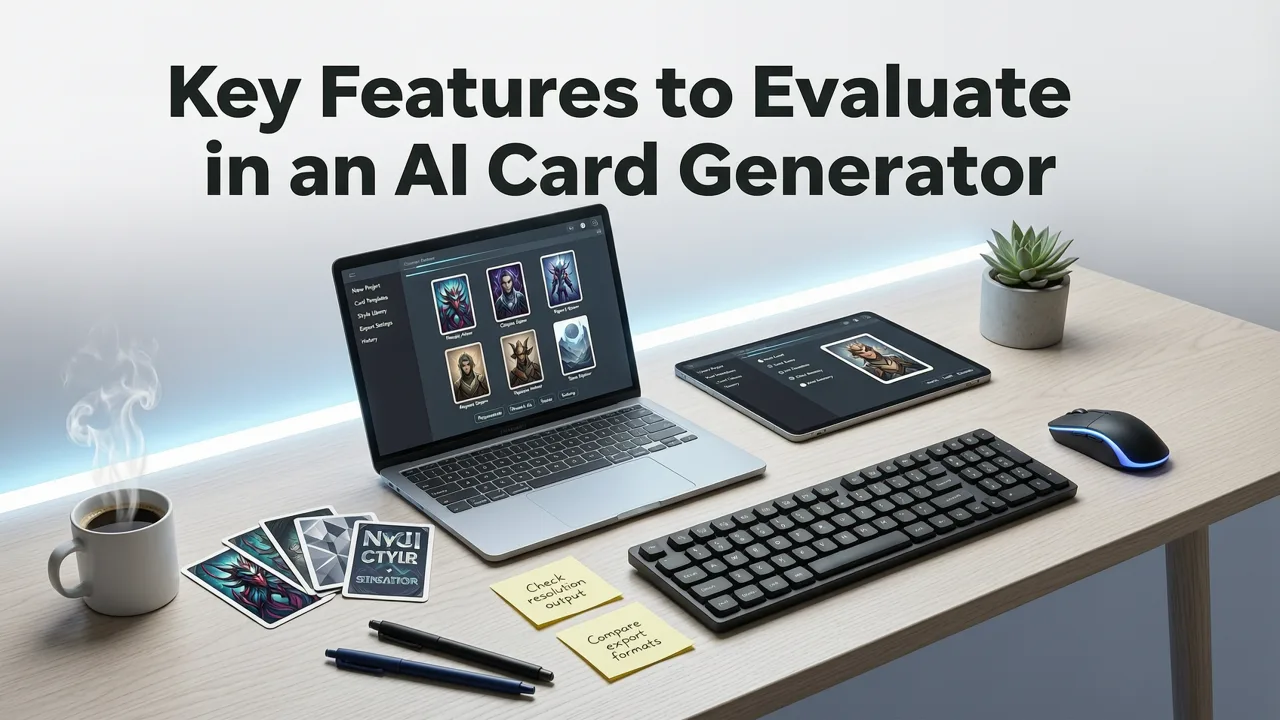
When selecting a platform to create your designs, look beyond the initial prompt interface. The true value lies in the export and customization capabilities.
- Print-Ready Templates: Pre-sized layouts for standard card dimensions (e.g., 5x7 inches, A6, or folded 5x10 inches).
- Style Consistency: The ability to lock in a specific aesthetic, ensuring that generated background patterns do not clash with the text.
- Batch Customization: Features that allow you to generate multiple variations or personalize names for a large party guest list.
- Format Flexibility: Export options that include PDF for print, and PNG or JPEG for digital sharing via messaging apps.
For those interested in the broader aesthetic trends driving these designs, exploring current visual styles can help you craft better prompts and achieve more unique results. You can find extensive inspiration in our guide on 27 Birthday Invitation Design Ideas for 2026, which covers everything from minimalist layouts to cultural pattern fusions.
How to Create AI Printable Birthday Cards in Minutes
The workflow for generating a professional card has been streamlined to eliminate technical bottlenecks. Here is the standard process for moving from a blank canvas to a downloadable, print-ready file.
Step 1: Define the Print Parameters
Begin by selecting your physical card size and orientation. Whether you need a standard folded card or a flat postcard, setting the canvas size first ensures the AI generates artwork at the correct aspect ratio.
Step 2: Craft a Detailed Prompt
Describe the visual style, subject matter, and mood. Instead of a generic prompt, specify the art style, lighting, and color palette. For example: 'Watercolor illustration of a golden retriever wearing a party hat, soft pastel background, elegant and minimalist, leaving negative space for text.'
Step 3: Add and Format Typography
Once the background is generated, overlay your text. Use the platform's typography tools to adjust kerning, leading, and font weight. Ensure there is sufficient contrast between the text and the background image.
Step 4: Enable Print Enhancements
Toggle the print-ready settings. This step automatically applies the 300 DPI upscaling, converts the color space to CMYK, and adds the necessary bleed margins.
Step 5: Download and Print
Export the final file as a high-quality PDF. You can now send this file to a local print shop or use premium cardstock on a high-end home inkjet or laser printer.
AI Card Makers vs. Traditional Design Software
To understand the commercial value of AI-driven platforms, it is helpful to compare them against traditional design methods. The following table breaks down the differences in workflow, accessibility, and output quality.
| Feature | AI Print Card Makers | Traditional Software (e.g., Photoshop) | Hand-Drawn / Illustrated |
|---|---|---|---|
| Setup Time | Under 2 minutes | 15 to 30 minutes | Several hours to days |
| Design Skill Required | None (Prompt-based) | High (Steep learning curve) | Expert (Requires artistic training) |
| Print-Ready Automation | Automated (Bleed, CMYK, 300 DPI) | Manual setup required | Manual scanning and vectorizing |
| Cost Efficiency | Low (Subscription or freemium) | High (Expensive licenses) | Very High (Commissioning an artist) |
| Customization Speed | Instant variations | Slow (Manual adjustments) | Slow (Redrawing required) |
Best Practices for Printing Your AI-Generated Cards
Downloading a high-resolution file is only half the process. The physical presentation of the card relies heavily on the materials and printing methods you choose.
Selecting the Right Paper Weight
For a premium feel, avoid standard copy paper. Look for cardstock ranging from 80 lb to 110 lb cover weight. A heavier stock provides the rigidity expected of a high-quality greeting card and prevents ink bleed-through.
Choosing Between Matte and Glossy Finishes
The finish of the paper dramatically alters the appearance of the AI-generated artwork. Matte finishes are ideal for watercolor, sketch, or elegant minimalist designs, as they reduce glare and enhance readability. Glossy or semi-gloss finishes work best for vibrant, photographic, or highly saturated digital art styles.
Home Printing vs. Professional Services
If you are printing at home, ensure your printer supports borderless printing and thick media trays. For larger batches or specialized finishes like foil stamping and embossing, utilize a professional online or local print service. Always request a single physical proof before committing to a large print run.
Navigating the AI Design Ecosystem Responsibly
As AI tools become more prevalent in commercial and personal design, understanding the underlying technology and ethical guidelines is crucial. The architecture of these generators relies on complex neural networks, and understanding how they process prompts can improve your results. The OpenAI documentation provides deep insights into how large language and image models interpret structural instructions.
Furthermore, when creating designs that might be used for commercial purposes or public distribution, it is important to adhere to responsible AI practices. Following frameworks like the Google AI guidance ensures that your generated content avoids copyright infringement and respects intellectual property boundaries, such as avoiding the replication of trademarked characters or protected artistic styles.
For those looking to transition from casual users to professional designers, the industry is beginning to recognize formal educational pathways. While standalone degrees are still emerging, organizations and platforms are stepping up to support this new skill set. You can explore opportunities like the Inviteos Scholarship Program to see how the industry is investing in the next generation of AI design professionals.
Conclusion and Next Steps
The era of settling for generic, store-bought birthday cards is over. With the best ai printable birthday cards platforms available today, you can generate stunning, highly personalized, and print-ready designs in a matter of minutes. By leveraging automated bleed settings, CMYK conversion, and high-DPI exports, you ensure that your digital creativity translates perfectly to the physical world.
Ready to elevate your event stationery? Start exploring AI-powered templates and create your first print-ready birthday card today. Visit our platform to access premium designs, customize your layouts, and download your files instantly.
More on birthday invitations and cards
Related posts

2026-08-03
AI Birthday Invitation Maker: Digital Invites
Looking for the best AI birthday invitation maker in 2026? Inviteos lets you generate personalized, on-brand birthday invites in under 90 seconds—no design skills needed.

2026-08-05
27 Birthday Invitation Design Ideas for 2026
Discover 27 fresh, AI-powered birthday invitation design ideas for 2026 — minimalist, animated, cultural, eco-conscious, and more. All optimized for sharing,

2026-09-04
Free Printable Birthday Invitation Template (2026 AI-Designed)
Grab a free printable birthday invitation template designed by AI in 2026. Customize, print, and share polished invites in minutes — no design skills required.
Next steps
Make your own invitation with the Inviteos AI Invitation Maker app, compare the weekly and yearly plans, or contact support. You can also explore localized pages like United Kingdom or Germany.