
Published · By the Inviteos team · 6 min read
Last Minute Printable Birthday Cards: The 2026 AI Design Guide
Need last minute printable birthday cards? Discover how AI tools in 2026 help you create, customize, and print stunning designs in minutes.

Recommended next
On this page
- The Evolution of Last Minute Printable Birthday Cards in 2026
- How to Design AI-Generated Printable Cards
- Top Design Trends for Printable Cards in 2026
- Print-Ready Specifications: A Quick Reference Table
- Navigating AI Guidelines and Ethical Design
- Common Mistakes to Avoid When Printing at Home
- Bringing Your Designs to Life
The Evolution of Last Minute Printable Birthday Cards in 2026
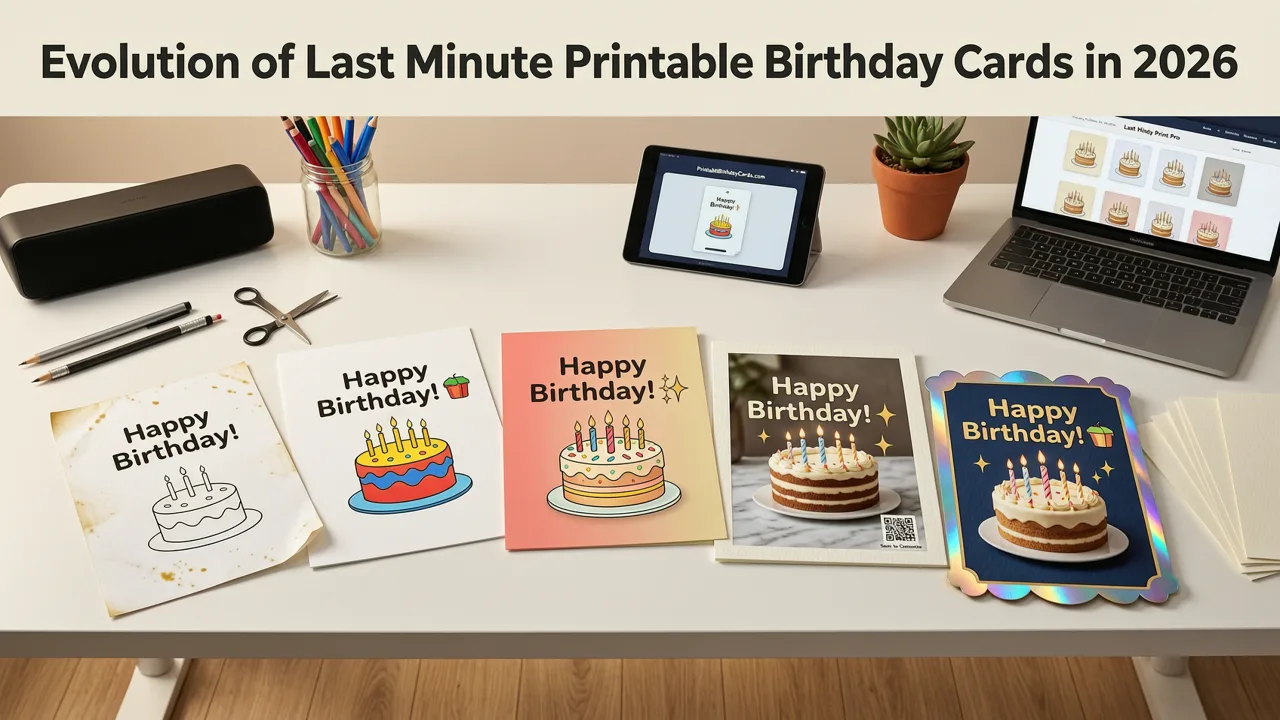
Forgetting a birthday happens to the best of us, but scrambling for a greeting card at the last minute no longer means settling for generic, store-bought options. If you need last minute printable birthday cards in 2026, AI-powered design platforms are your fastest and most effective solution. By combining generative AI with print-ready formatting, you can create highly personalized, high-resolution cards in a matter of minutes, completely bypassing the need for design skills or physical store runs.
The landscape of digital design has shifted dramatically over the past few years. In the past, last-minute DIY cards meant dragging and dropping basic clipart onto a rigid template. Today, AI understands context, typography, and physical print constraints. You can now prompt an AI to generate a watercolor illustration with perfectly kerned typography, sized exactly to a standard 5x7 inch card with the correct bleed margins.
How to Design AI-Generated Printable Cards
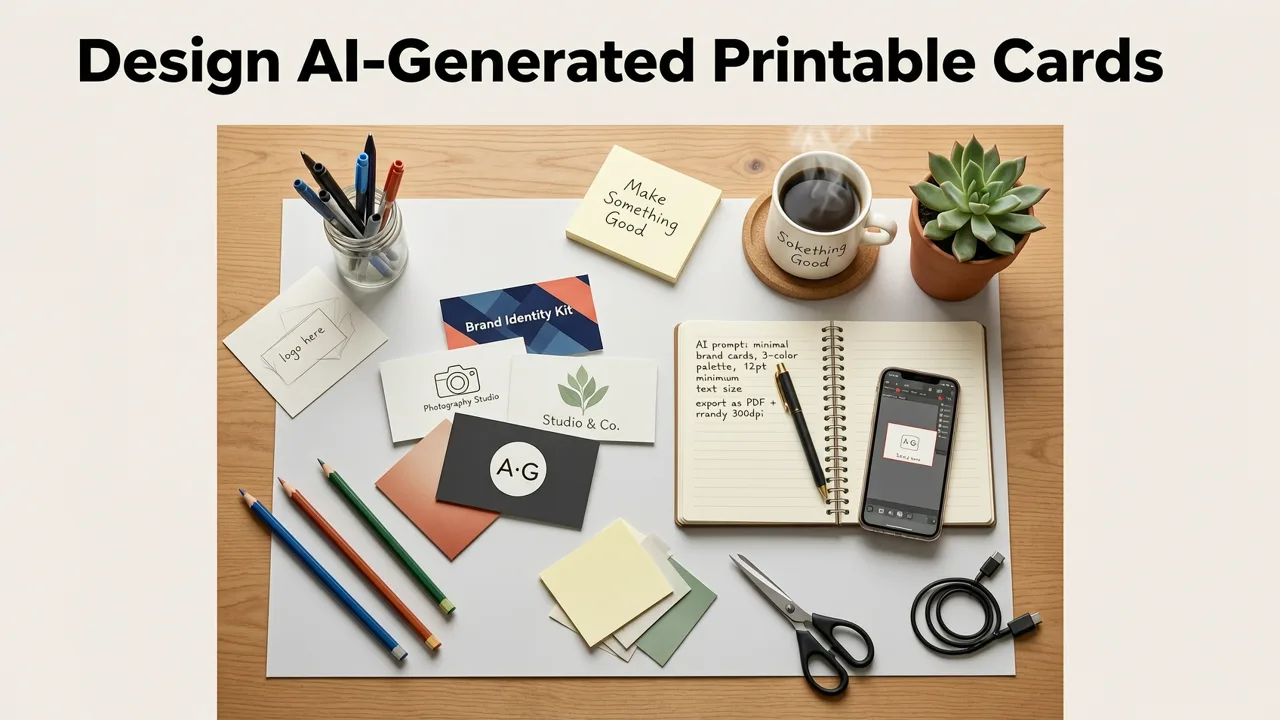
Creating a professional-grade card at home requires a slightly different approach than designing for a digital screen. Here is a step-by-step workflow to ensure your last-minute creation looks intentional and polished when printed.
1. Craft a Context-Rich Prompt
Modern AI design tools respond best to detailed prompts. Instead of asking for a simple birthday card, specify the recipient's interests, the desired art style, and the mood. For example, prompt the AI for a minimalist botanical design with elegant serif typography for a 40th birthday, leaving ample negative space for a handwritten message.
2. Select the Right Base Template
While AI can generate beautiful standalone artwork, combining it with a structured layout ensures readability. Many AI invitation and card makers offer base templates optimized for print. You can explore various layouts and styles to find the perfect foundation for your design, similar to the curated approaches found in 27 Birthday Invitation Design Ideas for 2026.
3. Configure Print Dimensions and Bleed
Before finalizing your design, ensure the canvas is set to physical dimensions. A standard greeting card is typically 5x7 inches (folded to 5x3.5) or a flat 5x7 inch cardstock. Always include a 0.125-inch bleed area on all sides to prevent white borders when your home printer cuts the paper.
4. Export in High Resolution
Never print directly from a web browser or a low-resolution JPEG. Export your final design as a PDF or a PNG with a minimum resolution of 300 DPI (dots per inch) to ensure crisp text and vibrant colors on physical paper.
Top Design Trends for Printable Cards in 2026
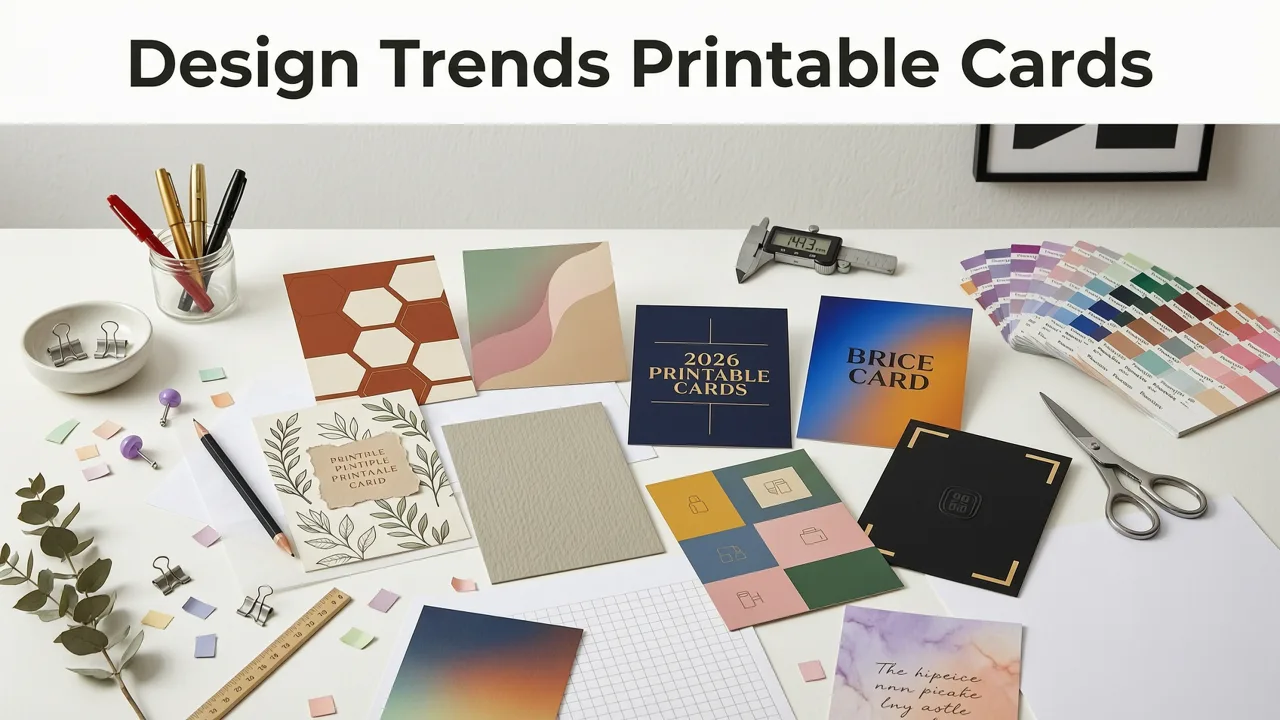
If you want your last-minute card to look like it took weeks to design, lean into the aesthetic trends dominating the physical stationery space this year.
- Hyper-Personalized Illustrations: AI can now transform a simple description or a reference photo into a cohesive illustration style, such as vintage linocut or modern flat vector, making the card feel bespoke.
- Textured Backgrounds: Flat digital colors can look dull on paper. Designers are using AI to generate subtle paper textures, like cold-press watercolor or recycled kraft, which print beautifully and add a tactile feel.
- Minimalist Typography: Overcrowded designs are out. The 2026 trend favors striking, oversized typography paired with a single, small AI-generated motif, allowing the message to take center stage.
The rapid advancement of these design capabilities is reshaping the industry, driving a surge in professional interest that has even led to new educational pathways, such as the AI Greeting Card Design Scholarship Opportunities in 2026.
Print-Ready Specifications: A Quick Reference Table
When designing last minute printable birthday cards, selecting the correct physical dimensions is critical. Use the table below to ensure your AI-generated design matches your chosen paper stock.
| Card Format | Final Trim Size | Canvas Size (with Bleed) | Recommended Paper Weight |
|---|---|---|---|
| Standard Greeting Card | 5 x 7 inches | 5.25 x 7.25 inches | 80 lb to 100 lb Cover |
| Compact / Note Card | 4.25 x 5.5 inches (A2) | 4.5 x 5.75 inches | 65 lb to 80 lb Cover |
| Square Card | 5 x 5 inches | 5.25 x 5.25 inches | 80 lb Cover |
| European Standard (A6) | 105 x 148 mm | 111 x 154 mm | 250 gsm to 300 gsm |
Navigating AI Guidelines and Ethical Design
When utilizing generative models to create elements for your physical cards, it is important to understand the underlying technology and its responsible use. Referencing Google AI guidance helps designers ensure their prompts respect copyright, avoid generating biased imagery, and align with ethical design principles.
Additionally, understanding the technical limitations of the models you are using is crucial for print design. Consulting the OpenAI documentation provides clarity on aspect ratio constraints, upscaling capabilities, and resolution limits, ensuring you do not attempt to export an image at a physical size that exceeds the model's native generation capabilities.
Common Mistakes to Avoid When Printing at Home
Even the best AI design can fall flat if the physical printing process is mishandled. Avoid these common pitfalls to ensure your last-minute card looks professional.
Ignoring Color Profiles
Monitors display colors in RGB (Red, Green, Blue), while printers use CMYK (Cyan, Magenta, Yellow, Key/Black). Highly saturated neon colors generated by AI in RGB will look dull and muddy when printed in CMYK. Stick to rich, natural tones, or use a conversion tool to preview how your colors will shift on paper.
Forgetting the Safe Zone
Beyond the bleed area, you must account for a safe zone. Keep all critical text and essential design elements at least 0.25 inches away from the trim edge. Home printers are rarely perfectly aligned, and a slight shift can cut off your message.
Using the Wrong Paper
Standard office copy paper (usually 20 lb bond) is too thin for a greeting card and will feel cheap. Invest in a ream of dedicated cardstock. Matte finishes generally yield a more premium, artistic look for AI-generated illustrations, while glossy finishes can sometimes cause ink to smudge or create glare under indoor lighting.
Bringing Your Designs to Life
Creating last minute printable birthday cards does not have to be a stressful experience or result in a generic outcome. With the right AI tools and a basic understanding of print specifications, you can design, format, and print professional-grade cards from the comfort of your home in a fraction of the time it takes to visit a store.
Ready to elevate your event design process? Explore the AI Invitation Maker at Inviteos to generate polished, share-ready, and print-ready digital invites and cards in minutes, ensuring you never miss a moment to celebrate.
More on birthday invitations and cards
Related posts

2026-08-03
AI Birthday Invitation Maker: Digital Invites
Looking for the best AI birthday invitation maker in 2026? Inviteos lets you generate personalized, on-brand birthday invites in under 90 seconds—no design skills needed.

2026-08-05
27 Birthday Invitation Design Ideas for 2026
Discover 27 fresh, AI-powered birthday invitation design ideas for 2026 — minimalist, animated, cultural, eco-conscious, and more. All optimized for sharing,

2026-09-04
Free Printable Birthday Invitation Template (2026 AI-Designed)
Grab a free printable birthday invitation template designed by AI in 2026. Customize, print, and share polished invites in minutes — no design skills required.
Next steps
Make your own invitation with the Inviteos AI Invitation Maker app, compare the weekly and yearly plans, or contact support. You can also explore localized pages like United Kingdom or Germany.