

Inviteos home
WeddingBirthdayGreeting cardsGuidesPricingAbout
Get the App
Inviteos homeInviteosGet the App
  1. Home
  2. United Kingdom

AI Invitation Maker for Weddings, Birthdays and Parties

Inviteos is an AI invitation maker for iPhone and iPad, built by Devsrank Pvt. Ltd. and used by people around the world. Add your event details, choose a style, and get a finished invitation for a wedding, birthday, baby shower, party or business event, ready to download or share.
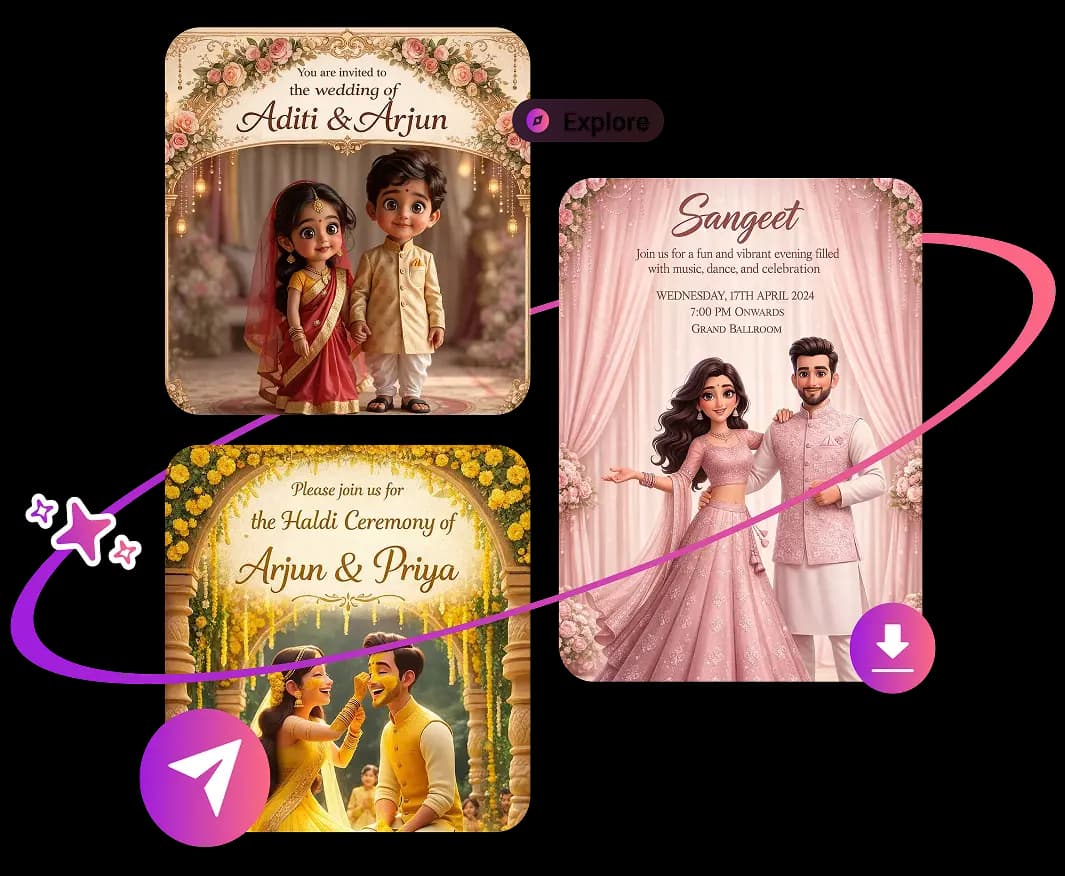
Download Free on the App StoreSee How It Works
AI Invitation Maker app creating a modern digital event invitation

AI Invitation Maker Explained

What Is an AI Invitation Maker?

An AI invitation maker helps turn your event details and style choices into a personalised invitation card. With Inviteos, you can make invitations for weddings, birthdays, parties and other occasions, as well as greeting cards.

Why Use an AI Invitation Maker?

Save time with smart invitation templates, personalised wording, coordinated designs and high-quality downloads. Create a share-ready card without hiring a designer or starting from a blank canvas.

  • AI invitation card templates for weddings birthdays and parties
    AI Invitation Cards
  • AI greeting card maker for announcements and celebrations
    AI Greeting Cards

How Do You Make an Invitation With AI?

Turn event details into a finished invitation card with a simple flow built for hosts, planners, families and small teams.

Step 1

Choose the Occasion

Pick the event type so the AI invitation maker can match the tone and layout to the moment. Create designs for weddings, birthdays, anniversaries, baby showers, bridal showers, graduations, holiday parties and corporate events.
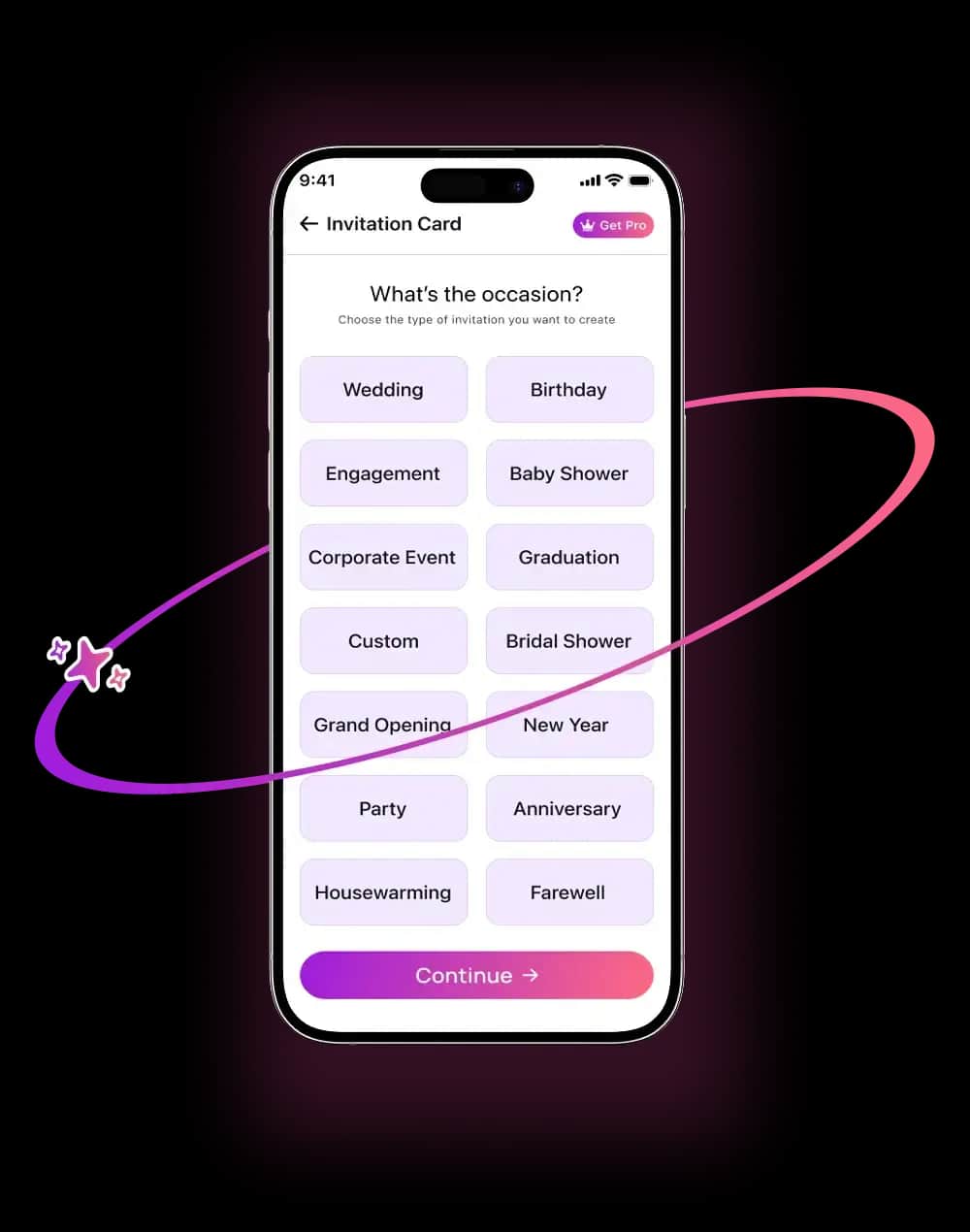
Choosing an event type in an AI Invitation Maker workflow
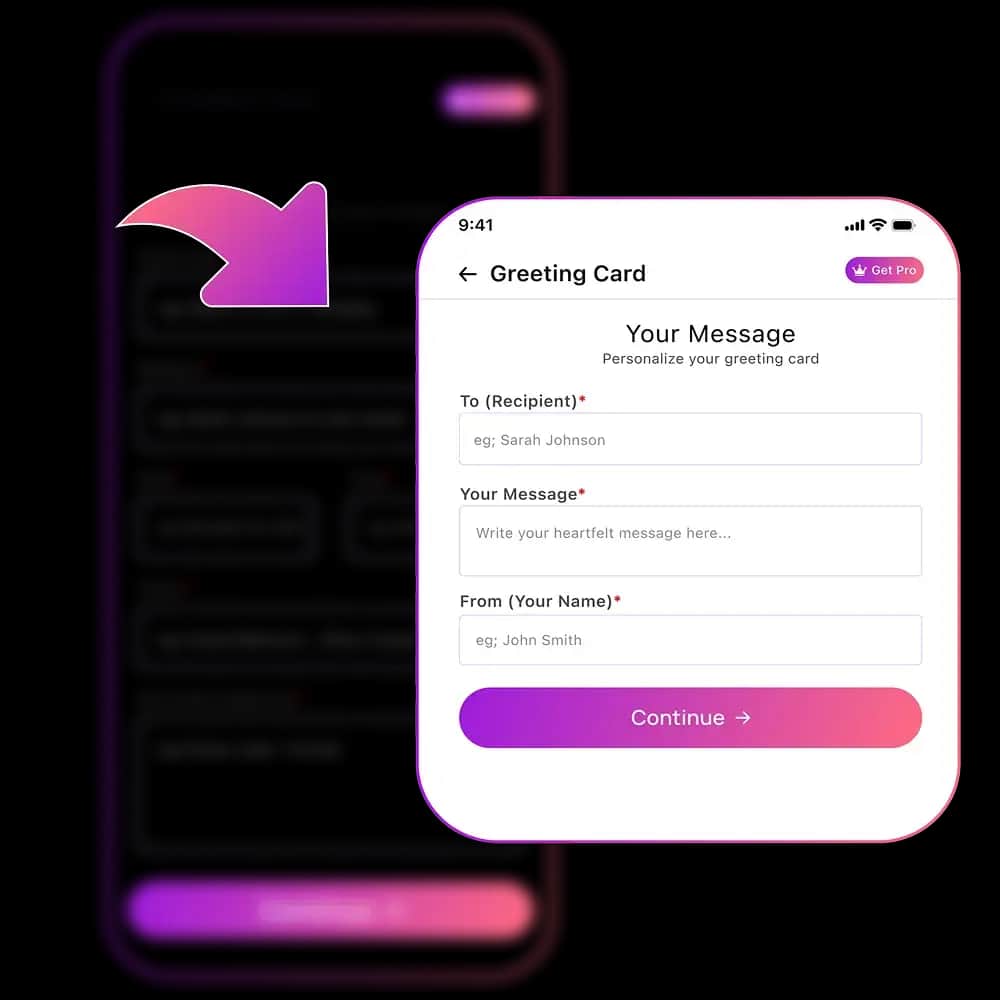
Adding event details to generate a custom digital invitation card
Step 2

Add Event Details

Enter names, date, time, location, dress code, host notes and a short message. The app places the information into a balanced invitation card design so the final result feels clear and polished.

Step 3

Choose Your Style

Select a visual direction such as modern, elegant, floral, minimalist, classic, playful or luxury. The AI invite generator adapts fonts, spacing, imagery and composition to match your event theme.
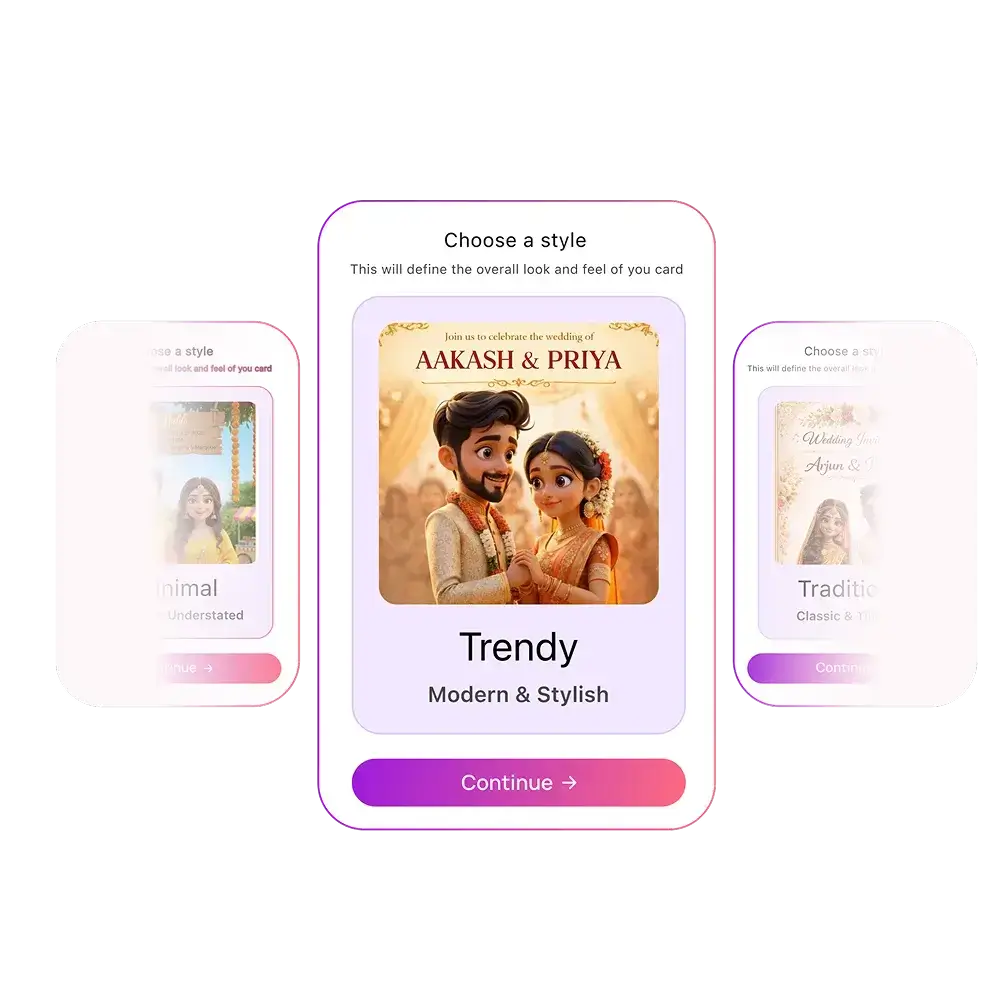
Choosing a design style for an AI generated invitation
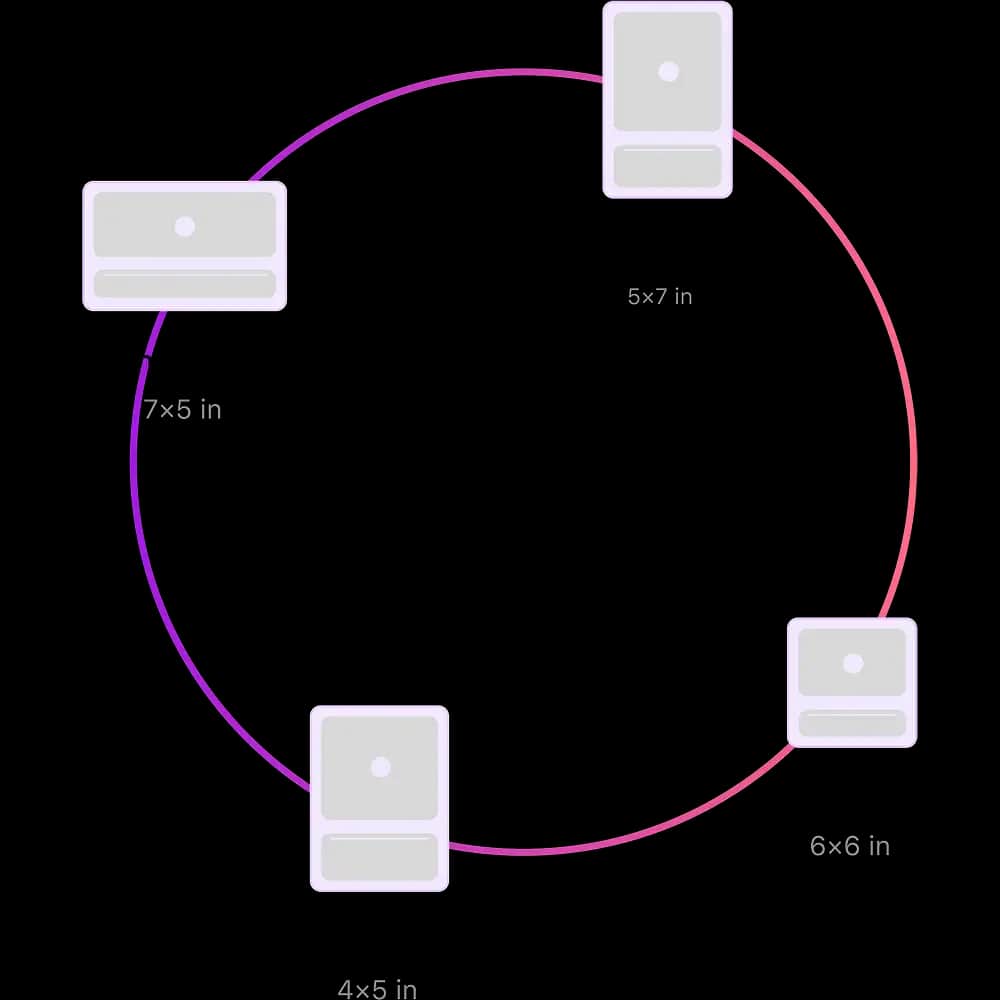
Selecting invitation card sizes for mobile sharing and printing
Step 4

Pick the Right Size

Create invitation cards in formats that look sharp on phones, social stories, messages, email and printable layouts. Each size keeps the text readable and the design ready for the channel you plan to use.

Step 5

Preview and Download

Review the final invitation before sharing. Download a high-quality digital invite for messages, email, social media or print so your guests receive a clean, professional design.
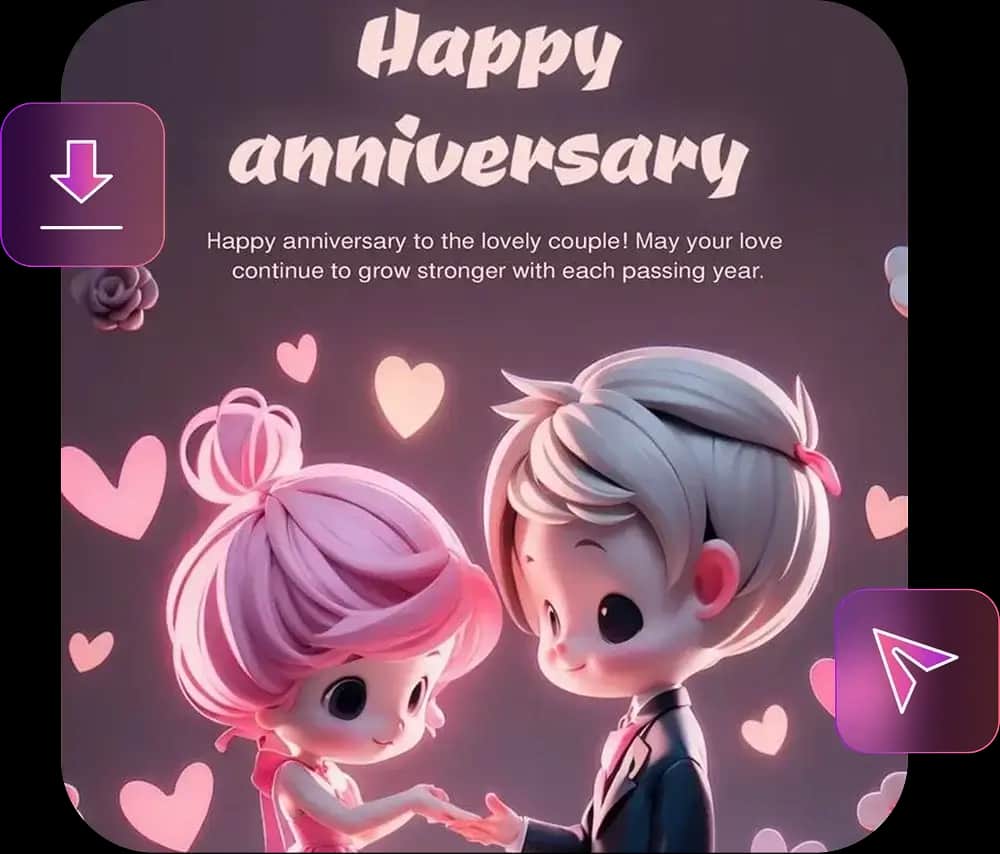
Previewing and downloading a finished AI invitation card
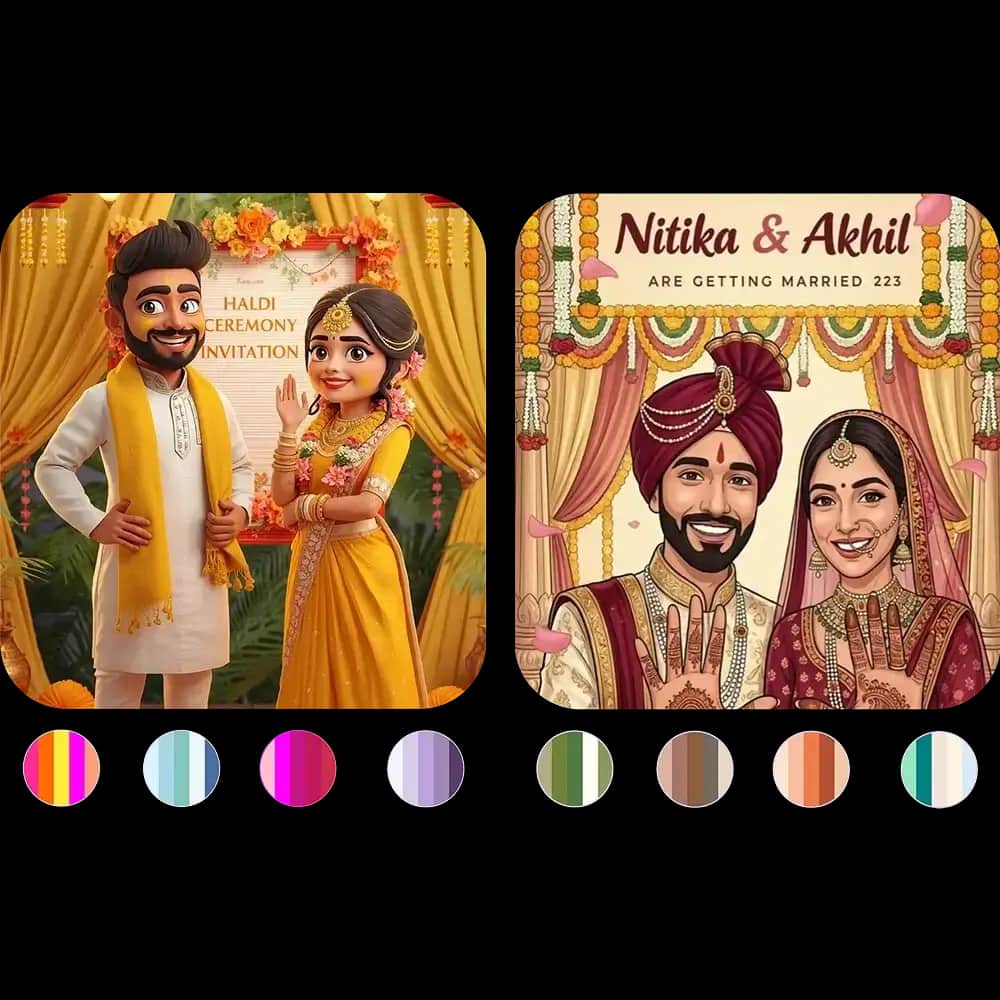
Refining colour palettes for a personalised AI invitation design
Step 6

Refine the Colour Palette

Choose soft pastels, bold accents, seasonal colours, elegant neutrals or a custom palette. The AI invitation design tool keeps the layout cohesive while helping your card feel personal.

What Kinds of Invitations Can You Make?

Explore digital invitation templates and AI-generated card styles for weddings, birthdays, baby showers, business events, parties, announcements and seasonal celebrations.


Haldi ceremony invitation with an illustrated couple in yellow outfits and marigold decorations
Engagement and sangeet invitation with a couple dancing under a floral arch
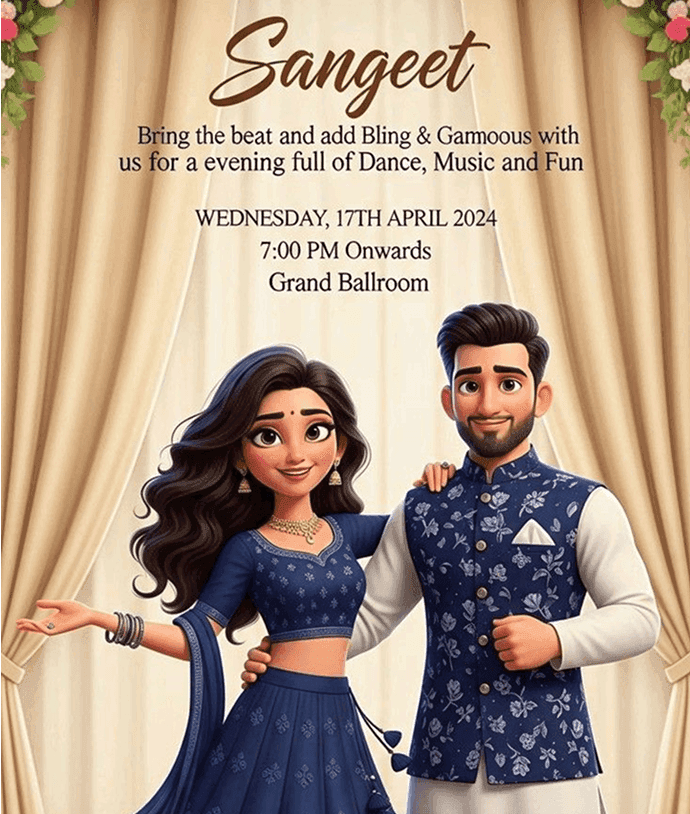
Sangeet night invitation with a couple in navy outfits and the date, time and venue
Mehndi night invitation with a couple seated beside a dhol drum
We are getting married wedding invitation with an illustrated bride and groom
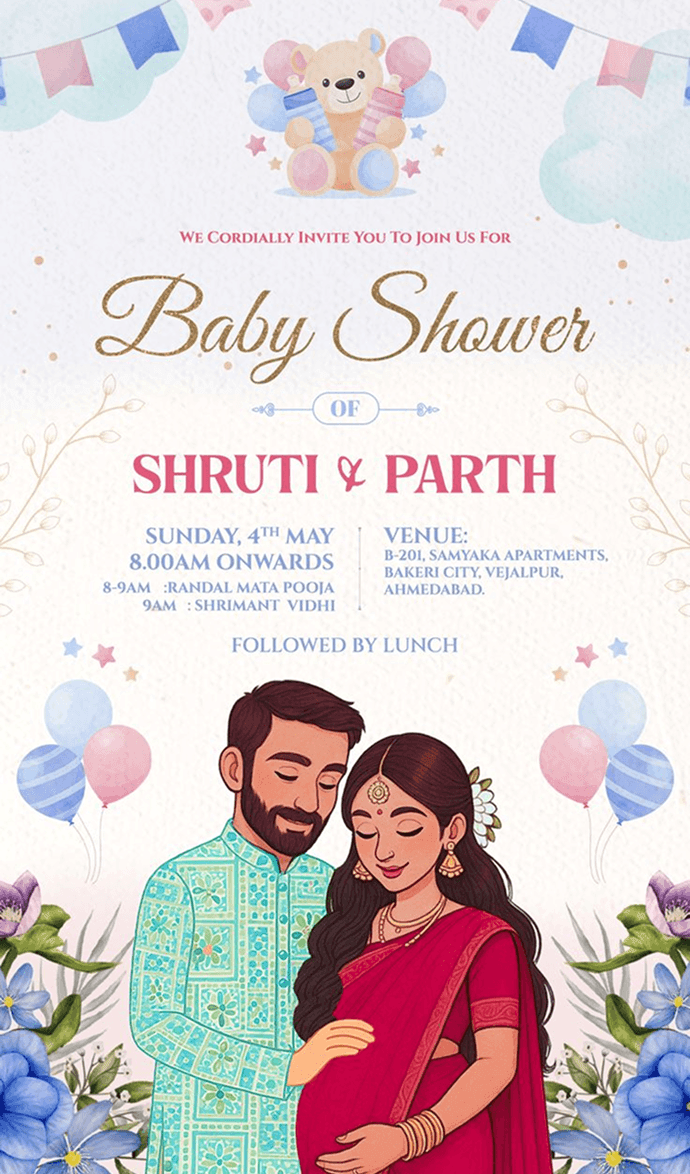
Baby shower invitation with a teddy bear, balloons and an expecting couple
Anniversary celebration invitation with a couple embracing in front of their initials
Happy anniversary invitation with a couple standing under a floral arch
Haldi invitation with a couple in yellow seated under a marigold arch
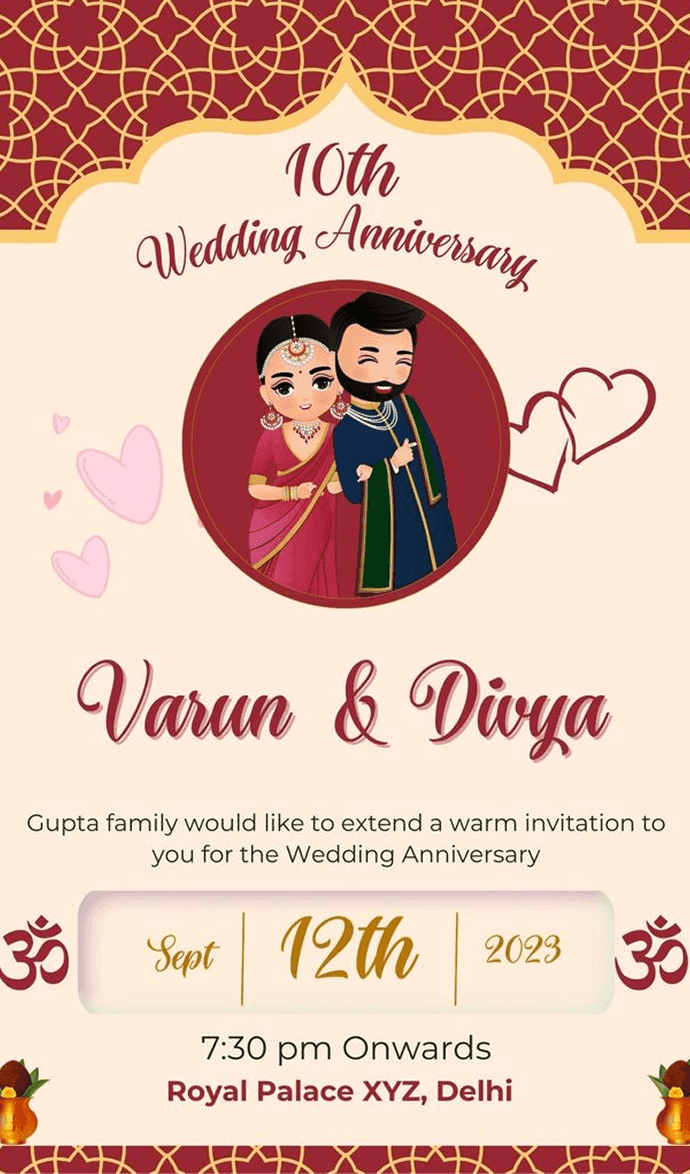
10th wedding anniversary invitation with a couple portrait and event details

Create Your AI Invitation Today

Turn your event idea into a finished card. Use Inviteos to generate the design, refine the message, download a high-quality invite and share it wherever your guests already are.

Get the App

95%

User Satisfaction

5

Rating out of 5

8 ratings
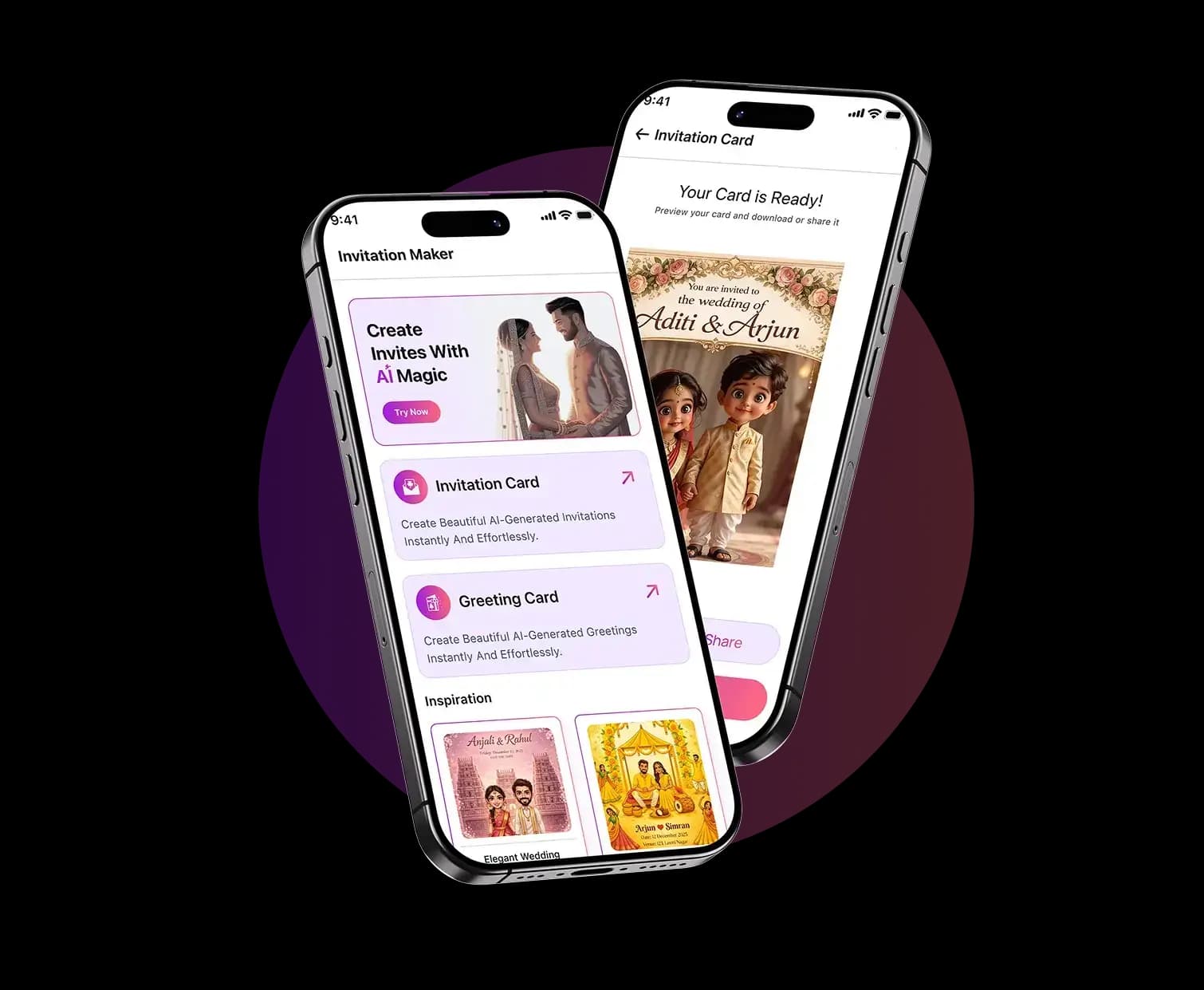
AI Invitation Maker app preview with invitation cards and greeting designs

Why Event Hosts Choose AI Invitation Maker

Creators use the app to save time, avoid blank-page design stress and send invitations that look polished on every screen.

★★★★★

Excellent app! It's incredibly intuitive and does exactly what it promises. Smooth interface and no glitches so far. Highly recommended!

Aa__irn

AI Invitation Maker FAQs

Need plan details? Compare our pricing or review the acceptable use policy. For help, you can also contact us.

An app that turns your event details into a finished invitation. You enter the occasion, date, time, place and a short message, choose a style, and it arranges the wording, fonts, colours and layout for you. Inviteos does this on iPhone and iPad.

Yes. You choose the occasion first, such as a wedding, birthday, baby shower, anniversary or party, so the layout and tone suit the event. Inviteos also makes greeting cards.

No. You add the details and pick a style; the app handles the layout, font pairing and spacing. You can change the colour palette before you download the card.

Yes. Download the finished card, then send it on WhatsApp, by email or on social media, or print it. Choose the size before you download so it fits where you are sending it.

Inviteos is free to download from the App Store for iPhone and iPad. Some features need a subscription, weekly or yearly, which you can cancel any time in your iPhone's Settings.

The app is free to download from the App Store. Subscriptions cost $2.99 a week or $14.99 a year and renew automatically until you cancel them in your Apple ID settings. The pricing page has the details.

Not yet. Inviteos is available for iPhone and iPad from the App Store. An Android app is planned.

On your iPhone or iPad, open Settings, tap your name, then Subscriptions, and choose Inviteos. Cancelling stops the next renewal, and you keep access until the end of the period you have already paid for.
Questions about creating digital invitations with AI Invitation Maker

Invitation and card guides

Guides from the Inviteos blog, one for each type of invitation and card.

  • Comparing AI invitation makers
  • Wedding invitations: what to include, wording and sizes
  • Haldi, mehndi and sangeet invitations
  • Birthday invitations: what to include and wording ideas
  • Greeting cards: writing the message, sending and printing
  • Baby shower invitations made with AI
  • Graduation invitations made with AI
  • What RSVP means on an invitation card
  • Invitation size and pixel calculator
  • Digital invitations for corporate events
Loading verification code...

Enter each uppercase letter, lowercase letter, and number exactly as shown.

We use your name and email only to reply to your message. Privacy policy

Need Help With Your Invitation?

Tell us what you are creating and our team will help with app support, billing questions, partnership requests or feedback about your invitation design experience.

support@inviteos.com
Office #112, 2nd Floor Kohinoor Plaza 1, Faisalabad, Punjab, Pakistan
+92 (300) 1234 968
Inviteos logo

Inviteos

Privacy PolicyTerms & ConditionsBlogAcceptable UsePricingManage SubscriptionRefundsCookie PolicyAbout

© 2026 Inviteos. Built by Devsrank Pvt. Ltd. All rights reserved

Support: support@inviteos.com