
2026-08-27 · 10 min read
Corporate Event Digital Invite Templates – Brand-Ready for 2026

Recommended next
Why a Corporate Event Digital Invite Still Sets the Tone in 2026
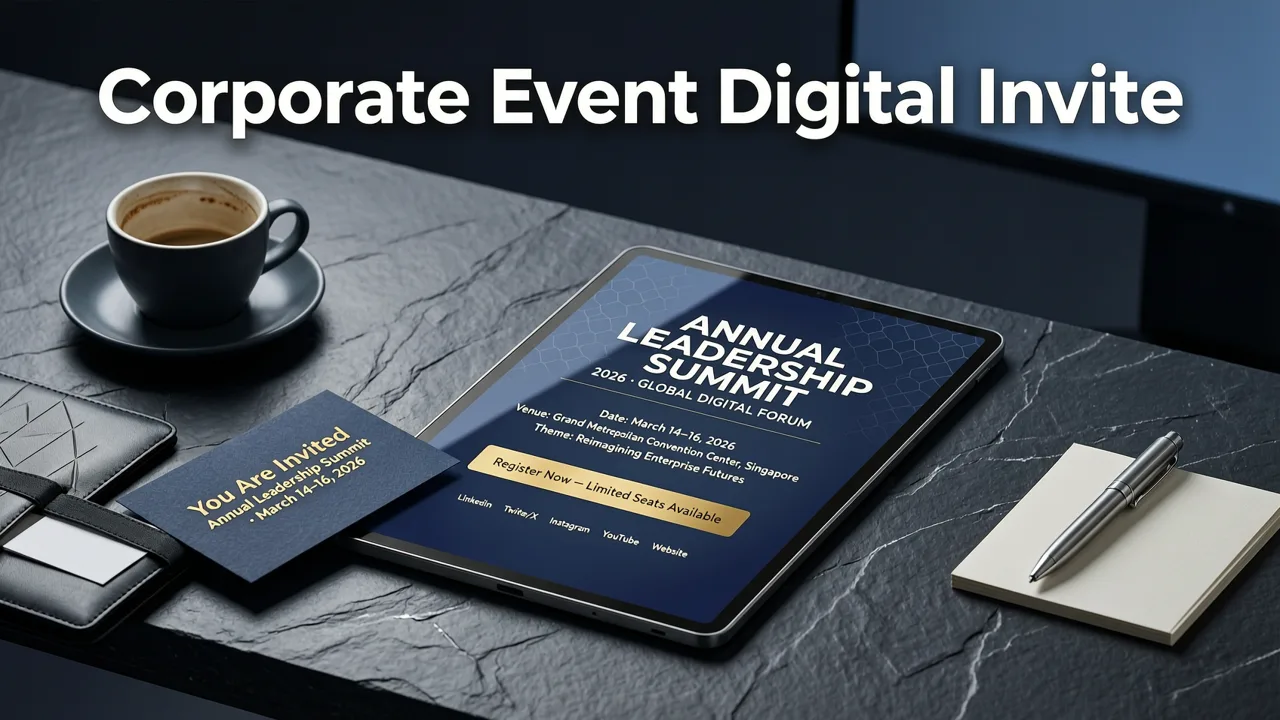
If you're searching for a corporate event digital invite that looks polished, aligns with your brand, and ships in minutes rather than weeks, you've landed in the right place. In 2026, the first impression of any business event — a product launch, annual gala, leadership summit, or client appreciation dinner — begins the moment a recipient opens the invitation. A thoughtfully designed digital invite signals professionalism, builds anticipation, and removes friction from the RSVP process.
The good news: you no longer need a design team, a printing budget, or a week of back-and-forth with an agency. AI-powered tools like Inviteos let event planners, marketing teams, and small business owners generate brand-ready invitations in minutes — complete with custom sizing, on-brand color palettes, and share-ready formats optimized for email, LinkedIn, WhatsApp, and SMS.
This guide walks you through exactly how to build a corporate event digital invite that reflects your brand identity, scales across attendee lists, and performs flawlessly across every device your guests use.
What Makes a Corporate Event Digital Invite Brand-Ready
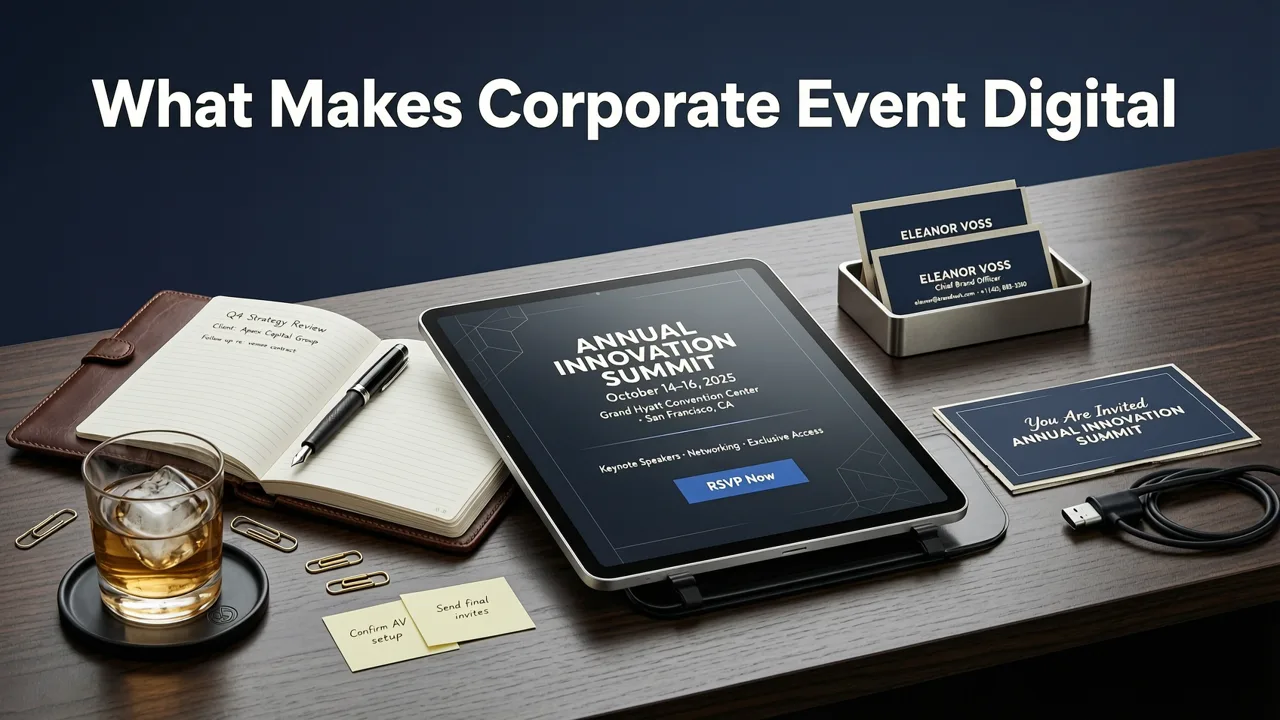
A brand-ready invitation does more than list the date and venue. It communicates your company's visual identity, tone, and attention to detail before a single attendee arrives. Here's what separates a generic template from a truly brand-ready corporate event digital invite.
Consistent Visual Identity
Your invite should mirror the same typography, color palette, and logo treatment your audience sees on your website, pitch decks, and marketing collateral. In 2026, AI design tools can ingest your brand guidelines and automatically apply them across every element — from header treatments to footer disclaimers.
Responsive, Multi-Platform Layouts
Recipients will open your invite on a 27-inch monitor, a tablet during a commute, or a phone between meetings. A brand-ready digital invite renders cleanly on every screen size without requiring the recipient to pinch, scroll horizontally, or squint at tiny text.
Clear Hierarchy and Scannable Content
Busy professionals scan before they read. The event name, date, time, location (or virtual link), and RSVP deadline should be immediately visible. Supporting details — dress code, agenda highlights, parking information — belong in a secondary tier.
Seamless RSVP Integration
A clickable RSVP button or embedded form eliminates the friction of email replies and spreadsheet tracking. For a deeper look at how RSVP conventions have evolved, the RSVP meaning in invitation card guide covers everything from traditional etiquette to modern digital workflows.
Corporate Event Types That Benefit Most from Digital Invites

Not every corporate event has the same invitation requirements. Here's a breakdown of common event types and the digital invite features that matter most for each.
| Event Type | Key Invite Features | Typical Distribution Channels |
|---|---|---|
| Product Launch | High-impact visuals, teaser countdown, brand video embed | Email, LinkedIn, press kit |
| Annual Gala / Awards Night | Elegant typography, dress code note, seating preview | Email, printed QR code card |
| Leadership Summit | Agenda highlights, speaker bios, session chooser | Email, internal portal, calendar attachment |
| Client Appreciation Event | Warm tone, personalized recipient name, map link | Email, WhatsApp, SMS |
| Team Offsite / Retreat | Logistics details, packing list, weather forecast | Slack, email, internal app |
| Webinar / Virtual Conference | One-click registration, time zone converter, calendar add | Email, LinkedIn, partner co-send |
How AI Makes Corporate Event Digital Invites Smarter in 2026
Artificial intelligence has fundamentally changed how business invitations are designed, localized, and distributed. Here's what's different now compared to even two years ago.
Intelligent Template Matching
Modern AI engines analyze your event type, industry, and brand assets to recommend templates that already feel on-brand. Instead of browsing hundreds of generic options, you receive a shortlist of designs pre-tuned to your context.
Automated Localization
If your event spans multiple regions, AI can generate localized versions of your invite — adjusting date formats, currency references, cultural imagery, and language — without manual redesign. This is especially valuable for multinational companies hosting simultaneous regional events.
Dynamic Content Blocks
AI-powered invites can pull in real-time data: remaining seat counts, live agenda updates, or personalized session recommendations based on the recipient's role. This transforms a static invitation into an interactive pre-event experience.
Accessibility by Default
Leading AI design tools now bake in accessibility standards — proper color contrast ratios, alt-text generation for images, and screen-reader-friendly layout structures — so your invite meets compliance requirements without extra effort. For context on responsible AI practices, Google's AI responsibility principles offer a useful framework that many design platforms now follow.
Step-by-Step: Creating Your Corporate Event Digital Invite
Here's a practical workflow for producing a professional corporate event digital invite using an AI-powered platform like Inviteos.
- Define your event parameters. Note the event name, date, time, venue or virtual link, expected attendance, and dress code. Having these details ready before you open the design tool cuts production time in half.
- Select a template category. Browse corporate, conference, gala, or launch templates. AI will surface options ranked by relevance to your event type and industry.
- Apply your brand assets. Upload your logo, input your brand hex codes, and select your primary typeface. The AI maps these across every design element automatically.
- Customize content blocks. Edit the headline, add speaker photos, insert an agenda preview, or embed a short brand video. Every element stays aligned to your grid and brand guidelines.
- Set your output size. Choose a standard format or upload custom dimensions. If your event requires a non-standard invite size — say, a LinkedIn banner format or a square Instagram story card — the custom size upload guide walks you through the process in under a minute.
- Preview across devices. Use real-time preview to see exactly how your invite renders on desktop, tablet, and mobile before you hit send.
- Export and distribute. Download as a high-resolution image, PDF, or shareable link. Paste directly into your email marketing tool, CRM, or messaging platform.
Design Trends Shaping Corporate Invites in 2026
Corporate event design has moved well beyond stiff, text-heavy layouts. Here are the trends defining what successful business invitations look like this year.
Motion Without Distraction
Subtle animated elements — a gently pulsing RSVP button, a slow-fade hero image, or a scrolling ticker with event details — add polish without overwhelming the recipient. These micro-animations work especially well in email and messaging app contexts.
Data Visualization as Design
For conferences and summits, embedding a clean infographic — attendee demographics, session tracks, or sustainability metrics — turns the invite itself into a content asset worth sharing.
Dark Mode Optimization
With a majority of professionals now using dark mode on their devices, top-tier digital invites include a dark-mode variant that preserves contrast, legibility, and brand color integrity.
Minimalist Luxury
Whitespace, restrained typography, and a single accent color communicate premium positioning more effectively than busy layouts. This trend dominates galas, awards nights, and executive retreats.
Common Mistakes to Avoid
Even experienced event planners stumble on a few recurring issues when producing corporate event digital invites. Avoiding these will save you time and protect your brand reputation.
- Ignoring mobile-first design. Over 60% of invites are opened on phones. If your text is too small or your layout breaks on narrow screens, you lose the recipient before they read the details.
- Overloading with information.An invite is not an agenda. Keep the primary card focused on the essentials and link to a full event page for deeper details.
- Skipping the proofing step.AI accelerates production, but it doesn't replace human review. Check every date, time zone, name spelling, and link before distribution.
- Forgetting the follow-up.Send a reminder sequence — typically one week out and one day out — using a visually consistent but lighter-weight design.
- Neglecting accessibility.Low-contrast text, missing alt attributes, and tiny clickable areas exclude attendees with disabilities and may violate regional compliance standards.
Scaling Invites for Large Attendee Lists
When your corporate event draws hundreds or thousands of attendees, manual invite creation isn't viable. Here's how to scale without sacrificing quality.
Batch Personalization
AI tools can merge recipient data — names, companies, ticket types, table assignments — into a single template, generating unique invites for each attendee in seconds. This level of personalization dramatically improves open rates and RSVP conversion.
CRM and Email Platform Integration
Connect your invite platform to tools like HubSpot, Salesforce, or Mailchimp so that invitation sends, opens, and RSVPs sync automatically to your attendee database. This eliminates double-entry and keeps your event operations streamlined.
Version Control for Multi-Track Events
If your event includes multiple tracks, VIP tiers, or regional variations, create master templates with modular content blocks. Swap sections as needed rather than redesigning from scratch for each variant.
Measuring Invite Performance
A corporate event digital invite isn't just a design deliverable — it's a marketing asset you can measure. Track these metrics to understand what's working and optimize future events.
- Open rate: What percentage of recipients viewed the invite? Low open rates suggest subject line or sender reputation issues.
- Click-through rate: How many recipients clicked the RSVP button or event details link?
- RSVP conversion: What percentage of those who opened the invite completed their registration?
- Share rate: Did recipients forward the invite or share it on social channels? High share rates indicate strong design and compelling content.
- Device breakdown: Which devices did recipients use to open the invite? Use this to prioritize future design decisions.
How Inviteos Streamlines Corporate Event Digital Invites
Inviteos was built for exactly this use case: fast, professional, brand-aligned invitations without the overhead of traditional design workflows. Whether you're planning an intimate client dinner or a 2,000-person conference, the platform adapts to your needs.
Key capabilities include AI-powered template recommendations, custom size uploads for any distribution channel, real-time cross-device preview, and one-click export in multiple formats. The platform also supports the full range of event types — from birthday celebration designs to formal wedding invitation templates — so your team can use a single tool across every event your organization hosts.
For teams evaluating AI design platforms, it's worth understanding how these systems are built and governed. The OpenAI documentation provides useful technical context on how modern AI models process design inputs and generate outputs — knowledge that helps you set realistic expectations and provide better prompts.
Frequently Asked Questions
What file formats should I export my corporate event digital invite in?
For email distribution, export as a high-resolution PNG or JPG (150–300 DPI). For landing pages and social sharing, a compressed web-optimized PNG works best. If recipients need to print the invite locally, offer a PDF option as well.
Can I add my company logo and brand colors to an AI-generated template?
Yes. Most AI invitation platforms, including Inviteos, allow you to upload your logo and input brand hex codes. The AI automatically maps these across every design element to maintain visual consistency.
How far in advance should I send a corporate event digital invite?
For in-person events, send the initial invite three to six weeks in advance. For virtual events or webinars, two to three weeks is standard. Always follow up with a reminder one week and one day before the event.
Is it possible to personalize invites for each attendee at scale?
Absolutely. AI-powered batch personalization lets you merge recipient names, companies, ticket types, and other variables into a single template — generating hundreds or thousands of unique invites in minutes.
Start Designing Your Corporate Event Digital Invite Today
Your next corporate event deserves an invitation that matches the quality of the experience you're planning. With AI-powered design tools, brand-ready templates, and multi-channel distribution, there's no reason to settle for generic or last-minute invites. Open Inviteos, select your template, apply your brand assets, and send a corporate event digital invite that sets the right tone from the very first impression.
Related Articles
Related posts


Next steps
Start on the homepage, or jump to the main CTA via contact. You can also explore localized pages like United Kingdom or Germany.