
2026-08-17 · 9 min read
Free AI Greeting Card Template: No Design Skills Needed in 2026

Recommended next
Free AI Greeting Card Template: The Short Answer
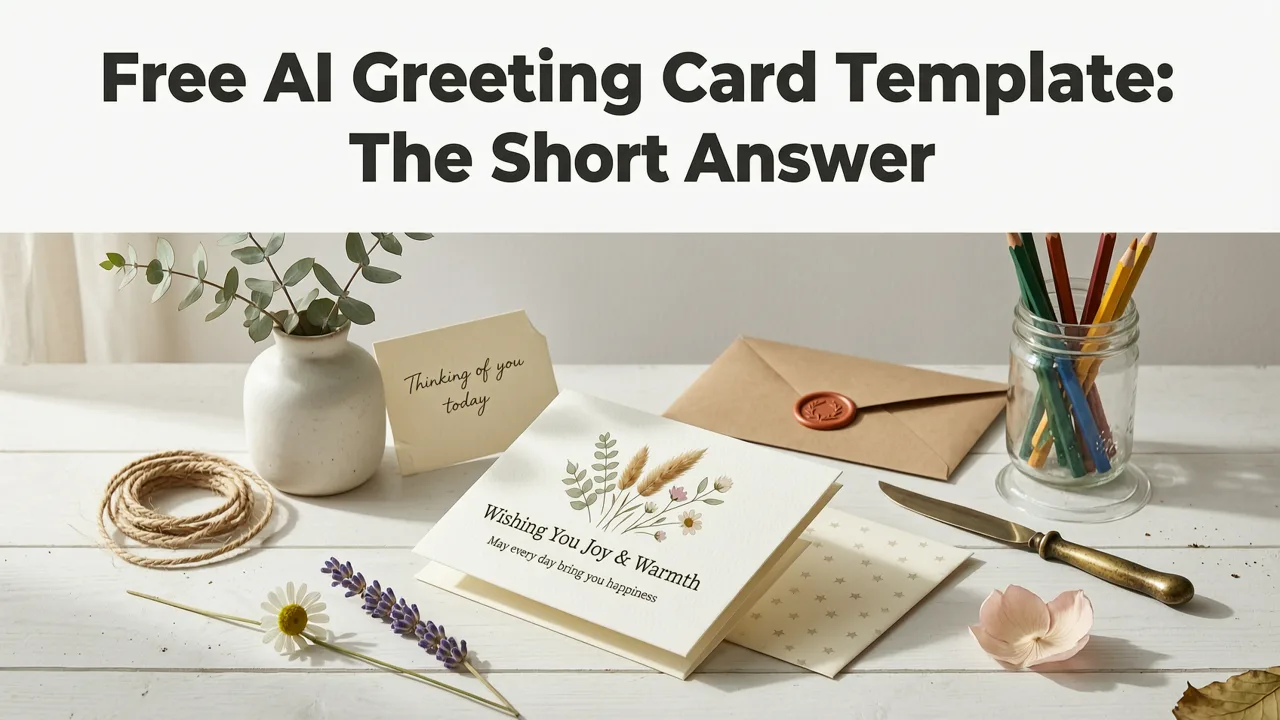
If you need a polished, share-ready greeting card in 2026, a free AI greeting card template from InviteOS lets you design, customize, and download a professional card in under five minutes — no design skills, no software downloads, and no guesswork required. Simply pick a template, add your event details or personal message, and let the AI handle layout, typography, and color harmony.
Whether you are sending a wedding invitation, a birthday greeting, a baby shower announcement, or a corporate thank-you note, AI-powered templates remove the friction between your idea and a finished card. This guide explains exactly how these templates work, what to look for, and how to use them for any occasion.
What Is a Free AI Greeting Card Template?
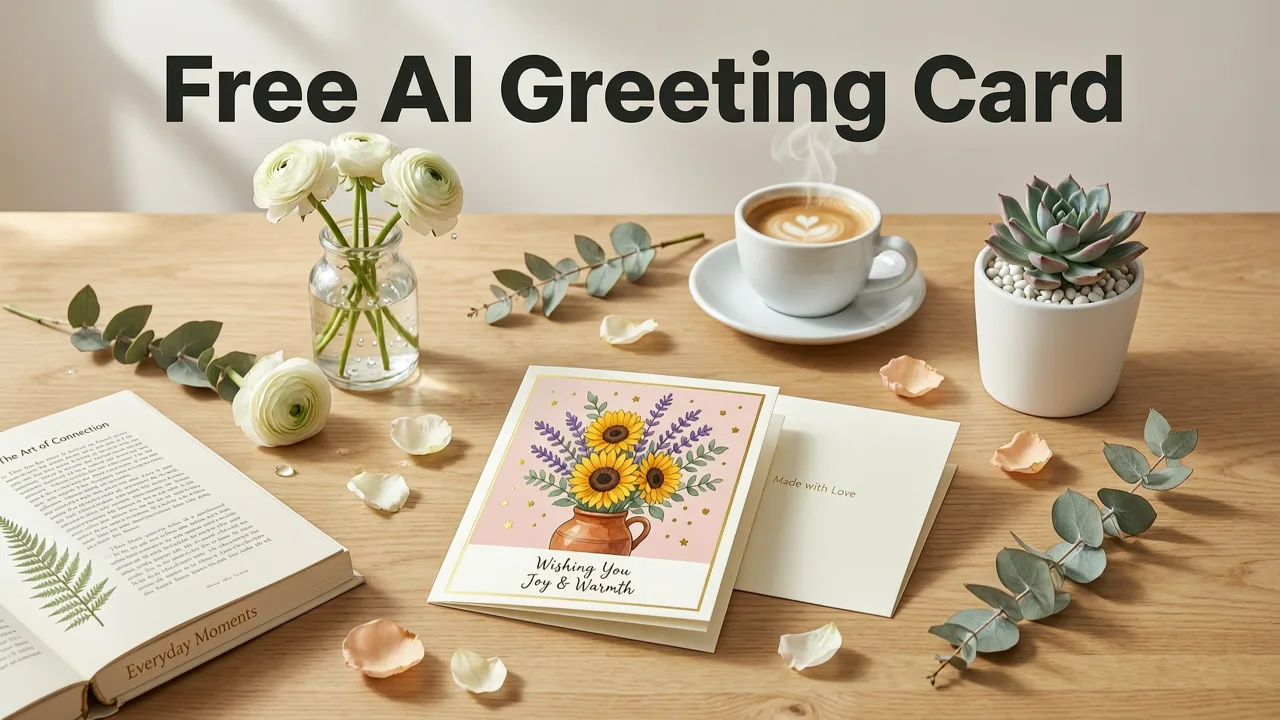
A free AI greeting card template is a pre-designed digital card layout enhanced by artificial intelligence. Unlike static templates you might find on a stock site, AI-driven templates adapt to your content. They adjust text placement, suggest color palettes, and optimize visual balance based on the details you enter.
In 2026, the technology behind these templates has matured significantly. Modern AI greeting card generators use natural language processing to understand your event type, tone, and audience, then recommend design elements that match. The result is a card that looks like it was crafted by a professional designer — without the cost or the learning curve.
How AI Templates Differ From Traditional Templates
Traditional greeting card templates require you to manually adjust fonts, colors, spacing, and image placement. AI templates automate those decisions. Here is a quick comparison:
| Feature | Traditional Template | AI-Powered Template |
|---|---|---|
| Design adjustment | Manual | Automatic based on your content |
| Font selection | You choose from a list | AI recommends based on tone and occasion |
| Color palette | Fixed or manual | Dynamic suggestions matching your theme |
| Content length handling | May overflow or look sparse | Auto-reflows text for visual balance |
| Time to finish | 15–45 minutes | 2–5 minutes |
Why Use a Free AI Greeting Card Template in 2026?
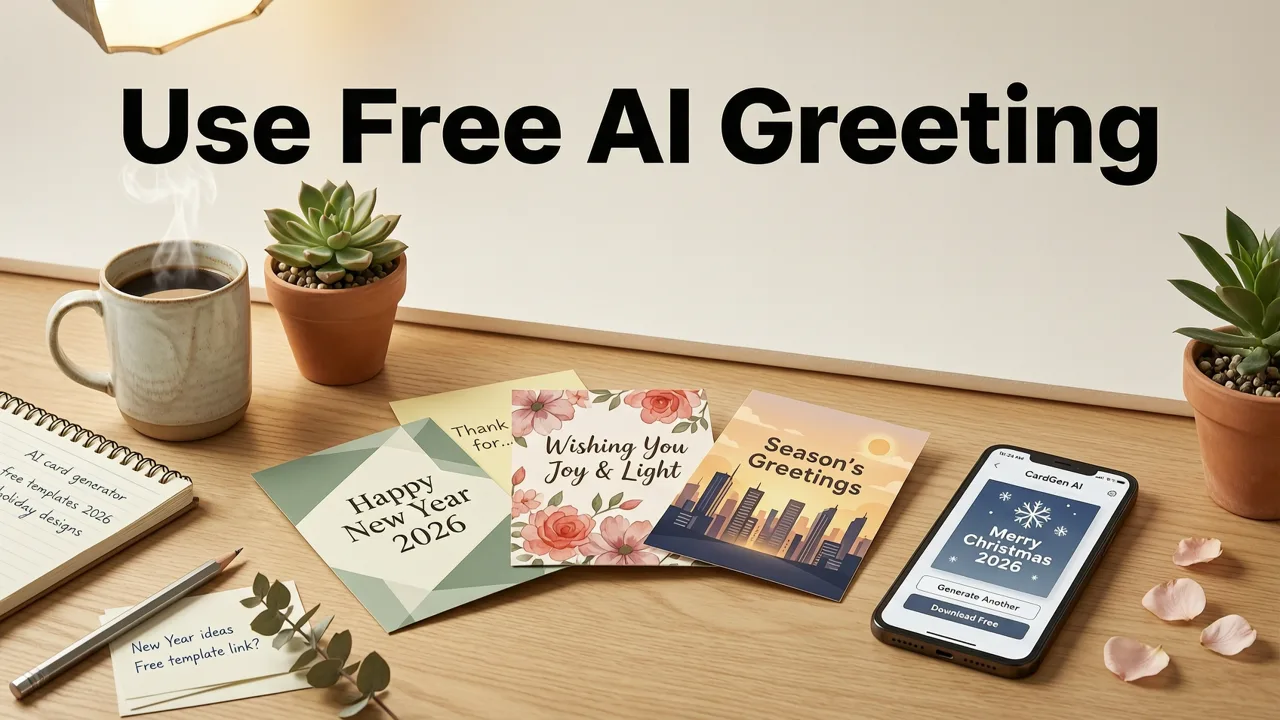
The shift toward digital-first communication has accelerated. In 2026, most event invitations, holiday greetings, and personal messages are shared via text, email, social media, or messaging apps. A well-designed digital card stands out in a crowded inbox and conveys thoughtfulness without the cost and delay of printed stationery.
Save Time Without Sacrificing Quality
Designing a greeting card from scratch requires decisions about layout, color theory, typography, and hierarchy. AI templates eliminate those decisions. The system makes hundreds of micro-design choices in seconds, producing a card that is visually balanced and on-brand for your occasion.
Eliminate the Design Skill Barrier
You do not need to understand kerning, leading, or color contrast ratios. AI greeting card tools handle those details automatically. If you can type your event details into a form, you can create a professional-quality card.
Reduce Costs for Events and Personal Use
Printed invitations and greeting cards carry per-unit costs, shipping fees, and environmental overhead. A free AI greeting card template delivers the same visual impact digitally, at zero marginal cost, whether you are sending one card or five hundred.
How to Use a Free AI Greeting Card Template: Step by Step
Using an AI greeting card template is straightforward. Here is the typical workflow with InviteOS:
- Choose your occasion. Select from wedding, birthday, baby shower, party, corporate event, or a general greeting category.
- Pick a template style. Browse AI-curated designs filtered by theme, color, and tone — from minimalist to festive to formal.
- Enter your details. Add names, dates, locations, and a personal message. The AI adjusts layout and typography in real time.
- Customize if desired. Swap colors, adjust fonts, or add photos. The AI ensures your changes stay visually cohesive.
- Download and share. Export your card as a high-resolution image or PDF, or share it directly via a link, email, or messaging app.
The entire process typically takes two to five minutes. If your event requires guest responses, you can pair your card with a digital RSVP button so recipients can confirm attendance without leaving the invitation.
Best Occasions for AI Greeting Card Templates
AI greeting card templates are versatile. Below are the most common use cases and how to approach each one.
Wedding Invitations and Save-the-Dates
Wedding cards demand elegance and clarity. AI templates offer calligraphy-style fonts, coordinated color schemes, and layouts that balance your names, date, venue, and any additional details like dress code or registry links. Pair your design with proper RSVP wording to ensure guests know exactly how to respond.
Birthday Cards
From a child's first birthday to a milestone celebration, AI templates adjust tone and visual energy to match. Playful illustrations for kids, sleek metallic accents for adult milestones — the AI adapts to the age and style you specify.
Baby Shower and Announcement Cards
Soft palettes, gentle typography, and space for details like the expected due date or registry information come standard in AI baby shower templates. The system ensures text never crowds the design, even with longer messages.
Corporate and Business Greetings
Thank-you cards, holiday greetings, event invitations, and client appreciation notes all benefit from AI templates that maintain brand consistency. Upload your logo, choose your brand colors, and the AI generates cards that look professionally designed and on-brand.
Holiday and Seasonal Cards
Whether it is a New Year greeting, a Diwali message, or a Thanksgiving thank-you, AI templates incorporate seasonal motifs and culturally appropriate design elements, then let you personalize the message.
What to Look for in a Free AI Greeting Card Template
Not all AI greeting card tools are created equal. When evaluating options in 2026, prioritize these features:
- True AI adaptation. The template should adjust layout and design based on your content length and occasion, not just offer static placeholders.
- High-resolution export. Your card should download in print-quality resolution (at least 300 DPI) for both digital sharing and optional printing.
- Mobile-friendly editor. Many users create cards on their phones. The editor should work smoothly on small screens.
- No watermark on free tier. A genuinely free template should produce a clean, unbranded final card.
- RSVP integration. For event invitations, the ability to track RSVPs directly from your card saves significant time and reduces back-and-forth messaging.
- Multilingual support. If you are sending cards internationally, the tool should handle non-Latin scripts and right-to-left text correctly.
Tips for Getting the Most From Your AI Greeting Card
Write a Clear, Concise Message First
Before opening the template editor, draft your message. AI tools format your text beautifully, but they cannot write your sentiment for you. A thoughtful, specific message elevates any template.
Match the Tone to the Occasion
A corporate holiday card should feel different from a friend's birthday greeting. Most AI tools let you set a tone — formal, casual, playful, elegant — which guides font and color recommendations.
Use High-Quality Photos
If your template includes a photo slot, upload a high-resolution image. A blurry photo undermines even the best-designed card. Crop and edit before uploading for the cleanest result.
Set the Right RSVP Deadline
For event invitations, your card should include a clear RSVP deadline. Setting the right date helps you plan accurately and reduces guest stress. For detailed guidance, review RSVP deadline etiquette for 2026.
Test on Multiple Devices Before Sending
Preview your card on both a phone and a desktop screen. Ensure text is legible at small sizes and that images load quickly. A card that looks great on your laptop may need adjustment for mobile viewers.
How InviteOS AI Greeting Card Templates Work
InviteOS combines AI-powered layout engines with a library of occasion-specific templates. When you enter your event details, the system analyzes the content type, text length, and chosen style, then applies design rules for spacing, contrast, and hierarchy. The result is a card that is visually balanced and ready to share.
InviteOS also integrates RSVP tracking, digital response buttons, and guest management tools directly into the invitation workflow. This means your greeting card is not just a static image — it can be a functional, interactive piece of communication.
Under the Hood: AI and Responsible Design
Modern AI design tools rely on machine learning models trained on professional design principles. As outlined in Google's AI responsibility guidance, these systems are built to assist human creativity, not replace it. The AI makes formatting and layout suggestions, but you retain full creative control over content, tone, and final approval.
Free vs. Paid AI Greeting Card Templates
Many platforms offer both free and premium tiers. Here is what typically differentiates them:
| Feature | Free Template | Paid Template |
|---|---|---|
| Template library size | Curated selection | Full library including premium designs |
| AI customization depth | Core layout and color | Advanced suggestions, animation, interactivity |
| RSVP and tracking | Basic or add-on | Full guest management suite |
| Export formats | PNG, PDF | PNG, PDF, video, animated GIF |
| Brand kit support | Limited | Logo, fonts, and color palette saved |
For most personal use cases — a birthday card, a save-the-date, a holiday greeting — a free AI greeting card template provides everything you need. Paid tiers become valuable when you are managing large guest lists, running corporate campaigns, or need animated and interactive formats.
Common Mistakes to Avoid
- Overloading the card with text. AI templates handle long messages, but shorter, focused text always reads better on a digital card.
- Ignoring the RSVP deadline. If your card is for an event, always include a clear response-by date.
- Using low-resolution images. A pixelated photo is the fastest way to make a great template look cheap.
- Skipping the preview. Always preview your card before sending. Check for typos, alignment issues, and mobile readability.
- Forgetting accessibility. Ensure sufficient color contrast and legible font sizes so all recipients can read your card comfortably.
The Future of AI Greeting Cards Beyond 2026
AI greeting card technology is evolving rapidly. Emerging capabilities include voice-personalized video cards, real-time collaborative editing for couples and event teams, and predictive design that suggests templates based on your past events and recipient preferences. As these tools become more sophisticated, the gap between amateur and professionally designed cards will continue to narrow — making high-quality digital communication accessible to everyone.
Final Thoughts
A free AI greeting card template is one of the fastest, most effective ways to create beautiful, personalized cards for any occasion in 2026. Whether you are planning a wedding, celebrating a birthday, announcing a new baby, or sending a corporate thank-you, AI-powered design removes the barriers of cost, time, and skill. Pick a template, add your details, and share a card that looks like it was made by a pro — because in many ways, it was.
Ready to create your first card? Visit InviteOS to browse free AI greeting card templates and start designing in minutes.
Related posts


Next steps
Start on the homepage, or jump to the main CTA via contact. You can also explore localized pages like United Kingdom or Germany.