
2026-09-04 · 9 min read
Free Printable Birthday Invitation Template (2026 AI-Designed)

Recommended next
Free Printable Birthday Invitation Template: The Short Answer
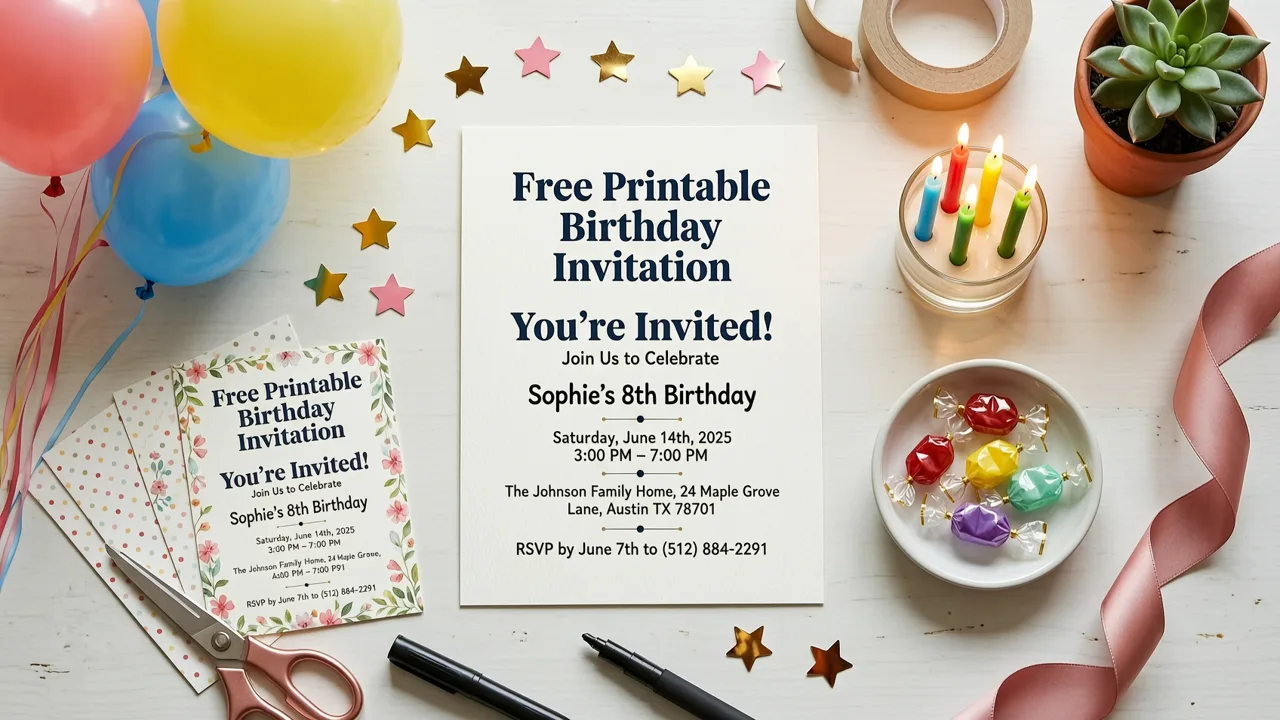
If you need a free printable birthday invitation template that looks professionally designed, AI-powered tools now let you generate one in under two minutes. Pick a style, enter your event details, and download a print-ready file formatted for standard paper sizes — no Photoshop skills, no expensive software, and no guesswork about margins or bleed lines.
In 2026, the gap between a DIY template and a designer-quality invitation has effectively closed. AI handles layout, typography pairing, color harmony, and print-safe resolution automatically, so you can focus on what actually matters: celebrating the person of honor.
Why a Free Printable Birthday Invitation Template Still Matters in 2026
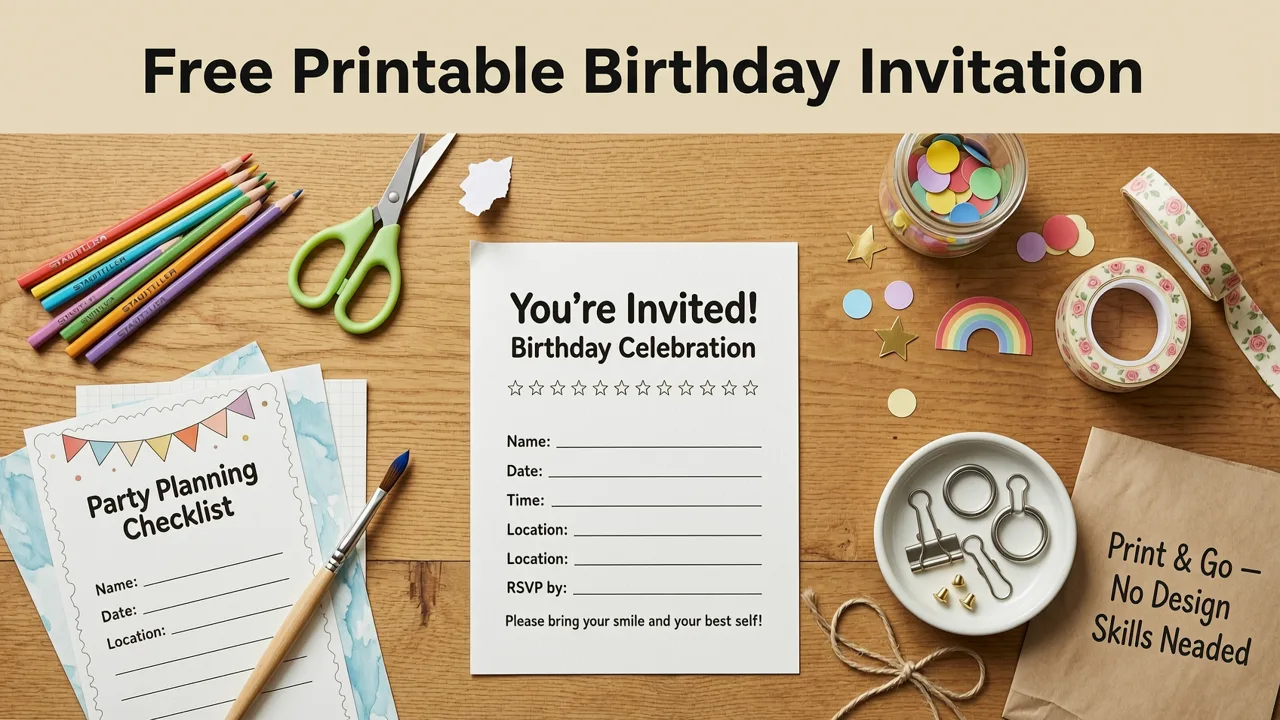
Digital invitations have become the default for most events, but printed birthday cards still carry emotional weight. A physical invite signals effort, makes the celebration feel tangible, and works beautifully for milestone birthdays — think sweet sixteens, quinceañeras, 50th birthdays, or a toddler's first party where grandparents want something to pin on the fridge.
Here is what makes printable templates valuable even in an era of instant messaging:
- Tactile presence: A printed card arrives in a mailbox and creates anticipation in a way a text never can.
- Inclusivity: Not every guest is comfortable with digital-only RSVPs. Printed invites with a phone number or QR code bridge the gap.
- Keepsake quality: Families often save printed invitations in scrapbooks or memory boxes.
- Professional polish: A well-designed printed invite sets the tone for the event before anyone walks through the door.
The challenge has always been access. Historically, getting a print-ready template meant paying a designer or wrestling with complex software. Today, an AI invitation maker removes both barriers entirely.
What Makes a Birthday Invitation Template Truly Print-Ready
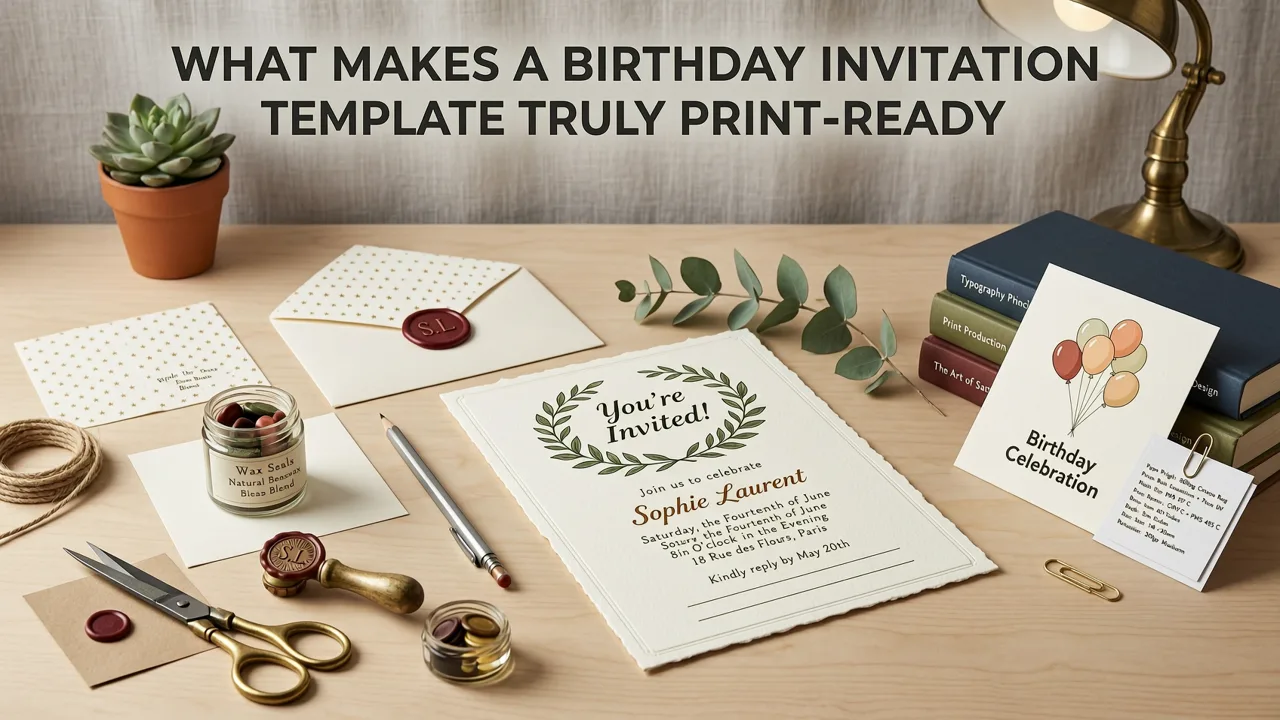
Not every template labeled "printable" actually produces a clean result on paper. A genuinely free printable birthday invitation template must meet several technical standards that most free Canva-style tools quietly ignore.
Resolution and Color Profile
Print demands a minimum of 300 DPI at the final output size. Many online templates are built at 72 DPI for screens and look blurry or pixelated once printed. AI-generated templates in 2026 render at full print resolution by default, with CMYK-aware color handling so what you see on screen closely matches what comes out of your printer.
Bleed and Safe Zones
If you plan to trim your invitations, the design must extend beyond the cut line. Professional templates include a 0.125-inch bleed area and keep critical text inside a safe zone so nothing gets cropped accidentally.
Standard Paper Sizes
The most common birthday invitation sizes in 2026 remain:
| Size | Dimensions | Best For |
|---|---|---|
| 5×7 inches | 127 × 178 mm | Standard birthday parties, milestone celebrations |
| 4×6 inches | 102 × 152 mm | Budget-friendly prints, kids' parties, postcard mailers |
| 4×4 inches | 102 × 102 mm | Square invites, baby's first birthday, minimalist designs |
| A6 (4.1×5.8 in) | 105 × 148 mm | International mailing, European recipients |
Font Licensing
Many "free" templates online use fonts that are licensed for screen use only. Printing them for distribution can technically violate the license. AI invitation platforms in 2026 use commercially licensed or open-source typefaces, so your printed invites are fully legal to distribute.
How to Use a Free Printable Birthday Invitation Template with AI
The workflow below works whether you are planning a child's superhero party or your mother's 70th birthday dinner. The entire process takes roughly five minutes from start to downloadable file.
Step 1: Define Your Event Details
Before opening any template, gather the essentials:
- Honoree's name and age
- Date, start time, and end time
- Venue name and full address
- RSVP contact and deadline
- Dress code or theme (if applicable)
- Any special instructions — parking, gifts policy, dietary notes
Having these details ready prevents the back-and-forth that slows most people down.
Step 2: Choose a Style and Theme
AI invitation makers in 2026 offer style categories that go far beyond generic "birthday" buckets. You can filter by aesthetic — watercolor, modern minimalist, retro, illustrated, elegant gold foil — or by recipient demographic — toddler, teen, adult, senior. The AI then generates multiple layout variations within that style so you are never stuck with a single option.
Step 3: Customize Your Template
Swap in your event details, adjust colors to match your party palette, and preview in real time. Advanced AI tools now offer live print simulation, showing you exactly how the invitation will look on matte, glossy, or textured card stock before you commit.
Step 4: Download and Print
Export in PDF format at full resolution. For best results, use 80–100 lb card stock and set your printer to "actual size" with no scaling. If you are printing at home, a digital invitation workflow can run in parallel so you have both printed and shareable versions ready to go.
Free Printable Birthday Invitation Template Styles Trending in 2026
Design trends shift every year, and 2026 has produced some distinct favorites for birthday invitations. Here is what is performing well across demographics:
Modern Minimalist
Clean sans-serif typography, generous white space, and a single accent color. This style works for adult birthdays, dinner parties, and anyone who wants an invite that feels curated rather than cluttered.
Watercolor Botanical
Soft floral washes with delicate hand-lettered names. Remains the top choice for milestone birthdays — 30th, 40th, 50th — where the tone should feel warm and personal.
Retro Pop Art
Bold colors, halftone patterns, and playful type. Ideal for teen birthdays and anyone embracing a nostalgic aesthetic.
Illustrated Character
Custom illustrated elements — think tiny versions of the birthday person surrounded by icons representing their hobbies. AI now generates these illustrations based on a short description, making each invite genuinely one-of-a-kind.
Dark Mode Elegant
Deep navy, emerald, or black backgrounds with metallic gold or silver accents. Growing in popularity for evening celebrations and upscale adult parties.
Printable vs. Digital: Which Should You Choose?
The answer is often both. Here is a practical comparison to help you decide based on your event:
| Factor | Printable Invitation | Digital Invitation |
|---|---|---|
| Cost per unit | Low (paper and ink) | Free |
| Delivery speed | 1–5 days by mail | Instant |
| Emotional impact | High — tangible and memorable | Moderate — convenient but easy to overlook |
| RSVP tracking | Manual (phone, email, QR code) | Automated with built-in tracking |
| Eco footprint | Paper and ink consumption | Near zero |
| Best for | Milestones, older guests, formal events | Large guest lists, last-minute plans, casual gatherings |
Many hosts in 2026 use a hybrid approach: printed invitations for close family and VIP guests, and a digital card version for the broader guest list. This gives you the best of both worlds without doubling your workload.
Printing Tips for the Best Results at Home
A great template can still look mediocre if printed poorly. Follow these guidelines to make your free printable birthday invitation template look like it came from a professional print shop:
- Use the right paper. Card stock between 80 lb and 100 lb feeds through most home inkjet and laser printers without jamming and feels substantial in hand.
- Disable scaling. In your print dialog, select "Actual Size" or set scaling to 100%. Anything else will shift your margins.
- Print a test page first. Run one copy on plain paper to check alignment, color, and text legibility before using your expensive card stock.
- Let ink dry. Inkjet prints on coated card stock need 10–15 minutes to fully dry. Stacking them too soon causes smudging.
- Trim with a guillotine or metal ruler. Scissors almost always produce uneven edges. A paper trimmer costs under twenty dollars and transforms your results.
- Consider double-sided printing. Use the back for a map, parking details, or a personal note from the host.
Common Mistakes to Avoid
Even with a polished template, a few errors can undermine the final product. Watch out for these:
- Missing the RSVP deadline. Always include one, and set it at least 7–10 days before the event so you have time to finalize numbers.
- Overloading the design. A birthday invitation is not a flyer. Stick to essential information and let the design breathe.
- Ignoring accessibility. If your guest list includes older relatives, keep font sizes above 12 pt and avoid low-contrast color combinations.
- Forgetting the theme. Your invitation sets expectations. A formal black-tie design paired with a backyard barbecue theme will confuse guests.
- Skipping proofreading. Read every detail aloud before printing. A wrong date or misspelled venue name on 50 printed copies is an expensive mistake.
How AI Has Changed Invitation Design in 2026
The AI powering today's invitation tools is built on the same generation principles documented in OpenAI's documentation and aligned with responsible AI frameworks like Google's AI guidance. In practical terms, this means the AI understands design principles — hierarchy, contrast, balance — and applies them automatically to every template it generates.
For the end user, the result is simple: you describe what you want, and the AI produces options that a graphic designer would be proud of. You do not need to understand kerning, grid systems, or color theory. The AI handles those details while you focus on the celebration itself.
This same technology extends beyond birthdays. If you are planning a wedding, an AI wedding invitation template follows identical principles with wedding-specific layouts and etiquette conventions built in.
Where to Find Your Free Printable Birthday Invitation Template
The fastest path in 2026 is an AI invitation maker that offers print-ready downloads at no cost. Look for a platform that provides:
- 300 DPI PDF exports
- Multiple size options without upsells
- Commercial-use-safe fonts and imagery
- Live preview before download
- A library large enough that your invite does not look like everyone else's
Platforms built on AI generation, rather than static template libraries, refresh their designs continuously — meaning the template you use today will not look identical to one someone else downloaded six months ago.
Final Thoughts
A free printable birthday invitation template is no longer a compromise between cost and quality. With AI design tools available in 2026, you can create invitations that look professionally produced, print cleanly on home equipment, and arrive ready to hand out or mail — all in a few minutes and at zero cost.
Whether you are planning a child's party, a surprise milestone celebration, or a casual get-together, the right template does the heavy lifting. All you need to do is add your details, hit download, and let the design speak for itself.
Ready to create your invitation? Start with an AI-powered template, customize it in minutes, and have a print-ready birthday invitation in your hands before your next coffee break.
Related Articles
- How to Make a Digital Invitation in 2026 (No Design Skills Needed)
- Corporate Event Digital Card Designer for 2026 | Inviteos
- Baby Shower Invite Generator: AI-Powered Designs in Minutes
- Corporate Event Digital Invite Templates – Brand-Ready for 2026
- Best AI Greeting Card Generator in 2026: Picks, Features & How to
Related posts


Next steps
Start on the homepage, or jump to the main CTA via contact. You can also explore localized pages like United Kingdom or Germany.