
2026-08-14 · 11 min read
Add a Digital RSVP Button to Your Online Invitation in 2026

Recommended next
Add a Digital RSVP Button to Your Online Invitation: The Short Answer
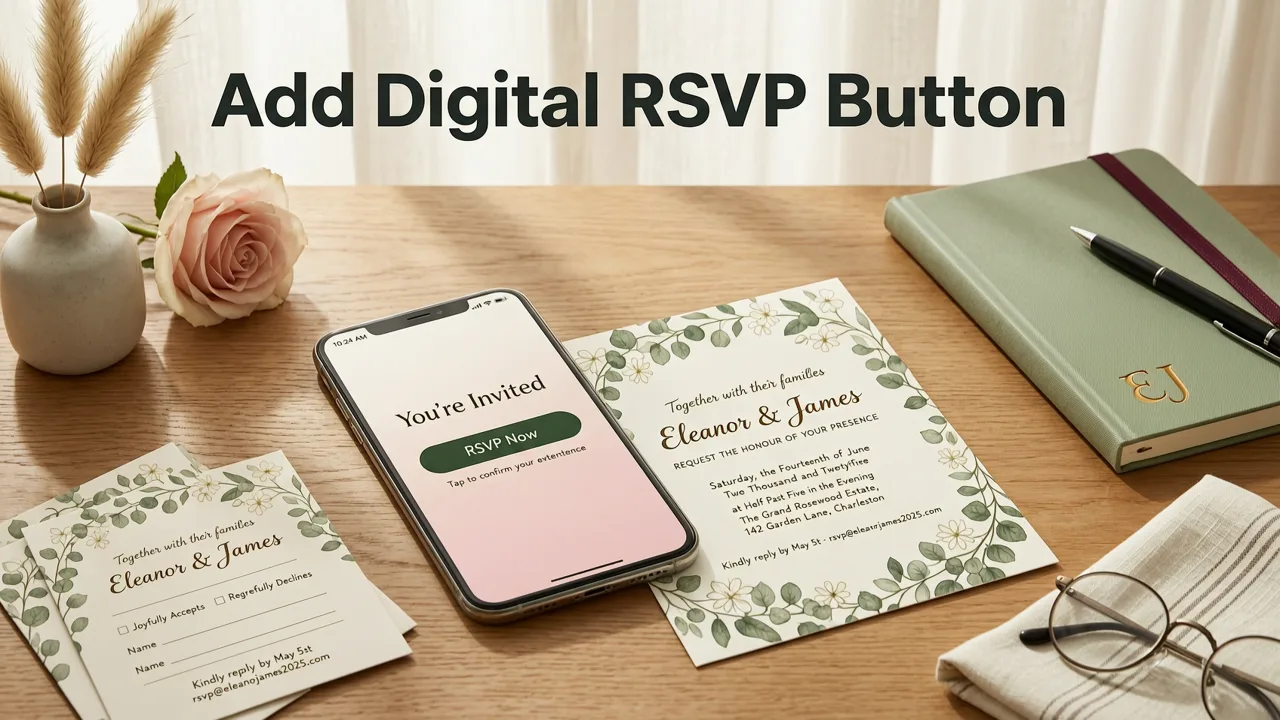
If you are planning a wedding, birthday, baby shower, or corporate event in 2026, the fastest way to confirm your guest list is to add a digital RSVP button to your online invitation. A digital RSVP button replaces paper reply cards, phone calls, and scattered text messages with a single tap that sends a confirmed response straight to your dashboard. The result is cleaner design, faster headcounts, and fewer follow-up messages chasing guests who have not yet replied.
In this guide you will learn exactly what a digital RSVP button is, why it outperforms traditional reply methods, how to add one to any digital invitation in under five minutes, and which design and wording choices drive the highest response rates. Whether you are a couple planning a wedding or a small business hosting a product launch, the steps below will help you launch a polished, share-ready invite with a working RSVP system.
What Is a Digital RSVP Button and Why Does It Matter?
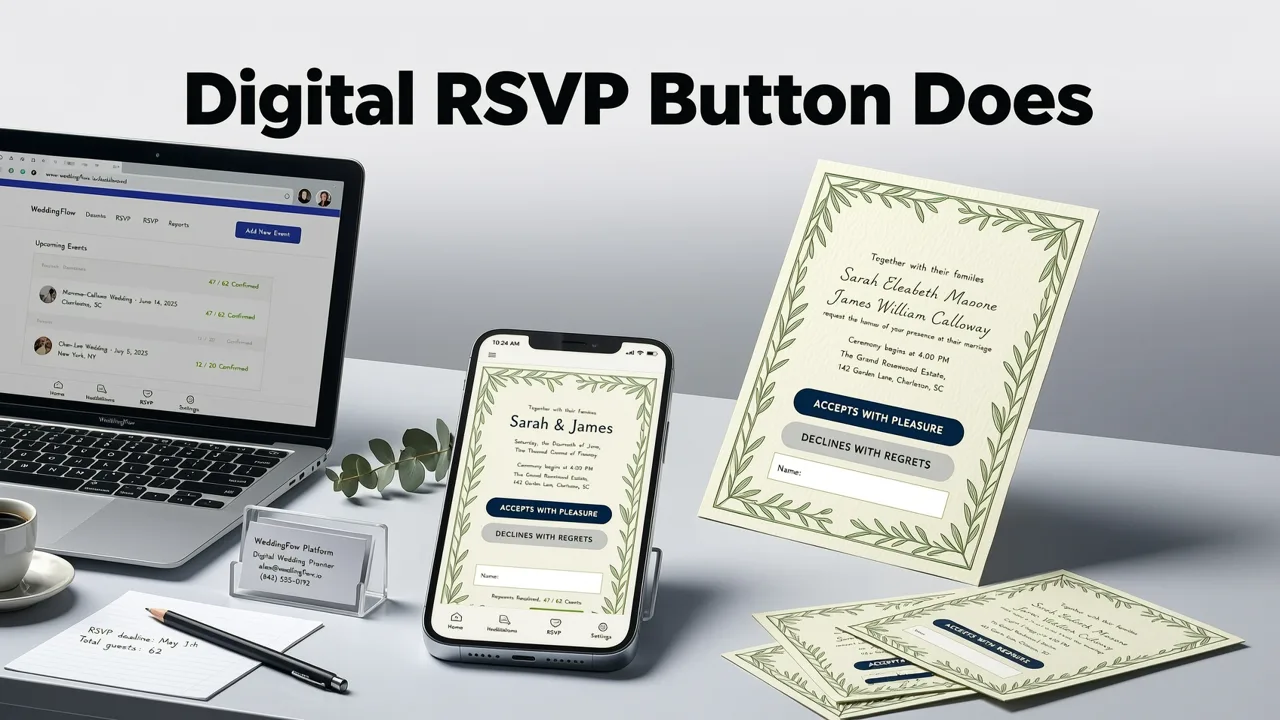
A digital RSVP button is an interactive element embedded inside an online invitation that allows guests to confirm attendance, decline, or provide additional details such as meal choice or plus-one information. Unlike a static image or a plain text link, a purpose-built RSVP button is designed to reduce friction: one tap opens a response form, and one more tap submits the answer.
The Shift From Paper to Digital RSVP
Traditional printed invitations rely on a pre-stamped reply card, a deadline line, and a return envelope. While that process still works for formal events, it introduces delays, lost mail, and manual data entry. A digital RSVP button collapses the entire workflow into seconds. Guests respond on their phones while reading the invitation, and you receive real-time updates without lifting a finger.
Why the RSVP Line Still Matters
The letters RSVP come from the French phrase répondez s'il vous plaît, meaning "please respond." As explained in our RSVP Meaning in Invitation Card: Full 2026 Guide, the line exists to give hosts an accurate headcount for catering, seating, and budgeting. A digital RSVP button preserves that purpose while modernizing the mechanism, making it easier for guests to comply and easier for hosts to track responses.
Benefits of Adding a Digital RSVP Button to Your Online Invitation

Before diving into setup steps, it helps to understand the concrete advantages a digital RSVP button delivers. These benefits apply to weddings, birthdays, baby showers, parties, and corporate events alike.
- Instant headcount updates. Responses appear in real time on your dashboard, eliminating the need to collect and tally paper cards.
- Higher response rates. Guests are more likely to reply when the action takes one tap instead of finding a pen, writing a note, and mailing it.
- Reduced follow-up workload. Automated reminders can nudge guests who have not responded, so you do not have to send personal messages.
- Rich data collection. Capture meal preferences, dietary restrictions, song requests, plus-one names, and other details in a single structured form.
- Professional presentation. A clean, branded button looks polished on any device and reinforces the tone of your event.
- Cost savings. No printing, postage, or envelope costs for reply cards, which adds up quickly for large guest lists.
Types of Digital RSVP Buttons You Can Use in 2026
Not every RSVP button works the same way. Below is a comparison of the most common types available on modern invitation platforms, including AI-powered tools like InviteOS.
| Button Type | How It Works | Best For | Setup Effort |
|---|---|---|---|
| Embedded Form Button | Opens an in-app form when tapped; responses stored on the platform dashboard. | Weddings, large parties, corporate events needing structured data. | Low |
| External Link Button | Redirects guests to a third-party form such as Google Forms or a custom URL. | Events using an existing registration system. | Medium |
| Email Reply Button | Opens the guest's default email client with a pre-filled reply address. | Small gatherings where simplicity matters more than data capture. | Low |
| SMS Reply Button | Sends a pre-written text message to a designated number. | Casual events and audiences who prefer texting. | Low |
| AI-Smart Button | Uses natural-language input so guests can type free-form replies; AI parses and categorizes them. | Any event where hosts want flexibility without sacrificing tracking. | Low to Medium |
For most hosts in 2026, the embedded form button or AI-smart button delivers the best balance of ease and functionality. InviteOS provides both options through its AI-powered templates, so you can pick a style and launch a working RSVP system without leaving the editor.
How to Add a Digital RSVP Button to Your Online Invitation: Step by Step
Adding a digital RSVP button to your online invitation does not require design skills or technical knowledge. Follow these five steps to go from blank canvas to share-ready invite.
Step 1: Choose Your Invitation Template
Start by selecting a template that matches your event type and aesthetic. InviteOS offers customizable templates for weddings, birthdays, baby showers, parties, and corporate events. Browse the Customizable Party Invitation Templates library to find a design that fits your tone, then click to open it in the editor.
Step 2: Enter Your Event Details
Fill in the essential information: event name, date, time, venue or virtual link, dress code, and any special instructions. The AI assistant will suggest layout adjustments and wording improvements based on the details you provide.
Step 3: Enable the RSVP Button
Inside the editor, locate the RSVP section and toggle the digital RSVP button on. Choose your preferred button type from the options listed above. Customize the button label, deadline date, and any follow-up questions you want guests to answer such as meal choice or dietary restrictions.
Step 4: Customize the Button Design
Match the button color, font, and shape to your invitation's visual style. A well-designed button should feel like a natural part of the layout, not an afterthought. Keep the label short and action-oriented: RSVP Now, Confirm Attendance, or Let Us Know all work well.
Step 5: Preview, Test, and Share
Before sending the invitation to your full guest list, preview it on both mobile and desktop screens. Tap the RSVP button yourself to confirm the form loads correctly and submissions appear on your dashboard. Once everything checks out, share the invitation via email, text, social media, or a direct link.
Best Practices for Wording Your Digital RSVP Button
The words you place on and around your RSVP button influence how quickly guests respond. Clear, friendly wording reduces confusion and encourages action. Here are proven tips for 2026.
- Use a direct call to action. Phrases like RSVP by August 30 or Tap to confirm tell guests exactly what to do.
- Include a deadline. A specific date creates urgency and helps you finalize logistics on time.
- Keep it short. The button label should be two to four words at most. Supporting text can provide additional context.
- Match your event tone. A wedding invitation may use Kindly Respond, while a product launch might use Reserve Your Seat.
- Clarify what information is needed. If you need meal choices or plus-one details, mention that near the button so guests are prepared.
For deeper guidance on traditional RSVP wording that still applies to digital formats, see our How to Write RSVP on Wedding Invitation: A Complete 2026 Guide.
Design Tips to Make Your RSVP Button Stand Out
A digital RSVP button should be visually distinct without clashing with the rest of your invitation. Apply these design principles to ensure guests notice it and feel compelled to tap.
Use Contrasting Colors
Choose a button color that contrasts with your background and surrounding elements. If your invitation uses soft pastels, a deeper accent color will draw the eye. If your design is bold and dark, a light or metallic button will pop.
Leave Plenty of Whitespace
Crowded layouts make buttons harder to find. Surround your RSVP button with generous whitespace so it feels like a natural stopping point in the reading flow.
Make It Mobile-Friendly
Most guests will open your invitation on a smartphone. Ensure the button is large enough to tap comfortably with a thumb and that the form it opens is fully responsive. InviteOS templates are optimized for mobile by default, so this is handled for you.
Add a Subtle Animation
A gentle hover effect or pulse animation can attract attention without feeling gimmicky. Use motion sparingly and keep it consistent with your overall design language.
How to Boost RSVP Response Rates in 2026
Even the best-designed button will not guarantee responses if guests forget or deprioritize the task. Use these tactics to increase your reply rate.
Send Automated Reminders
Set up one or two reminder messages to go out as the deadline approaches. A friendly nudge five days before the cutoff and a final reminder two days before typically capture the majority of late responders.
Make the Form Short
Only ask for information you truly need. Every additional question reduces completion rates. If you can confirm meal choices separately, leave them off the initial RSVP form.
Offer Multiple Response Channels
While the digital RSVP button should be the primary path, include a fallback option such as an email address or phone number for guests who prefer traditional communication.
Leverage Social Proof
If appropriate for your event, mention how many guests have already confirmed. Seeing that others have responded can motivate hesitant guests to act.
Using a Digital RSVP Button for Business Events
Corporate events, product launches, and client appreciation gatherings benefit enormously from a digital RSVP button. Professional invitations with a clean RSVP flow signal organizational competence and respect for attendees' time. If you are planning a business event, our Online Business Event Invite Creator guide walks through branding, data capture, and integration workflows tailored to corporate hosts.
Corporate-Specific Considerations
- Brand consistency. Ensure the button and form use your company's color palette, logo, and typography.
- Data security. Confirm that the platform handling responses complies with relevant privacy regulations.
- Calendar integration. Offer an option for guests to add the event directly to their calendar upon confirming.
- Role-based tracking. For large conferences, segment responses by attendee type such as speaker, VIP, or general admission.
Common Mistakes to Avoid When Adding an RSVP Button
Even experienced hosts make errors that hurt response rates. Watch out for these pitfalls.
- Hiding the button. If the RSVP button is buried at the very bottom of a long invitation or blends into the background, guests will miss it.
- Skipping the deadline. Without a clear date, guests will procrastinate indefinitely.
- Overcomplicating the form. Asking for too much information upfront causes drop-offs.
- Forgetting to test. Always tap through the full RSVP flow before sending the invitation to your audience.
- Ignoring mobile users. A button that looks great on desktop but is unusable on a phone will frustrate the majority of your guests.
How InviteOS Simplifies the Process
InviteOS is an AI-powered invitation platform built to eliminate the friction between designing an invitation and collecting responses. When you create an invitation on InviteOS, the digital RSVP button is not an add-on you have to configure from scratch. It is baked into every template, ready to activate with a single toggle.
The platform handles responsive design, form creation, automated reminders, and real-time dashboards so you can focus on the event itself. Whether you are sending ten invitations or ten thousand, the workflow remains the same: pick a template, add your details, enable the RSVP button, and share.
Frequently Asked Questions
Can I add a digital RSVP button to a printed invitation?
You cannot embed a clickable button in a printed card, but you can include a QR code that links to your online invitation with the RSVP button already active. Guests scan the code with their phone camera and are taken directly to the response form.
Do guests need to create an account to RSVP?
No. A well-designed digital RSVP button should allow guests to respond without signing up or logging in. The fewer steps required, the higher your response rate will be.
Can I track who has not responded yet?
Yes. Most AI-powered invitation platforms, including InviteOS, provide a real-time dashboard showing who has confirmed, who has declined, and who has not yet responded. You can use this list to send targeted reminders.
Is a digital RSVP button secure for corporate events?
Reputable platforms use encrypted connections and comply with standard data protection regulations. For sensitive corporate events, review the platform's privacy policy and confirm that response data is stored securely and not shared with third parties.
Final Thoughts
Adding a digital RSVP button to your online invitation is one of the simplest upgrades you can make in 2026. It saves time, reduces stress, and gives your guests a frictionless way to confirm their attendance. With AI-powered tools like InviteOS, the entire process takes minutes, not hours, and the result looks polished on every device.
Ready to create your next invitation with a built-in digital RSVP button? Visit InviteOS today, choose a template, and launch a share-ready invite that collects responses from the moment it lands in your guests' inboxes.
Related resources
Related posts


Next steps
Start on the homepage, or jump to the main CTA via contact. You can also explore localized pages like United Kingdom or Germany.