
2026-08-16 · 10 min read
InviteOS RSVP Tracking: How It Works in 2026

Recommended next
InviteOS RSVP Tracking: The Short Answer

If you are planning a wedding, birthday, baby shower, party, or corporate event in 2026, the fastest way to manage your guest list is through InviteOS RSVP tracking. The feature captures every guest response the moment it is submitted, organizes replies by status, meal choice, and party size, and syncs that data to a live dashboard you can access from any device. No spreadsheets, no chasing replies by text, and no manual data entry — just a clean, always-updated headcount you can share with your venue, caterer, or event coordinator.
Below is a complete walkthrough of how InviteOS RSVP tracking works, what data it captures, how to configure it for different event types, and the etiquette best practices that keep your headcount accurate from send-out to event day.
What Is InviteOS RSVP Tracking?
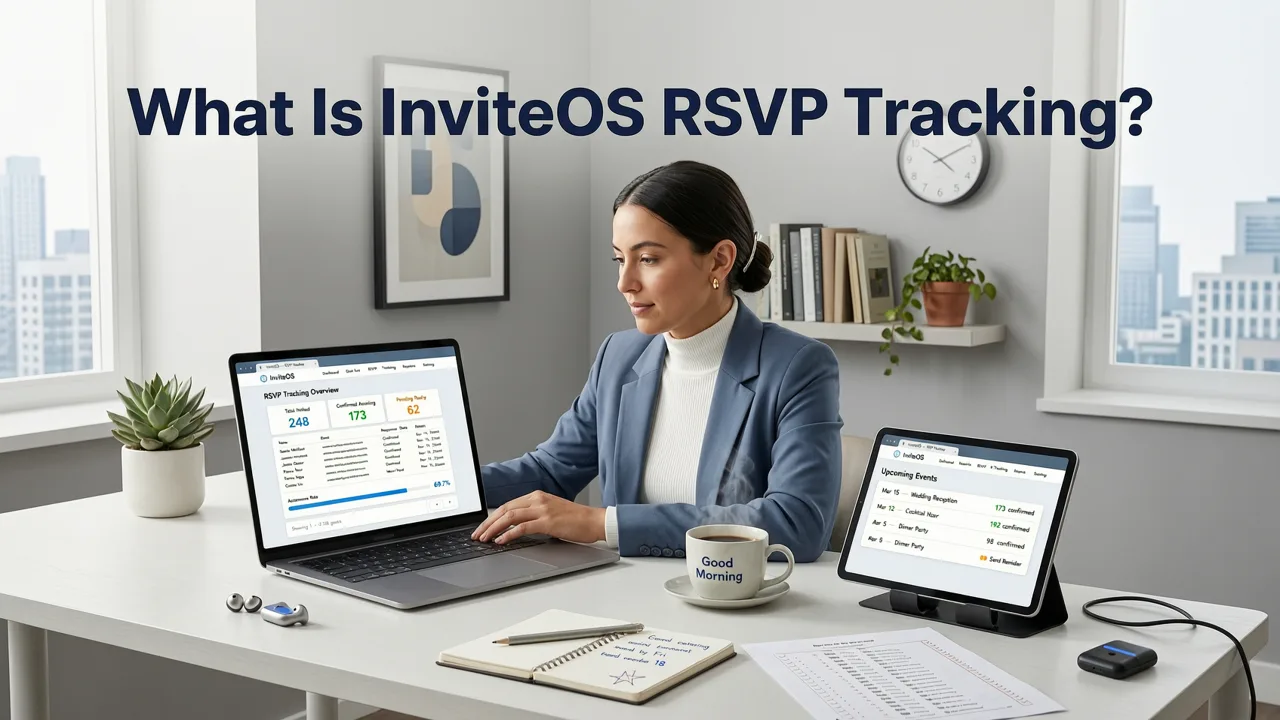
InviteOS RSVP tracking is a built-in response management system that pairs with every digital invitation created on the platform. When a guest opens your invite — whether it is a wedding save-the-date, a birthday party card, a baby shower announcement, or a corporate event flyer — they see a response button embedded directly in the design. One tap records their answer, and the data flows instantly into your host dashboard.
The system replaces the traditional paper reply card, the scattered email thread, and the group chat check-in. It centralizes every response into one place and gives you real-time visibility into who has confirmed, who has declined, and who has not yet responded.
Core Capabilities at a Glance
- Real-time response capture — every reply updates your dashboard instantly.
- Custom response fields — meal preferences, dietary restrictions, plus-one confirmations, song requests, and more.
- Automatic status categorization — confirmed, declined, pending, and waitlisted.
- Multi-event support — track responses across pre-wedding events, main ceremonies, and post-event gatherings from one account.
- Export and sharing — download your guest list as a CSV or share a read-only view with your planner or venue.
How InviteOS RSVP Tracking Works: Step by Step
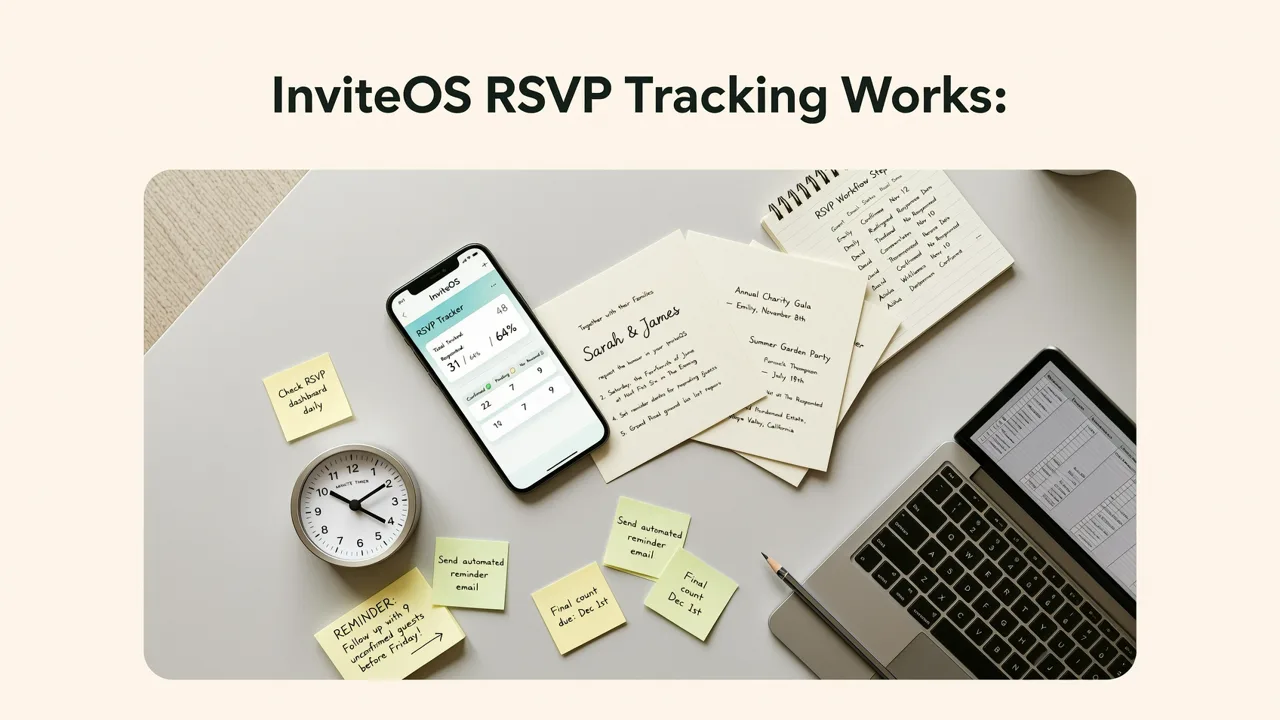
Setting up RSVP tracking takes just a few minutes when you create your invitation. Here is the complete flow from invitation design to final headcount.
Step 1 — Choose Your Template and Add Event Details
Start by selecting a template from the InviteOS library. The AI-powered design engine adjusts layout, color, and typography to match your event style. Enter the event name, date, time, venue, dress code, and any other relevant details. At this stage, you also decide whether the invitation will include an RSVP button.
Step 2 — Configure Your RSVP Settings
Inside the invitation editor, open the RSVP panel. Here you define the questions guests will answer and the deadline for responses. Typical fields include:
- Will you attend? (Yes / No)
- Number of guests attending
- Meal preference (with custom options)
- Dietary restrictions or allergies
- Song request or message to the host
You also set the RSVP deadline. If you need guidance on choosing the right cutoff date, the RSVP Deadline Etiquette 2026 guide covers recommended timelines for weddings, corporate events, and casual gatherings.
Step 3 — Publish and Share
Once your invitation is ready, publish it. InviteOS generates a unique link and a shareable graphic optimized for WhatsApp, iMessage, email, and social platforms. Every guest who receives the invitation gets the same embedded RSVP button.
Step 4 — Monitor Responses in Real Time
As guests tap the RSVP button and submit their answers, your dashboard updates immediately. You can filter by response status, view individual replies, and see aggregate counts for meal selections and dietary needs. The dashboard works on desktop and mobile, so you can check your headcount from anywhere.
Step 5 — Send Reminders to Pending Guests
InviteOS flags guests who have not yet responded as the deadline approaches. You can send a gentle reminder directly through the platform — no need to draft individual messages or scroll through your contacts. This single feature often recovers 15 to 30 percent of outstanding replies within 48 hours.
Step 6 — Export and Finalize
When the RSVP window closes, export your final headcount. The CSV includes every guest name, response status, party size, meal choice, and notes. Hand this file directly to your caterer or venue, or share the read-only dashboard link with your event planner.
InviteOS RSVP Tracking for Different Event Types
The tracking system adapts to the needs of every event category. Here is how hosts typically configure it.
| Event Type | Common RSVP Fields | Recommended Deadline | Tracking Priority |
|---|---|---|---|
| Wedding | Attendance, meal choice, plus-one, dietary needs, song request | 3–4 weeks before | High — affects catering and seating |
| Birthday Party | Attendance, number of children, allergies | 1–2 weeks before | Medium — affects venue capacity |
| Baby Shower | Attendance, guest count, dietary needs | 1–2 weeks before | Medium — affects food and favors |
| Corporate Event | Attendance, role/title, accessibility needs, meal preference | 1–2 weeks before | High — affects budget and logistics |
| Holiday Party | Attendance, plus-one, dietary needs | 1–2 weeks before | Medium — affects catering order |
Why Digital RSVP Tracking Outperforms Paper in 2026
Paper reply cards served their purpose for decades, but they introduce friction at every step. Guests must find a pen, locate a stamp, and mail the card back. Hosts must open each envelope, read the handwriting, and enter data into a spreadsheet. Delays, lost mail, and illegible writing are constant risks.
Digital RSVP tracking eliminates all of that. Guests respond in seconds from their phone. Hosts see every answer the instant it is submitted. The data is structured, searchable, and exportable. For hosts managing a guest list of 100 or more, the time savings are substantial.
If you are transitioning from paper to digital for the first time, the guide on adding a digital RSVP button to your online invitation explains how the button integrates into your design without disrupting the look and feel of the card.
Key Advantages of Digital RSVP
- Speed — responses arrive in real time, not in weekly mail batches.
- Accuracy — structured fields prevent misread handwriting and missing data.
- Convenience — guests reply from any device, anywhere in the world.
- Automation — reminders, status updates, and exports happen without manual effort.
- Sustainability — no paper, no envelopes, no postage stamps.
Managing Your Guest List with InviteOS RSVP Tracking
Beyond capturing responses, InviteOS gives you tools to manage the entire guest lifecycle.
Guest Categories and Tags
Assign guests to groups such as Family, Friends, Colleagues, or VIP. Tags help you filter the dashboard and understand which segments of your guest list are responding fastest. This is especially useful for large weddings where you need to balance invites across multiple social circles.
Waitlist Management
If your venue has a strict capacity limit, you can set a maximum guest count. Once that number is reached, additional respondents are placed on a waitlist. When a confirmed guest declines, the system can automatically notify the next person on the waitlist — or you can manage it manually.
Plus-One and Group Tracking
For events where guests may bring a partner or family members, InviteOS tracks the total headcount per invitation. You define whether plus-ones are allowed and whether guests can specify the names of additional attendees. This gives you an accurate total count rather than just a yes-or-no per invitation.
RSVP Etiquette Best Practices for Hosts in 2026
Technology makes tracking easier, but good etiquette still drives response rates. Here are the practices that produce the highest confirmation rates.
Set a Clear Deadline
Always include a specific RSVP deadline on your invitation — not just a vague "please respond soon." A firm date creates urgency and gives guests a concrete target. For weddings, three to four weeks before the event is standard. For casual gatherings, one to two weeks is sufficient.
Make Responding Effortless
The fewer steps a guest must take, the more likely they are to respond promptly. A single tap on the RSVP button inside your digital invitation is the lowest-friction option available. Avoid asking guests to reply through a separate channel like email or text when a built-in button is available.
Send One Gentle Reminder
A single reminder sent five to seven days before the deadline is enough. More than that can feel pushy. InviteOS automates this process so you do not have to track who has responded and who has not on your own.
Follow Up Personally for VIPs
For close family members, wedding party participants, or key corporate stakeholders, a personal follow-up call or message is still appropriate. Use the dashboard to identify who has not responded, then reach out directly.
InviteOS RSVP Tracking and AI-Powered Design
One of the strengths of InviteOS is that RSVP tracking is not a standalone tool bolted onto the platform — it is woven into the AI-powered invitation design process. When you create an invitation, the system suggests RSVP fields based on your event type. A wedding template automatically prompts for meal choices and plus-one confirmations. A corporate event template suggests accessibility and dietary fields. A birthday template keeps it simple with attendance and guest count.
This means you do not have to think about what data to collect. The AI handles the logic, and you focus on the design and the details that matter to you.
Data Privacy and Security
InviteOS treats guest data with the same care you would. RSVP responses are stored securely and are accessible only to the host and anyone the host explicitly shares the dashboard with. Guest information is never sold, shared with third parties, or used for advertising. If you are hosting a corporate event and need to comply with internal data policies, the export function lets you download responses to a local file and manage them within your own systems.
Tips for Getting the Most Out of InviteOS RSVP Tracking
- Send invitations early. The earlier your invitation goes out, the more time guests have to respond before the deadline.
- Use custom fields wisely. Only ask for information you actually need. Every extra field slightly reduces response rates.
- Test the RSVP flow before sending. Open your published invitation as a guest would and submit a test response to confirm everything works.
- Monitor the dashboard weekly. Check in at least once a week so you can spot trends and send reminders at the right time.
- Export before the event. Download your final headcount at least 48 hours before the event so your venue and caterer have time to prepare.
Frequently Asked Questions
Below are the most common questions hosts ask about InviteOS RSVP tracking.
Can guests RSVP without creating an account?
Yes. Guests respond directly through the invitation link. They do not need to sign up, log in, or download an app. The entire process takes seconds.
Can I track RSVPs for multiple events from one dashboard?
Yes. If you are hosting a wedding weekend with a rehearsal dinner, ceremony, and reception, each event can have its own RSVP configuration while remaining visible from a single host account.
What happens if a guest changes their response?
Guests can update their RSVP at any time before the deadline. The dashboard reflects the most recent response automatically.
Can I share the RSVP data with my venue or caterer?
Absolutely. You can export the guest list as a CSV file or share a read-only dashboard link with your vendor. The export includes all response fields you configured.
Final Thoughts
InviteOS RSVP tracking transforms one of the most tedious parts of event planning — chasing responses and building headcounts — into a seamless, automated process. Whether you are planning an intimate birthday dinner or a 300-guest wedding, the system gives you the data you need, when you need it, without the manual work.
Ready to see it in action? Create your first AI-powered invitation on InviteOS today and let the RSVP tracking handle the rest.
Related resources
Related posts


Next steps
Start on the homepage, or jump to the main CTA via contact. You can also explore localized pages like United Kingdom or Germany.