
2026-08-19 · 9 min read
Birthday Digital Card Template: Instant Download & Share in 2026

Recommended next
Why a Birthday Digital Card Template Still Matters in 2026
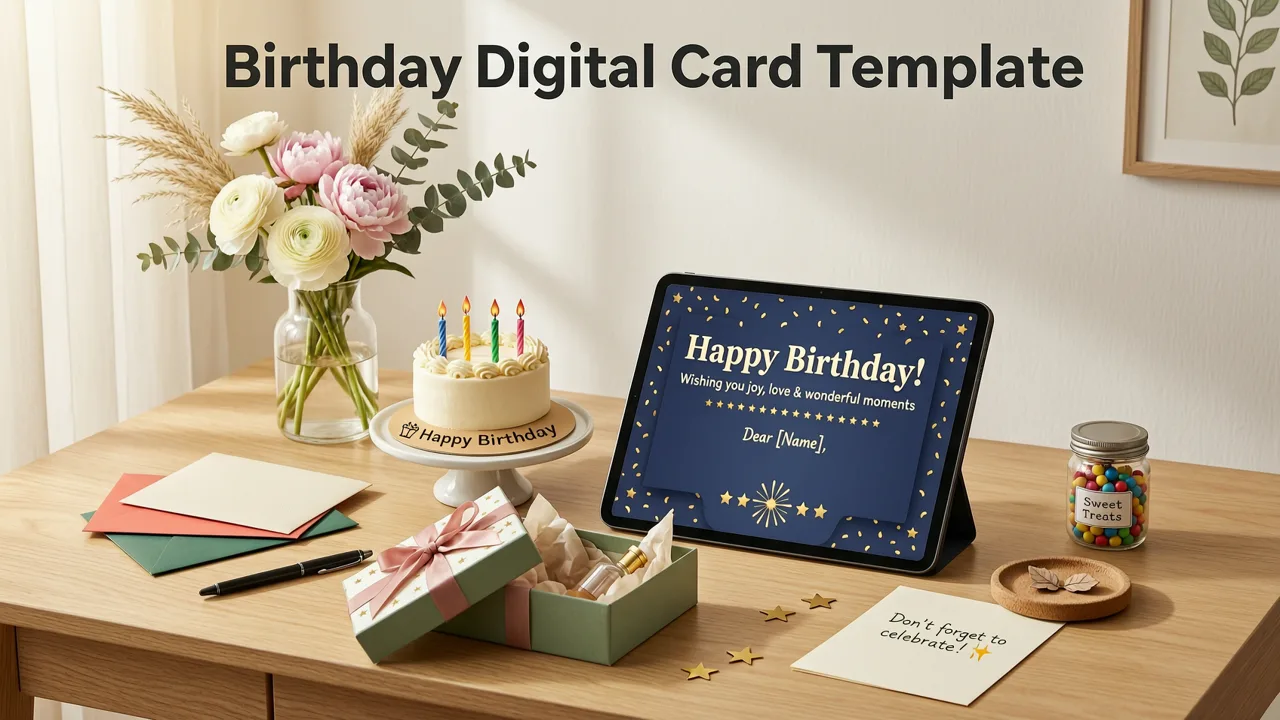
If you are planning a birthday celebration and want to skip hours of design work, a birthday digital card template is the fastest path from blank canvas to share-ready invite. In 2026, AI-powered tools now generate polished, theme-matched cards in under a minute — no Photoshop skills, no expensive subscriptions, and no waiting for a designer to reply.
This guide walks you through exactly what to look for in a birthday digital card template, how AI generators build them, which formats work best for sharing and printing, and how to customize one in less than 60 seconds using Inviteos.
What Exactly Is a Birthday Digital Card Template?
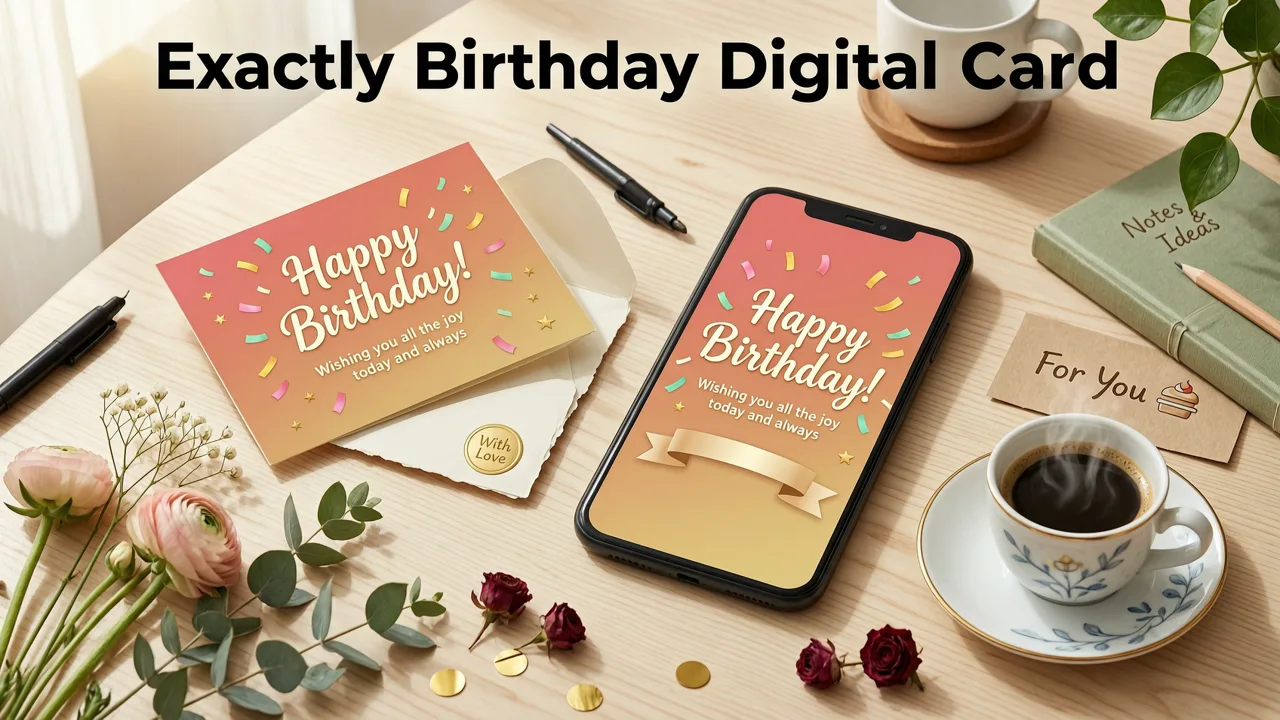
A birthday digital card template is a pre-designed invitation layout built for screens and print. It includes placeholders for the guest of honor's name, age, date, time, venue, RSVP details, and optional graphics such as balloons, confetti, or themed illustrations.
In 2026, the best templates are not static images. They are AI-responsive layouts that adapt typography, color palettes, and visual hierarchy based on the event details you enter. That means a template for a child's dinosaur party looks completely different from one for a 50th anniversary dinner — even if both start from the same base file.
Static vs. AI-Responsive Templates
| Feature | Static Template | AI-Responsive Template |
|---|---|---|
| Customization speed | Manual text editing | Auto-fills and adjusts layout |
| Theme matching | Fixed design | Adapts to age, tone, and occasion |
| Output formats | PNG or JPG only | PNG, PDF, MP4, and share links |
| Print readiness | Often low resolution | 300 DPI print-optimized |
How AI Creates a Birthday Digital Card Template in Seconds
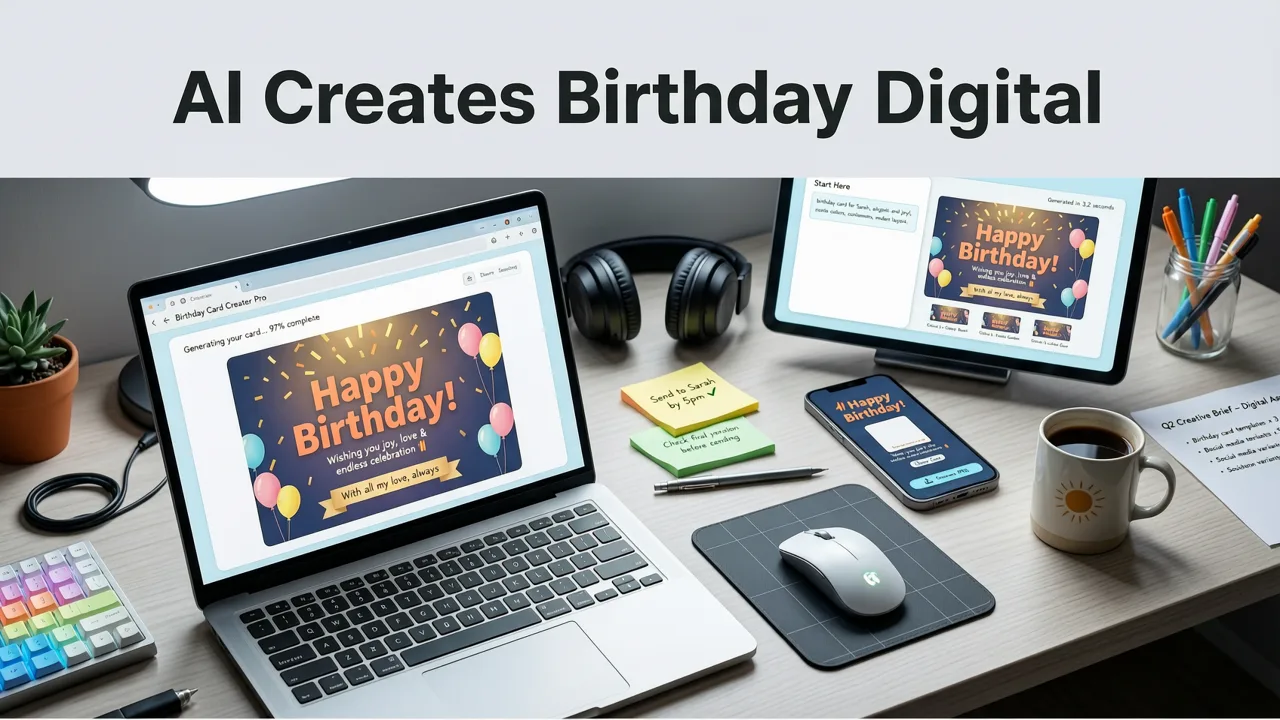
Modern AI invitation makers use a combination of natural language processing, layout intelligence, and generative design models. When you type "Create a birthday digital card template for a 30th birthday with a tropical theme", the system performs three steps:
- Intent parsing: The AI identifies the event type (birthday), the milestone (30th), and the aesthetic (tropical).
- Layout generation: It selects a base structure optimized for readability and visual balance, then applies theme-appropriate fonts, colors, and decorative elements.
- Detail injection: Your event details — name, date, location, RSVP — are placed into the layout with proper spacing and hierarchy.
The result is a card that looks like it was designed by a professional, not assembled from a drag-and-drop editor. For a deeper look at how this process produces print-ready files, see the AI-Generated Invitation Printable PDF guide on Inviteos.
Key Features to Look for in a Birthday Digital Card Template
Not all templates deliver the same quality. When evaluating a birthday digital card template, prioritize these features:
1. High-Resolution Output
The template should export at a minimum of 300 DPI for print and 1080×1920 pixels (or higher) for mobile sharing. Blurry or pixelated cards reflect poorly on the host and the event.
2. Multiple Format Support
A strong template gives you options: a static image for WhatsApp or iMessage, a PDF for email or print, and optionally an animated MP4 or GIF for social media stories.
3. Easy Customization Without Design Skills
You should be able to change text, swap colors, and adjust layouts without touching a design tool. AI-driven editors handle alignment, kerning, and spacing automatically.
4. Responsive Layouts for Every Screen
Most birthday invites are viewed on phones. The template should render cleanly on vertical mobile screens, horizontal tablets, and desktop previews alike.
5. Cultural and Age Sensitivity
A template for a quinceañera should look different from one for a toddler's first birthday or a retiree's 65th celebration. AI tools in 2026 recognize these nuances and adjust accordingly.
Birthday Digital Card Template Ideas by Age and Theme
Choosing the right style depends on the guest of honor. Here are the most popular categories in 2026:
For Kids (Ages 1–12)
- Dinosaur adventure: Bold greens, T-Rex illustrations, playful fonts.
- Unicorn magic: Pastel gradients, sparkle effects, whimsical type.
- Space explorer: Deep blues, rocket ships, starry backgrounds.
- Superhero bash: Comic-book panels, action fonts, bright primaries.
For Teens (Ages 13–19)
- Neon glow party: Dark backgrounds with neon pink and cyan accents.
- Y2K retro: Chrome text, butterfly graphics, early-2000s nostalgia.
- Minimalist aesthetic: Neutral tones, thin serif fonts, clean layouts.
For Adults (Ages 20–59)
- Roaring 20s / Great Gatsby: Gold foil textures, art deco borders.
- Tropical fiesta: Palm leaves, bright citrus colors, relaxed typography.
- Black-tie elegant: Deep navy or black, gold or silver script, minimalist layout.
- Rustic garden party: Watercolor florals, kraft paper textures, handwritten fonts.
For Milestones (60+)
- Golden anniversary: Metallic gold accents, classic serif fonts.
- Vintage celebration: Sepia tones, ornate frames, timeless elegance.
For more visual inspiration, browse the 27 Birthday Invitation Design Ideas for 2026 collection on Inviteos.
How to Create a Birthday Digital Card Template in Under 60 Seconds
Here is the exact workflow using an AI invitation maker like Inviteos:
- Enter your event details: Type the birthday person's name, age, date, time, venue, and RSVP information.
- Select a style or describe your theme: Choose from preset styles (e.g., "tropical," "elegant," "cartoon") or type a custom description.
- Let AI generate the design: The system produces multiple layout variations in seconds.
- Preview and refine: Swap colors, adjust fonts, or move elements. AI preserves alignment automatically.
- Download or share: Export as PNG, PDF, or MP4, or generate a shareable link for WhatsApp, iMessage, or email.
If you need a non-standard size — for example, a square Instagram post or a wide Facebook cover — you can use the custom size upload feature to fit any platform.
Birthday Digital Card Template Formats: Which One Should You Choose?
| Format | Best For | File Size | Print-Ready? |
|---|---|---|---|
| PNG | WhatsApp, iMessage, Instagram | Small (200–500 KB) | Yes (at 300 DPI) |
| Email, print, formal events | Medium (500 KB–2 MB) | Yes | |
| MP4 / GIF | Social media stories, TikTok | Larger (2–10 MB) | No |
| Shareable link | RSVP tracking, interactive invites | N/A | N/A |
Common Mistakes to Avoid When Using a Birthday Digital Card Template
- Ignoring resolution: Always export at 300 DPI if you plan to print. A 72 DPI screen image will look blurry on paper.
- Overloading with text: A birthday card should communicate essentials — who, what, when, where, and RSVP. Extra paragraphs dilute impact.
- Skipping the proofread: AI can generate beautiful layouts, but it cannot catch a misspelled venue name or wrong date. Always review before sharing.
- Using the wrong aspect ratio: A 5×7 horizontal layout will crop awkwardly on a vertical phone screen. Match the format to your primary sharing channel.
- Forgetting accessibility: Ensure text contrasts strongly against the background so all guests, including those with visual impairments, can read the invite.
Why AI-Generated Birthday Digital Card Templates Outperform Manual Design
In 2026, the gap between AI-generated and manually designed invitations has narrowed dramatically. AI tools now match professional designers in layout quality while offering three distinct advantages:
- Speed: What takes a designer hours takes an AI seconds.
- Consistency: AI enforces typographic and spacing rules that even experienced designers sometimes overlook under deadline pressure.
- Cost: A single AI-generated card costs a fraction of a custom design commission, making it practical for large guest lists or recurring events.
According to Google's AI responsibility guidelines, responsible AI design tools should prioritize user intent, transparency, and accessibility — all of which modern invitation makers now incorporate into their generation pipelines.
Tips for Sharing Your Birthday Digital Card Template Effectively
Timing
Send digital birthday invites 2 to 3 weeks before the event for casual parties, and 4 to 6 weeks ahead for milestone celebrations or events requiring travel.
Channel Selection
- WhatsApp and iMessage: Best for close friends and family. Use PNG or MP4 formats.
- Email: Ideal for formal events or older relatives. Attach a PDF.
- Instagram Stories: Use a 1080×1920 vertical format with a "Swipe Up" or link sticker for RSVP.
- Facebook Events: Upload a square or horizontal image and link the full invite in the event description.
Follow-Up
If you have not received RSVPs within one week of the send date, send a gentle reminder with the same card design to maintain visual consistency.
Birthday Digital Card Template Trends Shaping 2026
- Motion design: Animated cards with subtle particle effects, floating confetti, or gently pulsing text are replacing static images on social platforms.
- Hyper-personalization: AI now incorporates the guest of honor's favorite colors, hobbies, and even pet photos into the design.
- Sustainability signaling: Digital-first invites that emphasize eco-friendly choices resonate with environmentally conscious hosts.
- Multilingual support: Templates that automatically translate and format text in Spanish, French, Mandarin, and other languages are expanding global reach.
Frequently Asked Questions
Can I print a birthday digital card template?
Yes. Most AI-generated templates export as high-resolution PDFs at 300 DPI, making them suitable for home or professional printing. Ensure you select the correct paper size before printing.
Do I need design skills to use a birthday digital card template?
No. AI invitation makers handle layout, typography, and color harmony automatically. You only need to enter your event details and choose a style.
How long does it take to create a birthday digital card?
With an AI-powered tool, you can generate, customize, and download a polished birthday card in under 60 seconds.
Can I use a birthday digital card template for other events?
Many templates are flexible enough to adapt for baby showers, anniversaries, or casual gatherings. However, event-specific templates (such as an AI wedding invitation template) deliver the best results for formal occasions.
Final Thoughts: Make Every Birthday Invite Effortless
A well-chosen birthday digital card template saves time, eliminates design stress, and ensures your invite looks professional across every screen and print format. In 2026, AI-powered tools like Inviteos make it possible to go from idea to share-ready card in under a minute — no design background required.
Ready to create your next birthday invite? Visit Inviteos and generate a stunning, personalized birthday digital card template today. Your guests will love it, and you will love how easy it was.
Related posts


Next steps
Start on the homepage, or jump to the main CTA via contact. You can also explore localized pages like United Kingdom or Germany.