
2026-09-05 · 9 min read
Wedding Invitation Designer Online: Fast, Stylish & AI-Powered in 2026

Recommended next
Wedding Invitation Designer Online: The Short Answer
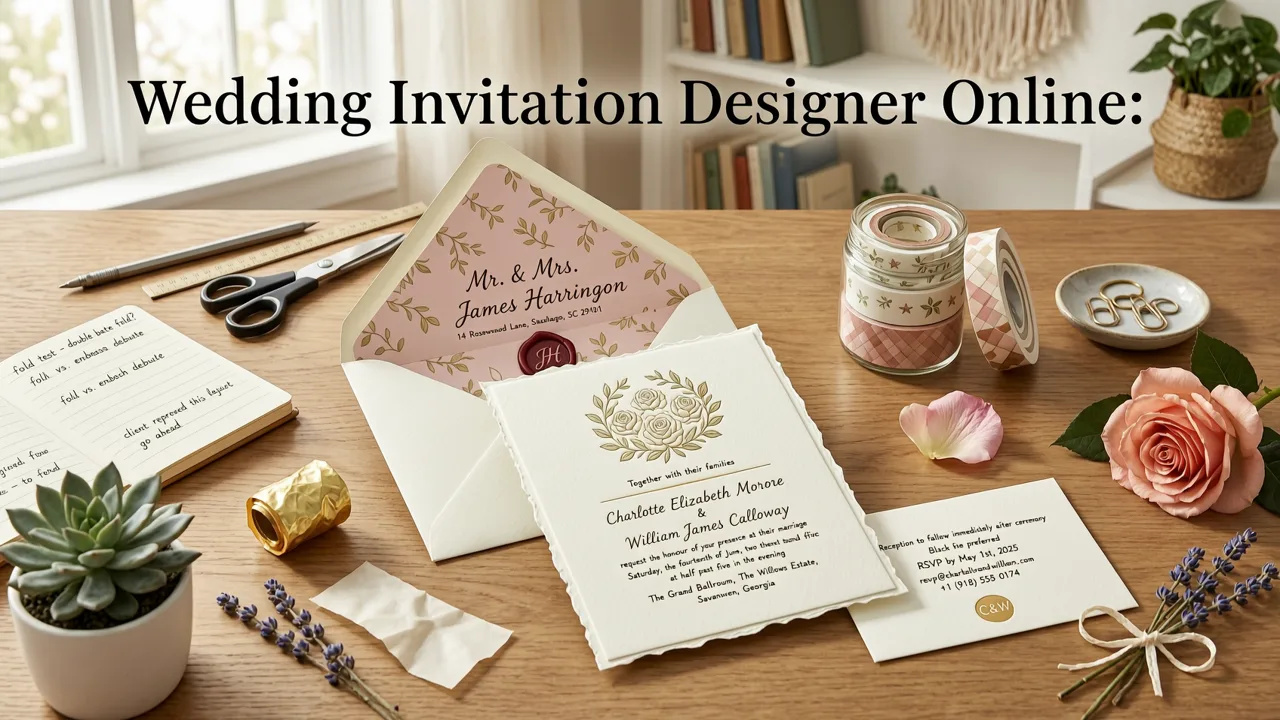
If you're searching for a wedding invitation designer online that delivers polished, share-ready results without a learning curve, an AI-powered invitation maker is the fastest path in 2026. You enter your event details, choose a style, and the platform generates a beautiful, mobile-friendly invitation you can download, print, or share digitally—all in minutes and with zero design experience required.
Below, we'll walk through why couples, planners, and families are choosing AI-driven tools over traditional design software, what features matter most, and a step-by-step process for creating a wedding invitation that looks professionally designed from the very first draft.
Why a Wedding Invitation Designer Online Is the Smart Choice in 2026
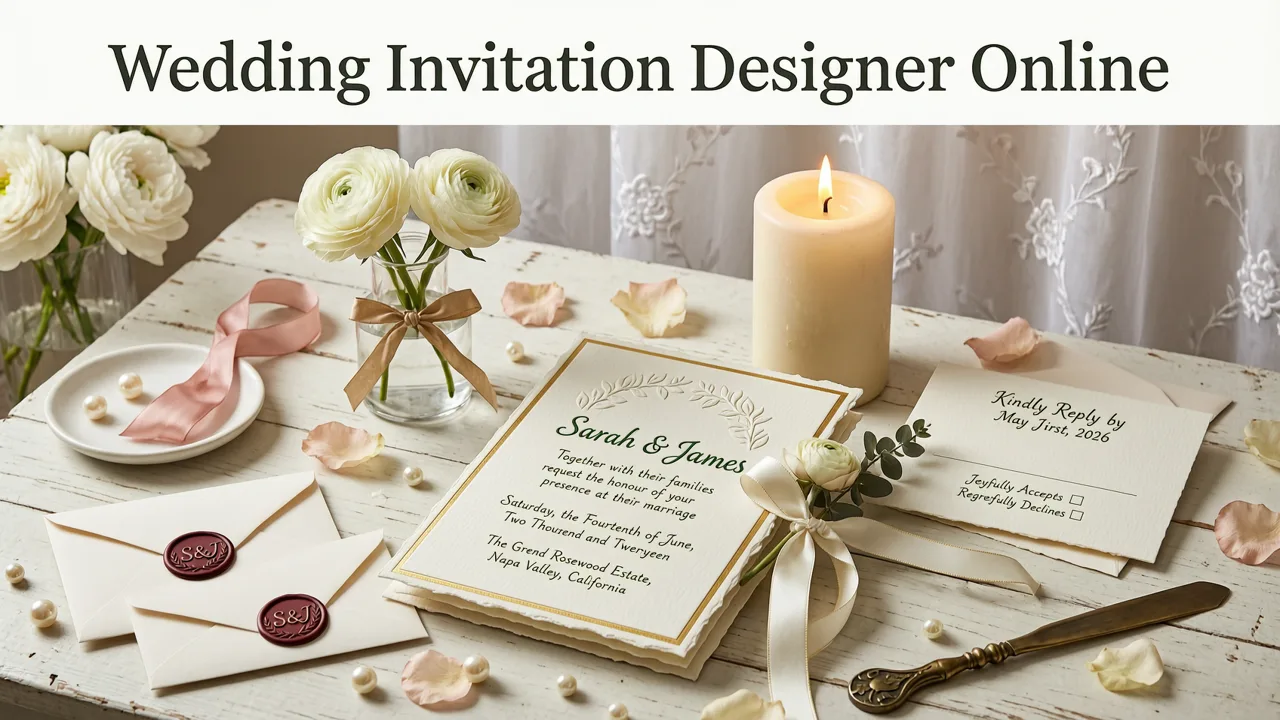
Wedding planning in 2026 moves at the speed of group chats, digital RSVPs, and cross-time-zone guest lists. Couples no longer have weeks to wait for a designer to return proofs. A modern wedding invitation designer online compresses that timeline from days to minutes while still producing invitations that feel personal, elegant, and on-brand.
Three shifts have made online AI designers the default for engaged couples:
- Speed without sacrifice. Generative AI models handle typography pairing, color harmony, and layout balance automatically, so the output looks intentional rather than template-stiff.
- Mobile-first creation. Most couples now design invitations on their phones between appointments. Leading platforms render full-fidelity previews on any screen size.
- Instant sharing ecosystems. Digital invites integrate directly with messaging apps, email, and RSVP trackers, eliminating manual guest-list management.
The result: a tool that feels like having a professional stationer on call 24/7, at a fraction of the cost.
What to Look for in a Wedding Invitation Designer Online
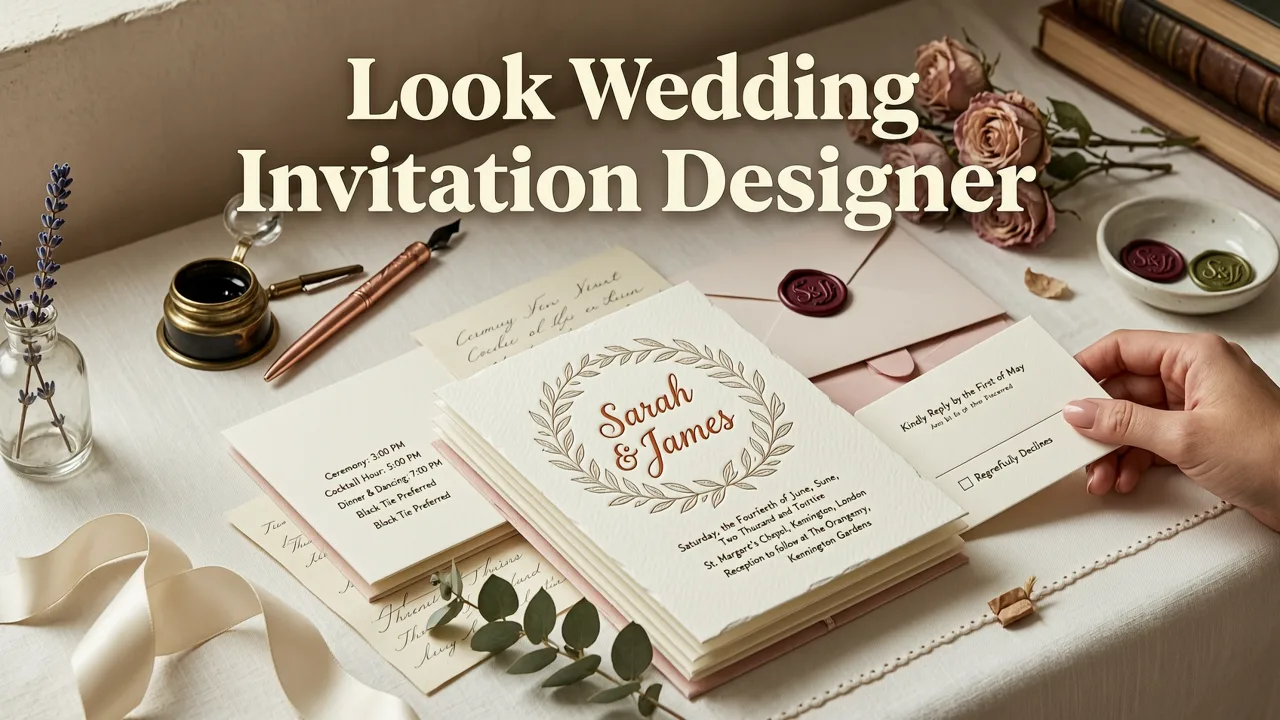
Not every online designer delivers the same experience. Before committing to a platform, evaluate it against the features that actually matter for wedding stationery.
AI-Powered Layout and Typography
The best tools use AI to suggest font pairings, spacing, and hierarchy based on your wedding style—rustic, modern minimalist, art deco, botanical, and so on. You shouldn't have to manually adjust kerning or line height. If the platform can't produce a balanced layout on the first attempt, it isn't truly AI-driven.
Print-Ready and Digital-Ready Export
Your invitation may live entirely online, or you may want a printed keepsake. A strong designer exports in both high-resolution PDF (300 DPI, CMYK-safe) for professional printing and optimized formats for WhatsApp, iMessage, and email sharing. Check that the tool offers standard sizes like 5×7 inches (127 × 178 mm) without cropping critical text.
Customization Depth
Templates are a starting point, not a cage. You should be able to swap colors, adjust fonts, upload your own photo or monogram, and rearrange elements freely. The more granular the customization, the more unique your invitation will feel.
RSVP and Guest-List Integration
In 2026, the invitation is just the entry point. Leading platforms let you embed RSVP links, meal-choice selectors, and even event-day timelines directly into the digital invite, turning a static card into a functional event hub.
Multilingual and Accessibility Support
If your guest list spans multiple countries, look for RTL (right-to-left) language support, Unicode compatibility for non-Latin scripts, and contrast ratios that meet accessibility standards. Inclusivity shouldn't be an afterthought.
Step-by-Step: How to Use a Wedding Invitation Designer Online
Here's the exact workflow to follow from blank canvas to finished invitation, whether you're designing for a 50-person intimate ceremony or a 300-guest celebration.
Step 1: Define Your Event Details
Before opening any design tool, gather the essentials: couple's names, date, time, venue address (ceremony and reception if separate), dress code, RSVP deadline, and any special notes like "unplugged ceremony" or "adults only." Having this information ready prevents awkward re-layouts later.
Step 2: Choose Your Style and Template
Browse templates by aesthetic—minimalist, watercolor, vintage, luxury gold foil, tropical destination, and more. The AI will adapt the template's color palette and typography to match your selections. If you're unsure, most platforms let you input a mood-board image or describe your vibe in a sentence, and the AI generates a shortlist.
Step 3: Customize Content and Visuals
Replace placeholder text with your details. Upload a photo, illustration, or custom monogram if desired. Adjust colors to match your wedding palette. At this stage, the AI assists with alignment and spacing so nothing looks crowded or off-center.
Step 4: Preview on Multiple Devices
Preview your invitation on a phone, tablet, and desktop screen. This is critical because a significant portion of your guests will first see the invite on mobile. Ensure text is legible at small sizes and that images don't pixelate.
Step 5: Export, Share, and Track RSVPs
Download your final file in the formats you need—JPEG or PNG for social sharing, PDF for printing. If your platform supports it, attach an RSVP link and begin tracking responses in a centralized dashboard. For a deeper guide on the full digital invitation workflow, see How to Make a Digital Invitation in 2026 (No Design Skills Needed).
Wedding Invitation Designer Online vs. Traditional Methods
Still weighing whether to go digital or hire a traditional stationer? Here's a side-by-side comparison to make the decision clearer.
| Factor | Online AI Designer | Traditional Stationer |
|---|---|---|
| Turnaround Time | Minutes to hours | 1–4 weeks |
| Cost per Design | Low (often free tier available) | $300–$2,000+ |
| Customization | High (AI-assisted, real-time) | High (manual revisions) |
| Print Quality Control | Print-ready export included | Full-service printing available |
| Digital Sharing | Built-in (links, RSVP, messaging) | Requires separate digital version |
| Revisions | Unlimited, instant | Limited per contract |
| Best For | Couples who value speed, flexibility, and digital-first guest experiences | Couples who want a hands-off, fully managed luxury experience |
For the majority of couples in 2026, the online AI designer delivers 90% of the aesthetic quality at a fraction of the cost and timeline. Traditional stationers remain a strong choice for ultra-luxury letterpress or bespoke illustration projects, but they no longer hold a monopoly on beautiful design.
Design Tips That Make Any Wedding Invitation Look Premium
Even with AI doing the heavy lifting, a few intentional choices elevate your invitation from "good template" to "wow, did a designer make this?"
Limit Your Font Pairing to Two
One expressive display font for names and headings, one clean sans-serif or serif for body text. Anything more creates visual noise. Let the AI suggest pairings if you're unsure—these models are trained on thousands of professional layouts.
Embrace White Space
Crowded invitations feel anxious. Generous margins and breathing room between elements signal elegance and confidence. If your first draft feels busy, try removing a line of text before adding more decoration.
Use a Cohesive Color Palette
Pull two to three colors from your wedding palette and apply them consistently across the invitation, RSVP card, and any配套 details. A unified palette makes the entire stationery suite feel curated.
Add One Personal Touch
A custom monogram, a small illustration of your venue, a pressed-flower scan, or a meaningful quote transforms a template into something uniquely yours. This is the detail guests remember and photograph.
Proofread Twice, Send Once
Misspelled venue names and incorrect dates are the most common invitation errors. Read every word backward (a classic proofreading trick) and have a second pair of eyes review before you hit send or print.
Common Mistakes to Avoid When Designing Wedding Invitations Online
Even experienced planners stumble on a few predictable pitfalls. Avoid these to keep your invitation process smooth.
- Ignoring bleed and trim lines. If you plan to print, ensure your design extends to the bleed area so no white edges appear after cutting.
- Using low-resolution images. Upload photos at 300 DPI or higher. A blurry hero image undermines an otherwise polished layout.
- Overloading with information. The main invitation should include only essentials. Move details like accommodation, registry, and transportation to a separate card or digital page.
- Forgetting time zones. For destination weddings, specify the time zone next to your start time so out-of-town guests aren't confused.
- Skipping the mobile preview. More than half your guests will view the invite on a phone. If it doesn't look great at 375 pixels wide, revise it.
How AI Is Changing Wedding Invitation Design in 2026
The AI powering today's invitation designers isn't just applying filters to stock templates. Modern generative models understand design principles—hierarchy, balance, contrast, proximity—and apply them dynamically based on your content length, style preference, and output format.
According to Google's AI responsibility principles, the best consumer-facing AI tools prioritize transparency, user control, and helpfulness. In practice, this means the AI suggests but doesn't override your choices, explains its design decisions when asked, and always lets you revert to a previous version.
For couples designing invitations for the first time, this translates to a tool that feels collaborative rather than intimidating. You describe what you want; the AI handles the execution. If you want a starting point for a classic format, explore the AI Wedding Invitation Template – 5x7 Size Ready to Customize for a print-ready foundation.
Who Benefits Most from an Online Wedding Invitation Designer
While any couple can use these tools, certain groups see outsized value:
- DIY brides and grooms who want creative control without hiring a professional designer.
- Destination-wedding couples who need to share details instantly across borders and time zones.
- Budget-conscious planners who want luxury aesthetics without the luxury price tag.
- Eco-conscious couples who prefer digital-first communication and only print what's necessary.
- Last-minute planners who need beautiful invitations in hours, not weeks.
Frequently Asked Questions
Below are the most common questions couples ask when choosing a wedding invitation designer online.
Can I use a wedding invitation designer online for free?
Many platforms, including Inviteos, offer free tiers that let you design and download a digital invitation without payment. Premium features like high-resolution print exports or advanced customization may require a one-time fee or subscription.
Do I need design skills to create a wedding invitation online?
No. AI-powered designers handle typography, layout, and color balance automatically. You provide the content and style preference; the tool handles the rest. If you can type and click, you can design a professional-quality invitation.
Can I print invitations designed online?
Yes. Reputable platforms export print-ready PDFs at 300 DPI with proper bleed and trim marks. You can print at home, use a local print shop, or order through the platform's integrated printing service.
How long does it take to design a wedding invitation online?
Most couples complete their first draft in 10 to 20 minutes. Finalizing details, gathering guest feedback, and making revisions typically adds another 30 to 60 minutes. The entire process usually takes under two hours from start to finished file.
Are online wedding invitations environmentally friendly?
Digital invitations eliminate paper waste, printing ink, and shipping emissions entirely. If you do choose to print, limit the run to keepsakes and older relatives who prefer physical mail. The hybrid approach—digital for most, print for a few—minimizes environmental impact.
Start Designing Your Wedding Invitation Today
Your wedding invitation sets the tone for your entire celebration. With a modern wedding invitation designer online, you don't need to choose between speed, style, and affordability—you can have all three. Pick a template, let AI handle the design details, add your personal touches, and share a stunning invitation with your guests in minutes.
Ready to create your first design? Start designing your wedding invitation with Inviteos today—no design skills, no downloads, no stress. Just beautiful invitations, made simple.
Related posts


Next steps
Start on the homepage, or jump to the main CTA via contact. You can also explore localized pages like United Kingdom or Germany.