
2026-09-06 · 10 min read
Best Greeting Card Design Tool for Non-Designers in 2026

Recommended next
The Best Greeting Card Design Tool for Non-Designers: The Short Answer
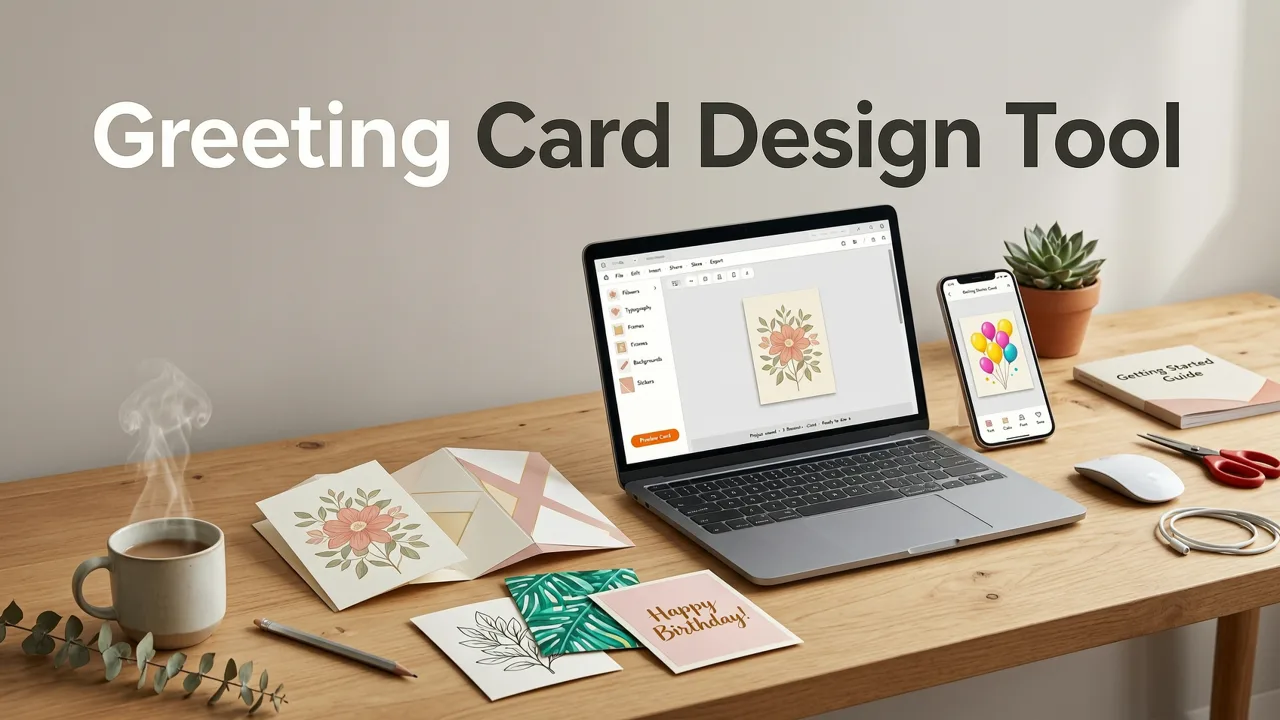
If you have ever stared at a blank canvas wondering how to turn a simple message into something beautiful, you are not alone. The best greeting card design tool in 2026 is one that combines AI-driven layout suggestions, professionally crafted templates, and a drag-and-drop interface so intuitive that anyone can produce a polished, share-ready card in under five minutes. Platforms like InviteOS have made this possible by removing the need for Photoshop skills, expensive subscriptions, or hours of trial and error.
This guide walks you through exactly what to look for in a modern greeting card design tool, how AI has changed the creative process, and a step-by-step workflow you can follow today—whether you are designing a birthday card, a holiday greeting, or a branded corporate message.
Why the Greeting Card Design Tool Landscape Has Shifted in 2026
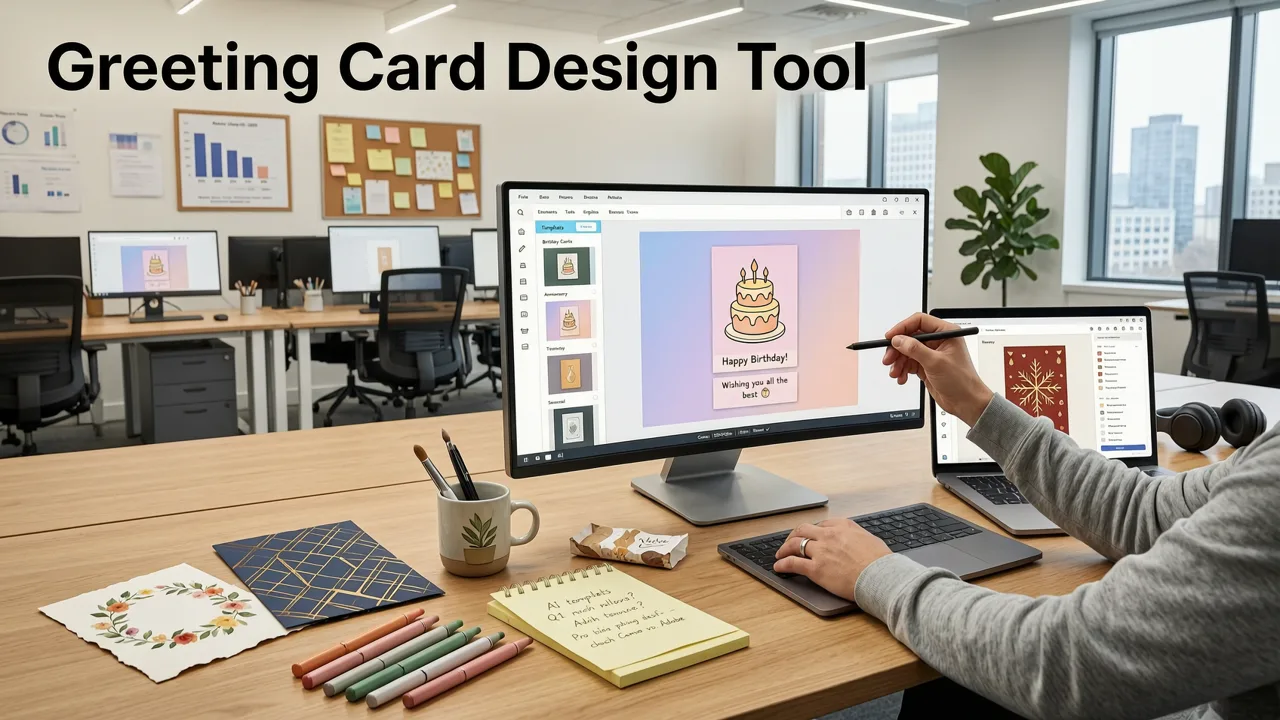
A few years ago, creating a custom greeting card meant choosing between expensive design software or settling for generic store-bought options. In 2026, that gap has closed completely. AI-powered design platforms now handle typography pairing, color harmony, image composition, and even tone-of-voice suggestions—tasks that once required a trained graphic designer.
Several factors have accelerated this shift:
- Generative AI maturity: Models can now interpret natural-language prompts and translate them into visually coherent layouts within seconds.
- Mobile-first workflows: More than half of all digital cards are now designed on smartphones, pushing platforms to optimize for touch interfaces.
- Sustainability awareness: Digital cards continue to replace paper, reducing waste while offering richer multimedia experiences like embedded video and audio.
- Small-business demand: Brands need scalable, on-brand greeting solutions for customer appreciation, holidays, and milestones without hiring a design team.
The result is a market where the best greeting card design tool is no longer defined by feature count, but by how quickly and effortlessly it turns your idea into a finished card.
What Makes a Greeting Card Design Tool Ideal for Non-Designers
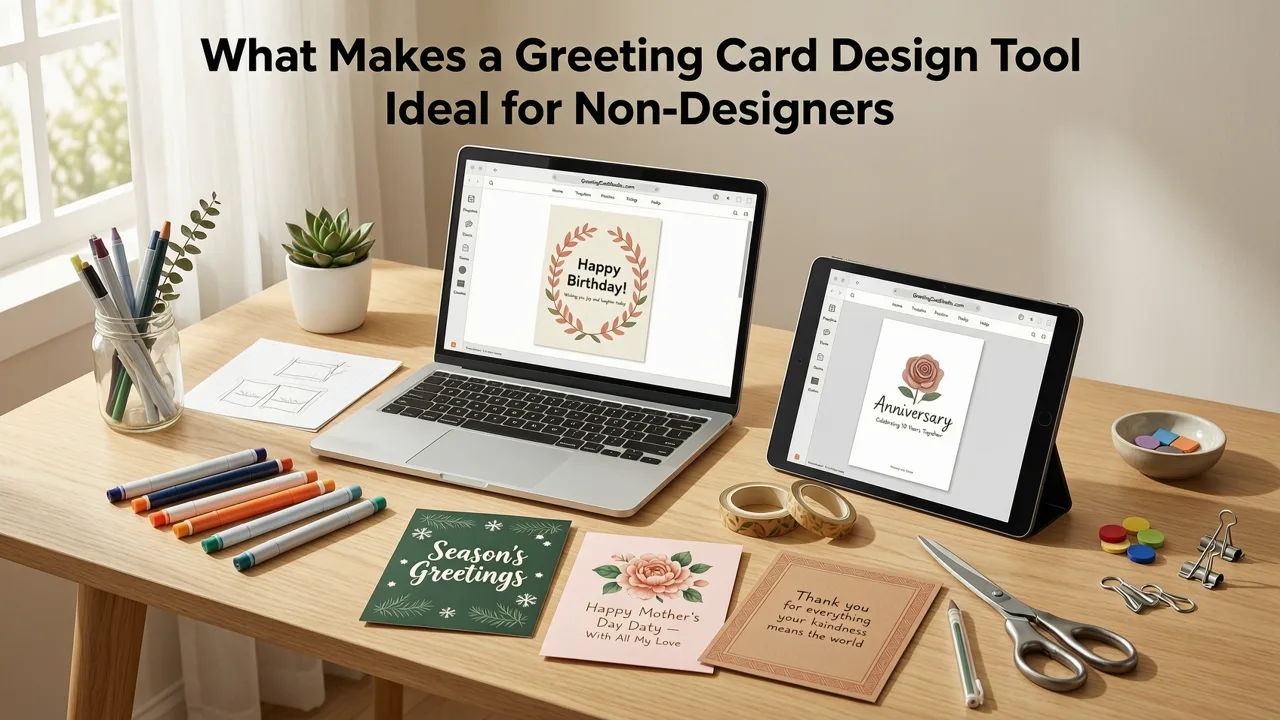
Not every design platform is built with beginners in mind. Here are the characteristics that separate a genuinely useful greeting card design tool from one that overwhelms you with options.
1. AI-Powered Template Recommendations
The top tools analyze your event type, recipient, and preferred style to surface the most relevant templates instantly. Instead of scrolling through thousands of options, you receive a short, curated shortlist tailored to your needs.
2. Natural-Language Editing
Advanced platforms let you describe changes in plain English—"make the background warmer" or "switch to a handwritten font"—and the AI applies those edits automatically. This removes the learning curve associated with traditional design menus.
3. One-Click Brand Kits
For small businesses and event planners, the ability to save logos, color palettes, and font preferences means every card stays on-brand without manual adjustments. A good tool lets you apply your brand kit across all future designs with a single click.
4. Print-Ready and Share-Ready Output
A truly versatile greeting card design tool exports in multiple formats: high-resolution PDF for professional printing, optimized JPEG or PNG for social sharing, and even animated formats for digital delivery.
5. Accessibility and Localization
In a global market, the best tools support multiple languages, right-to-left text, and accessibility checks to ensure your card is readable by everyone—including recipients using screen readers.
How to Use a Greeting Card Design Tool: Step-by-Step
Let us walk through the process of creating a greeting card using a modern AI-powered platform. The workflow below applies whether you are using InviteOS or a comparable tool.
Step 1: Define the Occasion and Recipient
Before you open any template, clarify two things: what is the occasion and who will receive the card. A retirement card for a colleague requires a very different tone and visual style than a baby announcement for your sister. Writing this down—even in a single sentence—gives the AI better context to work with.
Step 2: Choose a Starting Template
Browse the curated template gallery and filter by occasion, color palette, or mood. Most AI greeting card design tools will suggest templates based on your initial inputs. Pick one that feels close to your vision—you can customize everything later.
Step 3: Personalize the Content
Replace placeholder text with your own message. If you are unsure what to write, many platforms now include an AI writing assistant that generates heartfelt, funny, or formal messages based on a few keywords. You can also upload personal photos or choose from a built-in stock library.
Step 4: Refine the Design
Use the editing panel to adjust colors, fonts, and layout. If the tool supports natural-language commands, simply type what you want changed. Preview the card in real time to see how edits affect the overall composition.
Step 5: Export and Share
Download your finished card in the format that suits your delivery method. Send it via email, share a link on social media, embed it in a text message, or print it for a physical keepsake. The best greeting card design tool makes this final step frictionless.
Greeting Card Design Tools Compared: What to Expect in 2026
To help you evaluate your options, here is a comparison of the key capabilities you should expect from leading greeting card design tools this year.
| Feature | AI-Powered Platforms (e.g., InviteOS) | Traditional Design Software | Basic Free Editors |
|---|---|---|---|
| Setup time | Under 2 minutes | 30+ minutes of learning | 5–10 minutes |
| AI template suggestions | Yes | No | Limited |
| Natural-language editing | Yes | No | No |
| Brand kit support | Yes | Manual | No |
| Print-ready export | Yes | Yes | Sometimes |
| Animated or video cards | Yes | Add-on required | No |
| Cost | Free tier + affordable plans | High monthly subscription | Free with limitations |
As the table illustrates, AI-powered platforms offer the strongest balance of speed, customization, and output quality—especially for users without formal design training.
Greeting Card Design for Different Audiences
The beauty of a versatile greeting card design tool is that it serves multiple use cases with equal ease. Here is how different audiences benefit.
Individuals and Families
Whether you are sending a holiday card, a thank-you note, or a birthday greeting, an AI-powered tool lets you add personal photos, custom messages, and unique design elements that store-bought cards simply cannot match. If you are already exploring how to create digital invitations, the same workflow applies to greeting cards—simply adjust the template style and message tone. You can read more in our guide on how to make a digital invitation.
Event Planners
Event planners juggle dozens of clients and occasions. A greeting card design tool with brand kit functionality and batch customization saves hours each week. You can create a master template for a client and then generate personalized variants for each guest in minutes.
Small Businesses
Brands use greeting cards for customer appreciation, holiday messages, product launches, and employee recognition. The key is consistency: every card should reflect the company's visual identity. Tools that support digital greeting cards for business make it easy to maintain that consistency at scale. For wedding-related businesses, pairing greeting cards with matching AI wedding invitation templates creates a cohesive stationery suite.
How AI Enhances the Greeting Card Design Process
Artificial intelligence is not just a buzzword—it is the engine that makes modern greeting card design tools accessible to everyone. Here is a closer look at what AI actually does behind the scenes.
Intelligent Layout Generation
When you drop an image and text onto a canvas, the AI evaluates visual weight, contrast, and hierarchy to suggest optimal placement. This means your card looks balanced even if you have no formal training in composition.
Smart Color Palette Matching
Upload a photo and the tool extracts dominant colors, then suggests complementary palettes for text and background elements. This eliminates the guesswork that often leads to clashing designs.
Context-Aware Copy Suggestions
Tell the AI the occasion and the recipient's relationship to you, and it generates message options ranging from heartfelt to humorous. You can edit freely, but the starting point removes writer's block entirely.
Automated Quality Checks
Before you export, the tool scans for common issues: low-resolution images, text that is too small to read, insufficient color contrast, and misaligned elements. These checks ensure your card looks professional every time.
For a deeper understanding of how responsible AI practices shape tools like these, you can explore Google's AI responsibility principles, which influence how leading platforms approach user data and creative output.
Common Mistakes to Avoid When Designing Greeting Cards
Even with the best tools, a few common pitfalls can undermine your final design. Keep these in mind as you work.
- Overcrowding the canvas: More elements do not equal a better card. Leave breathing room around text and images.
- Ignoring the fold line: If you plan to print a folded card, make sure critical text and images do not sit on the crease.
- Using too many fonts: Stick to two typefaces—one for headings and one for body text—to maintain visual cohesion.
- Skipping the preview: Always preview your card at actual size before exporting. What looks fine on a zoomed-in screen may be unreadable when printed or viewed on a phone.
- Forgetting the back panel: If printing, use the back of the card for a logo, social handle, or short note rather than leaving it blank.
Trends Shaping Greeting Card Design in 2026
The greeting card space continues to evolve rapidly. Here are the trends defining the year ahead.
Multimedia and Interactive Cards
Static images are no longer the only option. Animated cards with subtle motion, embedded audio messages, and even short video clips are becoming standard for digital delivery.
Hyper-Personalization
AI tools now allow you to generate unique card variants for each recipient—incorporating their name, a shared memory, or even a custom illustration—without starting from scratch each time.
Eco-Conscious Design
As digital cards continue to replace paper, design tools are emphasizing features that reduce the need for physical printing altogether, such as shareable links, e-card wallets, and digital framing options.
Minimalist Aesthetics
Clean layouts, generous white space, and restrained color palettes remain popular. The focus is on the message, not the decoration.
Choosing the Right Greeting Card Design Tool for Your Needs
With so many options available, narrowing your choice comes down to three questions:
- How often will you design cards? Occasional users benefit from free tiers with generous template libraries. Frequent creators and businesses should look for plans that include brand kits, batch editing, and priority support.
- What output formats do you need? If you plan to print, ensure the tool exports high-resolution, bleed-ready PDFs. For digital sharing, animated and video formats add impact.
- How important is AI assistance? If you want the fastest path from idea to finished card, prioritize platforms with AI template suggestions, natural-language editing, and copy generation.
Platforms that check all three boxes—like InviteOS—give non-designers a genuine competitive edge, producing results that rival what a professional studio would deliver.
Final Thoughts
The era of intimidating design software is over. The best greeting card design tool in 2026 is one that meets you where you are, understands what you are trying to create, and delivers a polished result in minutes—not hours. Whether you are sending a heartfelt note to a loved one, coordinating event stationery, or building a brand's customer appreciation program, AI-powered platforms have made professional-quality design accessible to everyone.
Ready to create your first card? Explore the AI Greeting Card Maker on InviteOS and see how fast you can go from a blank screen to a stunning, share-ready design. Your next great card is only a few clicks away.
Related Articles
Related posts


Next steps
Start on the homepage, or jump to the main CTA via contact. You can also explore localized pages like United Kingdom or Germany.