
2026-08-31 · 8 min read
Corporate Event Digital Card Designer for 2026 | Inviteos

Recommended next
Why a Corporate Event Digital Card Still Matters in 2026
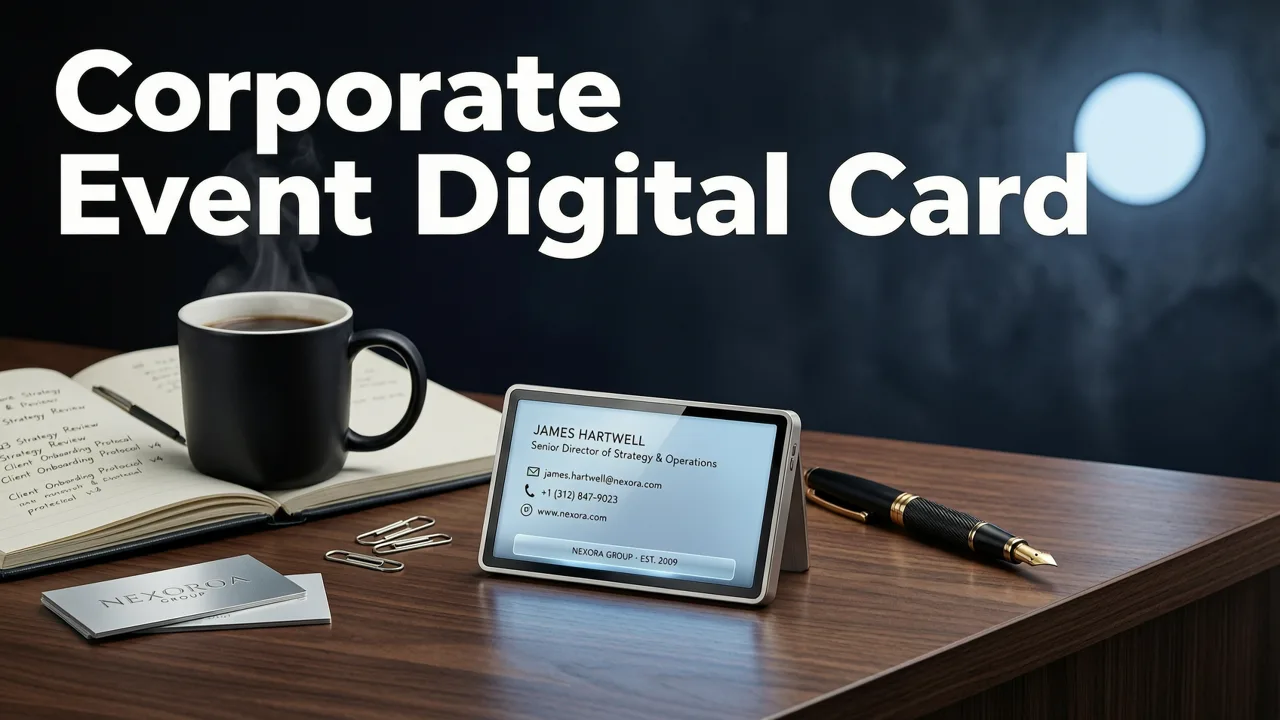
If your last company invitation looked like a forwarded chain email, you already know the problem. A corporate event digital card is no longer optional polish — it is the first impression of your brand, the clearest signal of event quality, and often the single biggest driver of RSVP rates. In 2026, the gap between a generic PDF invite and a thoughtfully designed digital card can decide whether your launch, gala, or conference sells out or sits half-empty.
The good news: you no longer need a design team, a licensed Adobe stack, or a three-day turnaround to produce something boardroom-ready. AI-powered platforms like Inviteos turn a few event details into a polished, share-ready corporate event digital card in minutes — with brand colors, logos, and tone locked in from the start.
This guide walks through what makes a 2026 corporate invitation actually work, how to build one step by step, and which features separate a tool worth using from one you will abandon after the first draft.
What Defines a Great Corporate Event Digital Card in 2026

A strong corporate invitation does more than announce a date. It communicates brand, sets expectations, and removes friction for the recipient. The best cards in 2026 share five traits:
- Brand consistency. Correct logo placement, approved color palette, and on-brand typography that match your style guide.
- Contextual clarity. Event name, date, time zone, venue or meeting link, dress code, and agenda snapshot — all visible without scrolling.
- Interactive elements. One-tap RSVP, calendar add, map integration, and agenda expansion built into the card itself.
- Accessibility by default. Proper contrast ratios, readable font sizes, and alt text for every graphic element.
- Shareability across channels. Clean exports for email, WhatsApp, LinkedIn, Slack, and QR codes for printed collateral.
If any of those are missing, the card is decoration, not a working business asset.
Corporate Event Digital Card vs. Traditional Invite Formats

Before choosing a format, it helps to see how a modern digital card compares against the alternatives most teams still default to.
| Feature | Corporate Event Digital Card | Email Blast | Printed Card | Generic PDF |
|---|---|---|---|---|
| Design time | 5–15 minutes | 30–60 minutes | 3–10 days | 30–90 minutes |
| Brand control | High | Medium | High | Low–Medium |
| RSVP tracking | Built in | External form | Manual | None |
| Calendar integration | One tap | Separate .ics file | None | None |
| Cost per send | Near zero | Near zero | High | Near zero |
| Mobile experience | Optimized | Varies | None | Poor |
| Eco impact | Minimal | Minimal | High | Minimal |
The digital card wins on speed, tracking, and recipient experience — which is exactly why digital invitation trends in 2026 continue to move away from static formats.
How to Create a Corporate Event Digital Card Step by Step
Building a corporate event digital card in Inviteos follows a workflow that mirrors how experienced event planners actually think — intent first, design second, distribution third.
Step 1: Lock Down the Event Brief
Before touching any template, write a one-paragraph brief: event type, audience, tone, key message, and the single action you want recipients to take. A product launch for investors reads differently than a holiday party for staff. This brief becomes the prompt that guides the AI.
Step 2: Choose a Business-Grade Template
Inviteos organizes templates by use case, not just aesthetic. For corporate events, start in the professional business event invitation templates library. Filter by formality, industry, and layout. A template is a starting structure — not a final design — so pick one that matches your brief, not just one that catches your eye.
Step 3: Apply Brand Settings Once
Upload your logo, set your hex codes, and choose your approved typefaces. These settings apply across every card you create, which matters when you are producing a series of invites for a multi-event quarter.
Step 4: Let AI Draft the Copy
Paste your brief and let the AI generate headline options, body copy, and a call to action. Review for tone and accuracy. AI handles the scaffolding; you handle the judgment. For more on this workflow, see the full guide on how to make a digital greeting card, which applies equally to corporate contexts.
Step 5: Add Interactive Layers
Attach your RSVP form, embed a calendar button, and link to your agenda or registration page. In 2026, a corporate event digital card without an embedded action is a missed conversion.
Step 6: Export, Share, and Track
Export in the formats your audience actually uses: a shareable link for email and Slack, an image file for WhatsApp and LinkedIn, and a QR code for any printed signage. Then monitor RSVP rates, open rates, and click-throughs from a single dashboard.
Use Cases That Benefit Most from a Digital Card
Not every corporate event needs the same treatment. Here is where a digital card delivers the highest return:
- Product launches and press events. A polished card signals credibility to journalists and partners before they arrive.
- Client appreciation dinners and galas. High-touch design reinforces the relationship, not just the invitation.
- Internal all-hands and town halls. A branded card elevates what could otherwise feel like another calendar notification.
- Conferences and summits. Multi-session events benefit from expandable agendas and session-level RSVPs inside the card.
- Holiday parties and milestone celebrations. Even internal events deserve design that matches the occasion.
Brand Alignment Without a Design Team
One of the most common failure modes in corporate invitations is off-brand design — a rogue shade of blue, a mismatched font, a pixelated logo. Inviteos solves this with saved brand kits that lock in your visual identity. Once configured, every card inherits those settings automatically, which eliminates the back-and-forth with marketing approvals.
This matters at scale. If your team sends fifty invitations a quarter, brand consistency by default saves hours of review and protects your visual identity without adding process overhead.
RSVP, Analytics, and Follow-Up in One Flow
A corporate event digital card should do more than look good — it should work. Inviteos includes built-in RSVP tracking, guest list management, and automated reminders. You can see who has responded, who has not, and send a follow-up to the right segment without exporting to a spreadsheet.
For event planners managing multiple events simultaneously, this turns what used to be a full-day administrative task into a five-minute check-in.
How Inviteos Compares to Other Corporate Invite Tools
If you are evaluating platforms, the decision usually comes down to four dimensions: AI capability, brand control, distribution flexibility, and pricing at scale. Inviteos scores competitively across all four, which is why teams exploring Inviteos alternatives often return to the platform after testing lighter or more expensive options.
The key differentiator is contextual AI. Rather than swapping templates, Inviteos generates copy, layout suggestions, and design variations based on your specific brief — which means your corporate event digital card feels custom, not templated.
Accessibility and Compliance Considerations
Corporate events carry compliance obligations that personal invitations do not. Your digital card should meet basic accessibility standards: sufficient color contrast, legible font sizes at mobile scale, and descriptive alt text for images. Inviteos includes accessibility checks before export, which reduces legal risk and ensures your invitation is usable by every recipient.
For teams following responsible AI guidance, this also means reviewing AI-generated copy for accuracy and inclusivity before sending — a quick step that protects both your brand and your attendees.
Pricing and Scale for Corporate Teams
Most corporate teams need to send invitations in volume — quarterly events, monthly client dinners, weekly webinars. Inviteos pricing is structured to make this affordable, with no per-card fees that punish high-volume senders. For detailed pricing, check the current plans on the Inviteos site, but expect a flat subscription model that includes unlimited exports, brand kits, and RSVP tracking.
Common Mistakes to Avoid
Even with the right tool, a few recurring mistakes weaken corporate invitations:
- Skipping the brief. Designing before you know the audience and objective produces generic results.
- Ignoring time zones. A global audience needs explicit time zone labeling — not just a local time.
- Overloading the card. Too much text or too many calls to action dilute the primary message.
- Forgetting mobile. The majority of recipients will open the card on a phone. Test before you send.
- No follow-up plan. An invitation without a reminder sequence leaves RSVP rates on the table.
The Bottom Line for 2026
A corporate event digital card is no longer a nice-to-have design exercise. It is a working piece of brand communication that drives attendance, reinforces identity, and saves your team time. With AI-powered tools like Inviteos, the barrier to producing a genuinely professional card has dropped to near zero — which means the new competitive advantage belongs to teams that invest in brief quality, brand consistency, and interactive design rather than raw production effort.
If your next event deserves more than a forwarded calendar invite, start with a clear brief, choose a business-grade template, and let AI handle the layout while you focus on the strategy. Your attendees will notice the difference — and so will your RSVP rate.
Ready to build your next corporate event digital card? Open Inviteos, pick a template, and have a share-ready invitation in under fifteen minutes.
Related Articles
- Corporate Event Digital Invite Templates – Brand-Ready for 2026
- Birthday Digital Card Template: Instant Download & Share in 2026
- Free AI Greeting Card Template: No Design Skills Needed in 2026
- Best AI Greeting Card Generator in 2026: Picks, Features & How to
- Baby Shower Invite Generator: AI-Powered Designs in Minutes
Related posts


Next steps
Start on the homepage, or jump to the main CTA via contact. You can also explore localized pages like United Kingdom or Germany.