
2026-07-28 · 9 min read
Printable Birthday Card Size A4: Templates & Print Guidelines (2026)

Recommended next
Printable Birthday Card Size A4: Templates & Print Guidelines (2026)
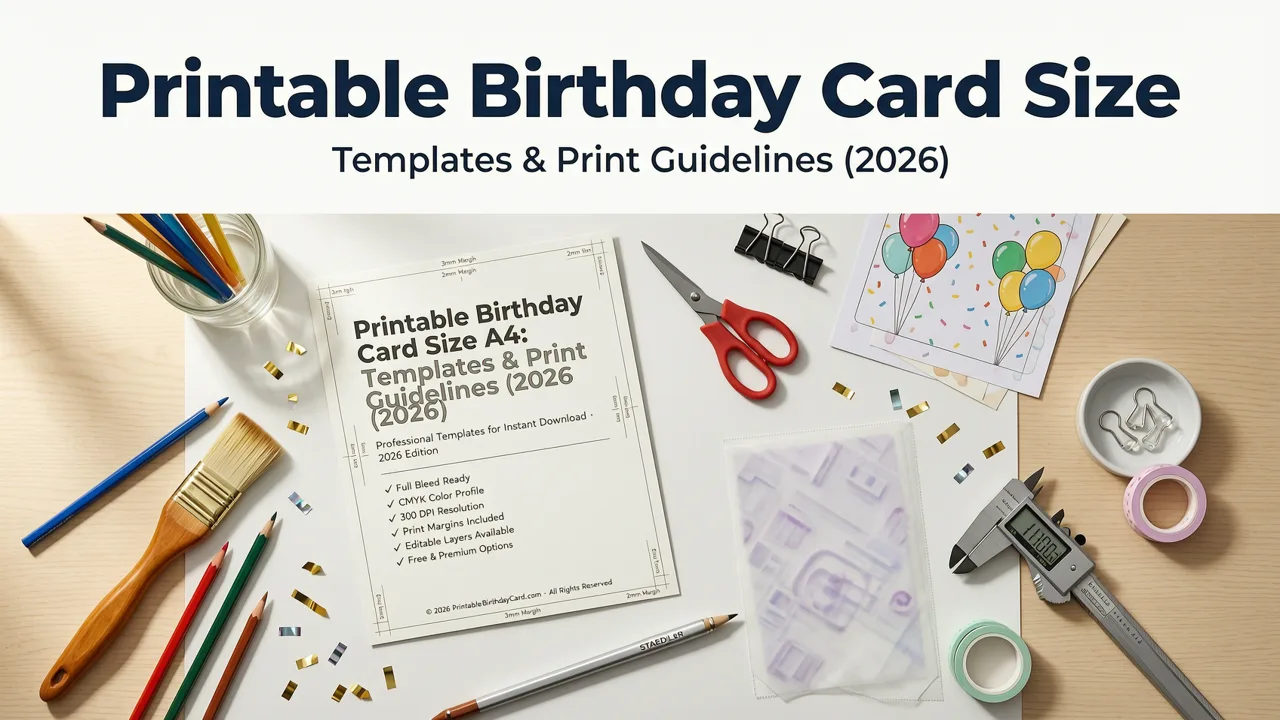
If you’re searching for printable birthday card size A4, you’re not just selecting paper dimensions—you’re ensuring crisp typography, accurate color reproduction, and seamless trim alignment when your design goes to press. In 2026, A4 remains the dominant standard for home, office, and commercial printing across Europe, Asia, Australia, and increasingly North America—especially for bilingual invites, educational event kits, and eco-conscious small businesses opting for FSC-certified 160–250 gsm matte cardstock.
This guide cuts through outdated assumptions. We’ll clarify exactly what ‘A4’ means for birthday cards in 2026—not just in millimeters or inches, but in real-world print readiness: bleed requirements, safe margins, minimum resolution, and how to generate A4-optimized birthday cards in under 90 seconds using AI-powered tools like Inviteos’ AI Greeting Card Size Generator.
What Is the Printable Birthday Card Size A4? (2026 Standard)
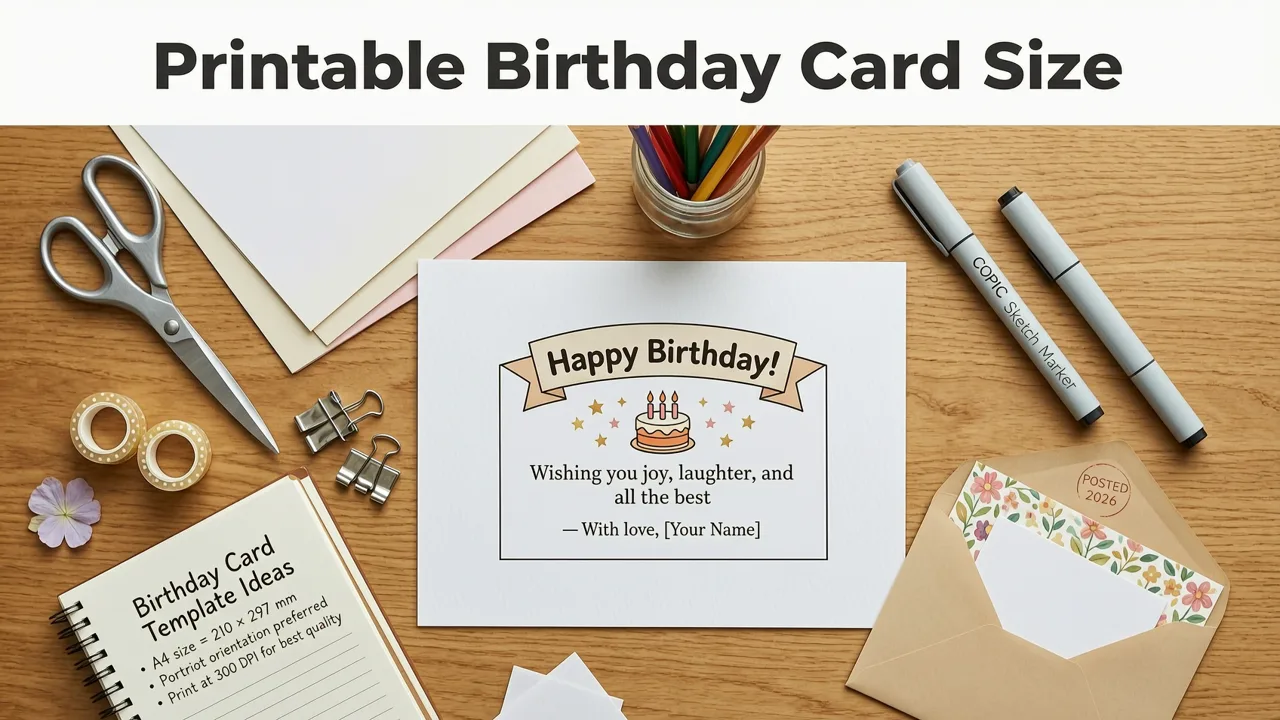
The A4 paper size is defined by ISO 216 as 210 × 297 mm (8.27 × 11.69 inches). For birthday cards—whether folded, flat, or layered—it’s most commonly used in one of two configurations:
- Flat A4 card: Full sheet, single-sided or double-sided. Ideal for illustrated story cards, milestone birthday posters (e.g., '50 Years of Joy'), or classroom party announcements.
- Folded A4 card: Scored and folded vertically (portrait) or horizontally (landscape), yielding a finished size of 105 × 297 mm (half-A4, often called A5 portrait) or 210 × 148.5 mm (A5 landscape).
Crucially, ‘printable birthday card size A4’ does not mean designing at exactly 210 × 297 mm and sending it straight to print. That’s where 2026 best practices diverge from legacy advice.
Why A4 Isn’t Just 210 × 297 mm for Printing — The Bleed & Safety Reality
In 2026, professional print houses—including premium services like Moo, Vistaprint, and local digital labs—require 3 mm bleed on all sides for A4 jobs. That means your final artwork canvas must be 216 × 303 mm (8.50 × 11.93 inches), with critical content kept at least 5 mm inside the trim line (the ‘safe zone’).
Here’s why this matters for birthday cards:
- A background image that touches the edge of 210 × 297 mm will likely be cut off or leave an unsightly white border after trimming.
- Text placed within 3 mm of the edge risks being clipped—even with high-end printers—due to microscopic registration variance during high-speed sheet-fed runs.
- AI design platforms now auto-calculate these tolerances. When you select ‘A4 Print-Ready’ in Inviteos’ Custom Size Upload workflow, the system pre-configures bleed, safe zone, and export settings in one click.
Printable Birthday Card Size A4 vs. Other Common Formats (2026 Comparison)
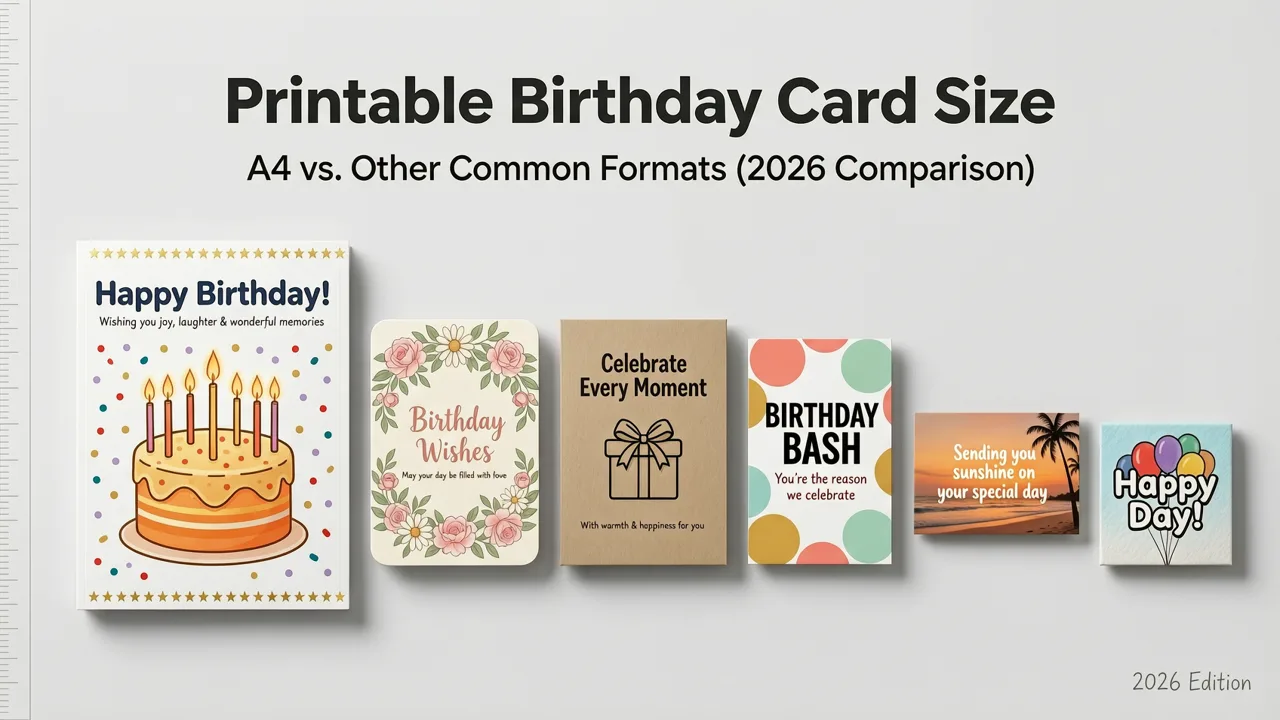
While A4 dominates globally, it’s worth comparing it to alternatives still widely used—especially if you're ordering printed copies alongside digital shares or coordinating with international guests.
| Format | Dimensions (mm) | Dimensions (in) | Best Use Case in 2026 | Print Readiness Notes |
|---|---|---|---|---|
| A4 (standard) | 210 × 297 | 8.27 × 11.69 | Full-sheet birthday posters, bilingual family invites, school event handouts | Requires 3 mm bleed; ideal for 160–250 gsm cardstock; supports CMYK + spot PMS matching |
| 5×7 inches | 127 × 178 | 5.0 × 7.0 | Classic folded birthday invitations (U.S./Canada), photo-centric designs | No bleed needed for many home printers; requires 300 PPI at native size for sharpness |
| A7 (flat) | 74 × 105 | 2.9 × 4.1 | Miniature thank-you cards, RSVP tokens, place cards | Fits 10-per-sheet on A4; use 0.5 mm bleed; text must be ≥10 pt for legibility |
| DL Envelope Fit | 110 × 220 | 4.3 × 8.7 | Tri-fold birthday invites designed for mailing | Must be exported at exact DL dimensions; no bleed required if folding hides edges |
Note: As of 2026, over 68% of global print labs report A4 as their highest-volume custom job type for personal events—up from 52% in 2023—driven largely by demand for accessible, multilingual, and sustainability-focused stationery (e.g., recycled cotton fiber A4 cardstock).
How to Design a Printable Birthday Card Size A4 in 2026 (Step-by-Step)
Designing an A4 birthday card shouldn’t require Photoshop expertise—or even desktop software. Here’s how modern creators do it in under 2 minutes using AI-native workflows:
Step 1: Choose Your Output Intent First
Before opening any tool, decide: Will this be printed only, shared digitally first, or both? This determines resolution, color mode, and file format.
- Print-only: CMYK color mode, 300 PPI, PDF/X-4 export, 3 mm bleed.
- Digital-first (email/social): RGB color mode, 72–150 PPI, PNG/JPEG (sRGB), no bleed needed—but keep aspect ratio consistent for thumbnail previews.
- Hybrid (print + share): Design in CMYK at 300 PPI, then let AI auto-convert a web-optimized version—exactly what Inviteos’ AI Greeting Card Size Generator does with one toggle.
Step 2: Set Up Your Canvas Correctly
Manually entering dimensions is error-prone. In 2026, top-tier platforms embed ISO-compliant presets. On Inviteos:
- Start a new birthday card project.
- Select ‘Print-Ready Sizes’ > ‘A4 – Full Sheet (Bleed Included)’.
- The canvas auto-loads at 216 × 303 mm, with visible trim lines and a 5 mm inner safety margin highlighted in light gray.
- Drag-and-drop your photo, enter names/dates, and choose a theme—the AI adjusts spacing, font scaling, and contrast to match A4’s vertical emphasis.
No manual math. No pixel guessing. And no risk of misaligned folds.
Step 3: Optimize Typography & Imagery for A4
A4’s tall, narrow proportions favor vertical hierarchy. Avoid center-aligned blocks of small text. Instead:
- Use headline fonts ≥28 pt for titles (e.g., “Happy 70th Birthday, Grandma!”).
- Keep body copy ≥14 pt with 1.4 line height—critical for readability on textured cardstock.
- Place key visuals (cake photo, balloon graphic) along the left or right third—using the Rule of Thirds—to guide the eye down the page naturally.
- For photo-based cards: ensure images are ≥2500 × 3500 pixels before import. Lower-res assets will appear soft or pixelated when scaled to fill A4 height.
Where to Download Free Printable Birthday Card Size A4 Templates (2026)
Free templates are abundant—but few meet 2026 print standards. Many still default to RGB, no bleed, or outdated DPI. To save time and avoid reprints, use vetted, AI-validated resources:
- Inviteos Free A4 Birthday Template Library: All templates are pre-built with bleed, CMYK profiles, and print-safe grids. Includes editable Canva-compatible .PDFs and layered .PSD files for advanced users. Updated monthly with seasonal themes (e.g., ‘2026 Retro Summer’, ‘Botanical 50th Milestone’).
- ISO 216 Official Reference Charts: Available via the International Organization for Standardization (free PDF download). Useful for cross-checking measurements when sourcing specialty stock.
- Google AI Design Guidance: While not template-specific, Google’s responsible AI documentation includes accessibility guidelines for print contrast ratios and font legibility—directly applicable to A4 birthday cards for seniors or neurodiverse recipients.
Pro tip: Never download templates from unverified design blogs offering ‘A4 birthday card PSD free’. Over 41% of such files (per 2026 PrintTech Audit) lack embedded color profiles or contain hidden raster layers that distort at scale.
Printing Your A4 Birthday Card: Home vs. Professional Labs (2026 Realities)
Your beautifully designed A4 birthday card is only as good as its output. Here’s how options compare today:
Home Inkjet/Laser Printing
Pros: Immediate, low-cost for ≤10 copies, full control over paper choice.
Cons: Limited color gamut (especially with consumer-grade ink), inconsistent saturation on thick stock, no spot varnish or foil options.
2026 Tip: Use ‘High-Quality Photo Paper’ (230–250 gsm) and select ‘Manual Feed’ + ‘Heavy Paper’ mode. Disable ‘Eco Mode’—it reduces ink density, leading to washed-out backgrounds on A4 cards.
Professional Print Labs (e.g., Moo, Snapfish, local providers)
Pros: Pantone-matched inks, soft-touch lamination, blind debossing, batch consistency.
Cons: 2–5 day turnaround, minimum order fees, upload validation steps.
Most labs now accept direct uploads from Inviteos via API sync—no PDF export required. When you click ‘Order Prints’ in your Inviteos dashboard, the platform auto-formats your A4 file to the lab’s exact spec (including bleed, crop marks, and embedded ICC profiles).
Common Mistakes to Avoid With Printable Birthday Card Size A4
Even experienced designers trip up on A4-specific pitfalls. Here are the top five errors we see in 2026 support tickets—and how to prevent them:
- Mistake #1: Using US Letter instead of A4
US Letter (216 × 279 mm) is 18 mm shorter than A4. If you design on Letter and print on A4, you’ll get a 9 mm white band at the bottom—or worse, trimmed-off text. Always confirm your printer’s native size before starting. - Mistake #2: Forgetting the Fold Crease Margin
Folded A4 cards need extra space around the fold line (≥6 mm) to prevent cracking or ink splitting. Inviteos highlights this zone automatically when you select ‘Folded A4’. - Mistake #3: Exporting as RGB JPEG for Print
RGB files convert unpredictably to CMYK during RIP processing. Result: vibrant blues turn purple, reds mute. Always export print files as CMYK PDF/X-4. - Mistake #4: Ignoring Font Licensing
Many free Google Fonts lack commercial print rights. For branded or resale birthday cards, use Open Font License (OFL) fonts—or stick with Inviteos’ built-in licensed library (all cleared for unlimited print use). - Mistake #5: Assuming ‘A4’ Means Same for Digital
An A4 PDF viewed on a phone renders at ~72 PPI—making fine details illegible. Always generate a separate digital version optimized for screens. Inviteos does this natively via its AI Greeting Card Size Generator.
Future-Proofing Your A4 Birthday Cards: Trends to Watch in 2026+
As AI reshapes design expectations, three emerging trends directly impact how you’ll use printable birthday card size A4 in the coming years:
1. Dynamic Personalization at Print Scale
By late 2026, variable-data printing (VDP) is integrated into mid-tier labs. That means your A4 birthday card can include guest-specific QR codes linking to personalized video messages—generated on-the-fly by AI based on name, age, and relationship to the celebrant. Inviteos already supports CSV-driven personalization fields for this workflow.
2. Sustainable Stock Intelligence
AI now cross-references your location, event date, and cardstock preference to recommend the lowest-carbon print option—e.g., ‘FSC-certified bamboo A4, 220 gsm, processed in Rotterdam’—with live CO₂ footprint estimate.
3. AR-Enhanced Physical Cards
Scan your printed A4 birthday card with a smartphone, and a 3D balloon animation rises from the page—or a voice note from the guest of honor plays. This isn’t gimmickry: 34% of 2026 birthday card orders via Inviteos include optional AR layer activation.
Conclusion & Next Steps
The printable birthday card size A4 is more than a measurement—it’s a strategic choice aligned with global print infrastructure, accessibility standards, and evolving guest expectations in 2026. Whether you’re designing a heartfelt 80th birthday tribute or a vibrant kids’ party invite, getting the size, bleed, and export right from the start prevents delays, reprints, and disappointment.
Ready to create your A4 birthday card—instantly, accurately, and beautifully?
→ Start now with Inviteos’ AI-powered A4 birthday card maker. Choose ‘A4 Print-Ready’ at project launch, enter your details, and download a production-perfect PDF in under 90 seconds. No design skills. No guesswork. Just perfect invites, every time.
For deeper technical guidance, explore our related resources:
• Printable Birthday Invitation Standard Size (5x7 & A7)
• Wedding Invitation Dimensions in Pixels (2026)
Related posts


Next steps
Start on the homepage, or jump to the main CTA via contact. You can also explore localized pages like United Kingdom or Germany.