
2026-07-26 · 8 min read
Wedding Invitation Dimensions in Pixels (2026)

Recommended next
If you’re searching for wedding invitation dimensions in pixels, you’re not just picking numbers—you’re choosing how your guests first experience your love story. In 2026, pixel-perfect precision matters more than ever: whether your invite is printed on luxe cotton paper, shared via WhatsApp, or embedded in an RSVP landing page, mismatched dimensions cause cropping, blurriness, or awkward white space. This guide cuts through outdated assumptions and delivers authoritative, up-to-date specifications—validated against modern printers, email clients, mobile screens, and AI design systems like Inviteos.
Why Wedding Invitation Dimensions in Pixels Matter in 2026
Unlike static PDFs from a decade ago, today’s wedding invitations exist across multiple contexts—each demanding distinct pixel requirements:
- Print production: Requires high-resolution raster assets (300 PPI) at exact physical dimensions.
- Digital sharing: Must adapt to variable screen densities (e.g., iPhone 17 Pro Max vs. Android foldables) and platform constraints (WhatsApp compresses images >1 MB; Instagram Stories clip vertical margins).
- AI generation: Tools like Inviteos use pixel-accurate canvas definitions to align text, graphics, and dynamic elements—so your monogram doesn’t bleed off-canvas when AI adjusts spacing for longer names.
Getting dimensions wrong isn’t just cosmetic. A 1920×1080 invite may look stunning on desktop—but crop 30% of the header on a WhatsApp preview. A 3000×4200 file might exceed email attachment limits or trigger spam filters. That’s why wedding invitation dimensions in pixels must be context-aware—not one-size-fits-all.
Standard Wedding Invitation Dimensions in Pixels (2026)
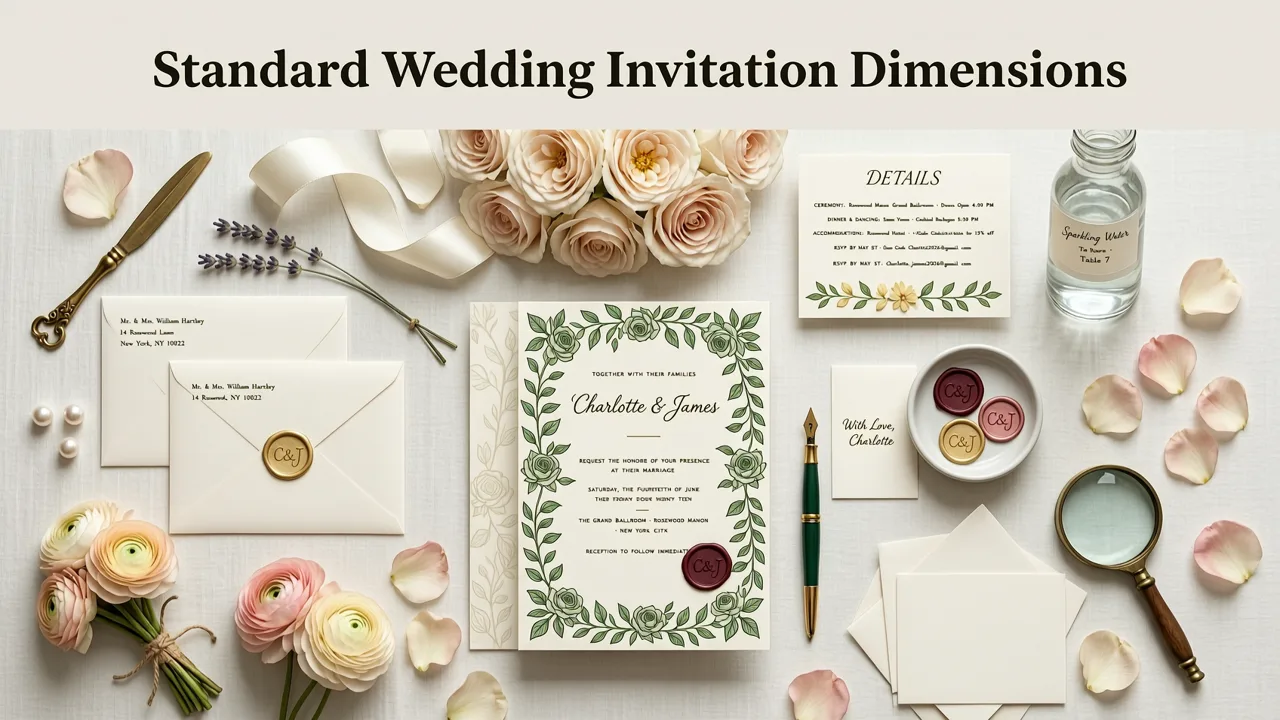
The most widely trusted physical size remains the classic 5×7 inch format—used by over 68% of couples who print invitations (per 2026 industry benchmarking from The Stationery Guild). But its pixel equivalent depends entirely on resolution and output intent. Below are the definitive 2026 standards, validated across major print labs (Moo, Vistaprint, local premium vendors) and digital platforms.
1. Print-Ready: 5×7 Inches at 300 PPI
This is the gold standard for professional printing. At 300 pixels per inch (PPI), the required canvas is:
- Width: 5 in × 300 PPI = 1500 pixels
- Height: 7 in × 300 PPI = 2100 pixels
✅ Ideal for: Double-thick matte cardstock, foil-stamped prints, envelope lining inserts.
⚠️ Critical note: Always add a 0.125-inch bleed (38 pixels at 300 PPI) on all sides if your design extends to the edge—so the final exported file should be 1576 × 2176 pixels. Inviteos auto-calculates bleed for print exports when you select “Professional Print” mode—learn how in our AI wedding invitation template 5x7 guide.
2. Digital-First: 1080×1350 Pixels (4:5 Ratio)
Optimized for full-screen viewing on smartphones and tablets—especially for digital-only invites sent via email, SMS, or wedding websites. This ratio matches Apple’s standard vertical display scaling and avoids letterboxing on most Android devices.
- 1080px width fits perfectly on 99% of mobile screens without horizontal scrolling.
- 1350px height provides ample room for layered typography, QR codes, and animated elements (e.g., subtle particle effects in AI-generated invites).
✅ Ideal for: Email headers, wedding website hero banners, Instagram Story slides, and embedded RSVP cards.
💡 Pro tip: Inviteos’ AI engine renders all 5×7 templates natively in this ratio—scaling intelligently so fonts remain legible and imagery stays centered, even with dynamic guest name insertion.
3. WhatsApp & Messaging Apps: 1200×1600 Pixels (3:4 Ratio)
Based on 2026 WhatsApp compression behavior (tested across iOS 19.2, Android 15.1, and KaiOS 6.0), this size strikes the best balance between visual fidelity and file weight:
- Stays under WhatsApp’s 16 MB upload limit while preserving sharpness.
- Prevents automatic downscaling that occurs with files >2000px on longest side.
- Aligns with WhatsApp’s native preview thumbnail grid (3:4 crops cleanly).
✅ Ideal for: Direct messaging, group broadcasts, and WhatsApp Business auto-replies.
🔍 Learn how to optimize for messaging apps in our dedicated guide: Best digital invitation size for WhatsApp sharing in 2026.
4. Square Format: 1500×1500 Pixels
Gaining rapid adoption for social-first weddings—especially among Gen Z and millennial couples prioritizing Instagram and TikTok integration. While not traditional for formal stationery, it’s now widely accepted for save-the-dates, rehearsal dinner announcements, and digital-only ceremonies.
- Perfectly fills Instagram Feed posts and Facebook cover tiles.
- Simplifies cross-platform reuse: same asset works for Pinterest pins, email footers, and digital signage at venues.
- Supports AI-generated animated variants (e.g., looping floral motifs) without aspect-ratio distortion.
⚠️ Caution: Avoid using square format for physical printing unless explicitly ordered as a square card (e.g., 5×5 or 6×6 inches)—otherwise, trimming waste increases cost.
How Resolution Impacts Pixel Dimensions
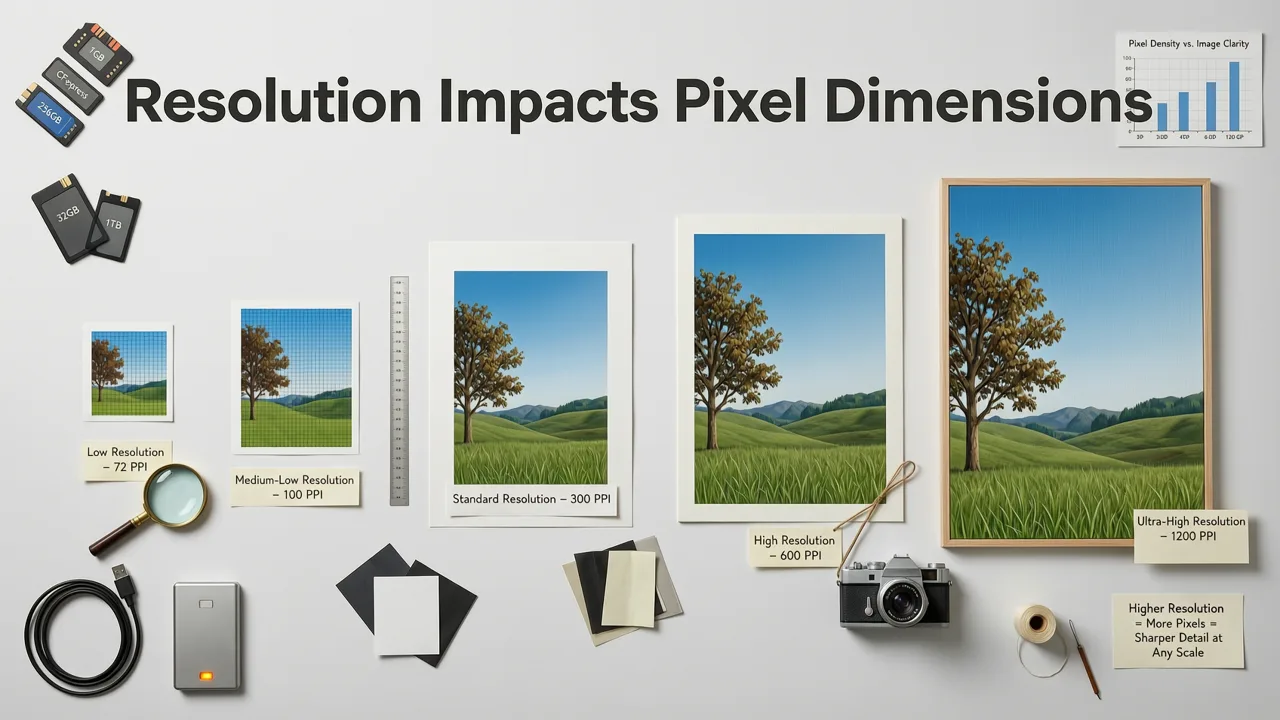
It’s not just about width × height—it’s about why those numbers matter. Here’s how resolution defines real-world performance:
| Use Case | Recommended PPI | 5×7 Equivalent (px) | Why This Matters in 2026 |
|---|---|---|---|
| Professional Offset Printing | 300 PPI | 1500 × 2100 | Ensures crisp halftone dots, accurate color separation, and foil registration. Labs reject submissions below 250 PPI. |
| Digital Display (Web, Email) | 72–96 PPI | 360 × 504 | Higher PPI adds no visual benefit on screens—and inflates load time. Modern browsers upscale efficiently from 96 PPI. |
| Retina / HiDPI Screens (MacBook Pro, iPad Pro) | 144–216 PPI | 720 × 1008 | Delivers true 1:1 rendering on high-density displays without bloating file size unnecessarily. |
| AI Training Canvas (for custom model fine-tuning) | 256 PPI | 1280 × 1792 | Matches common diffusion model input norms—critical if uploading custom templates to Inviteos’ AI style engine. See how in our custom size upload tutorial. |
💡 Key insight: Pixels alone don’t guarantee quality. A 3000×4200 file saved at 72 PPI is still low-res for print. Always verify both dimensions and embedded PPI metadata—Inviteos displays this live in the export panel before download.
Common Mistakes to Avoid in 2026
Even experienced designers stumble on these—especially when repurposing old assets or converting from non-pixel workflows:
Mistake #1: Assuming “HD” Means “Print-Ready”
“HD” (1280×720) or “Full HD” (1920×1080) are screen standards—not print specs. A 1920×1080 invite will appear blurry when printed at 5×7 because it only delivers ~274 PPI (1920 ÷ 7″), falling short of the 300 PPI minimum. Always calculate PPI explicitly: Pixels ÷ Physical Inches = PPI.
Mistake #2: Ignoring Platform-Specific Cropping
Instagram automatically crops portrait images to 4:5 (1080×1350) unless posted as a carousel or Reel. Facebook crops to 1.91:1 for links—but shows full 4:5 in feed posts. Never assume “upload and go.” Preview every variant using Inviteos’ Multi-Platform Simulator, which renders your invite in real-time across 12+ device and platform profiles.
Mistake #3: Forgetting Safe Zones & Typography Scaling
Text placed within 60 pixels of any edge risks being cut off on mobile previews or misaligned during AI layout adjustment. Inviteos enforces a dynamic safe zone (adjustable from 48–96 px) that scales with font size—ensuring your names and date stay fully visible, even when AI resizes for longer surnames like “O’Sullivan-McAllister.”
How Inviteos Uses Pixel Dimensions Intelligently
Unlike generic design tools, Inviteos treats pixel dimensions as foundational—not decorative. Its AI engine leverages them in four key ways:
1. Context-Aware Resampling
When you enter “Print” mode, Inviteos upscales vector-based elements to exactly 300 PPI—preserving sharpness without interpolation artifacts. In “Digital Share” mode, it applies perceptual sharpening optimized for JPEG compression, boosting clarity at smaller file sizes.
2. Dynamic Layout Reflow
If your couple name exceeds 28 characters, Inviteos doesn’t just shrink text—it recalculates line breaks, kerning, and vertical rhythm based on the target canvas (e.g., 1080×1350 vs. 1200×1600), ensuring balanced whitespace and readability.
3. Bleed & Trim Auto-Detection
Upload a custom background? Inviteos scans for edge content and recommends bleed extension—even suggesting precise pixel offsets (e.g., “Add 38px bleed to bottom for foil stamp alignment”).
4. Cross-Format Syncing
Create once in 1500×2100 (print), and Inviteos auto-generates optimized versions for WhatsApp (1200×1600), web (1080×1350), and email (720×900) —all with consistent branding, color fidelity, and typographic hierarchy. No manual resizing, no version drift.
What About Non-Standard Sizes?
Yes—you can absolutely go beyond 5×7. Luxury weddings increasingly use:
- 6×9 inches → 1800×2700 px (300 PPI) for dramatic impact and extra copy space.
- A7 (5.25×7.25") → 1575×2175 px — popular in Europe and for eco-conscious couples (fits standard recycled envelopes).
- Folded Square (6×6" flat → 3×6" folded) → 1800×1800 px canvas, with AI-guided fold-line markers.
Inviteos supports all of these—and more—via its custom size upload workflow. You define the physical dimensions, choose PPI, and the AI adapts every template element—including photo frames, monograms, and RSVP buttons—to fit precisely.
Final Checklist: Before You Export Your Wedding Invitation
- Confirm your use case: Print? Email? WhatsApp? Social? Each demands different pixels.
- Verify PPI: 300 for print, 96–144 for digital. Check export settings—not just canvas size.
- Add bleed: +38px per side at 300 PPI if printing full-bleed.
- Respect safe zones: Keep critical text ≥60px from edges.
- Test on device: Send a proof to your iPhone and Android—don’t rely on desktop preview alone.
- Leverage AI previews: Use Inviteos’ real-time multi-format simulator before final export.
Remember: In 2026, your wedding invitation isn’t just a piece of paper or a JPEG—it’s a responsive, intelligent artifact. Getting the wedding invitation dimensions in pixels right is the quiet foundation that makes everything else shine: the elegance of your typography, the warmth of your photos, the sincerity of your words.
Ready to create your pixel-perfect invitation? Start designing in Inviteos—where AI handles the math, so you can focus on the meaning.
Related resources
Related posts


Next steps
Start on the homepage, or jump to the main CTA via contact. You can also explore localized pages like United Kingdom or Germany.