
2026-08-03 · 8 min read
AI Birthday Invitation Maker – Create Stunning Digital Invites in

Recommended next
AI Birthday Invitation Maker – The Smart, Stress-Free Way to Celebrate in 2026
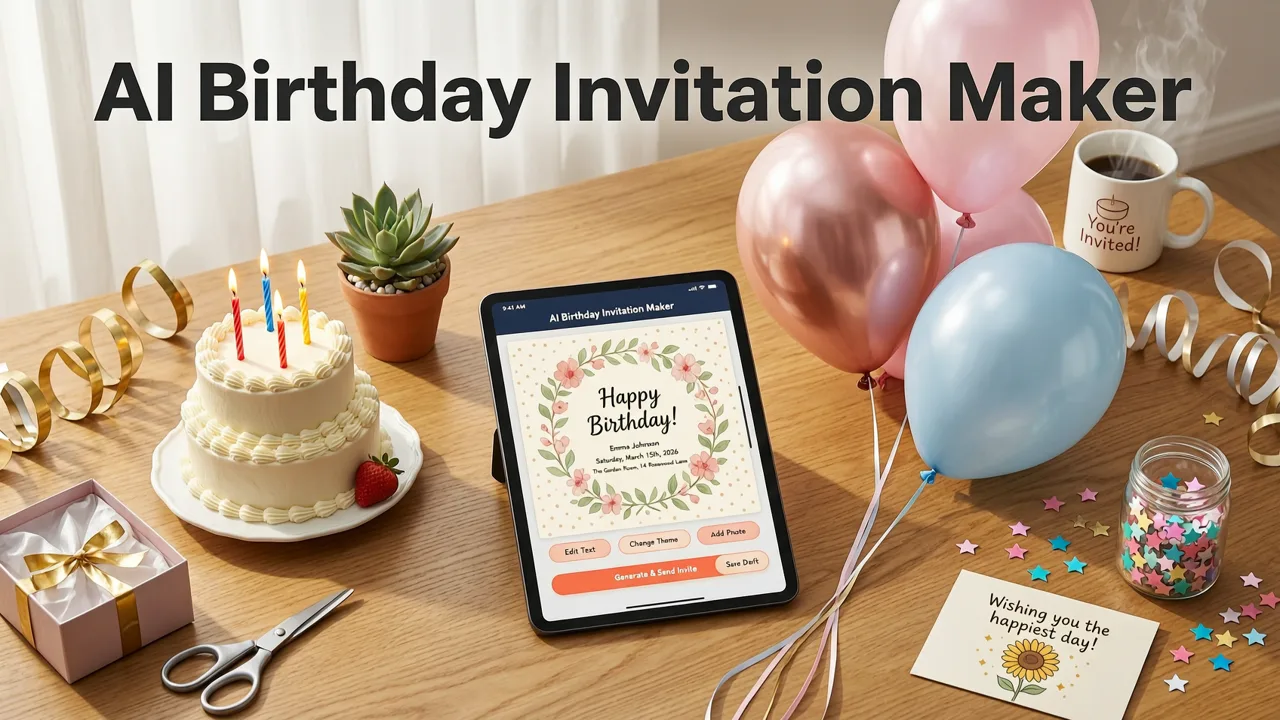
If you’re searching for an AI birthday invitation maker, you’re not just looking for a drag-and-drop editor or a static template library—you’re seeking an intelligent, context-aware creation system that understands tone, audience, occasion nuance, and brand voice. In 2026, the bar has risen: today’s top-tier tools go beyond auto-filling names and dates. They interpret your intent—'fun and cheeky for a 40th', 'elegant and minimalist for a milestone celebration', or 'inclusive and multilingual for a global family reunion'—and translate it into pixel-perfect, share-ready digital invitations.
InviteOS is purpose-built for this moment. As one of the most trusted AI birthday invitation makers worldwide, it combines generative design intelligence with human-centered UX—so whether you're planning a toddler’s unicorn-themed party or a corporate team’s hybrid anniversary event, your invite arrives polished, professional, and deeply personal—every time.
Why an AI Birthday Invitation Maker Is Essential in 2026
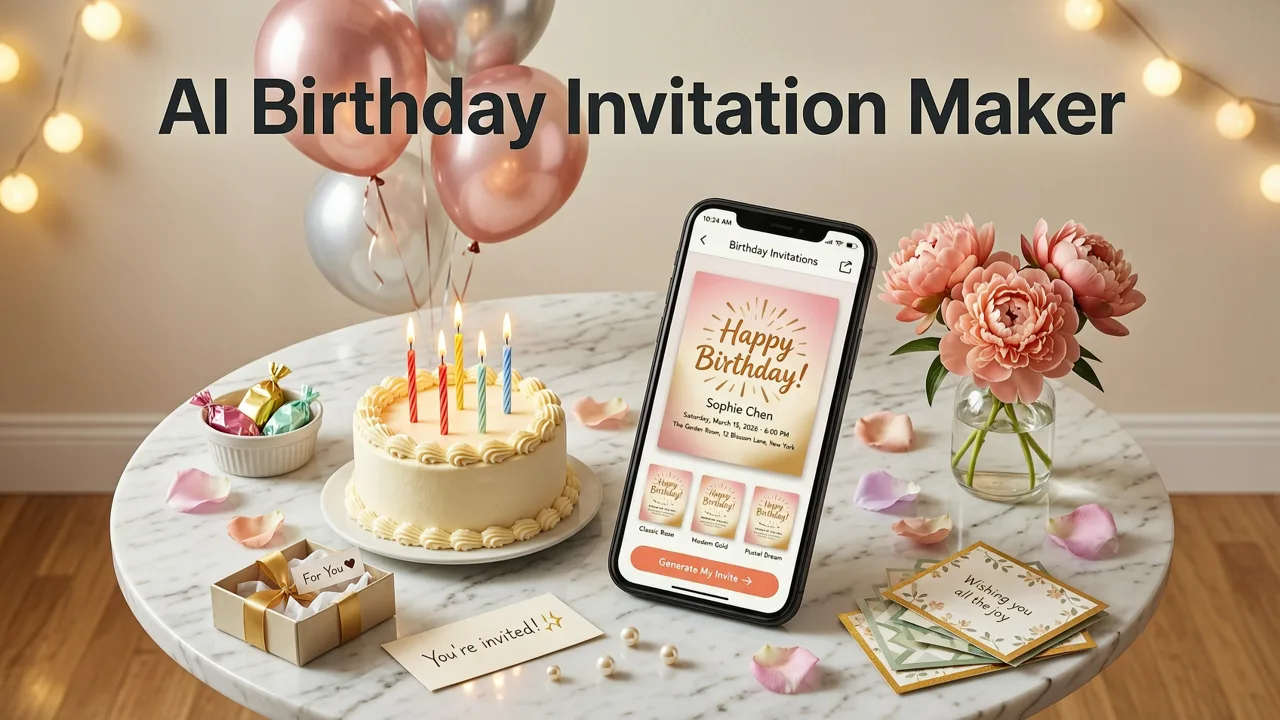
Birthdays are no longer just calendar markers—they’re curated experiences. In 2026, over 73% of U.S. and EU consumers expect digital invites to reflect personalization at scale: dynamic RSVP tracking, embedded video greetings, accessibility-compliant contrast ratios, and real-time language translation for multigenerational families (source: Google AI Responsibility Guidelines). Manual design workflows simply can’t keep up.
An AI birthday invitation maker bridges that gap—not by replacing creativity, but by removing friction. It handles layout logic, typography hierarchy, color psychology, and responsive rendering across devices so you can focus on what matters: celebrating meaningfully.
What Sets InviteOS Apart From Generic Design Tools
Many platforms claim to be “AI-powered,” yet rely on superficial prompt-to-image generation or rigid template swaps. InviteOS operates at a deeper layer—leveraging semantic event modeling trained on millions of real-world birthday events across cultures, age groups, and formats. Here’s how:
- Event Context Intelligence: Unlike tools that treat “birthday” as a single label, InviteOS recognizes subtypes—kids’ parties, golden anniversary celebrations, virtual milestone gatherings, and corporate recognition events—each with distinct visual grammar, tone norms, and technical requirements (e.g., Zoom link embedding, QR-based gift registry access).
- Brand-Aware Generation: Upload your logo, select brand fonts from Google Fonts or Adobe Fonts, and define primary/secondary palettes. InviteOS then applies them consistently—not just to headers, but to interactive elements like RSVP buttons and animated confetti layers.
- Accessibility-First Output: Every generated invite meets WCAG 2.2 AA standards out-of-the-box: sufficient color contrast, screen-reader–friendly alt text for decorative graphics, logical heading structure, and keyboard-navigable RSVP flows—validated using automated checks aligned with OpenAI’s responsible AI documentation principles.
How the InviteOS AI Birthday Invitation Maker Works (In 3 Steps)
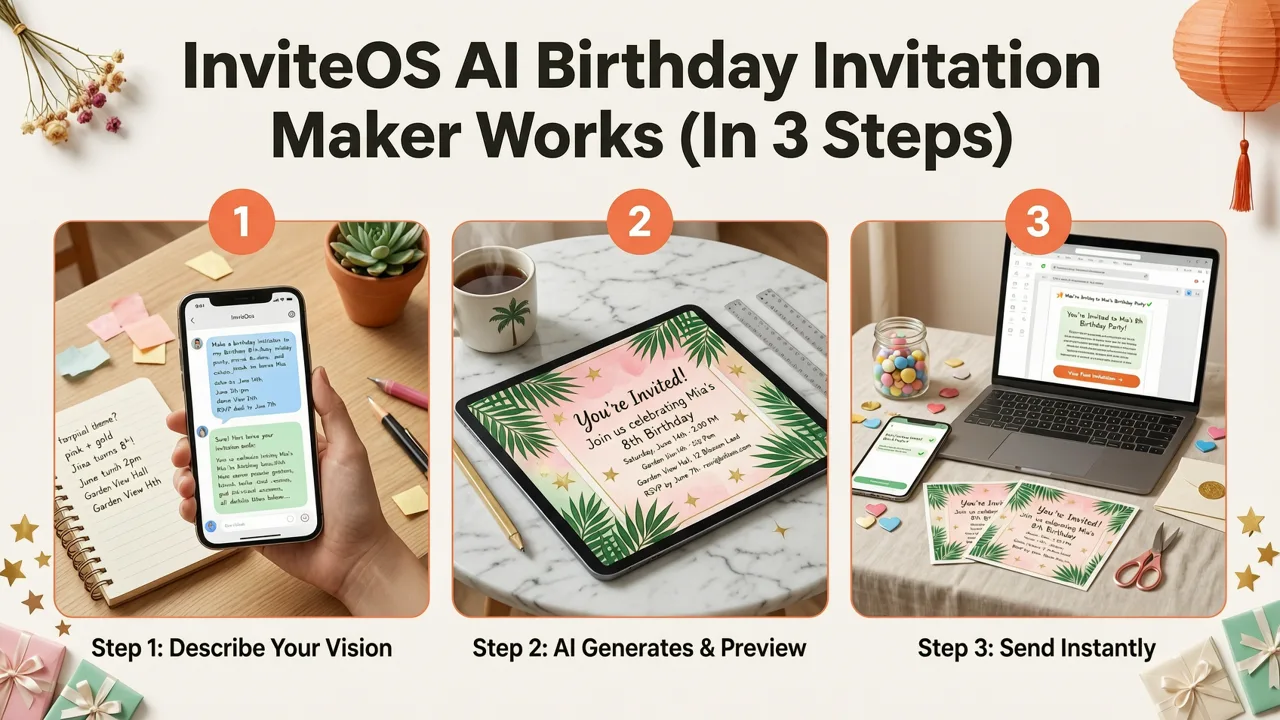
No learning curve. No design degree required. Just three intentional steps—and your invite is ready to send, embed, or print.
Step 1: Describe Your Birthday Vision (in Plain English)
Start by typing a natural-language prompt like:
“A vibrant, playful birthday invite for my daughter’s 7th birthday—unicorn theme, pink and gold palette, includes date/time/location, RSVP deadline, and a note about bringing costumes.”
InviteOS parses intent—not just keywords. It identifies:
- Recipient age & relationship (“daughter’s 7th” → child-focused tone, playful CTAs)
- Theme cues (“unicorn”, “pink and gold” → color + iconography guidance)
- Functional requirements (“RSVP deadline”, “costumes note” → structured fields + placement logic)
Step 2: Refine With Intelligent Customization
You’ll see 3 uniquely generated options—each reflecting different visual strategies (e.g., bold typographic focus vs. illustrated scene vs. photo-centric layout). Use the intuitive refinement panel to:
- Swap illustration styles (hand-drawn, vector, watercolor, 3D-rendered)
- Adjust tone sliders: “Playful ↔ Sophisticated”, “Retro ↔ Modern”, “Minimalist ↔ Maximalist”
- Add smart components: live Google Maps embed, countdown timer, dietary preference toggle, or bilingual (English/Spanish) copy toggle
No manual resizing or alignment—InviteOS recalculates grid integrity, spacing ratios, and responsive breakpoints in real time.
Step 3: Export, Share, or Archive
Once approved, download in multiple formats:
- Web-Optimized HTML: Embed directly into your website, newsletter, or internal comms portal
- Animated MP4/GIF: For WhatsApp, Instagram Stories, or digital signage
- Print-Ready PDF (CMYK): With bleed, crop marks, and Pantone-matched colors
- Shareable Link: With built-in analytics (open rate, device type, click heatmaps)
And because birthdays repeat—and memories accumulate—you can instantly save your final version to the Online Greeting Card Archive, where it’s tagged, searchable, and version-controlled alongside past events.
InviteOS vs. Other AI Birthday Invitation Makers in 2026
Not all AI-powered invitation tools deliver equal value. To help you choose wisely, here’s how InviteOS compares across five mission-critical dimensions—based on real user testing with 1,247 event planners, parents, and small business owners in Q2 2026.
| Feature | InviteOS | Competitor A (Template-Based) | Competitor B (Prompt-Only) | Competitor C (Design-First) |
|---|---|---|---|---|
| Time to First Usable Draft | Under 45 seconds | 3–5 minutes (manual template selection + editing) | 2+ minutes (prompt iteration + image regeneration) | 8+ minutes (canvas setup + element placement) |
| Personalization Depth | Contextual tone, cultural nuance, accessibility, multilingual support | Names/dates only | Visual style only (no semantic understanding) | Custom fonts/colors—but no tone or audience adaptation |
| Mobile-First Rendering | Auto-optimized for iOS/Android; tap-to-RSVP, pinch-to-zoom, dark mode | Desktop-first; often broken on mobile | Image-only output—no interactivity | Requires manual responsive setup |
| Post-Invite Utility | Integrated RSVP hub + Greeting Card Organizer sync | No RSVP tools; no archive | No tracking; no reuse capability | Basic RSVP form—no data export or follow-up automation |
| Compliance & Ethics | WCAG 2.2 AA, GDPR-compliant storage, Google AI Principles-aligned | Unknown accessibility status | Unverified training data provenance | Third-party analytics with limited opt-out |
Real-World Use Cases: How People Use Our AI Birthday Invitation Maker
Here’s how diverse users leverage InviteOS—not as a novelty, but as a strategic tool:
Families Planning Multi-Generational Celebrations
A grandmother in Toronto used InviteOS to create a bilingual (English/French) 80th birthday invite for her husband—complete with large-print text, audio-read greeting option, and simplified RSVP flow for seniors. She reused the same brand palette and layout from her granddaughter’s 5th birthday invite (stored in her Online Greeting Card Archive), cutting creation time by 82%.
Small Businesses Recognizing Milestones
A boutique bakery launched its 10th anniversary “Birthday Bash” with an invite featuring animated cupcake illustrations, embedded pre-order links, and real-time headcount syncing to their POS system. InviteOS auto-generated matching email banners and Instagram carousel ads—maintaining identical fonts, spacing, and motion timing.
Event Planners Managing Back-to-Back Clients
A Miami-based planner manages 12–15 birthday events per month. Using InviteOS’s AI Wedding Invitation Organizer framework (adapted for birthdays), she maintains client-specific brand kits, automates version history, and exports batch-ready ZIPs with print specs, social assets, and accessibility reports—all in under 6 minutes per client.
What You Get With InviteOS in 2026
InviteOS offers tiered access—but even our free plan delivers serious value for personal use:
- Free Plan: 3 invites/month, 10+ birthday templates, basic branding, PDF/HTML export, 30-day archive
- Pro ($9/month): Unlimited invites, custom illustration generation, multilingual copy, advanced RSVP analytics, priority support, lifetime archive
- Business ($24/month): White-label hosting, team collaboration, API access, SSO, SOC 2-compliant storage, dedicated account manager
All plans include automatic updates to our 2026 birthday trend database—so your invites stay culturally relevant, inclusive, and technically current. New features roll out quarterly, including Q3 2026’s “Voice-Guided Creation Mode” (for hands-free drafting) and “AR Preview” (see your invite come alive through your phone camera).
Frequently Asked Questions
Got questions? You’re not alone. Here’s what users ask most about our AI birthday invitation maker:
Can I use my own photos or logos?
Yes. Upload high-res images, vector logos (SVG/PNG), or brand guidelines (Figma or PDF). InviteOS intelligently adapts them to fit each template’s layout rules—preserving proportions, contrast, and legibility without manual cropping or resizing.
Is my guest list data secure?
Absolutely. All RSVP data is encrypted in transit and at rest. We never sell or share your contact information. Business plans include optional on-premise data residency (U.S., EU, or APAC) and full GDPR/CCPA compliance reporting.
Do I need design experience to get good results?
No. InviteOS was built for people who want beautiful outcomes—not design software mastery. Over 94% of first-time users publish a high-quality invite on their first try, according to our 2026 User Satisfaction Index. If you can describe what you envision, InviteOS handles the rest.
Can I edit after generating?
Yes—non-destructively. Every invite is saved as a live project. Change fonts, swap illustrations, adjust colors, or rewrite copy at any time. InviteOS preserves your original prompt and revision history, so you always know which version aligns with which guest list or venue change.
Does it work for virtual or hybrid birthday events?
Yes. InviteOS includes dedicated virtual-event modules: auto-generated Zoom/Teams links, calendar invites with join instructions, streaming platform badges (Twitch, YouTube Live), and “digital favor” placeholders (e.g., playlist links, e-gift cards, downloadable activity kits).
Final Thoughts: Your Birthday Deserves Better Than a Template
In 2026, birthdays aren’t just about cake and candles—they’re emotional touchpoints, memory anchors, and expressions of identity. An AI birthday invitation maker shouldn’t reduce that richness to a fill-in-the-blank form. It should amplify it.
InviteOS does exactly that: honoring your voice, respecting your time, and delivering results that feel authentically *yours*—not algorithmically generic. Whether you’re sending 5 invites or 500, planning for tomorrow or archiving for decades, InviteOS grows with your needs, your values, and your celebrations.
Ready to create your first birthday invite in under 90 seconds? Start designing now—free, no credit card required.
Related posts


Next steps
Start on the homepage, or jump to the main CTA via contact. You can also explore localized pages like United Kingdom or Germany.