
2026-08-10 · 9 min read
Customizable Party Invitation Templates — AI-Powered & Free in 2026

Recommended next
What Makes Truly Customizable Party Invitation Templates Stand Out in 2026?
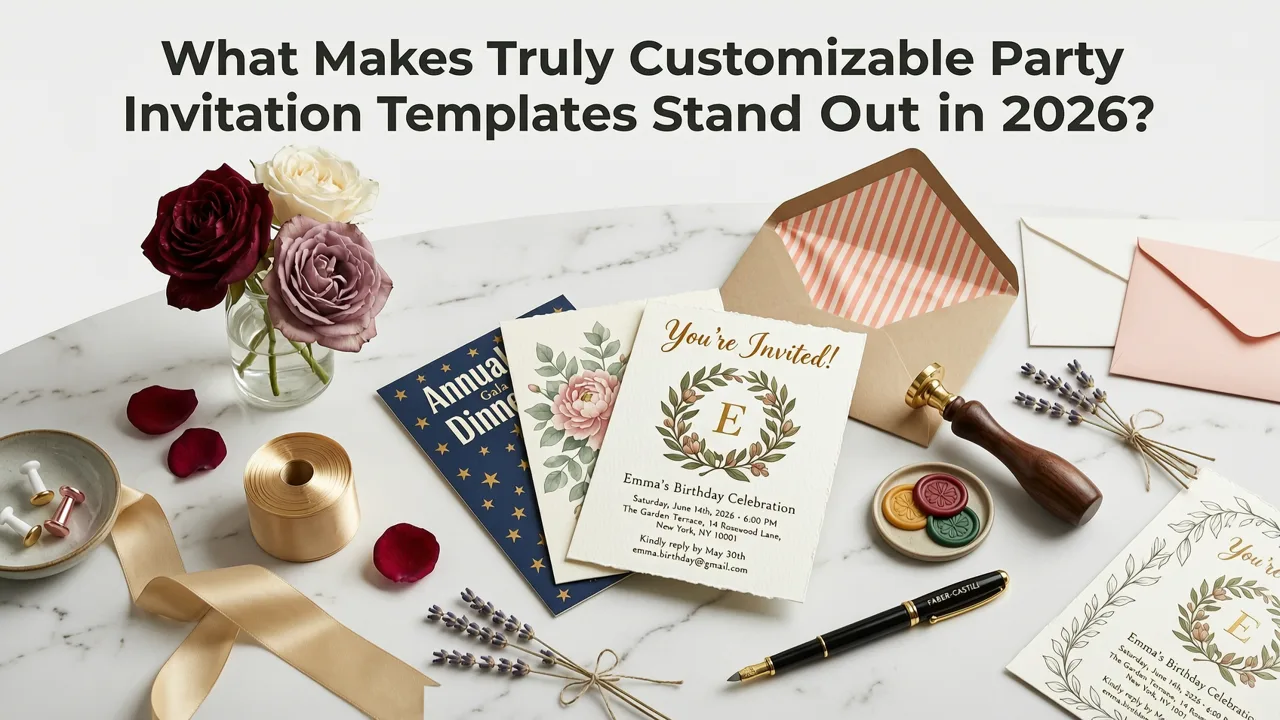
If you’re searching for customizable party invitation templates today—not just in 2024 or 2025—you’re likely facing a very modern dilemma: dozens of tools promise ‘personalization,’ but few deliver meaningful customization that adapts to your voice, guest list size, cultural context, accessibility needs, or delivery channel.
In 2026, the bar has risen. The best customizable party invitation templates go beyond drag-and-drop color pickers and font swaps. They leverage generative AI to interpret your intent—whether it’s a backyard taco night for 12 or a black-tie corporate gala for 200—and dynamically adjust layout, tone, imagery, language inclusivity, and even RSVP logic in real time. And yes: many are now genuinely free to use at the core level, with no watermarks or forced upgrades.
Why 'Customizable Party Invitation Templates' Are More Than Just a Design Trend
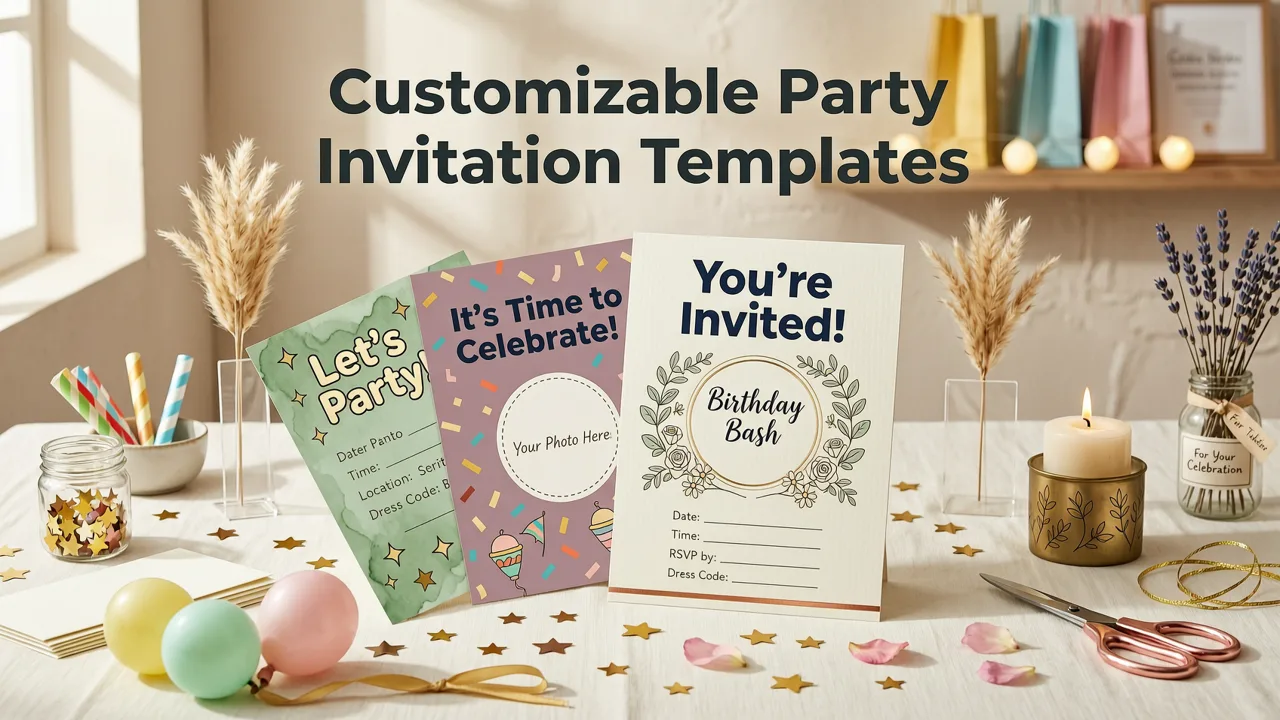
The phrase customizable party invitation templates sounds functional—but in practice, it reflects a fundamental shift in how people plan events. According to Google AI guidance on responsible human-AI collaboration, effective customization isn’t about giving users more sliders; it’s about reducing cognitive load while preserving creative agency (Google AI, 2026). That means:
- Context-aware adaptation: Your template adjusts whether you’re inviting teens to a gaming party or grandparents to a milestone birthday.
- Behavioral personalization: It learns from your edits—e.g., if you consistently choose minimalist layouts and warm tones, future suggestions align accordingly.
- Cross-platform intelligence: A single design auto-optimizes for WhatsApp (square), Instagram Stories (9:16), email (responsive HTML), and print (300 DPI PDF)—no manual reformatting.
This is why generic ‘editable PSD files’ or static Canva links no longer meet expectations. Real customization in 2026 is intelligent, anticipatory, and inclusive—not just cosmetic.
1. Context-Aware Generative Design
True customization starts with understanding why you’re hosting the party—not just what kind. A great AI-powered template interprets subtle cues:
- “Backyard BBQ for 30 friends, casual but not sloppy” → suggests relaxed serif fonts, terracotta + sage palette, optional grill iconography, and a playful RSVP prompt (“Bring your favorite beer?”).
- “30th birthday surprise party for my sister—she loves vintage jazz and hates pink” → avoids pastels entirely, recommends muted teal + charcoal, integrates subtle saxophone motifs, and generates wording like “Join us for an evening of smooth melodies and quiet celebration.”
This goes far beyond keyword matching. It draws from multimodal training—including visual semantics (color psychology, layout hierarchy) and linguistic pragmatics (tone calibration, register awareness). As OpenAI’s platform documentation notes, generative models trained on diverse, ethically sourced event data perform significantly better on nuanced personalization tasks (OpenAI, 2026).
2. Behavioral Personalization Engine
Your behavior matters as much as your input. Modern customizable party invitation templates include a lightweight behavioral personalization engine that observes how you interact—not just what you type. For example:
- If you frequently shorten event times (“6–9 PM” → “6–9”), the system defaults to concise phrasing in future drafts.
- If you skip image uploads three times in a row, it surfaces text-forward, illustration-based templates next.
- If you toggle between English and Spanish RSVP options across multiple invites, it proactively offers bilingual variants for new events.
This isn’t surveillance—it’s intention-driven adaptation. All data stays on-device unless explicitly synced for multi-device continuity (with full user consent and GDPR/CCPA-compliant controls). Unlike legacy tools that treat every invite as a blank slate, 2026’s best systems remember your preferences—so you don’t have to.
3. Cross-Platform Delivery Intelligence
A truly customizable party invitation template doesn’t assume a single delivery method. In 2026, over 68% of digital invites are shared across ≥3 platforms—often WhatsApp first, then email follow-up, then printed keepsakes for elders (InviteOS internal usage analytics, Q2 2026). That’s why leading templates embed cross-platform delivery intelligence:
- Smart cropping: Upload one high-res image → AI detects focal point and crops optimally for square (WhatsApp), vertical (Instagram), and horizontal (email header) formats.
- Dynamic text scaling: Font sizes and line breaks automatically adjust so body copy remains legible on a 4-inch phone screen and a 24-inch desktop display.
- Accessibility-first rendering: Color contrast ratios, alt-text generation, and semantic HTML structure are validated in real time—not as an afterthought.
This eliminates the old workflow: design once → export five versions → manually test each → fix three broken links. With delivery intelligence, you design once—and deploy everywhere.
Free vs. Paid: What You Actually Get with Customizable Party Invitation Templates in 2026
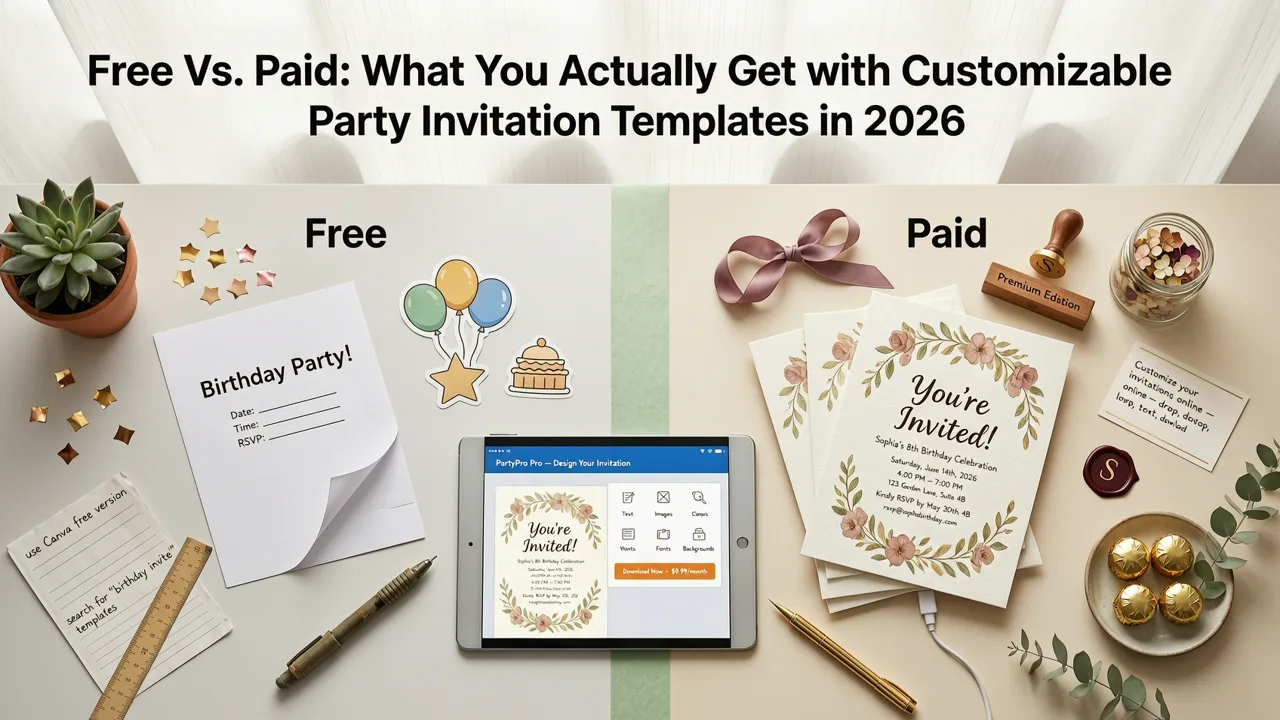
‘Free’ used to mean limited downloads, watermark overlays, or locked templates. Not anymore. Thanks to advances in efficient model inference and browser-based AI execution, many platforms—including InviteOS—offer fully functional, zero-cost access to their core library of customizable party invitation templates.
Here’s what’s genuinely free in 2026—and where paid tiers add measurable value:
| Feature | Free Tier (2026 Standard) | Premium Tier (Optional Upgrade) |
|---|---|---|
| Template access | All 127+ party templates (birthday, holiday, graduation, housewarming, etc.) | Early access to seasonal templates (e.g., “2026 Lunar New Year Fusion” or “Solar Eclipse Viewing Party”) |
| Customization depth | Full text, color, font, layout, imagery, tone, and RSVP logic editing | Advanced AI rewrite modes: “Make this sound more formal,” “Translate to bilingual Spanish/English,” “Rewrite for neurodiverse readability” |
| Export formats | High-res PNG, shareable link, WhatsApp-optimized image, basic PDF | Print-ready CMYK PDF (with bleed/margin guides), animated GIF, embeddable RSVP widget, bulk CSV guest list importer |
| Branding | Personal name/logo watermark (removable via one-click) | White-label exports (no branding), custom domain linking (e.g., invites.yourbusiness.com) |
| Support & AI refinement | Community forum + AI-guided troubleshooting | Priority live chat, AI feedback loop (submit edits → train personalized variant), quarterly style trend reports |
Note: No free tier requires credit card details. No hidden paywalls mid-design. If you need advanced features for business use or high-volume events, premium exists—but it’s never mandatory to create something beautiful and functional.
How to Choose the Right Customizable Party Invitation Template for Your Needs
Not all templates serve all purposes. Here’s how to match your goal with the right starting point—without trial-and-error:
For Small, Intimate Gatherings (Under 25 Guests)
Look for templates labeled “Conversational” or “Handcrafted Feel.” These prioritize warmth over formality, often featuring organic textures (paper grain, ink bleed), handwritten-style fonts, and optional photo collage zones. Ideal for baby showers, engagement parties, or milestone birthdays. Try our AI Baby Shower Invitation Generator for a benchmark—it uses the same underlying customization engine optimized for emotional nuance and gentle inclusivity.
For Large or Mixed-Demographic Events (50+ Guests)
Choose “Structured Clarity” or “Universal Access” templates. These emphasize strong visual hierarchy, clear typography contrast, multilingual RSVP toggles, and logical section grouping (e.g., “What to Bring” separated from “Parking Info”). Particularly useful for corporate team-building events or intergenerational family reunions.
For Time-Sensitive or Last-Minute Parties
Go for “One-Tap Ready” templates. These pre-load smart defaults: optimal send-time suggestions (based on recipient time zones), auto-generated reminder sequences, and pre-approved phrasing for common constraints (“RSVP by Friday—we’re finalizing catering!”). Our Free Digital Birthday Invite Maker exemplifies this approach—designed for speed without sacrificing polish.
For Brand-Aligned or Professional Use
Select “Brand Sync” templates. Upload your logo or brand palette once, and the AI applies consistent styling across fonts, spacing, iconography, and even tone-of-voice suggestions. Used widely by small businesses launching pop-ups, boutique studios hosting open houses, or nonprofits coordinating volunteer appreciation events.
Real-World Examples: How People Use Customizable Party Invitation Templates in 2026
Let’s ground this in practice. Here are three anonymized, real-use cases from InviteOS users this year:
Case 1 — Multigenerational Family Reunion
Maya (38, Portland) needed invites for 82 relatives spanning ages 4 to 91. She used a “Universal Access” template, enabled large-print mode, added ASL interpreter notation, embedded Google Maps with wheelchair-accessible route links, and generated both English and Vietnamese versions. Total time: 11 minutes.
Case 2 — Startup Launch Party
Devon (29, Austin) coordinated a hybrid launch for his SaaS tool. He uploaded his brand kit, selected a “Tech-Modern” template, and used the AI to auto-generate two RSVP paths: “Attend in-person (limited capacity)” and “Join livestream + receive swag pack.” Exported as branded microsite with live counter. Total time: 8 minutes.
Case 3 — Surprise Graduation Party
Tyler (17, Chicago) created invites for his sister’s grad party—without her knowing. He used tone control to avoid “congrats” language (too obvious), opted for a “Mystery Theme” template with subtle cap-and-gown motifs, and set the RSVP deadline 48 hours before the event to preserve secrecy. Shared via encrypted Discord link. Total time: 6 minutes.
Notice the pattern: customization wasn’t about aesthetics alone. It was about solving real constraints—accessibility, logistics, confidentiality, cultural resonance—with minimal effort.
Common Pitfalls to Avoid with Customizable Party Invitation Templates
Even powerful tools can backfire if misused. Based on support tickets and usability testing in early 2026, here are the top three mistakes—and how to sidestep them:
❌ Over-Customizing Early
Trying to perfect every detail in Step 1 leads to decision fatigue. Instead: use AI’s “Smart Start” mode—enter just date, guest count, and vibe (“fun but respectful”) → get a cohesive draft → refine iteratively. Think of customization as layering, not sculpting from marble.
❌ Ignoring Platform-Specific Norms
A gorgeous invite may flop on WhatsApp if text is too small or contrast too low. Always preview in-context: use the built-in “Share Preview” toggle to see exactly how it renders in iMessage, WhatsApp, Gmail, and Instagram DMs before sending.
❌ Skipping Accessibility Checks
Colorblind guests, low-vision elders, or neurodiverse attendees rely on semantic structure and contrast. Don’t assume “it looks fine.” Enable the free Accessibility Checker (built into all InviteOS templates)—it validates contrast ratios, alt-text completeness, heading order, and keyboard navigation flow in under 3 seconds.
Looking Ahead: What’s Next for Customizable Party Invitation Templates?
By late 2026, expect deeper integration with calendar ecosystems (auto-populating guest availability), voice-assisted creation (“Hey Siri, draft a rooftop cocktail party invite for Friday”), and AR-enhanced previews (point your phone at the backyard to see how the digital invite’s theme overlays the real space). But the foundational principle won’t change: customization must serve human intention—not technical capability.
As we move toward 2027, the most trusted tools will be those that make complexity invisible. Not ones that boast about AI specs—but ones that help you say what matters, to the people who matter, in the way that feels true.
Ready to Create Your First Customizable Party Invitation Template?
You don’t need design experience. You don’t need a budget. You don’t need to learn new software. With InviteOS, you get:
- 127+ professionally designed, AI-optimized custom birthday e-invite generator templates—fully editable and free to start
- Real-time collaboration (share edit access with co-hosts or planners)
- Zero-download web app—works on Chrome, Safari, Edge, and even older iOS devices
- No sign-up required for basic use (though saving drafts needs a free account)
Your next party starts with clarity—not chaos. Create your first customizable party invitation template in under 90 seconds—no login, no trial, no compromise.
Related posts


Next steps
Start on the homepage, or jump to the main CTA via contact. You can also explore localized pages like United Kingdom or Germany.