
2026-08-18 · 10 min read
Wedding Invitation Template AI: Create Stunning Invites in Minutes

Recommended next
Why a Wedding Invitation Template AI Changes Everything in 2026
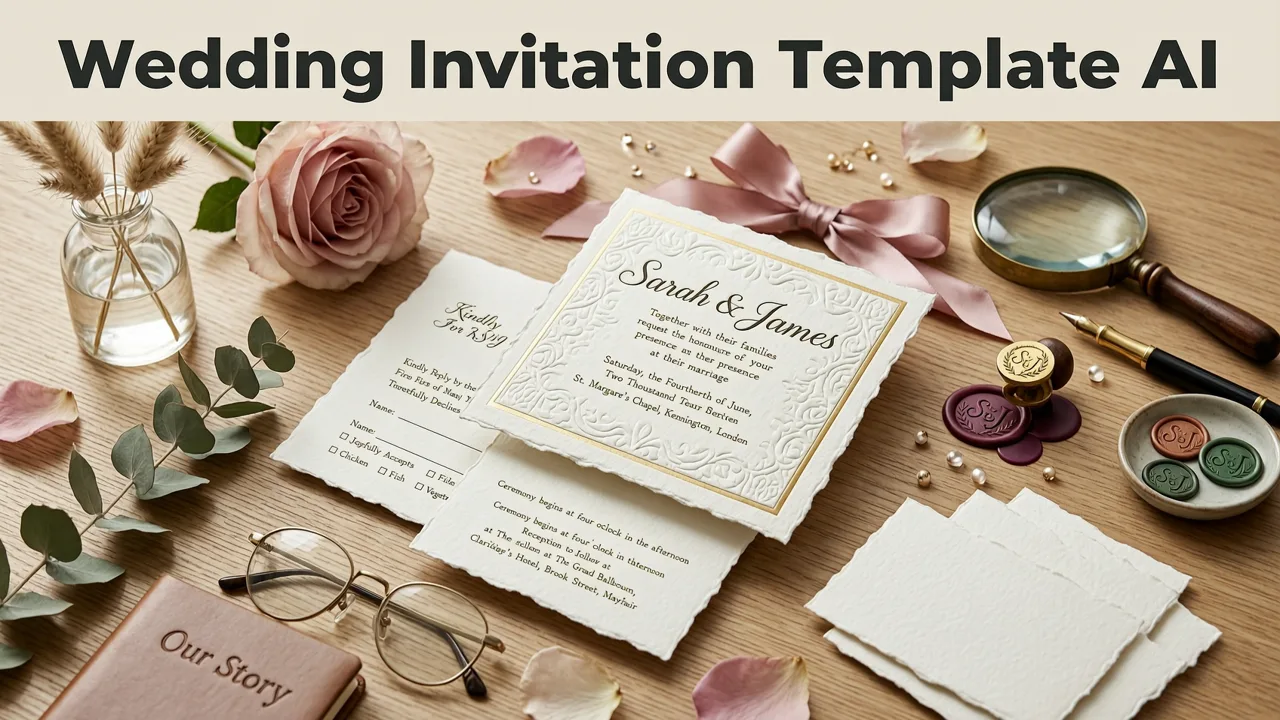
If you have ever stared at a blank design canvas for hours, wondering how to make your wedding invitation look polished without hiring a graphic designer, a wedding invitation template AI can solve that problem in minutes. These AI-powered tools analyze your event details, preferred aesthetic, and guest count to generate a fully designed, share-ready invitation — no design experience required.
In 2026, the best AI invitation makers go far beyond simple drag-and-drop editors. They understand typography pairing, color harmony, cultural design motifs, and even seasonal trends, producing invitations that feel custom-made. Whether you are planning an intimate backyard ceremony or a 300-guest destination wedding, an AI wedding invitation template gives you a professional starting point you can personalize in seconds.
What Exactly Is a Wedding Invitation Template AI?
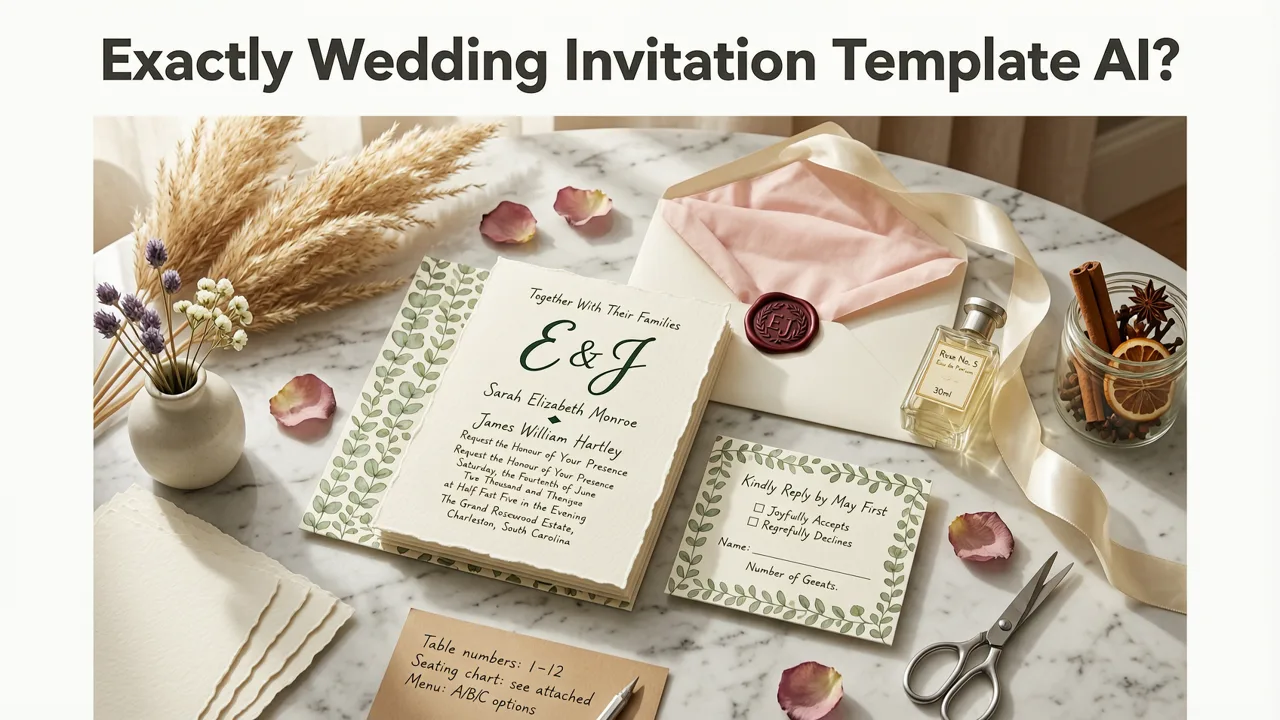
A wedding invitation template AI is a software tool that uses machine learning models and generative design algorithms to create wedding invitation layouts automatically. You input basic information — your names, wedding date, venue, dress code, and style preferences — and the AI produces multiple design variations that match your vision.
Unlike traditional template libraries where you manually adjust every element, an AI-driven system makes intelligent decisions about spacing, font hierarchy, illustration placement, and color balance. It learns from millions of design combinations to suggest layouts that are both visually appealing and informationally clear.
How the Technology Works Behind the Scenes
Modern AI invitation tools rely on a combination of natural language processing, computer vision, and generative design models. When you describe your wedding style — say, "rustic botanical with gold foil accents" — the system maps those keywords to design elements: serif typefaces, eucalyptus illustrations, muted earth tones, and metallic gold overlays.
According to OpenAI documentation, large language models can interpret nuanced creative briefs and translate them into structured design outputs. Paired with rule-based design systems that enforce readability and visual balance, the result is an invitation that looks intentional and cohesive.
Key Features That Define the Best Wedding Invitation Template AI in 2026
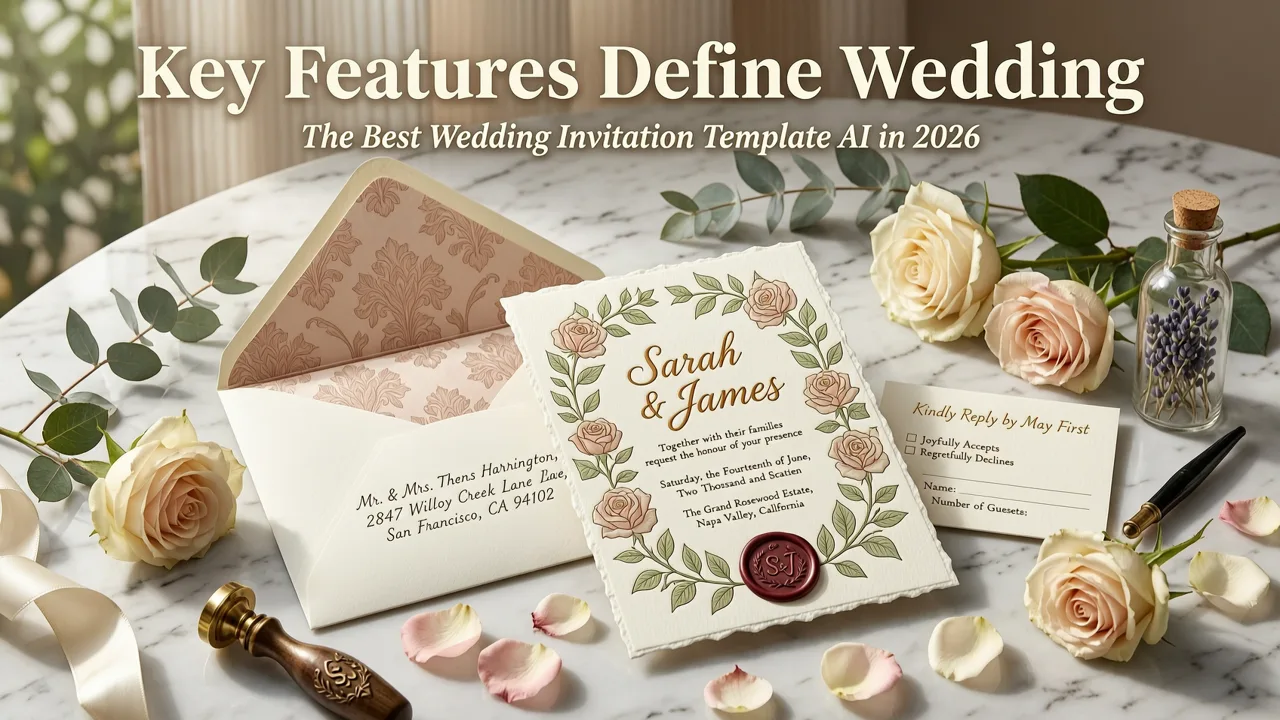
Not every AI invitation tool delivers the same quality. Here are the features that separate premium platforms from basic generators.
1. Style Matching and Mood Board Integration
The top tools in 2026 let you upload inspiration images, Pinterest boards, or even a simple text description of your wedding theme. The AI then generates invitation templates that align with your specific aesthetic — from minimalist modern to ornate traditional, from dark academia to tropical destination.
2. Dynamic Content Personalization
Beyond inserting your names and date, advanced AI systems personalize invitations based on your guest list. They can generate different versions for different recipient groups — formal invitations for elders, casual designs for friends, or multilingual versions for international guests. This level of personalization was unimaginable just a few years ago.
3. Smart Wording Suggestions
Struggling with invitation etiquette? AI wedding invitation tools now suggest appropriate wording based on your ceremony type, cultural background, and formality level. Whether you need traditional phrasing for a church wedding or relaxed language for a beach celebration, the system generates options that sound natural and correct.
4. Multi-Format Export
A great AI invitation template exports to every format you need: high-resolution PDF for printing, optimized images for WhatsApp and email, animated versions for social media stories, and even interactive RSVP links. One design, every channel covered.
5. Real-Time Collaboration
Couples, wedding planners, and family members can collaborate on the same invitation in real time. Changes sync instantly, comments appear inline, and version history keeps everything organized — eliminating the endless back-and-forth of sharing screenshots.
Wedding Invitation Styles You Can Create with AI in 2026
One of the biggest advantages of using a wedding invitation template AI is the sheer range of styles available. Here is a comparison of popular wedding invitation aesthetics and how AI handles each one.
| Style | Design Elements | Best For | AI Customization Level |
|---|---|---|---|
| Minimalist Modern | Clean lines, sans-serif fonts, ample white space | Urban weddings, contemporary couples | High — AI excels at clean layouts |
| Botanical & Rustic | Watercolor florals, earthy tones, organic textures | Garden weddings, vineyard ceremonies | High — extensive floral libraries |
| Traditional & Formal | Ornate borders, script calligraphy, gold accents | Church weddings, black-tie events | Medium — requires careful font pairing |
| Destination & Tropical | Bright colors, palm illustrations, playful fonts | Beach weddings, resort celebrations | High — vibrant color generation |
| Cultural & Heritage | Mehndi patterns, mandala motifs, traditional palettes | South Asian, Middle Eastern, African weddings | Medium — growing pattern libraries |
| Dark & Moody | Deep jewel tones, metallic accents, dramatic typography | Evening weddings, autumn ceremonies | High — strong contrast generation |
Step-by-Step: How to Create a Wedding Invitation with AI
Creating your wedding invitation with AI is straightforward. Here is the typical workflow you will follow on a platform like InviteOS.
Step 1: Enter Your Event Details
Start by providing the essentials: your names, wedding date, time, venue, and any additional events like a reception or sangeet. The AI uses this information to structure the layout and determine how much content needs to fit.
Step 2: Choose or Describe Your Style
Browse curated style categories or describe your vision in plain language. You might type "elegant ivory and blush with delicate peonies" or select from visual mood boards. The AI generates several template options based on your input.
Step 3: Customize and Refine
Once you select a template, fine-tune the details. Swap colors, adjust fonts, reposition elements, or add personal touches like a monogram or engagement photo. The AI suggests improvements in real time — for example, warning you if text becomes too small to read or if colors clash.
Step 4: Preview and Export
Preview your invitation on mobile, tablet, and desktop to ensure it looks great everywhere. Then export in your preferred formats. If you plan to print, check out our guide on the best paper for printing invitations to choose the right stock for your design.
Step 5: Share Digitally or Print
Send your invitation via email, WhatsApp, or social media with a single click. For physical invitations, you can either print at home or use a professional service. If you are searching for local options, our comparison of invitation card printing near me can help you find reliable printers in your area.
Wedding Invitation Template AI vs. Traditional Design Methods
Still wondering whether an AI tool is worth it compared to hiring a designer or using a manual template editor? Here is a direct comparison.
| Factor | Wedding Invitation Template AI | Hired Graphic Designer | Manual Template Editor |
|---|---|---|---|
| Time to first draft | Under 5 minutes | 3–7 business days | 1–3 hours |
| Cost | Free to low-cost subscription | $200–$1,500+ | Free to $30 |
| Design skill required | None | None (done for you) | Moderate |
| Customization depth | High with AI guidance | Unlimited | Limited to template structure |
| Revision speed | Instant | 1–3 days per round | Manual, variable |
| Multi-format output | Built-in | Varies by designer | Limited |
For most couples in 2026, a wedding invitation template AI strikes the ideal balance between speed, quality, and affordability. If you need highly specialized or culturally intricate designs, a human designer may still add value — but the AI gets you 90 percent of the way there in a fraction of the time.
Tips for Getting the Best Results from Your AI Wedding Invitation
To make the most of your AI-generated wedding invitation, keep these expert tips in mind.
Be Specific in Your Style Description
The more detail you provide, the better the AI can match your vision. Instead of saying "pretty and elegant," try "soft watercolor lavender and sage green with copper foil calligraphy, vintage-inspired layout." Specificity drives better outputs.
Proofread Every Detail
AI tools are excellent at design but can occasionally introduce typos in auto-generated wording. Always review dates, times, venue addresses, and RSVP information carefully before sharing.
Test Readability at Small Sizes
Most invitations are viewed on phone screens first. Preview your design at thumbnail size to ensure all text is legible and key details stand out.
Match Your Invitation to Your Overall Wedding Aesthetic
Your invitation sets the tone for your entire celebration. If you have already chosen a color palette, venue decor style, or floral arrangements, feed those details into the AI so your invitation feels cohesive with everything else.
Explore Printable Options Early
If you plan to send physical invitations alongside digital ones, start thinking about printing early. Browse our collection of printable wedding invitation templates to see how AI designs translate to paper.
Common Mistakes to Avoid When Using AI for Wedding Invitations
Even with powerful AI tools, a few common pitfalls can undermine your final result.
- Overloading with information: Keep the main invitation clean. Put detailed logistics like parking, accommodation, and registry links on a separate card or digital RSVP page.
- Ignoring cultural etiquette: AI may not automatically account for specific cultural norms around wording, symbolism, or layout. Review the output with family members who understand your traditions.
- Using too many fonts: Stick to two, maybe three typefaces. AI tools sometimes suggest decorative pairings that look cluttered in practice.
- Skipping the mobile preview: Over 70 percent of digital invitations are first viewed on phones. If your design does not work at small scale, redesign before sending.
- Forgetting accessibility: Ensure sufficient color contrast and readable font sizes for all guests, including those with visual impairments.
How AI Invitation Tools Are Evolving Beyond 2026
The trajectory of AI in invitation design points toward even greater personalization and interactivity. Emerging capabilities include voice-guided design (describe your invitation verbally and watch it build in real time), augmented reality previews (see your invitation rendered in 3D before sending), and AI-generated matching stationery suites — save-the-dates, menus, place cards, and thank-you notes that all share a unified design language.
As noted in Google AI guidance, responsible AI development emphasizes user control and transparency. The best invitation platforms in 2026 reflect this by keeping you in the driver's seat: the AI suggests, but you decide.
Who Benefits Most from a Wedding Invitation Template AI?
While anyone can use these tools, certain groups see especially strong advantages.
- DIY couples who want professional-quality invitations without the designer price tag.
- Destination wedding planners managing guests across time zones who need fast, multilingual digital invites.
- Event planners and coordinators handling multiple client weddings simultaneously and needing rapid turnaround.
- Small wedding venues and boutiques offering add-on invitation design services to their clients.
- Families helping with wedding planning who may not have design skills but want to contribute meaningfully.
If you are also organizing corporate events alongside personal celebrations, the same AI principles apply. Explore how a corporate event digital invitation tool can streamline professional event communications with the same speed and polish.
Final Thoughts: Your Wedding Invitation, Designed in Minutes
A wedding invitation template AI removes the biggest barriers to creating beautiful wedding invitations: time, cost, and design skill. In 2026, these tools have matured enough to produce genuinely stunning results that rival hand-crafted designs — while giving you full control to personalize every detail.
Whether you are sending a digital invite to 300 guests or printing a keepsake suite for an intimate ceremony, AI-powered design gets you from blank page to finished invitation faster than any traditional method. Start with your event details, describe your style, and let the AI handle the rest. Your guests will see a polished, thoughtful invitation — and they will never need to know it came together in minutes.
Ready to create your dream wedding invitation? Visit InviteOS and design your first AI-powered wedding invitation today — no design experience needed.
Related posts


Next steps
Start on the homepage, or jump to the main CTA via contact. You can also explore localized pages like United Kingdom or Germany.