
2026-08-28 · 10 min read
Best AI Invitation Maker in 2026 – Fast, Free & Customizable

Recommended next
Best AI Invitation Maker in 2026 – What Actually Makes the Cut
If you're searching for the best AI invitation maker in 2026, you already know the old way doesn't work. Dragging text boxes across a blank canvas, hunting for fonts that match, and exporting pixelated files at midnight is nobody's idea of event planning. The best AI invitation maker today handles design, tone, layout, and delivery intelligence — so you can focus on the event itself.
The short answer: the best AI invitation maker in 2026 is one that understands context, adapts to your event type, and produces share-ready digital invitations in under two minutes — without requiring a single design skill. Below, we break down exactly what separates the top tools from the rest, how they work, and how to choose the right one for weddings, birthdays, baby showers, parties, and corporate gatherings.
What Makes the Best AI Invitation Maker in 2026?
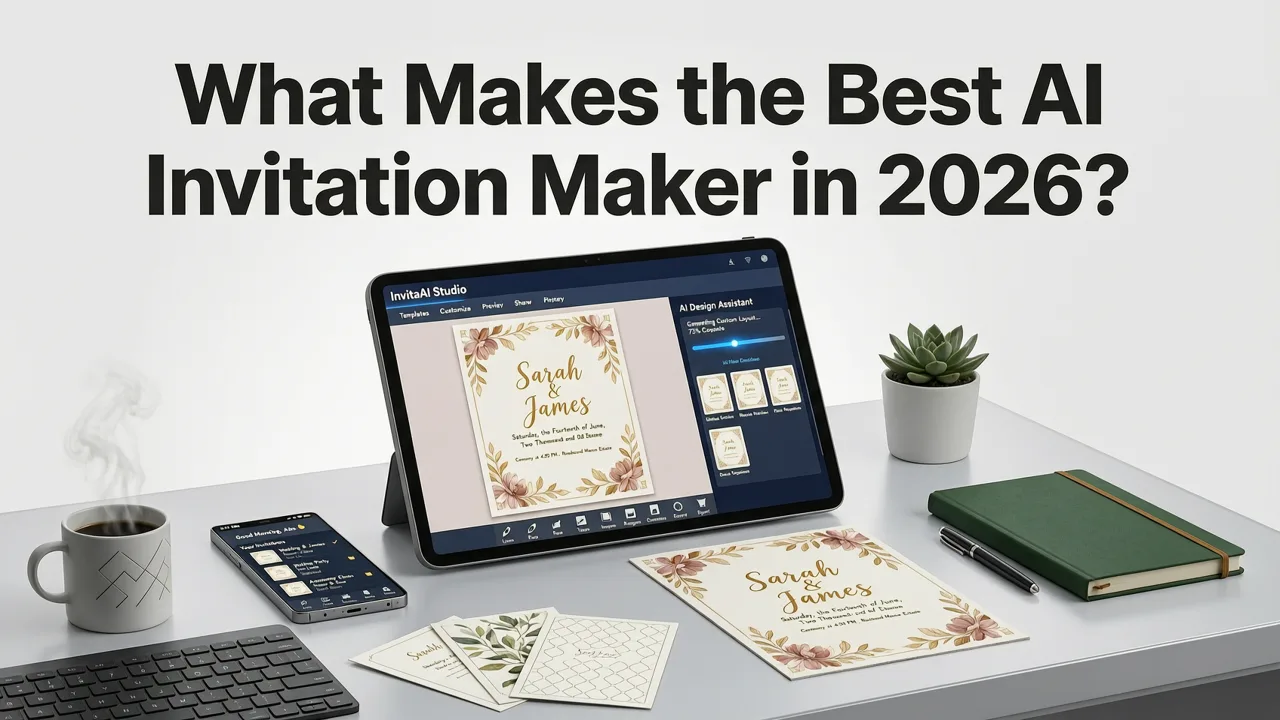
Not every tool that slaps "AI" on its homepage deserves the title. After reviewing dozens of platforms available in 2026, three core capabilities separate the genuinely useful from the merely hyped.
Context-Aware Generative Design
The best AI invitation maker doesn't just fill in blanks on a static template. It reads your event details — type, tone, guest demographic, cultural context — and generates a design that actually fits. A formal wedding invitation for a vineyard ceremony in Tuscany should look nothing like a neon-themed 30th birthday in downtown Austin. Context-aware AI understands that distinction and adjusts color palettes, typography, illustration style, and layout density accordingly.
Behavioral Personalization
Top-tier tools learn from how people interact with invitations. They know that a baby shower invite sent via WhatsApp needs different dimensions and text density than one emailed as a formal PDF. They adjust for mobile-first viewing, accessibility standards, and regional preferences. This is the difference between an invitation that gets opened and one that gets scrolled past.
Cross-Platform Delivery Intelligence
Design is only half the job. The best AI invitation maker also considers how the invite will be shared — Instagram story, email blast, text message, printed card — and optimizes output for each channel. Resolution, aspect ratio, file size, and even animated versus static formats are handled automatically.
InviteOS vs. Other AI Invitation Makers: A 2026 Comparison
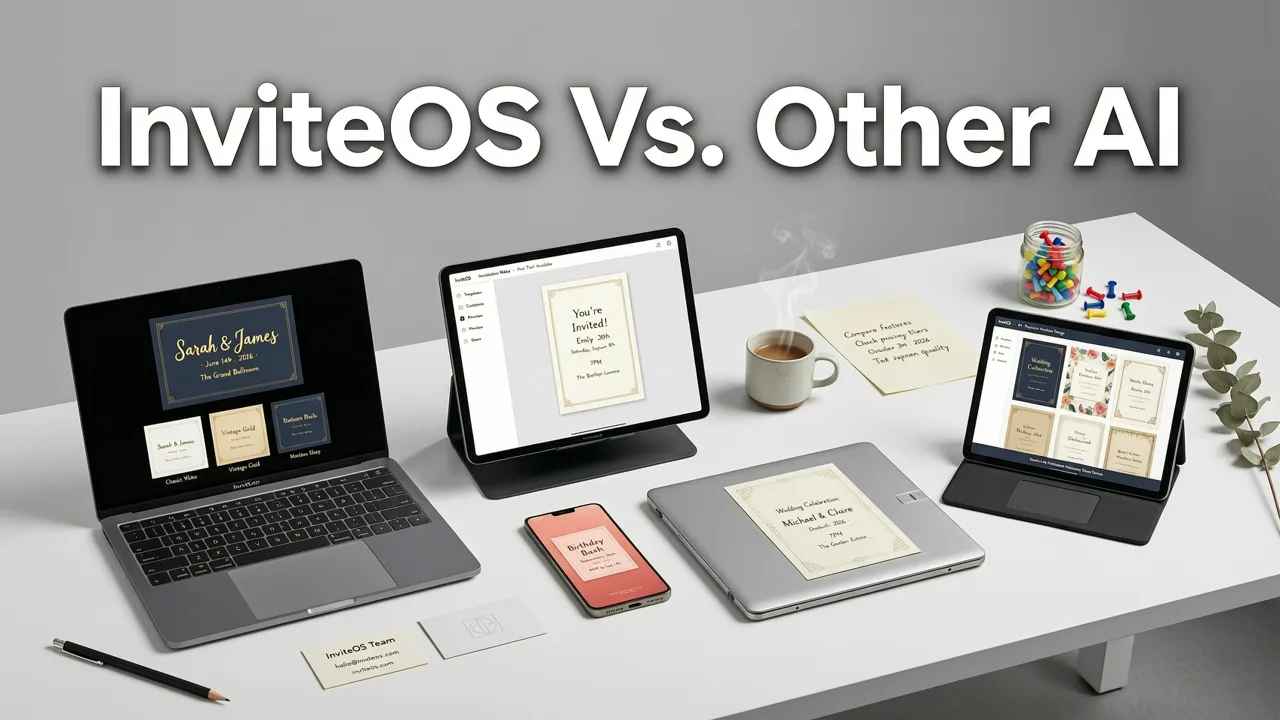
Here's how the leading platforms stack up across the features that matter most for everyday users and event professionals alike.
| Feature | InviteOS | Generic Template Tools | Freemium AI Builders |
|---|---|---|---|
| Context-aware design | Yes — adapts to event type, tone, culture | Limited to manual template swaps | Basic style picker only |
| No design skills required | Yes — fully automated layout | Partial — requires manual adjustments | Partial — watermark on free tier |
| Multi-format export | Yes — social, email, print, video | Image only | Image + PDF |
| RSVP & guest tracking | Yes | No | Add-on pricing |
| Cultural & language support | Yes — multilingual, region-aware | English-only mostly | Limited |
| Free tier available | Yes | Yes (with watermarks) | Yes (heavy restrictions) |
InviteOS stands out because it was built from the ground up as an AI-first invitation platform — not a generic design tool retrofitted for events. For a deeper look at how it handles birthday-specific design, check out the AI Birthday Invitation Maker guide.
How the Best AI Invitation Maker Works (In 3 Steps)
Whether you're planning a wedding for 200 guests or a last-minute office party, the workflow is the same. Here's what the process looks like inside a modern AI invitation maker.
Step 1: Enter Your Event Details
You tell the AI what the event is, when it happens, where, and what vibe you're going for. That's it. No font hunting. No color wheel spinning. The AI uses your inputs to determine the appropriate design language — elegant serif for a black-tie gala, bold sans-serif for a kids' birthday, watercolor pastels for a baby shower.
Step 2: Pick a Style Direction
The system presents a curated set of style options based on your event context. You might see "Modern Minimalist," "Vintage Botanical," "Playful Confetti," or "Corporate Sleek." Each option is fully generated — not a pre-made template with your text dropped in. The AI composes a unique layout, selects complementary imagery, and balances whitespace and hierarchy based on design best practices.
Step 3: Download, Share, or Send
Once you approve the design, export it in whatever format you need. High-resolution PNG for social media, PDF for email, MP4 for animated video invites, or print-ready files for physical cards. Many users also take advantage of custom birthday e-invite generation for more personalized, story-driven designs.
Use Cases: Who Benefits Most from AI Invitation Makers?
The best AI invitation maker isn't just for one type of user. Here's how different audiences leverage these tools in 2026.
Couples Planning Weddings
Wedding invitations set the tone for the entire celebration. AI-powered tools let couples generate save-the-dates, formal invites, rehearsal dinner cards, and thank-you notes — all in a consistent visual language — without hiring a stationery designer. The AI maintains brand consistency across every piece while adapting format for each use case.
Parents Organizing Kids' Parties
Parents are busy. The last thing they need is to spend three hours designing a unicorn-themed invite. AI tools handle theme matching, age-appropriate language, and fun illustration styles automatically. A parent can go from idea to shareable invite in under 90 seconds.
Event Planners & Small Businesses
Professionals managing multiple client events or corporate functions need speed without sacrificing quality. AI invitation makers let them produce on-brand materials at scale — whether it's a product launch, holiday party, or client appreciation dinner — while maintaining a polished, professional look across every touchpoint.
Families Hosting Baby Showers & Milestone Celebrations
From gender reveals to 50th anniversaries, family events deserve more than a forwarded text. AI tools help families create invitations that feel personal and thoughtful, even when the host has zero design experience. For more on how personalization works at this level, the Best AI for Birthday Invites breakdown covers behavioral personalization in detail.
Key Features to Look for in the Best AI Invitation Maker
When evaluating options, use this checklist to separate genuinely capable platforms from those riding the AI buzzwave.
- Generative layout engine — not just template swapping, but real AI-composed designs.
- Tone and style adaptation — the tool should distinguish between playful, formal, corporate, and cultural tones.
- Multi-format output — image, video, PDF, and print-ready exports from a single project.
- Mobile-optimized previews — most invites are viewed on phones; the tool should reflect that.
- Accessibility compliance — proper contrast ratios, readable font sizes, and alt-text support.
- RSVP integration — built-in response tracking saves time and reduces back-and-forth.
- Multilingual support — essential for multicultural events and global guest lists.
- No watermarks on free tier — if the free version stamps a logo on your invite, it's not truly free.
Common Mistakes People Make with AI Invitation Tools
Even with powerful AI, user choices still matter. Here are the most frequent missteps we see in 2026.
Overloading the Design with Details
AI tools can fit a lot of text, but that doesn't mean they should. Keep your invitation focused: event name, date, time, location, and one clear call to action. Everything else belongs in a details card or linked page.
Ignoring the Delivery Channel
A stunning horizontal design looks terrible as an Instagram story. Always consider where your invite will live first, then let the AI optimize for that format. The best tools handle this automatically — but only if you specify the channel.
Skipping the Preview Step
AI is fast, but it's not infallible. Always preview your invitation on a mobile screen before sending. Check for text truncation, image cropping, and color accuracy. Two seconds of review prevents two hundred embarrassed follow-up messages.
How AI Invitation Design Is Evolving in 2026
The gap between professional design and AI-generated output has narrowed dramatically. According to responsible AI development frameworks outlined by leading research organizations, modern generative tools prioritize user intent, cultural sensitivity, and output quality over sheer volume. Platforms like InviteOS follow Google's AI responsibility principles to ensure designs are inclusive, accessible, and contextually appropriate.
We're also seeing a shift toward conversational design — where users describe their event in natural language and the AI interprets nuance, humor, formality level, and even regional customs. This is a significant leap beyond the fill-in-the-blank forms that dominated early AI tools.
Pricing: What Should You Expect to Pay?
In 2026, the best AI invitation makers follow a freemium or subscription model. Here's a general breakdown:
| Tier | Price Range | What's Included |
|---|---|---|
| Free | $0 | Basic designs, standard export, watermark-free on top platforms |
| Individual | $5–$12/month | Unlimited invites, premium styles, video export, RSVP tools |
| Professional | $19–$39/month | Brand kits, bulk generation, client folders, priority support |
| Enterprise | Custom | API access, white-label options, team collaboration, SLA |
For most individuals and small event planners, the free or individual tier is more than sufficient. You can explore the full feature set through the Best AI Invitation Maker 2026 overview on InviteOS.
Tips for Getting the Most Out of Your AI Invitation Maker
- Lead with intent. Tell the AI the feeling you want, not just the facts. "Elegant but warm" produces a different result than "formal black-tie."
- Use reference language. If you have a color palette or mood board in mind, describe it. AI tools in 2026 understand descriptive design language.
- Generate multiple variations. Don't settle for the first output. Most tools let you regenerate with one click — use that to find the version that clicks.
- Test on real devices. Preview your invite on both iOS and Android before sending to your full list.
- Leverage animation. Video invites consistently outperform static images in engagement. If your tool supports motion, use it.
Frequently Asked Questions
Below are the most common questions people ask when searching for the best AI invitation maker.
Is there a free AI invitation maker that doesn't add watermarks?
Yes. Several platforms in 2026 offer watermark-free free tiers. InviteOS, for example, lets you generate and download clean, share-ready invitations at no cost on its basic plan.
Can AI invitation makers handle cultural or multilingual events?
Modern AI tools support multiple languages and can adapt design elements to reflect cultural conventions — from right-to-left text layouts to region-specific color symbolism and imagery.
Do I need design experience to use an AI invitation maker?
Not at all. These tools are built specifically for people with no design background. You provide event details and style preferences; the AI handles composition, typography, and visual hierarchy.
Can I use AI-generated invitations for print?
Yes. Top-tier tools export print-ready files at 300 DPI with proper bleed margins, making them suitable for professional printing services.
How is AI invitation design different from using Canva or similar tools?
Canva is a general-purpose design tool that requires manual assembly. AI invitation makers are purpose-built for events — they understand invitation structure, automate layout decisions, and optimize for sharing channels without manual tweaks.
Final Thoughts: Choose the Tool That Matches Your Event Goals
The best AI invitation maker in 2026 isn't just about speed — it's about removing friction between your vision and a finished, shareable design. Whether you're planning an intimate dinner or a 500-person corporate gala, the right tool adapts to your needs, respects your time, and produces work you're proud to send.
Ready to see what AI-generated invitations actually look like? Try InviteOS today and create your first custom invitation in under two minutes — no design skills, no downloads, no hassle.
Related Articles
Related posts


Next steps
Start on the homepage, or jump to the main CTA via contact. You can also explore localized pages like United Kingdom or Germany.