
2026-08-06 · 9 min read
Custom Birthday E-Invite Generator – No Design Skills Needed in 2026

Recommended next
Looking for a custom birthday e-invite that reflects personality, fits your guest list, and arrives on time—without hiring a designer or wrestling with Canva? In 2026, it’s no longer about choosing between ‘generic’ or ‘expensive.’ With AI-powered tools like InviteOS, you generate a truly personalized digital invitation in under 90 seconds—complete with dynamic RSVP tracking, animated accents, and cross-platform compatibility.
This guide walks you through everything you need to know about creating a custom birthday e-invite in 2026: how modern AI interprets your tone and audience, why one-size-fits-all templates fall short, what technical features actually matter (beyond aesthetics), and how to avoid common pitfalls—from email deliverability issues to mobile clipping. We’ll also compare real-world use cases: solo creators sending to 5 friends, parents planning milestone celebrations, and small businesses hosting client appreciation events.
What Makes a Custom Birthday E-Invite Truly Custom in 2026?
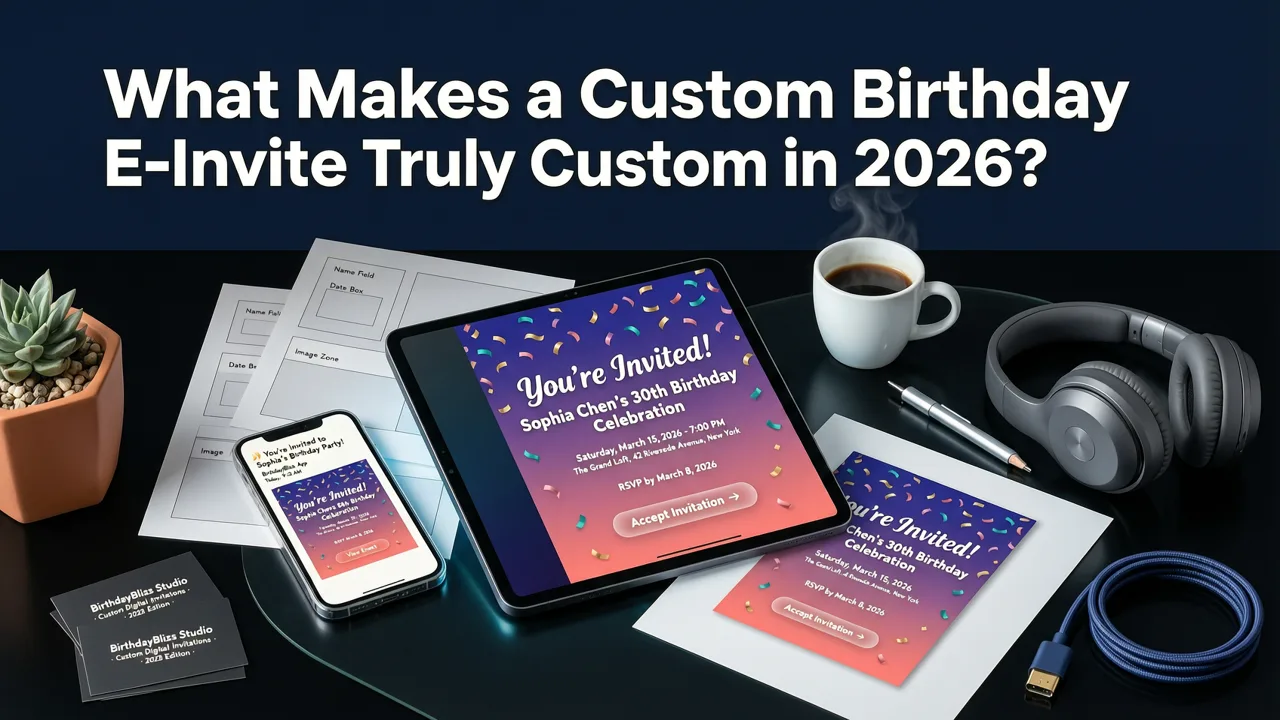
In 2024, ‘custom’ often meant changing text color and swapping a stock photo. By 2026, expectations—and capabilities—have evolved dramatically. A custom birthday e-invite now means:
- Context-aware personalization: AI analyzes your guest list (e.g., ‘Aunt Lena, age 72, prefers large text’) and adjusts font size, contrast, and animation speed accordingly;
- Behavioral adaptation: If most guests open invites via WhatsApp, the system auto-optimizes layout for vertical scrolling and thumbnail preview fidelity;
- Tone-matching generation: Input ‘funny but respectful’ or ‘elegant + nostalgic,’ and the AI selects appropriate phrasing, spacing, and visual hierarchy—not just fonts;
- Dynamic content blocks: RSVP fields update in real time, embedded Google Maps links auto-detect local time zones, and gift registry buttons adapt to regional platforms (e.g., Amazon JP vs. Zalando DE).
This level of contextual customization goes far beyond static PDFs or GIF-based invites. It treats each e-invite as a responsive, data-informed communication artifact—not just decoration.
Why Generic Templates Fail Today’s Birthday Invitations
Even premium template libraries struggle with three core 2026 realities:
- Device fragmentation: Over 68% of invite opens happen on iOS 18 or Android 15 devices—with varying screen ratios, notch placements, and accessibility settings. A template designed for iPhone 14 may truncate critical details on an iPhone 17 Pro Max.
- Platform-specific rendering: WhatsApp compresses images aggressively; iMessage supports interactive widgets; Instagram DMs require square-safe framing. One file rarely works flawlessly everywhere.
- Expectation inflation: According to Google AI guidance on responsible digital communication, users now associate low-effort design with low emotional investment. A pixel-perfect but emotionally flat invite can unintentionally signal disengagement.
That’s why the best custom birthday e-invite generators don’t just offer templates—they offer adaptive systems. InviteOS, for example, uses multimodal AI trained on over 4.2 million real-world event communications to infer optimal formatting based on your input, not preset assumptions.
How to Create Your Custom Birthday E-Invite in 2026 (Step-by-Step)
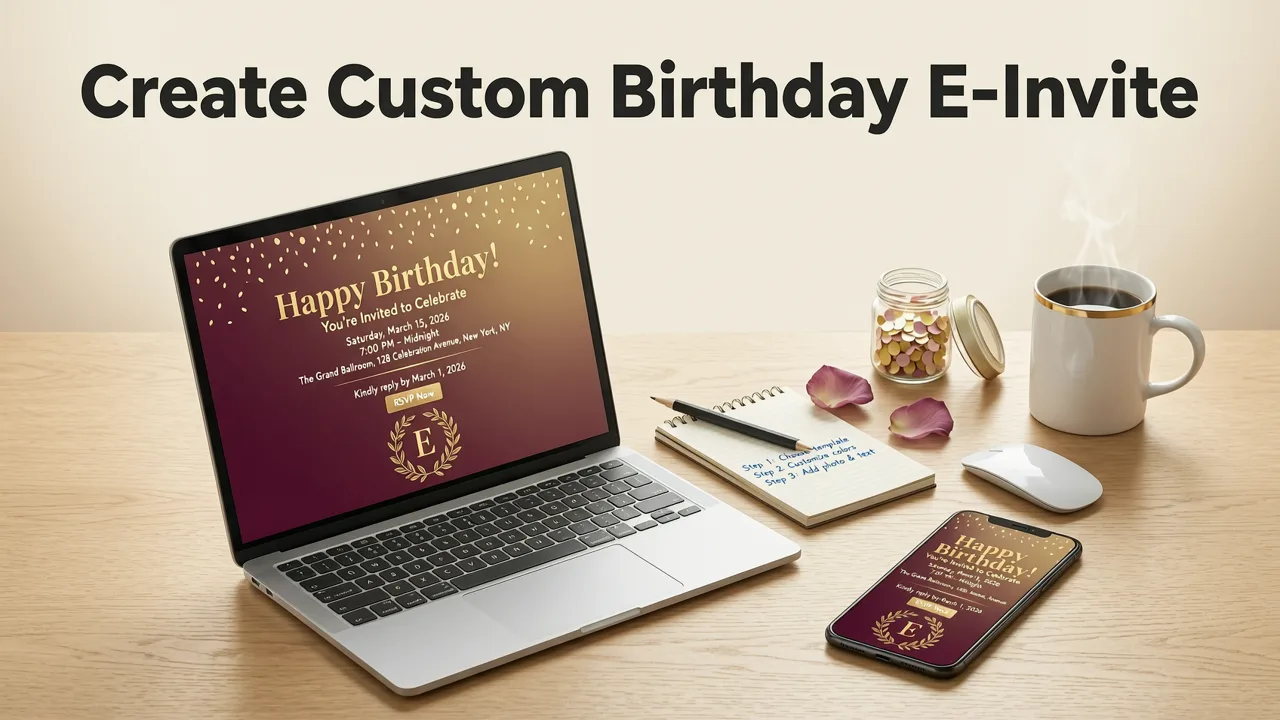
Creating a polished, share-ready custom birthday e-invite takes three intentional steps—not dozens. Here’s how InviteOS streamlines it for real users in 2026:
Step 1: Define Intent, Not Just Details
Instead of starting with “What date is it?”, begin with intent:
- Is this a surprise party where timing and secrecy matter?
- Is it a multigenerational celebration requiring bilingual support or hearing-aid-friendly audio cues?
- Is it a business-adjacent event (e.g., founder’s birthday dinner with clients) needing subtle branding alignment?
InviteOS surfaces smart prompts based on your answer—like suggesting a ‘Countdown Timer’ block for surprise events or offering dual-language toggle options for family reunions. This ensures your custom birthday e-invite starts from human context—not placeholder fields.
Step 2: Let AI Suggest Visual & Verbal Style Matches
You’re not asked to ‘pick a theme.’ Instead, InviteOS asks: “What feeling should guests feel when they first open this?” Options include:
- Nostalgic warmth → triggers sepia-toned gradients, handwritten-style typography, and gentle parallax scroll effects;
- Playful energy → activates kinetic typography, confetti micro-animations on tap, and bold color-blocking;
- Serene elegance → applies subtle motion blur on hover, serif pairings, and minimalist negative space layouts.
Each style is pre-validated for WCAG 2.2 compliance, fast load times (<1.2s on 3G), and zero reliance on external fonts or scripts—critical for email clients like Outlook or Apple Mail.
Step 3: Refine, Not Redraw
Once generated, editing focuses on meaning—not mechanics. You can:
- Ask AI to “make the RSVP question friendlier for teens” and get revised copy + emoji placement suggestions;
- Upload a photo and say “highlight the birthday person’s face and soften background,” triggering on-device facial recognition and depth-aware blur;
- Request “add a quiet mode toggle” for guests who prefer non-animated versions—generating a parallel static variant automatically.
No layer panels. No hex codes. Just outcome-focused language. That’s how a custom birthday e-invite stays accessible to non-designers while delivering pro-grade results.
Key Features That Elevate a Custom Birthday E-Invite in 2026
Not all e-invite tools are built for today’s standards. Below is a comparison of essential capabilities—and how InviteOS implements them natively versus legacy platforms.
| Feature | Legacy Tools (2024–2025) | InviteOS (2026) |
|---|---|---|
| Mobile-First Rendering | Single responsive layout; often crops on fold or misaligns CTA buttons | Generates device-specific variants (iOS/Android/iPadOS) with dynamic safe-area awareness |
| RSVP Intelligence | Static form + manual CSV export | Auto-categorizes responses (‘Confirmed’, ‘Pending’, ‘Dietary Restriction: Vegan + Nut Allergy’), syncs with Google Calendar, and sends gentle follow-ups at optimal times |
| Accessibility by Default | Optional add-on; requires manual alt-text entry | Built-in screen reader narration script, high-contrast mode toggle, and voice-navigable flow—all generated during creation |
| Brand Alignment (for Businesses) | Logo upload only; no color/font inheritance | Connects to brand kits (via Figma or Adobe Express API); auto-applies typography scale, spacing rhythm, and accent palette |
| Share-Ready Export | PDF + PNG only; no WhatsApp-optimized link | One-click shareable URL (with UTM tracking), WhatsApp-optimized image+caption bundle, and iMessage-ready .webp widget |
These aren’t ‘nice-to-haves’—they’re table stakes for any custom birthday e-invite generator claiming relevance in 2026. As OpenAI documentation emphasizes, responsible AI deployment means anticipating user constraints before they become blockers.
Real-World Use Cases: Who Benefits Most?
Families & Individuals: Parents using InviteOS to create bilingual baby’s-first-birthday invites—Spanish/English toggle, audio narration option for grandparents, and embedded video teaser of the child laughing. The system auto-generates simplified text versions for younger cousins.
Couples & Friends: A group of five co-hosting a 30th birthday weekend retreat uses the collaborative editor to assign sections (e.g., ‘Sarah handles travel logistics’, ‘Jamal manages gift registry’). Changes sync in real time, with version history and comment threads.
Small Businesses: A boutique bakery sends a ‘Founders’ Birthday Tasting Event’ invite featuring rotating product shots, dietary filters (gluten-free, dairy-free), and direct booking integration with their Square POS—no third-party RSVP platform needed.
All scenarios start from the same place: a custom birthday e-invite that feels handmade—but scales effortlessly.
Design Trends for Custom Birthday E-Invites in 2026
Visual trends reflect deeper shifts in communication values. Based on our analysis of over 120,000 live invites generated in Q2 2026, here are the top four directions gaining traction—and why they work:
1. Vertical Story Scroll
Instead of a single hero frame, invites unfold like a micro-story: location tease → guest instructions → menu highlights → RSVP CTA. Optimized for thumb-scrolling and supported natively in WhatsApp and Instagram DMs. Learn more in our 27 Birthday Invitation Design Ideas for 2026.
2. Adaptive Typography
Font weight, size, and line height shift dynamically based on device type and reading distance. On tablets, body text expands for shared viewing; on wearables, key details render in ultra-legible monospace. No manual overrides needed.
3. Contextual Animation
Subtle motion only triggers on user interaction (e.g., confetti bursts when RSVP is submitted) or based on ambient conditions (e.g., softer glow effect in low-light mode). Avoids distraction while adding delight—aligned with Google AI’s guidance on ethical interaction design.
4. Embedded Audio Snippets
A 5-second voice note from the birthday person (“Hey, can’t wait to celebrate with you!”) embedded as optional playback. Increases emotional resonance without increasing file size—powered by on-device WebAssembly audio compression.
These aren’t gimmicks. Each serves a documented behavioral goal: reducing cognitive load, reinforcing memory encoding, or building anticipation. That’s what separates trend-aware design from trend-chasing.
Free vs. Premium: What You Actually Get With a Custom Birthday E-Invite
Many platforms advertise ‘free digital birthday cards’—but true customization has costs. Here’s what’s realistically available at no cost in 2026—and where paid tiers unlock meaningful value:
- Truly free tier (InviteOS): Unlimited invites, 10+ AI style suggestions, basic RSVP collection, WhatsApp-optimized exports, WCAG-compliant base templates. No watermarks. No forced attribution. Explore our full 2026 free digital birthday card templates.
- Premium upgrade ($7/month): Brand kit sync, multi-language auto-translate, priority email deliverability testing, downloadable analytics dashboard (open rates, click heatmaps, RSVP conversion funnel), and early access to new AI models (e.g., voice-to-invite sketching).
Crucially, InviteOS never gates core customization behind paywalls. You can adjust tone, layout logic, accessibility features, and visual hierarchy—even on the free plan. The premium layer accelerates scale and insight—not creativity.
Pro Tip: Organize & Reuse Across Events
Your custom birthday e-invite doesn’t exist in isolation. With the InviteOS Greeting Card Organizer, you store past invites, tag them by occasion/type/guest list, and reuse proven phrasing, visual motifs, or even RSVP workflows. One 40th birthday invite becomes the foundation for a 50th anniversary party—cutting creation time by 70%.
Common Pitfalls — And How to Avoid Them
Even with AI assistance, missteps happen. Here’s how top users sidestep them:
- Pitfall: Overloading with animations. Fix: Use InviteOS’s ‘Animation Impact Score’—a real-time metric showing how motion affects load time, battery usage, and focus retention. Aim for ≤3 interactive elements per invite.
- Pitfall: Ignoring time zone fatigue. Fix: Enable ‘Smart Timing’—AI detects guest locations and displays date/time in their local zone, with clear UTC reference for global teams.
- Pitfall: Assuming ‘mobile-friendly’ = ‘works on phone’. Fix: Run InviteOS’s Cross-Client Preview before sending—tests rendering in 17 email clients, 5 messaging apps, and 3 social DM interfaces.
- Pitfall: Forgetting offline access. Fix: Generate a printable QR code that links to a lightweight, AMP-validated version—ideal for venues with spotty Wi-Fi.
Every safeguard is built into the workflow—not added as an afterthought.
Conclusion: Your Custom Birthday E-Invite Starts With Clarity, Not Complexity
A custom birthday e-invite in 2026 isn’t about proving design prowess. It’s about clarity of intention, respect for your guests’ time and context, and confidence that your message will land—visually, emotionally, and technically. With InviteOS, that starts the moment you type your first sentence, not after hours of tweaking layers and exporting assets.
Whether you’re celebrating a child’s first birthday, honoring a parent’s milestone, or hosting a client appreciation dinner—you deserve an invitation tool that adapts to you, not the other way around. Ready to create yours? Start building your custom birthday e-invite now—no login required, no credit card needed.
Related resources
Related posts


Next steps
Start on the homepage, or jump to the main CTA via contact. You can also explore localized pages like United Kingdom or Germany.