
2026-08-11 · 9 min read
Online Business Event Invite Creator — Professional & Branded in 2026

Recommended next
If you’re searching for an online business event invite creator in 2026—not just a generic template site—you need more than drag-and-drop graphics. You need intelligent, brand-aware design that speaks the language of stakeholders, aligns with your company’s visual identity, and performs across professional channels: email inboxes, LinkedIn Events, Slack announcements, and even embedded CRM workflows. In 2026, the leading tools go beyond static PDFs. They generate dynamic, context-responsive invitations that adapt tone, layout, and CTAs based on audience role (executive vs. vendor), event type (product launch vs. internal all-hands), and delivery medium.
Why the Best Online Business Event Invite Creator Is Now a Strategic Asset
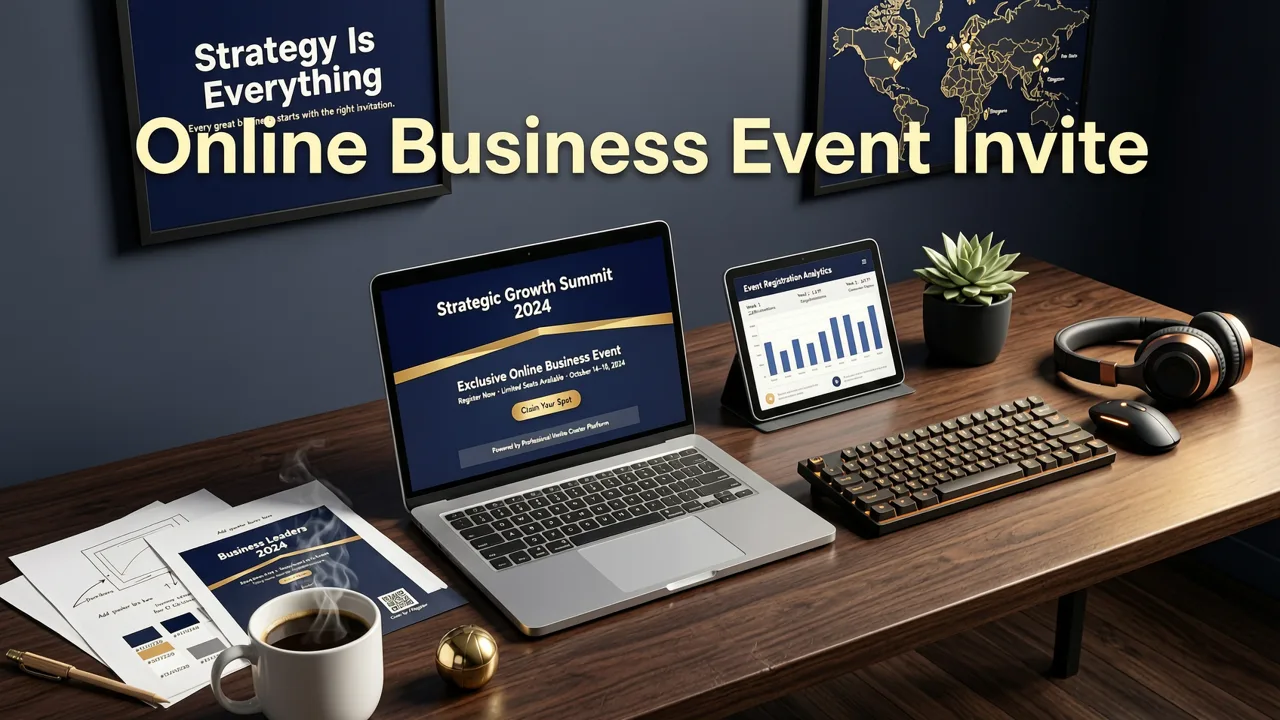
In 2026, corporate communications are measured not just by open rates—but by engagement velocity, brand recall consistency, and cross-platform coherence. A poorly branded or misaligned invitation doesn’t just look unprofessional—it erodes credibility before the event begins. That’s why top-performing teams no longer outsource invites to designers or rely on fragmented Canva + Mailchimp workflows. Instead, they use an online business event invite creator built for enterprise-grade precision without enterprise complexity.
Unlike consumer-focused tools designed for birthdays or baby showers, a purpose-built business solution understands nuanced requirements: legal disclaimers, multi-timezone scheduling logic, GDPR-compliant opt-in tracking, and seamless integration with Microsoft Outlook, Google Calendar, and HubSpot. It also respects your brand architecture—automatically pulling approved fonts, HEX colors, logo variants, and even tone-of-voice guidelines from your brand system.
What Sets 2026’s Top Online Business Event Invite Creator Apart?
The difference between ‘good enough’ and truly effective isn’t aesthetics—it’s intelligence layered into every step. Here’s what defines the current generation:
- Context-aware generative design: The tool analyzes your event title, description, attendee list (if uploaded), and even your company’s public LinkedIn page or website to infer appropriate visual hierarchy, imagery style (e.g., minimalist tech vs. warm hospitality), and messaging emphasis.
- Behavioral personalization engine: Goes beyond ‘Hi [First Name]’. It tailors content blocks dynamically—for example, showing investors a ROI-focused summary, partners a co-branding highlight, and employees a culture-forward call-to-action—all from one source template.
- Cross-platform delivery intelligence: Automatically optimizes each output format: a rich HTML email for Outlook (with fallback plain-text), a compact LinkedIn post preview, a Slack-friendly markdown version with emoji cues, and a print-ready PDF with bleed and CMYK support.
- Compliance-aware drafting: Flags non-compliant language (e.g., ‘RSVP by Friday’ without timezone or ‘free lunch’ without dietary disclaimer), suggests inclusive phrasing, and auto-appends accessibility metadata (ARIA labels, alt-text prompts) for screen readers.
How an Online Business Event Invite Creator Works in Practice (2026 Workflow)
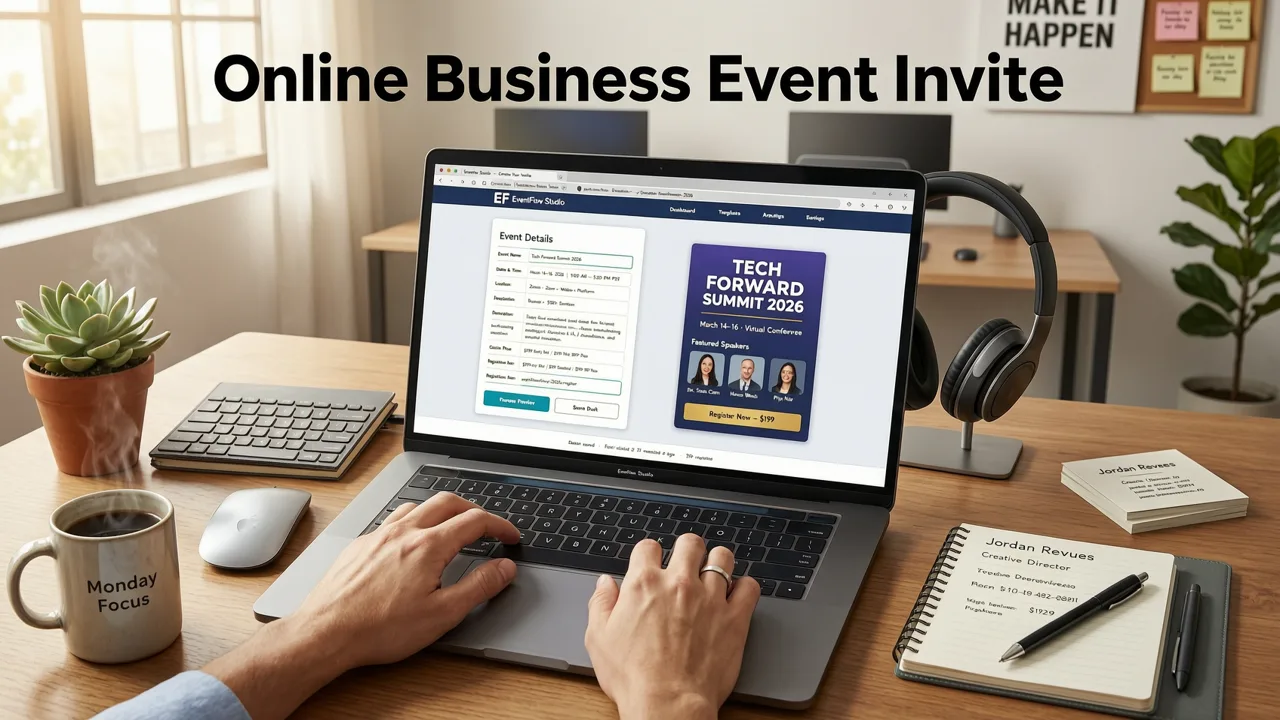
Creating a branded business invitation in 2026 takes under 90 seconds—if you’re using the right tool. Here’s how it works at InviteOS, optimized for professionals managing everything from quarterly investor briefings to global sales kickoffs:
Step 1: Define Your Business Context
You start by selecting your event category: Product Launch, Webinar Series, Internal All-Hands, Partner Summit, or Hybrid Conference. This isn’t just a stylistic choice—it triggers backend logic that adjusts default copy, iconography, and structural priorities. For instance, a Product Launch defaults to hero-image-first layout with strong CTA placement, while an Internal All-Hands prioritizes agenda clarity and speaker bios.
Step 2: Connect Your Brand System (One-Time Setup)
Upload your brand kit—or connect directly to Figma, Adobe Express, or your company’s digital asset management (DAM) platform. InviteOS reads your primary and secondary color palettes, typography stack (including fallback web-safe fonts), logo variations (light/dark mode), and even approved taglines or value propositions. No manual hex-code entry. No font licensing guesswork.
Step 3: Input Smart Event Details
Enter core details—not as isolated fields, but as structured inputs with AI guidance:
- Date & Time: Enter once; the system auto-generates localized time displays (e.g., “10:00 AM EST / 3:00 PM GMT / 11:00 PM CST”) and embeds a timezone-aware calendar link.
- Agenda Highlights: Paste bullet points or paste a transcript snippet—the AI extracts key sessions, speakers, and timing logic to build a clean, scannable timeline block.
- Attendee Segments: Tag groups (e.g., “Investors”, “Press”, “Sales Team”) to enable dynamic personalization in Step 4.
Step 4: Generate & Refine with Brand Intelligence
Within seconds, you receive three distinct, on-brand drafts—each emphasizing a different strategic angle: Authority (data-driven, executive tone), Collaboration (inclusive, team-forward), or Innovation (forward-looking, visual-first). You can mix-and-match sections across versions, adjust tone sliders (“More formal → More conversational”), or request rewrites using your internal comms playbook phrases.
No more back-and-forth with marketing ops. No last-minute Canva edits. Every variation stays fully editable, versioned, and export-ready.
Key Features You Can’t Afford to Skip in 2026
Not all online business event invite creators are built for real-world complexity. Below is a side-by-side comparison of must-have capabilities versus outdated or consumer-grade alternatives:
| Feature | InviteOS (2026) | Generic Design Tools (e.g., Canva, Piktochart) | CRM Email Builders (e.g., HubSpot, Mailchimp) |
|---|---|---|---|
| Brand Sync Automation | ✅ Real-time sync with DAM/Figma; auto-updates when brand assets change | ❌ Manual upload only; no version control or inheritance | ❌ Limited to logo + color picker; no typography or tone rules |
| Multi-Audience Personalization | ✅ Dynamic blocks per segment (investor/partner/employee) in one source | ❌ Requires duplicate templates and manual segmentation | ✅ Basic merge tags, but no layout or tone adaptation |
| Compliance Guardrails | ✅ Auto-flagging of non-GDPR/CCPA language, accessibility gaps, and timezone ambiguity | ❌ None | ✅ Partial (e.g., unsubscribe links), but no content-level checks |
| Cross-Platform Output Suite | ✅ One-click exports: HTML email, LinkedIn post, Slack message, PDF, iCal, and embeddable widget | ❌ PDF/PNG only; no native channel optimization | ✅ Email + basic social share, but no Slack or iCal native support |
| AI-Powered Copy Refinement | ✅ Rewrites based on tone-of-voice library, industry jargon filters, and inclusivity scoring | ❌ Third-party plugin required (and often inaccurate) | ❌ None—relies on user-written copy |
Real-World Use Cases: How Teams Are Leveraging This Tool Today
Let’s move beyond theory. Here’s how actual professionals used InviteOS’s online business event invite creator in Q2 2026:
Case Study 1: SaaS Scale-Up Launches Global Partner Summit
A Series B fintech company needed to invite 1,200+ partners across 38 countries for its first hybrid partner summit. Using InviteOS, their marketing ops team:
- Uploaded their updated brand kit from Figma (including new dark-mode logo variant)
- Imported a CSV of partner contacts segmented by region and tier (Platinum, Gold, Silver)
- Generated three invite versions—one for Platinum partners featuring exclusive session previews, one for Gold with co-marketing opportunities, and one for Silver with onboarding resources
- Exported all versions to HubSpot sequences, Slack channels, and LinkedIn Events—with localized time zones and translated CTAs auto-generated via integrated DeepL API
Result: 42% higher RSVP rate vs. prior year, 91% reduction in manual editing time, and zero compliance escalations.
Case Study 2: Enterprise Legal Firm Hosts Client Webinar Series
A top-10 global law firm hosted a 6-part GDPR & AI Regulation webinar series for GCs and compliance officers. Their comms team used InviteOS to:
- Embed mandatory disclaimer language in every version (auto-adjusting per jurisdiction)
- Generate speaker bios using LinkedIn profile URLs (pulled and summarized by AI)
- Create a single master template that auto-populated weekly topics, dates, and speaker changes
- Deliver accessible PDFs with WCAG 2.2-compliant contrast ratios and semantic heading structure
Result: 100% of invites passed internal legal review on first submission—and 78% of attendees cited the professionalism of the invites as a reason they attended.
Integrations That Make It Enterprise-Ready
An online business event invite creator is only as powerful as its ability to live inside your existing stack. In 2026, InviteOS supports native two-way sync with:
- Microsoft 365: Pull attendee lists from Teams/Outlook directories; push RSVPs back to Planner timelines
- Google Workspace: Auto-create calendar events with Zoom/Meet links; sync RSVP status to Sheets dashboards
- HubSpot & Salesforce: Trigger invites from deal-stage changes or contact properties (e.g., “Invite to Product Demo” when lead score > 75)
- Slack: Post invites directly to channels with interactive RSVP buttons and real-time attendance tracking
All integrations respect your organization’s SSO, data residency policies, and audit logging requirements. No custom API work required—just click-to-connect.
Pricing & Plans Built for Business Needs
InviteOS offers three tiers tailored for professional use in 2026:
- Starter ($19/month): Ideal for solopreneurs and small teams. Includes up to 5 brand kits, 200 invites/month, basic integrations (email + calendar), and access to 25+ business-specific templates.
- Professional ($49/month): For growing teams. Adds DAM/Figma sync, multi-audience personalization, compliance guardrails, Slack + HubSpot integrations, and priority support.
- Enterprise (Custom): For companies with 50+ users, strict security needs, or global compliance mandates. Includes SSO, SCIM provisioning, dedicated account management, white-labeling, and SLA-backed uptime (99.95%).
All plans include unlimited revisions, full commercial usage rights, and automatic updates to new regulatory requirements (e.g., upcoming EU AI Act disclosure mandates for AI-generated content).
Getting Started Is Instant—No Learning Curve
You don’t need training. You don’t need a designer. You don’t need to download software.
Go to InviteOS.com, select Business Event, and begin. Your first invite is generated in under 60 seconds. You’ll get a downloadable PDF, an embeddable web version, and pre-formatted copy for email or LinkedIn—all aligned with your brand, compliant with 2026 standards, and ready to send.
And because InviteOS is built on responsible AI principles—guided by frameworks like Google AI’s Responsible Innovation Guidelines and OpenAI’s transparency documentation—you retain full ownership and editorial control over every output. The AI assists. You decide.
For teams already using InviteOS for other occasions, this same workflow extends seamlessly: Need a customizable party invitation template? Done. Planning a baby shower for your HR team’s new parent group? Handled. Sending a team birthday announcement? Effortless. It’s all powered by the same intelligent, unified platform—designed so you spend less time formatting and more time connecting.
Conclusion: Your Brand Deserves Better Than Generic Invites
In 2026, an invitation isn’t just a logistical notice—it’s your first impression, your brand promise, and your engagement catalyst. Settling for a generic, manually adjusted template undermines months of strategic positioning. An online business event invite creator that’s intelligent, integrated, and brand-native isn’t a luxury. It’s operational hygiene.
Start creating invitations that reflect your authority, resonate with your audience, and scale across your entire organization—today. Create your first professional business invite now.
Related Articles
Related posts


Next steps
Start on the homepage, or jump to the main CTA via contact. You can also explore localized pages like United Kingdom or Germany.