
2026-08-29 · 10 min read
Free Digital Birthday Invitation Templates & Ideas (2026 Guide)

Recommended next
What Makes a Free Digital Birthday Invitation Stand Out in 2026
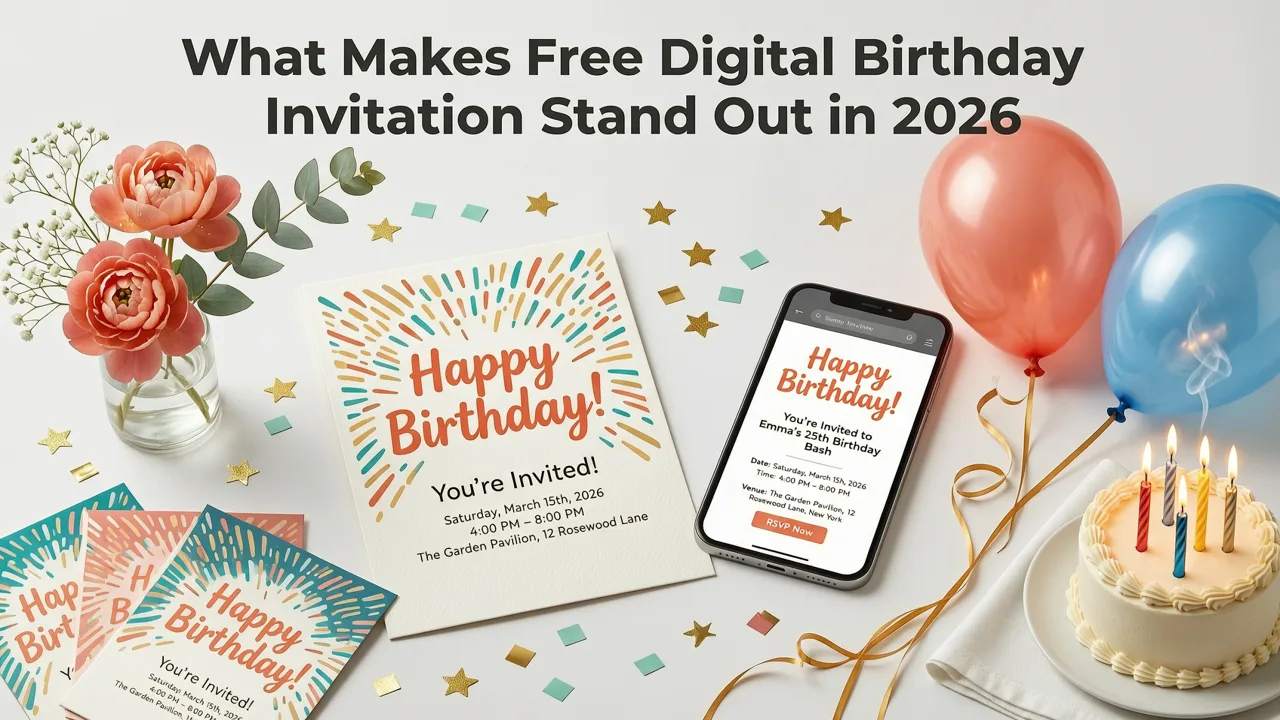
If you are planning a party and want to send a free digital birthday invitation that actually looks polished, you have landed in the right place. A modern AI-powered invitation maker lets you design, customize, and share a birthday invite in under five minutes — no design skills, no expensive software, and no awkward back-and-forth with a printer.
The short answer: a great free digital birthday invitation in 2026 combines mobile-first design, on-brand personalization, and one-tap sharing to WhatsApp, iMessage, or email. Below you will find the design trends that are working right now, a step-by-step walkthrough for creating your own invite, and a comparison of the formats that get the highest RSVP rates this year.
Why Free Digital Birthday Invitations Have Become the Default Choice
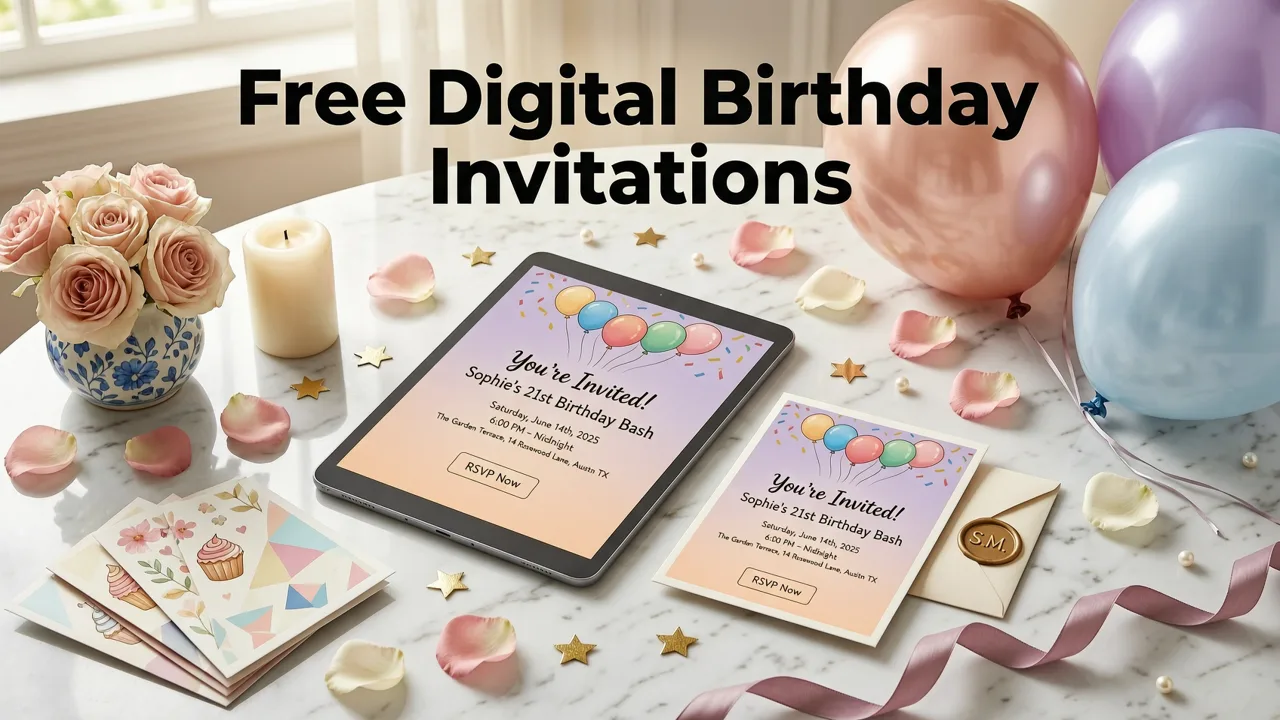
Digital invitations are no longer the "cheap alternative" to paper. In 2026, more than half of all personal celebrations — from a toddler's first birthday to a milestone 60th — begin with a digital invite. The reasons are practical and measurable:
- Instant delivery: Your guests receive the invite the moment you hit send, regardless of time zone.
- Zero printing cost: A free digital birthday invitation eliminates paper, ink, and postage entirely.
- Real-time RSVP tracking: Built-in response tools mean you always know your final headcount.
- Easy updates: Changed the venue or time? Edit once and every guest sees the update instantly.
- Eco-friendly: No waste, no carbon footprint from shipping.
For small businesses hosting a client appreciation event or a team celebration, digital invites also keep branding consistent and allow quick distribution across large contact lists.
Top Free Digital Birthday Invitation Design Trends for 2026
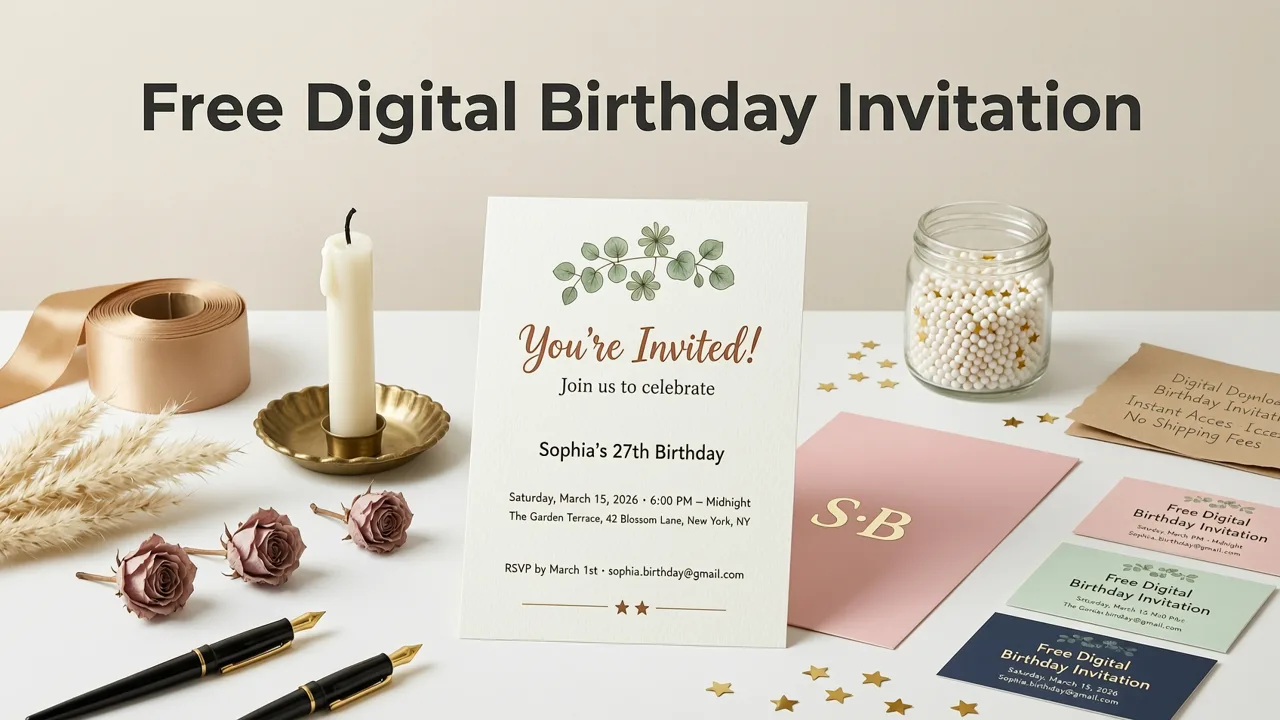
Design trends move quickly, and the invitations people actually save to their camera roll or share in group chats tend to follow a few clear patterns this year.
1. Animated Minimalist
Clean typography, a single accent color, and a subtle motion element — think a gently floating balloon or a slow-fade confetti burst. These invitations load instantly on mobile and feel modern without overwhelming the recipient. Minimalist designs work especially well for adult milestone birthdays (30th, 40th, 50th) where the tone is elevated but still fun.
2. Cultural Pattern Fusion
Designs that blend traditional motifs — such as West African Ankara prints, South Asian mandala borders, or East Asian brush-stroke textures — with modern layouts are trending strongly. These invitations honor heritage while staying visually fresh. If you are planning a culturally rooted celebration, look for templates that let you swap pattern overlays without rebuilding the entire layout.
3. The Vertical Story Scroll
Built for Instagram Stories, Snapchat, and WhatsApp Status, vertical-format invitations (9:16 ratio) dominate sharing in 2026. They are designed to be screenshotted or forwarded directly, which increases organic reach far beyond your original guest list.
4. Retro Neon and Y2K Revival
Gradient backgrounds, pixel fonts, and chrome-text effects continue to resonate with Gen Z hosts and anyone throwing a themed party. The key is restraint: one or two neon accents against a dark background keep the design readable on small screens.
5. Photo-Centric Collages
For milestone birthdays, a template that places a hero photo of the guest of honor front and center — surrounded by smaller memory snapshots — creates an emotional hook that plain text invitations cannot match. AI tools now auto-crop and balance these collages so you do not have to manually resize every image.
If you want a deeper dive into visual direction, our breakdown of 27 birthday invitation design ideas for 2026 covers every trend listed above with real examples.
How to Create a Free Digital Birthday Invitation in 5 Steps
Building a polished invitation should feel effortless. Here is the exact workflow used by thousands of hosts this year.
Step 1 — Choose Your Template
Start with a template that matches the tone of your event. Most AI invitation makers organize templates by occasion, age group, and style. Filter by "birthday" and then by vibe — playful, elegant, themed, or minimal.
Step 2 — Add Your Event Details
Enter the essentials: host name, guest of honor, date, time, venue address, dress code (if any), and RSVP deadline. A good AI tool will auto-format these fields so the hierarchy of information is clear at a glance.
Step 3 — Personalize Colors, Fonts, and Imagery
Swap the palette to match your party theme. Upload a photo of the birthday person or choose from built-in illustration libraries. AI-powered editors will suggest font pairings that stay legible on both phone screens and desktop previews.
Step 4 — Preview on Mobile
Before you share, always check how the invitation renders on a phone screen. The majority of your guests will first see it on mobile, so test text size, contrast, and tap targets for any RSVP links.
Step 5 — Share and Track Responses
Download the file as a PNG, MP4 (for animated versions), or shareable link. Distribute via WhatsApp, iMessage, email, or social media. If your platform supports it, enable built-in RSVP tracking so responses are logged automatically.
Understanding the response mechanism is important. Our full guide to RSVP meaning in invitation cards explains why the response line remains the single most critical element for planning any celebration.
Essential Elements Every Free Digital Birthday Invitation Must Include
Whether you are designing for a child's party or a corporate team lunch, certain information fields are non-negotiable. Missing any of these creates confusion and lowers your RSVP rate.
| Element | Why It Matters | 2026 Best Practice |
|---|---|---|
| Guest of Honor Name | Clarifies who the celebration is for | Use the name they actually go by — nicknames included |
| Date and Time | Prevents scheduling conflicts | Include time zone for virtual or multi-region guest lists |
| Venue or Virtual Link | Tells guests where to go | Embed a map link or meeting URL directly |
| Dress Code or Theme | Sets expectations and boosts excitement | One short phrase — "Garden Party Chic" or "Retro Arcade" |
| RSVP Deadline and Method | Locks in your headcount | Use a tap-to-reply link or built-in form |
| Special Instructions | Reduces follow-up questions | Parking info, allergy notes, gift preferences, or plus-one policy |
Free Digital Birthday Invitation Formats Compared
Not every format works for every platform. Here is how the most common file types stack up for sharing, printing, and accessibility in 2026.
| Format | Best For | Pros | Cons |
|---|---|---|---|
| PNG (Static Image) | WhatsApp, iMessage, email | Universal compatibility, small file size | No animation or interactivity |
| MP4 (Short Video) | Instagram Stories, TikTok, WhatsApp Status | Eye-catching, supports motion and music | Larger file size, may not autoplay everywhere |
| Shareable Link (Web) | Email, SMS, group chats | Interactive RSVP, easy to update, analytics | Requires internet access to view |
| PDF (Print-Ready) | Physical handouts or mailed cards | High resolution, print fidelity | Not ideal for mobile-first sharing |
For hosts who want the flexibility to print a batch of cards for guests who prefer paper, our guide to printing digital invitations at home walks through paper weights, ink settings, and trimming tips.
How AI Is Changing Free Digital Birthday Invitations in 2026
Artificial intelligence has moved well beyond simple template swaps. Modern AI invitation tools now handle tasks that used to require a graphic designer:
- Auto-layout optimization: The AI adjusts text spacing, image placement, and color balance so every element is visually harmonious.
- Smart copy suggestions: Stuck on wording? AI generates invitation text that matches the tone you select — playful, formal, or themed.
- Background removal and photo enhancement: Upload a casual photo and the AI isolates the subject, adjusts lighting, and places them cleanly into the design.
- Localization: For multicultural celebrations, AI can translate invitation text while preserving layout integrity.
These capabilities are built on responsible AI frameworks. Organizations like Google's AI responsibility initiative and the OpenAI documentation standards outline the ethical guidelines that leading invitation platforms follow to ensure outputs are accurate, unbiased, and respectful of cultural context.
Tips to Maximize RSVP Rates on Your Free Digital Birthday Invitation
Design is only half the equation. Getting people to actually respond requires a few behavioral nudges.
- Send at the right time: For local events, send 2 to 3 weeks in advance. For destination or milestone parties, 4 to 6 weeks gives guests time to plan.
- Use a clear CTA: "Tap here to RSVP by [date]" performs far better than a passive "Hope you can make it."
- Follow up once: A single reminder 5 to 7 days before the deadline lifts response rates significantly without feeling pushy.
- Make responding effortless: One-tap reply buttons or a short embedded form remove friction. If guests have to open a new app or compose an email, response rates drop.
- Personalize the message: A short line that references your relationship with the guest — "Can't wait to celebrate with you, Sarah!" — increases the sense of obligation to reply.
Common Mistakes to Avoid When Sending a Free Digital Birthday Invitation
Even with a great template, small errors can undermine your event planning. Watch out for these frequent missteps:
- Skipping the time zone: If any guest is in a different region, always specify the time zone or include a converter link.
- Overloading with text: A cluttered invitation is hard to scan on mobile. Keep copy tight and use hierarchy — the most important details should be the largest.
- Using low-resolution images: Pixelated photos make the entire invitation feel low quality. Start with high-resolution source images.
- Forgetting accessibility: Ensure sufficient color contrast and avoid placing critical text over busy backgrounds. This matters for guests with visual impairments and for readability in bright sunlight.
- No RSVP deadline: Without a deadline, responses trickle in indefinitely and your headcount stays uncertain.
Free Digital Birthday Invitations for Every Age Group
The tone, format, and distribution channel for your invitation should shift based on who is celebrating.
Kids' Birthdays (Ages 1–12)
Bright colors, character themes, and parent-directed RSVPs. WhatsApp groups and school-parent chat apps are the primary distribution channels. Include practical details like drop-off times and allergy information.
Teen Birthdays (Ages 13–19)
Vertical video invites shared via Instagram Stories or Snapchat dominate this group. Neon aesthetics, meme references, and Spotify playlist links add personality. RSVPs typically happen through social media polls or direct messages.
Adult Milestones (30th, 40th, 50th, and Beyond)
Elegant minimalism, photo collages, and shareable web links work best. These celebrations often involve mixed-age guest lists, so ensure the design is readable on all devices and the RSVP process is simple enough for less tech-savvy attendees.
Corporate or Team Birthdays
Brand-consistent templates with company colors and logos. Email distribution with calendar-integration links ensures the event appears directly on colleagues' schedules.
When to Consider a Paid Upgrade
Free digital birthday invitations cover the vast majority of personal celebrations. However, a paid tier becomes worthwhile when you need:
- Custom brand kits for recurring events or business use.
- Advanced analytics — open rates, click-through data, and demographic breakdowns.
- Priority rendering for high-resolution print files.
- Extended animation libraries or exclusive template access.
For most individual hosts, the free tier provides everything needed to create a share-ready, professional invitation in minutes.
Final Thoughts: Your Free Digital Birthday Invitation, Ready in Minutes
A free digital birthday invitation in 2026 is no longer a compromise — it is the smartest way to plan, share, and track any celebration. With AI-powered templates handling the design heavy lifting, you can focus on what actually matters: hosting a memorable event.
Ready to create yours? Open the InviteOS AI invitation maker, pick a template that matches your vibe, add your details, and share a polished invite with your entire guest list before your next coffee gets cold.
Related posts


Next steps
Start on the homepage, or jump to the main CTA via contact. You can also explore localized pages like United Kingdom or Germany.