
2026-08-26 · 9 min read
Baby Shower Invitation Generator: AI-Powered & Printable (2026)

Recommended next
Why a Baby Shower Invitation Generator Changes the Game in 2026
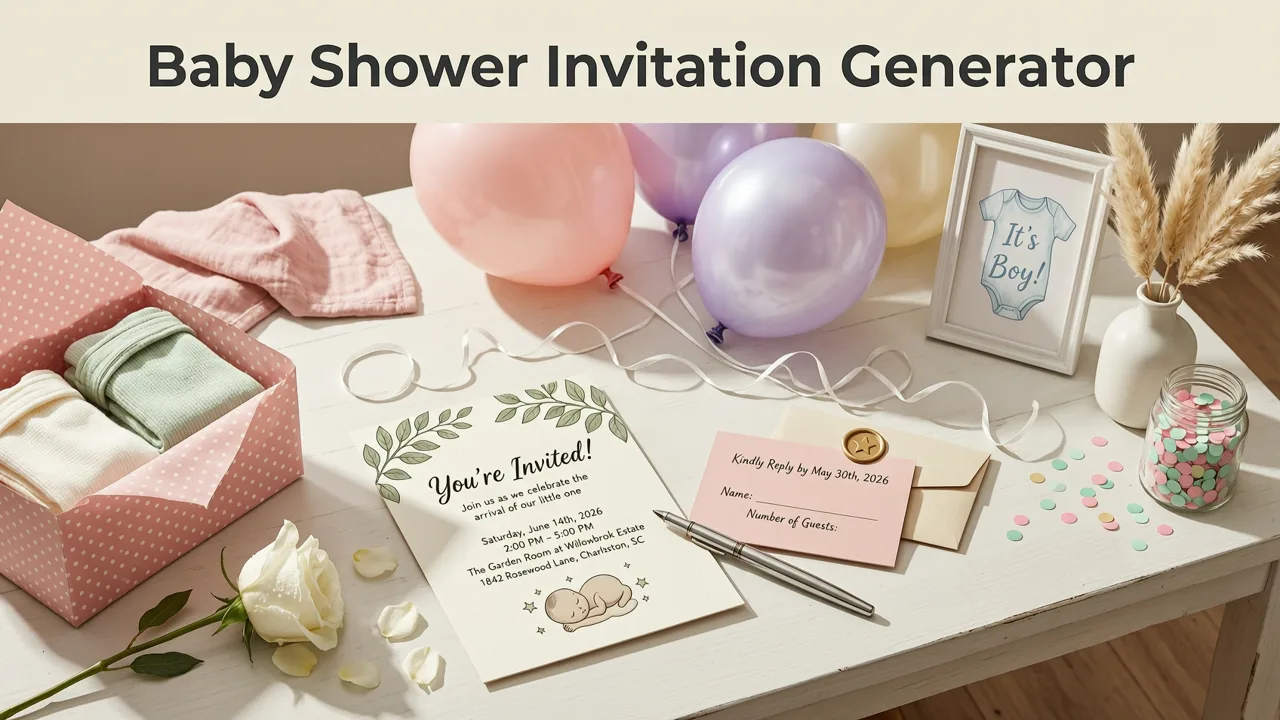
If you're planning a baby shower and dreading hours spent fumbling through design software, a baby shower invitation generator eliminates that friction entirely. In 2026, AI-powered tools let you type in your event details, choose a style, and download a polished, share-ready invitation in under five minutes — no Photoshop skills, no expensive stationer, no stress.
This guide breaks down exactly how an AI baby shower invitation generator works, what separates a quality tool from a gimmick, and how to produce invites that look professionally designed whether you're sending them digitally or printing them at home.
What Is a Baby Shower Invitation Generator?
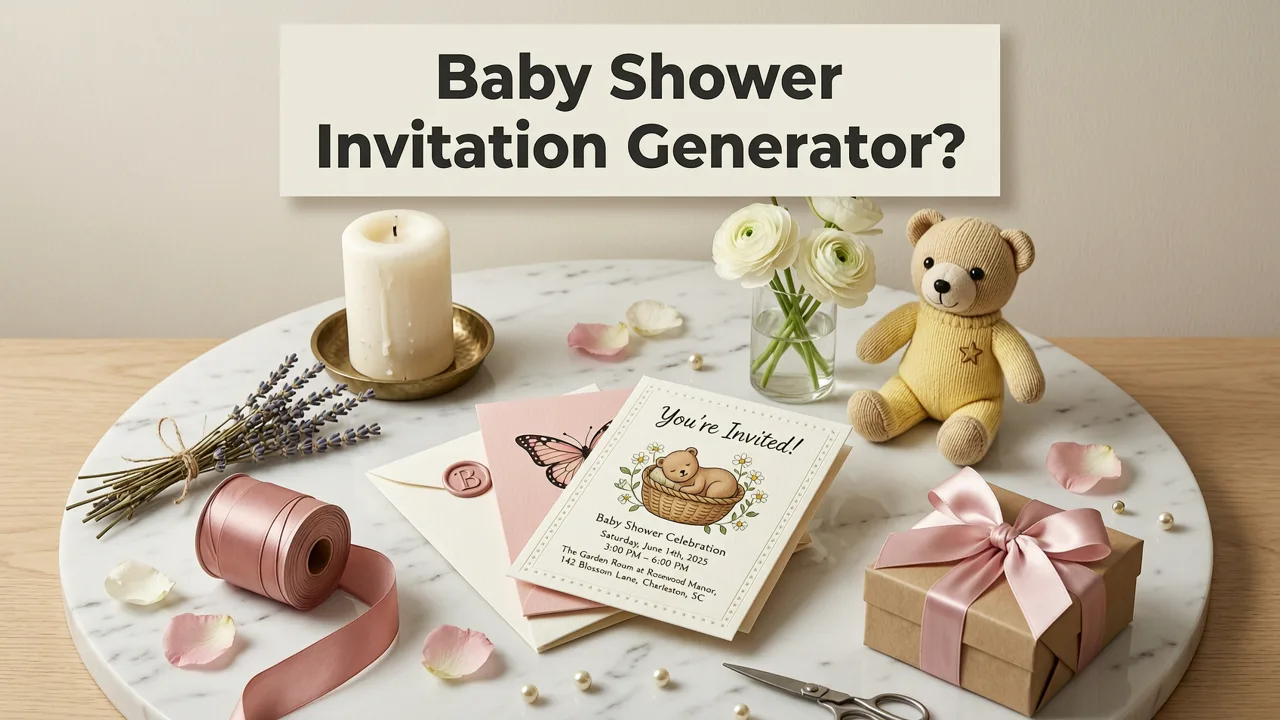
A baby shower invitation generator is a software tool that uses artificial intelligence to automate the design process. Instead of starting from a blank canvas, you answer a few prompts — event date, theme, color palette, honoree name — and the AI assembles a complete layout using professionally designed templates, typography pairings, and layout rules.
The best generators in 2026 go beyond simple template fillers. They understand design hierarchy, contrast ratios, and print bleed requirements. They suggest font combinations that work together, auto-align text blocks, and export files at the correct resolution for both screen sharing and physical printing.
How AI Makes the Process Smarter, Not Just Faster
Earlier invitation tools simply dropped your text into a pre-made frame. Modern AI generators analyze your input and make intelligent decisions:
- Theme matching: If you mention "woodland" or "boho neutrals," the AI pulls relevant color palettes and illustration styles automatically.
- Readability optimization: Text contrast and sizing adjust based on whether the invite will be viewed on a phone screen or printed on cardstock.
- Layout intelligence: The AI determines the best arrangement for your specific content length — a short WhatsApp invite needs a different structure than a formal printed card.
- Style consistency: Matching invitation, thank-you card, and envelope liner designs are generated as a cohesive suite.
Key Features to Look for in a Baby Shower Invitation Generator
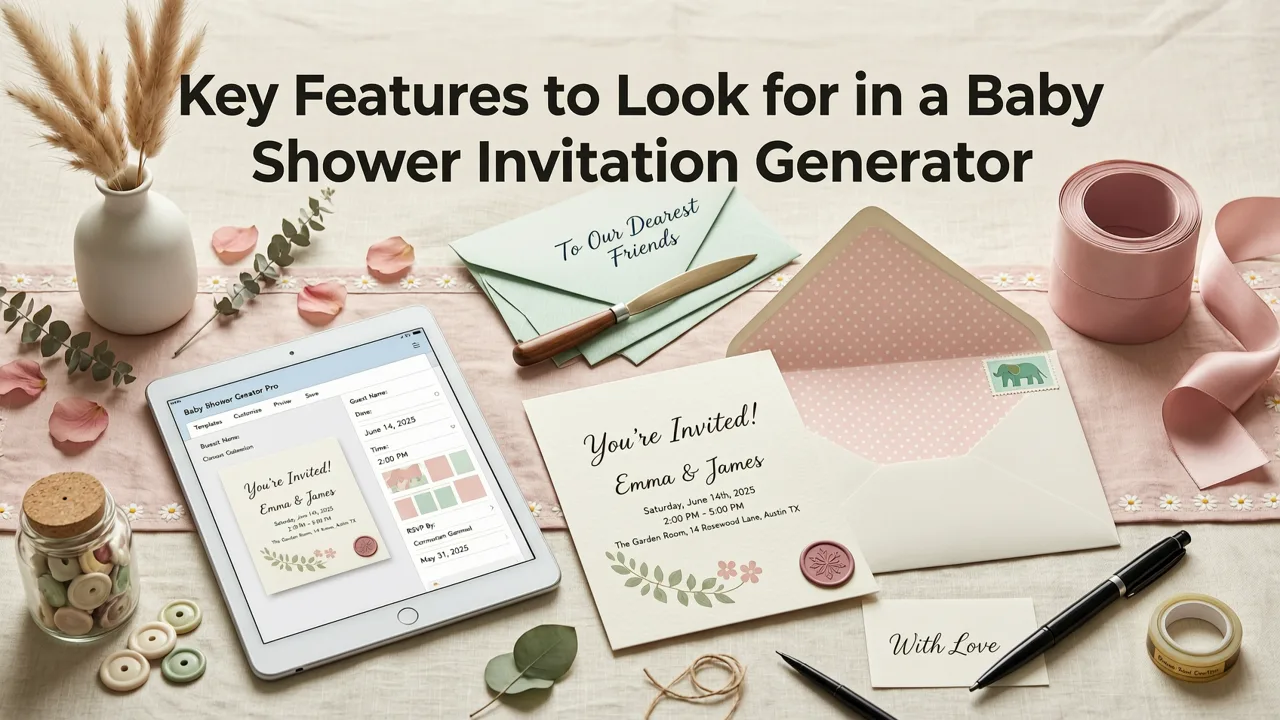
Not all generators deliver the same quality. When evaluating tools in 2026, prioritize these capabilities:
Print-Ready Export Options
Your invitation should export at 300 DPI with proper bleed margins if you plan to print. A quality generator provides CMYK color profiles and crop marks — the same specifications professional print shops require. If you're only sharing digitally, it should also offer optimized JPEG and PNG exports sized for Instagram Stories, WhatsApp, and email.
Real-Time Preview
You should see exactly what your invitation looks like as you make changes. Real-time preview eliminates the guesswork of hitting "download" only to discover misaligned text or clashing colors. The best tools show you a live mockup on both a phone screen and a printed card simultaneously.
Custom Size Support
While 5×7 inches remains the standard for printed invitations, you might want a square format for Instagram, a vertical scroll for mobile-first sharing, or a custom dimension for a unique fold-over card. Leading generators now support custom size uploads so you're never locked into a single format.
RSVP Integration
A modern invitation should make responding effortless. Look for generators that embed QR codes, short URLs, or direct links to digital RSVP forms. Understanding RSVP meaning in invitation cards and implementing it correctly ensures higher response rates from your guests.
Step-by-Step: How to Create a Baby Shower Invitation with AI
Here's the typical workflow from start to finished invitation:
Step 1: Enter Your Event Details
Start by inputting the essentials: honoree name, date, time, venue address, RSVP deadline, and any registry information. Some generators also ask about the theme, color preferences, and whether the event is co-ed, traditional, or virtual.
Step 2: Choose a Style Direction
Select from style categories like minimalist, floral, watercolor, modern geometric, vintage, or culturally specific designs. The AI will generate multiple variations within your chosen direction.
Step 3: Customize and Refine
Adjust colors, swap fonts, reposition elements, or add personal photos. The AI maintains design integrity throughout — you can't accidentally break the layout.
Step 4: Preview and Export
Review your invitation in both digital and print mockups. Once satisfied, export in your needed formats: high-resolution PDF for printing, optimized images for social sharing, and an animated version for messaging apps if supported.
Baby Shower Invitation Themes That Work in 2026
Trends shift, but certain themes consistently resonate. Here's what's performing well this year:
| Theme | Style Characteristics | Best For |
|---|---|---|
| Soft Botanical | Muted greens, eucalyptus illustrations, serif fonts | Traditional showers, garden venues |
| Modern Minimalist | Clean lines, ample whitespace, single accent color | Urban celebrations, co-ed events |
| Whimsical Storybook | Hand-drawn animals, pastel palettes, playful type | First baby showers, nursery-themed parties |
| Cultural Fusion | Traditional patterns blended with modern layouts | Multicultural families, heritage celebrations |
| Luxe Metallic | Foil-stamped effects, deep jewel tones, elegant scripts | Formal events, evening celebrations |
| Sunny Celebration | Bold yellows, citrus motifs, retro typography | Summer showers, outdoor parties |
Choosing the Right Theme for Your Guest List
Consider your audience. A corporate colleague baby shower might call for refined minimalism, while a close-friends backyard gathering could embrace playful whimsy. The AI generator should adapt its suggestions based on the tone you specify — formal, casual, or somewhere in between.
Digital vs. Print: Which Format Should You Choose?
The beauty of a modern baby shower invitation generator is that you don't have to choose. Export both formats from the same design. However, understanding when each format works best helps you allocate your budget wisely.
When Digital Invitations Excel
- Guests are geographically dispersed and need instant delivery
- The event is casual or last-minute
- You want built-in RSVP tracking and automated reminders
- Budget is a primary concern
- Guests are primarily mobile-first communicators
When Printed Invitations Make Sense
- The event has a formal tone or premium venue
- Many guests are older relatives who prefer physical mail
- You want a keepsake quality that matches the significance of the occasion
- The invitation doubles as a decor element at the shower itself
Common Mistakes to Avoid When Generating Baby Shower Invitations
Even with AI assistance, certain pitfalls can undermine your invitation's effectiveness:
Overloading with Information
An invitation's job is to communicate essential details clearly. Resist the urge to include every registry link, parking instruction, and dress code note. Keep the primary card focused on who, what, when, and where. Use a separate details card or digital follow-up for supplementary information.
Ignoring Readability on Small Screens
Most guests will first see your invitation on a phone. If your font size is too small or your text contrast is too low, critical information gets lost. Always preview at mobile scale before finalizing.
Forgetting the RSVP Deadline
Every invitation needs a clear response deadline — typically two to three weeks before the event. This gives the host time to finalize catering numbers and seating arrangements. The AI should prompt you to include this if it's missing.
How Inviteos Stands Out as a Baby Shower Invitation Generator
Inviteos combines AI-powered design intelligence with the flexibility professional designers expect. The platform doesn't just fill templates — it understands the principles of effective invitation design and applies them automatically.
Whether you're creating a wedding invitation, exploring birthday invitation design ideas, or generating baby shower cards, the same AI engine ensures consistent quality across all your event stationery. The platform's approach to responsible AI design follows industry best practices, ensuring outputs are original and appropriate for any audience.
What Sets Inviteos Apart
- Intelligent layout adaptation: The AI restructures elements based on your content length rather than forcing text into rigid boxes.
- Multi-format export: One design generates print-ready PDFs, social-optimized images, and animated versions simultaneously.
- Style suite generation: Create matching save-the-dates, thank-you cards, and envelope liners from the same design DNA.
- No design experience required: The AI handles typography pairing, color harmony, and spatial balance automatically.
Tips for Writing Baby Shower Invitation Copy
Great design needs great words. Here's how to write invitation text that feels warm and informative:
Essential Elements to Include
- Honoree's full name
- "Baby Shower" or alternative phrasing ("Celebrate Baby," "Welcome Little One")
- Date and time with time zone if guests are remote
- Venue name and complete address
- Host name(s) and contact information
- RSVP deadline and method
- Registry information (optional, typically on a separate insert or digital link)
Tone Examples by Event Style
Traditional: "Please join us for a baby shower honoring Sarah Mitchell as she prepares to welcome her first child."
Casual: "Let's celebrate the soon-to-arrive tiny human! Come hang out with Jessica before the baby gets here."
Co-ed: "Babies, bottles, and beers — join us for a co-ed celebration for Mike and Amanda!"
Frequently Asked Questions
Can I use a baby shower invitation generator for free?
Many AI invitation generators offer free tiers with basic templates and standard-resolution exports. Premium features like custom sizes, print-ready exports, and animated versions typically require a subscription or one-time payment.
How long does it take to create a baby shower invitation with AI?
Most users complete a polished invitation in under five minutes. The AI handles layout and design decisions, so you only need to input your details, choose a style direction, and make any personal tweaks.
Can I print AI-generated invitations at home?
Yes, provided the generator exports at 300 DPI with proper bleed margins. Use heavyweight cardstock (65–80 lb cover) and a quality inkjet or laser printer for results comparable to professional printing.
Do AI invitation generators work for other events too?
Absolutely. The same AI engines that create baby shower invitations can generate wedding invites, birthday cards, corporate event announcements, and holiday greetings. The design principles remain consistent across event types.
Start Creating Your Baby Shower Invitation Today
A baby shower invitation generator removes the barrier between your vision and a finished, professional-quality invitation. In 2026, there's no reason to struggle with design software or settle for generic templates when AI can produce something tailored to your event in minutes.
Whether you're sending digital invites to a dispersed friend group or printing keepsake cards for a formal celebration, the right generator adapts to your needs. Visit Inviteos to explore AI-powered invitation templates and create your baby shower invitation today — no design skills required.
Related resources
Related posts


Next steps
Start on the homepage, or jump to the main CTA via contact. You can also explore localized pages like United Kingdom or Germany.