

★★★★★
“Excellent app! It’s incredibly intuitive and does exactly what it promises. Smooth interface and no glitches so far. Highly recommended!”
Aa__irn
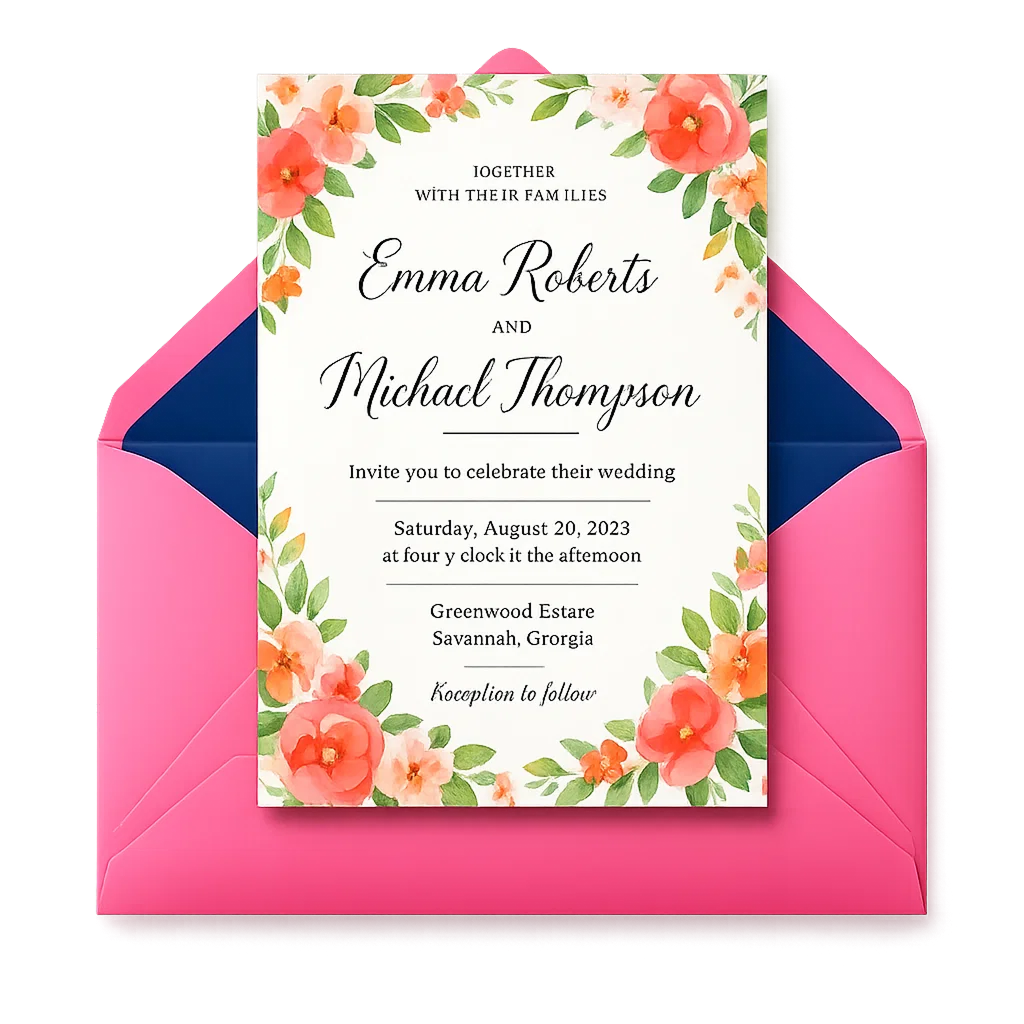
AI Invitation Maker helps you create wedding invitations, birthday invites, baby shower cards, party flyers, and business event invites in minutes. Add your details, choose a style, and generate polished digital invitation cards ready to download or share.
AI Invitation Maker Explained
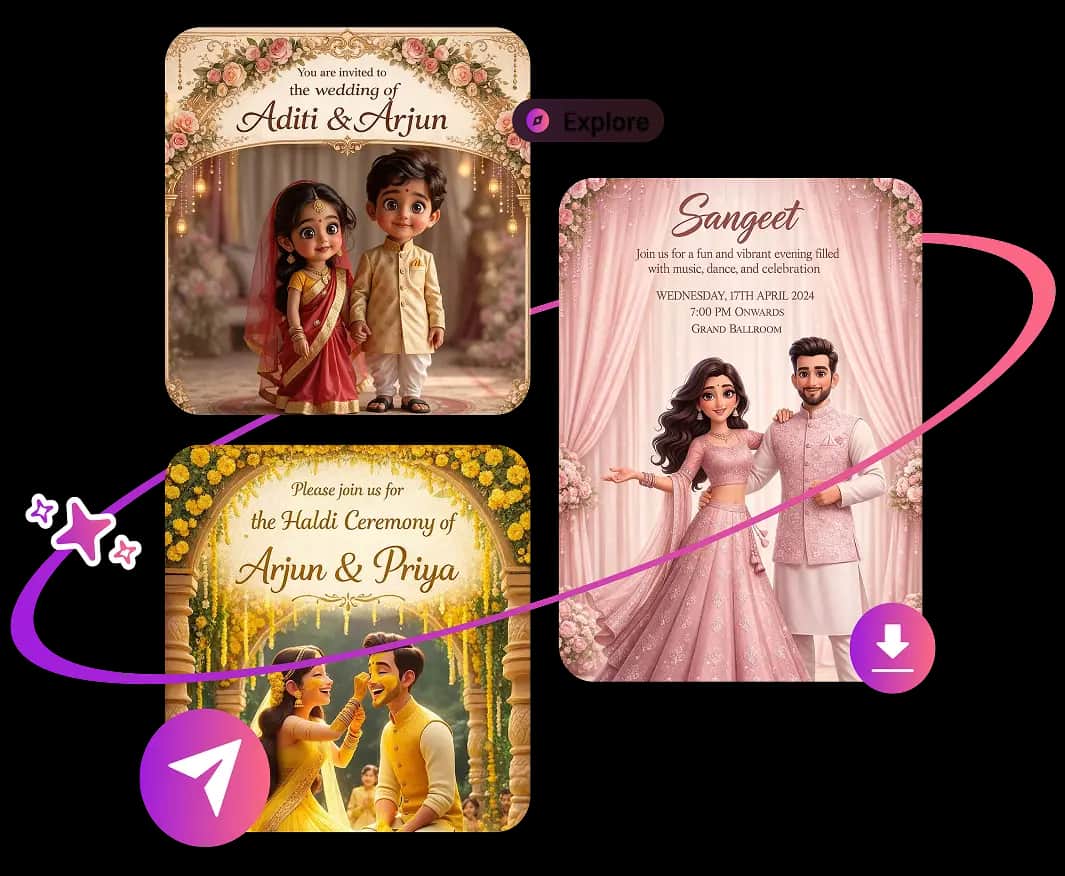
An AI Invitation Maker is an online invitation card generator that turns your event details and style choices into a complete, personalized invite. It uses artificial intelligence to arrange wording, typography, colors, imagery, and layout, helping anyone create professional digital invitations without design software or graphic design experience.
Save time with smart invitation templates, personalized wording, coordinated designs, and high-quality downloads. Create a share-ready card without hiring a designer or starting from a blank canvas.
Turn event details into a finished invitation card with a simple flow built for hosts, planners, families, and small teams.
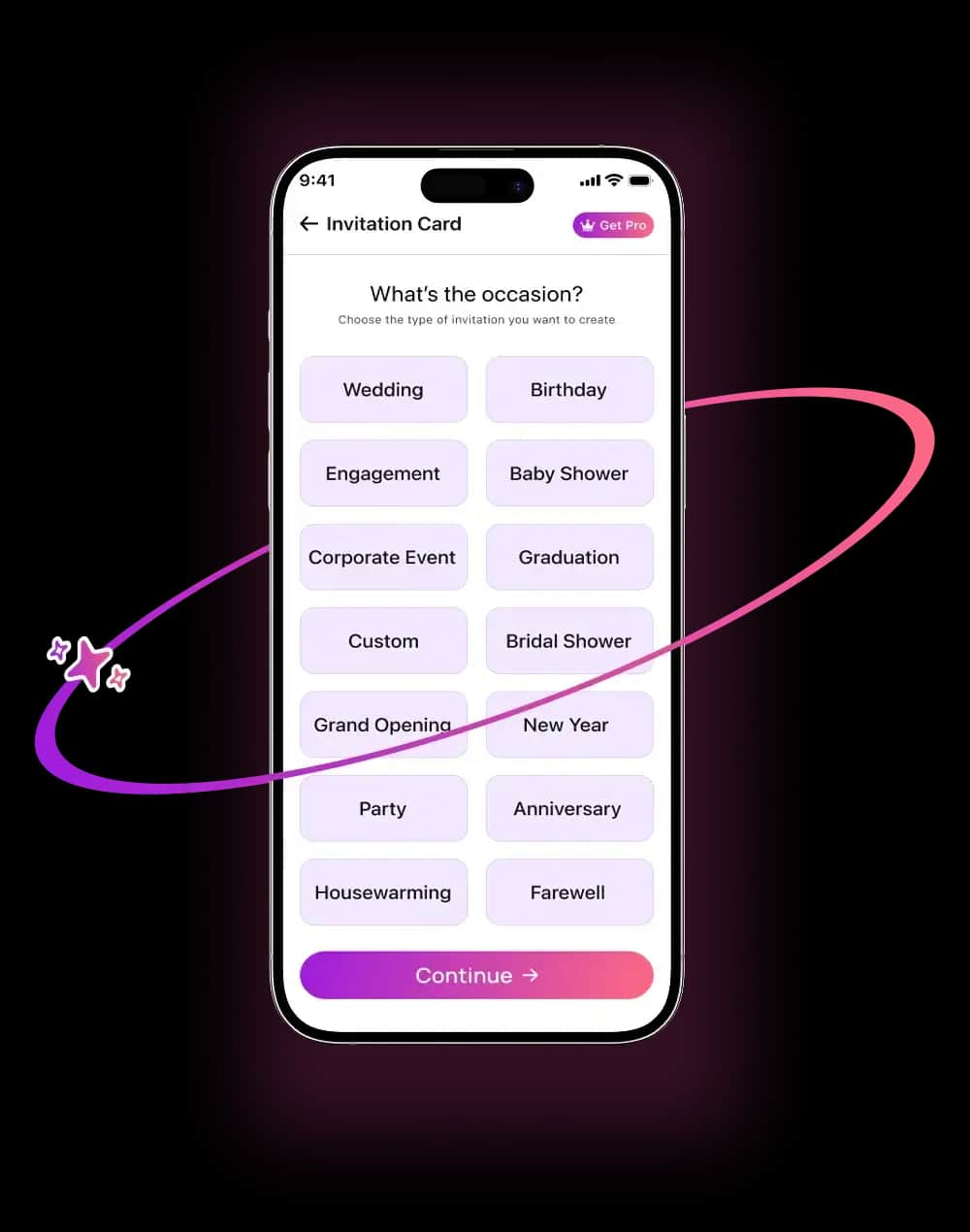
Pick the event type so the AI invitation maker can match the tone and layout to the moment. Create designs for weddings, birthdays, anniversaries, baby showers, bridal showers, graduations, holiday parties, and corporate events.
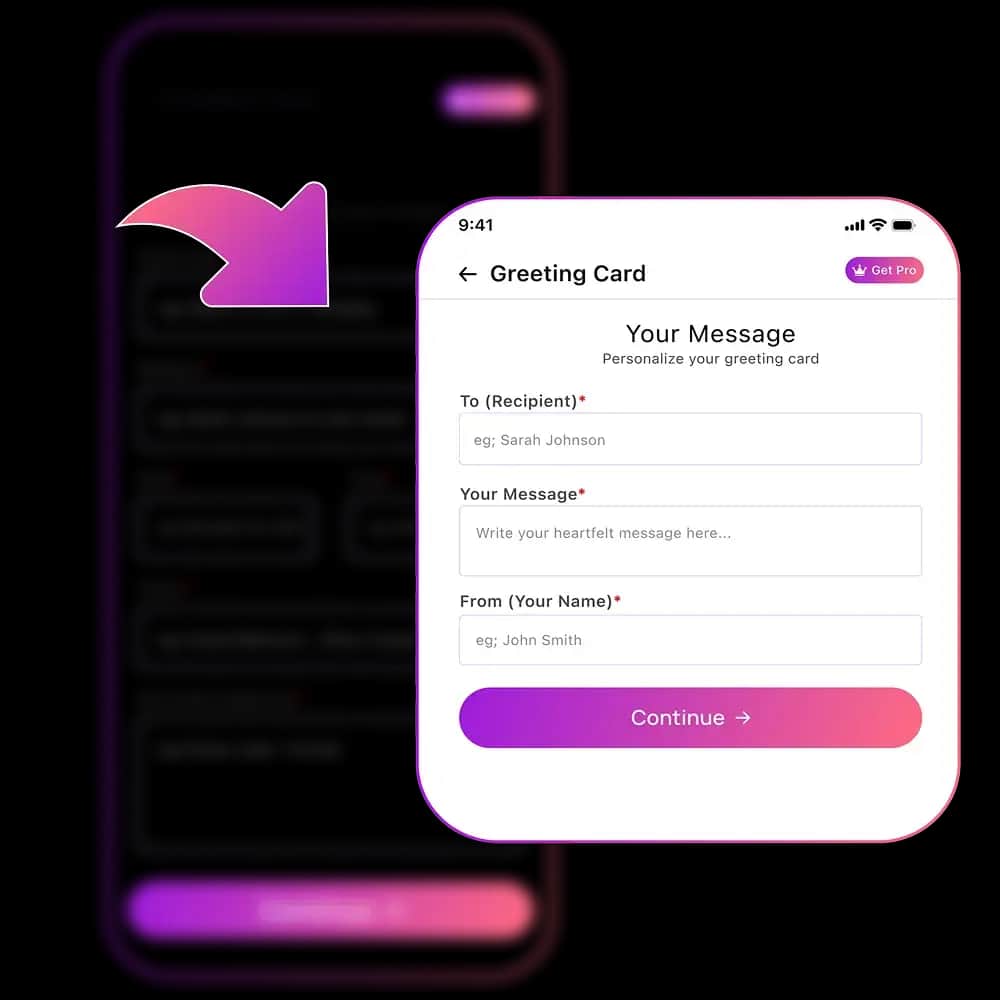
Enter names, date, time, location, dress code, host notes, and a short message. The app places the information into a balanced invitation card design so the final result feels clear and polished.
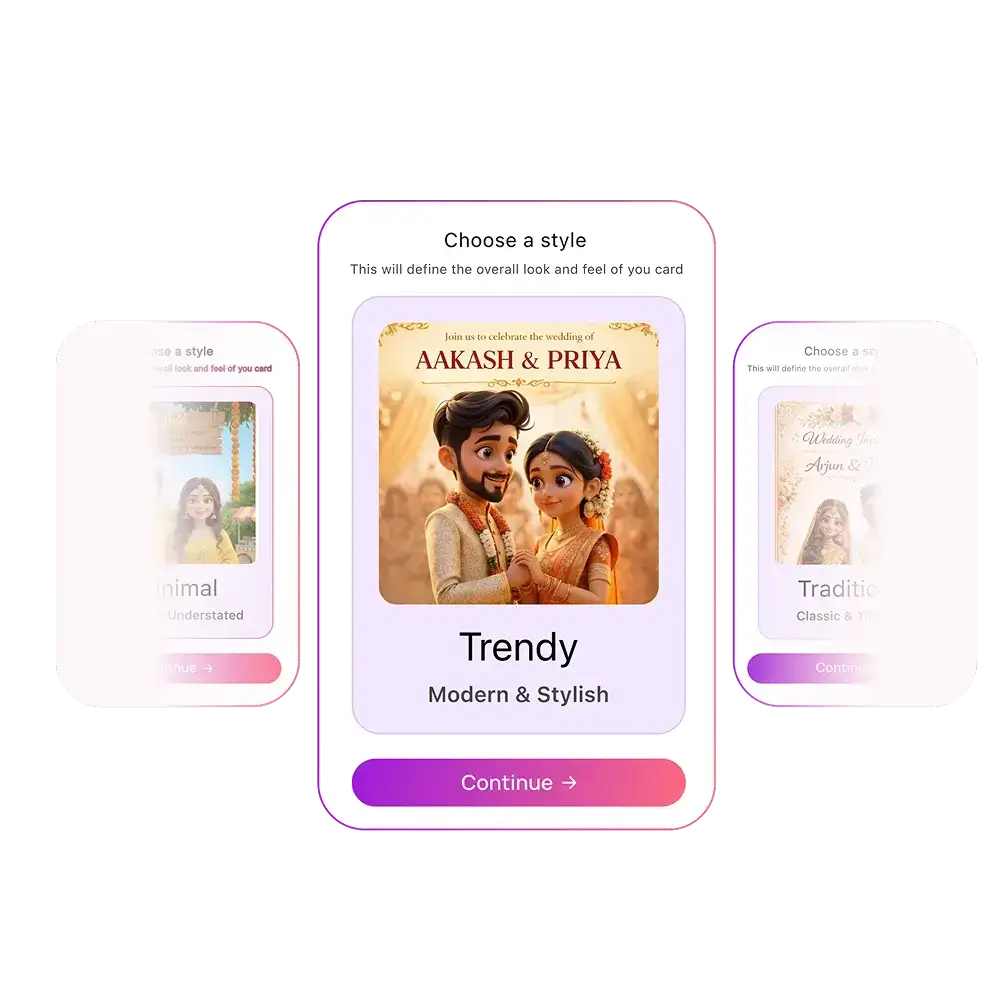
Select a visual direction such as modern, elegant, floral, minimalist, classic, playful, or luxury. The AI invite generator adapts fonts, spacing, imagery, and composition to match your event theme.
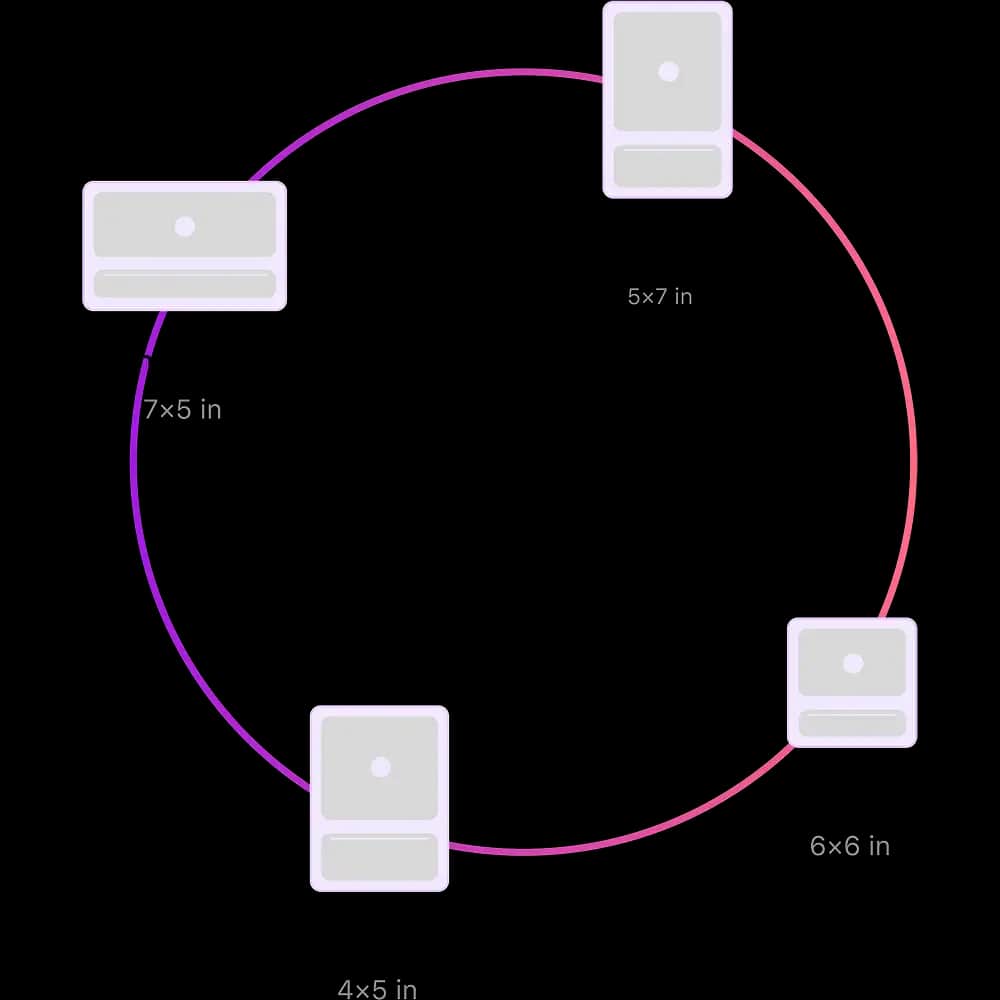
Create invitation cards in formats that look sharp on phones, social stories, messages, email, and printable layouts. Each size keeps the text readable and the design ready for the channel you plan to use.
Review the final invitation before sharing. Download a high-quality digital invite for messages, email, social media, or print so your guests receive a clean, professional design.
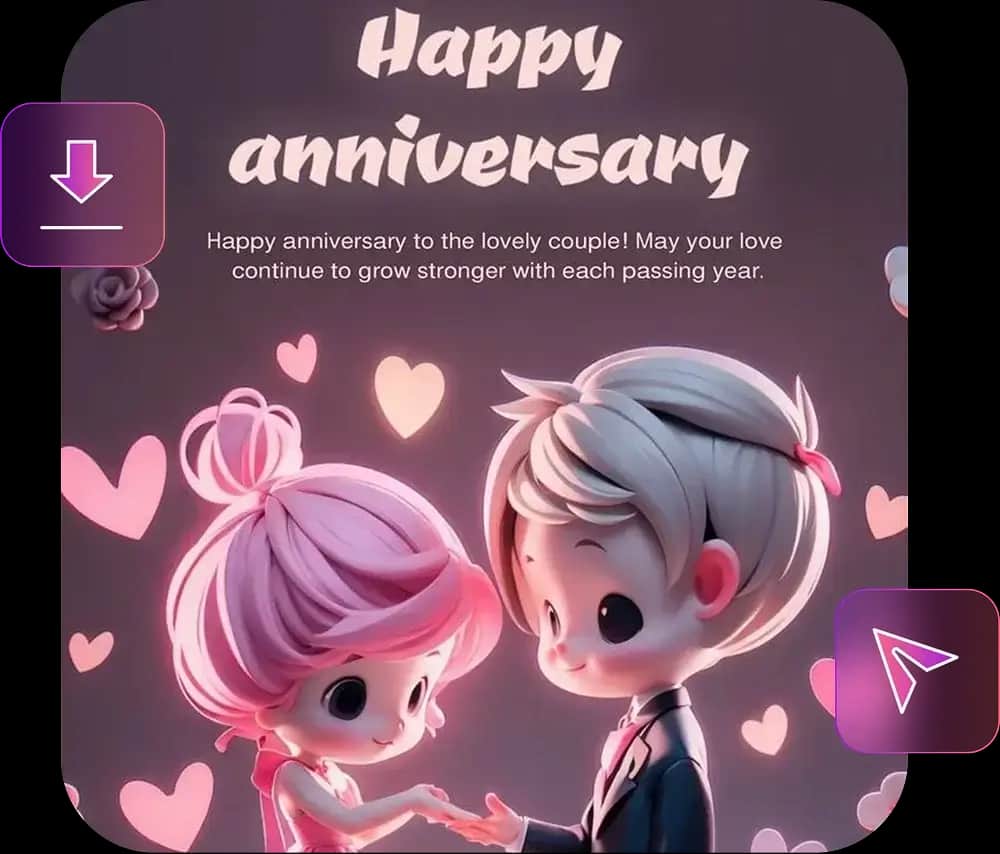
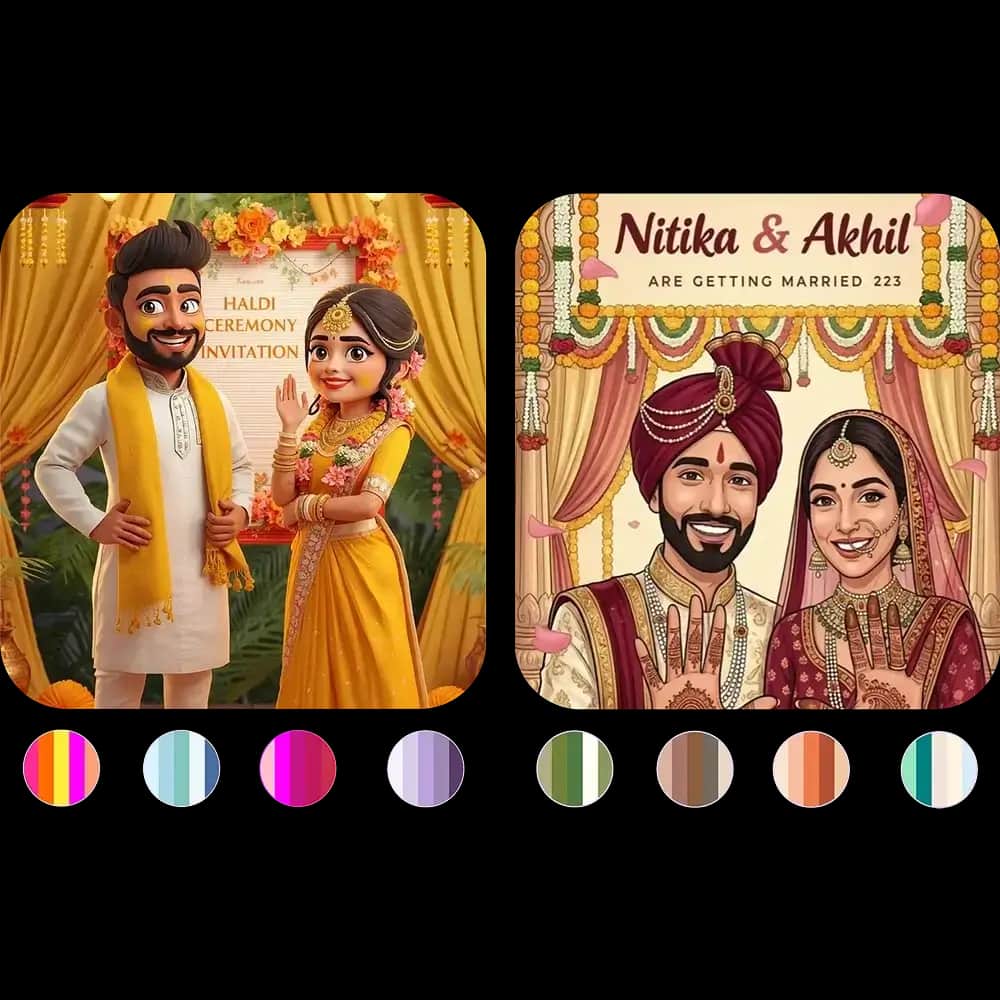
Choose soft pastels, bold accents, seasonal colors, elegant neutrals, or a custom palette. The AI invitation design tool keeps the layout cohesive while helping your card feel personal.
Explore digital invitation templates and AI-generated card styles for weddings, birthdays, baby showers, business events, parties, announcements, and seasonal celebrations.

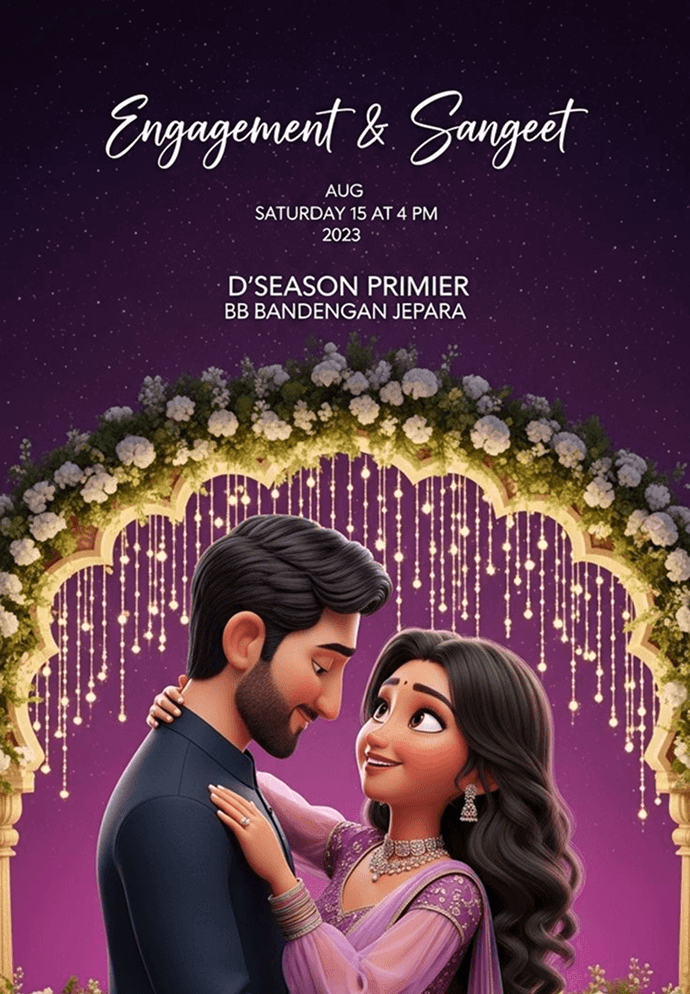
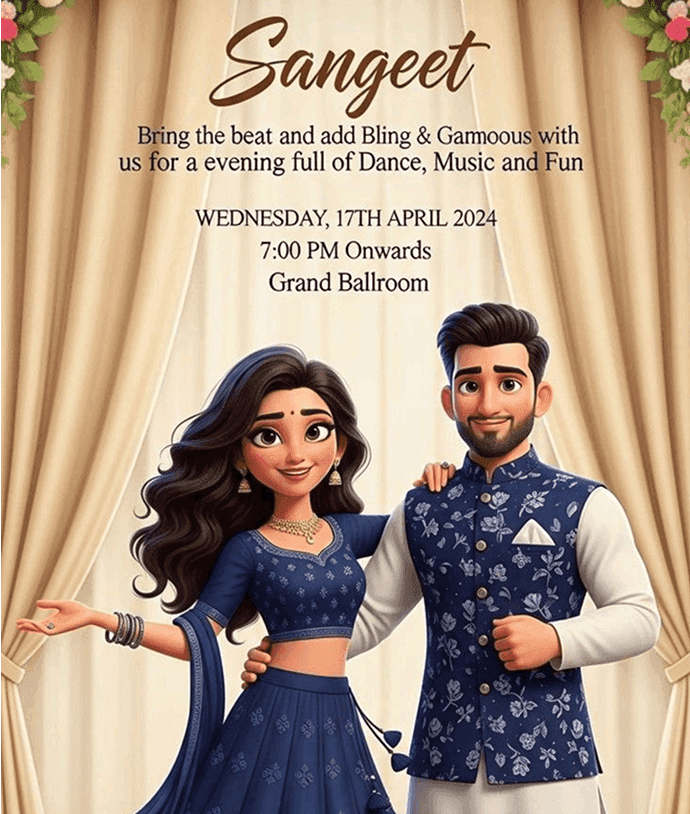
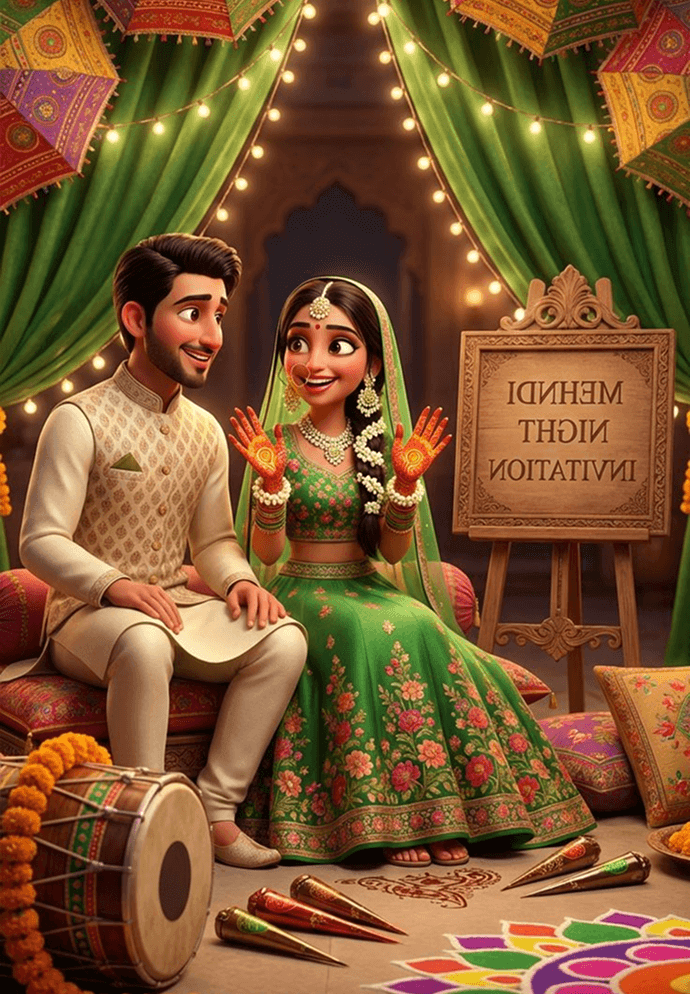

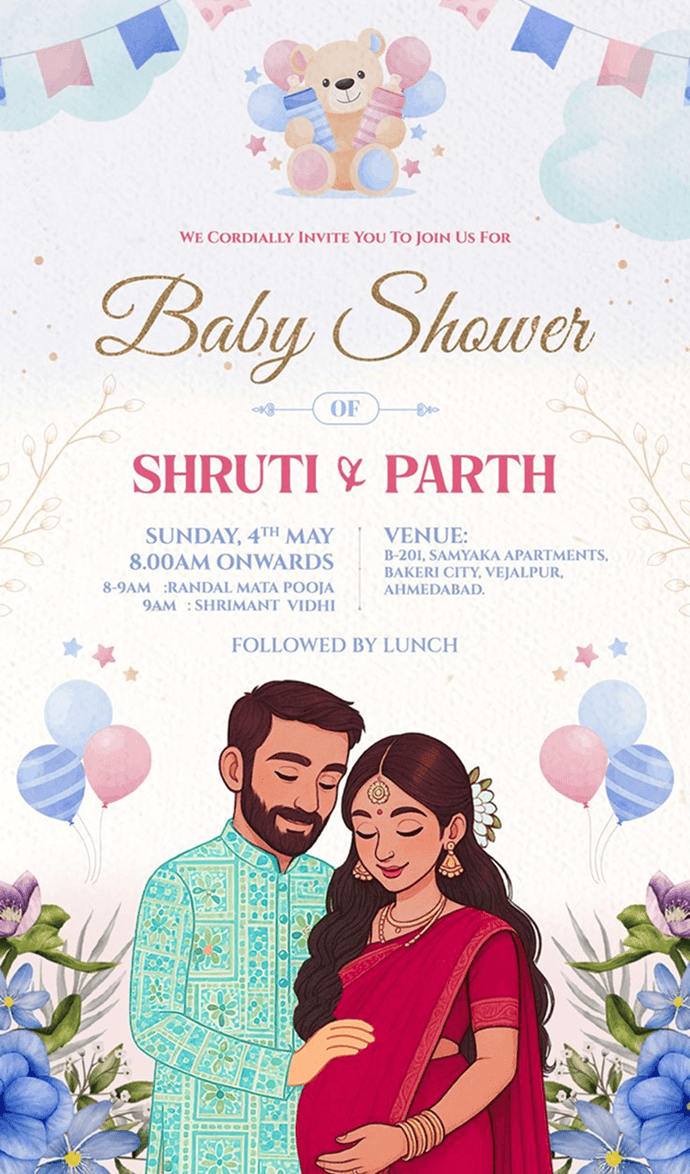



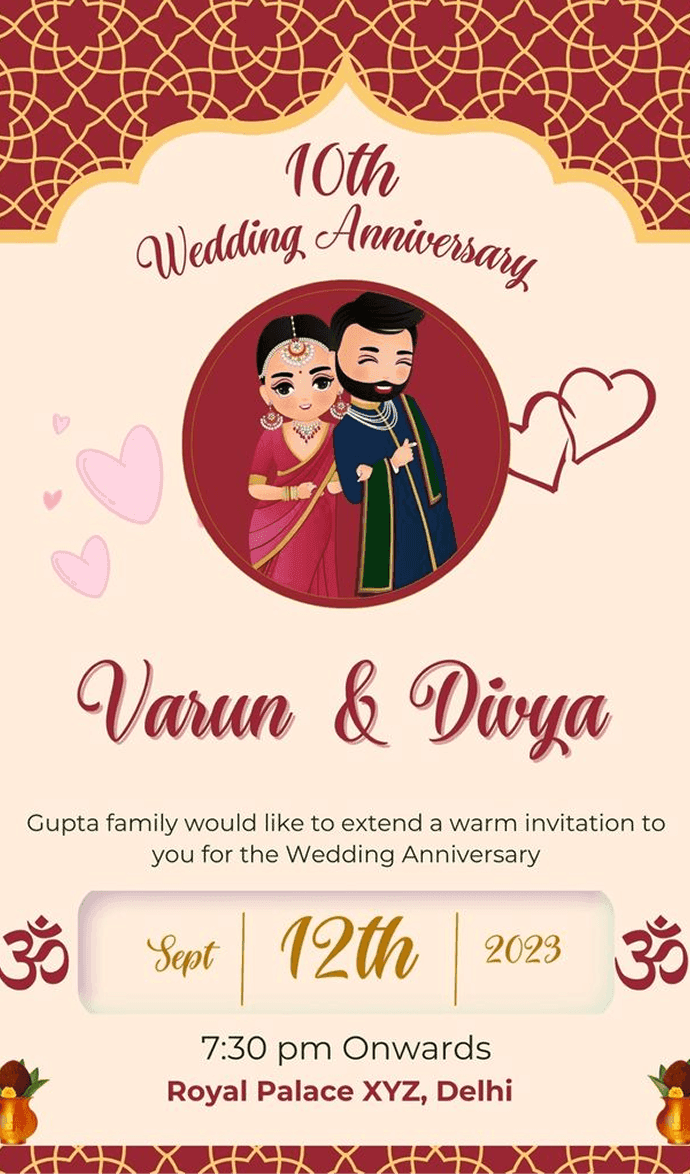
Turn your event idea into a polished card in minutes. Use AI Invitation Maker to generate the design, refine the message, download a high-quality invite, and share it wherever your guests already are.
95%
User Satisfaction
5
Rating out of 5
8 ratings
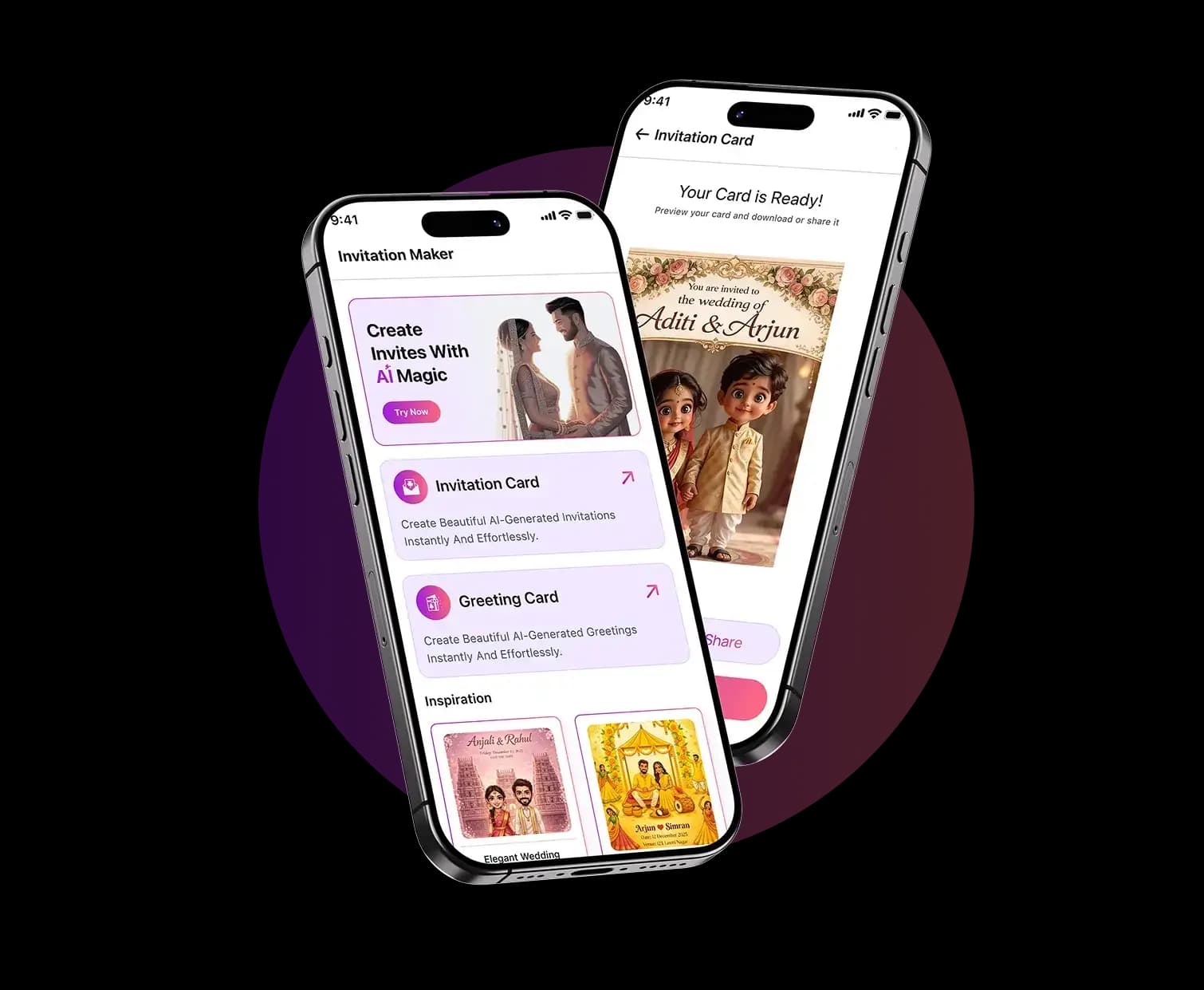
Creators use the app to save time, avoid blank-page design stress, and send invitations that look polished on every screen.
“Excellent app! It’s incredibly intuitive and does exactly what it promises. Smooth interface and no glitches so far. Highly recommended!”
Need plan details? Compare our pricing or review the acceptable use policy. For help, you can also contact us.

Tell us what you are creating and our team will help with app support, billing questions, partnership requests, or feedback about your invitation design experience.