
2026-01-01
How to Create Digital Invitations with AI in Minutes
Learn how to turn event details into polished digital invitations with AI, from choosing the occasion to downloading the final card.
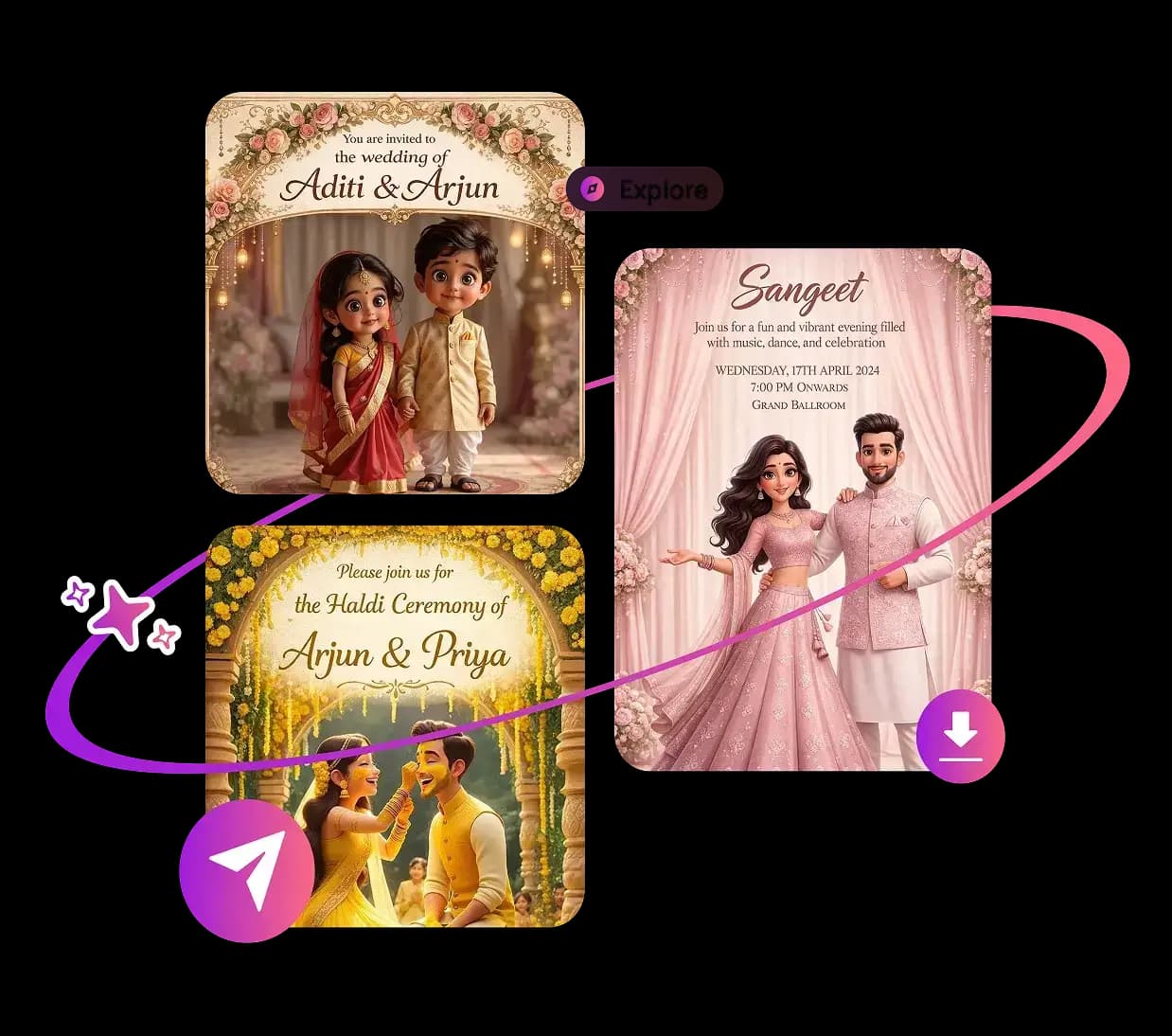
AI invitation tools work best when you treat them like a fast design assistant. Start with the event basics, choose a style direction, and let the generator handle layout, spacing, and the first draft.
Start with the event details
Prepare the host name, event date, start time, venue, RSVP method, and any dress code or special notes before you open the builder. When the input is clear, the invitation result is cleaner and needs fewer edits.
Choose style, size, and channel together
- Pick the occasion first: wedding, birthday, baby shower, corporate event, or seasonal party.
- Choose one visual direction: elegant, floral, minimalist, playful, or modern.
- Match the format to the channel: portrait for stories, square for social posts, and wider layouts for email or print.
Review before you send
Before sharing, check spelling, RSVP links, venue details, and the final export size. A quick preview catches most mistakes and helps guests trust the invitation immediately.
Ready to build one? Start on the Inviteos homepage and visit the pricing page for plan details.
Related posts
Next steps
Start on the homepage, or jump to the main CTA via contact. You can also explore localized pages like United Kingdom or Germany.